
20 Best B2B Sales Tools in 2026, by Stack Layer
Julien K.Published
Key takeaways:
- The 20 tools below cover nine layers of a sales stack, from data and the CRM to call recording and the signed contract. Reverse Contact sits at the data layer as an API, not as an app for reps.
- Six of the 20 publish no price at all (Outreach, Salesloft, Gong, Aviso, Seismic and Showpad), while eight offer a free plan. Billing choice matters too: Pipedrive Lite is $14 a seat billed annually but $24 month to month.
- The feature you're buying for often sits one tier up: HubSpot sequences (automated follow-up steps) start at Professional, Calendly routing at Teams, PandaDoc CRM sync at Business and Salesforce API access at Core.
- Ownership changed under four tools on this list: Salesloft now includes Clari, Seismic owns Highspot, Showpad merged with Bigtincan, and Superhuman acquired Fathom in September 2026, so check who you're actually signing with.
Most "best B2B sales tools" lists mix a CRM, a dialer and a contract tool into one ranking, as if they competed with each other, when each one does a different job in the same deal. So the useful question is which job your team does badly today.
Salesforce polled 4,050 sales professionals for its State of Sales report, and sellers there spend just 40% of their time actually selling. It also found that 51% of sales leaders using AI say disconnected systems are slowing their AI plans down. In our view, that's what happens when every layer is bought separately and nobody owns the links between them.
This guide groups the 20 best B2B sales tools by the layer they fill. Reverse Contact is our product, so it's listed first, at the data layer.
What Counts as a B2B Sales Tool?
A B2B sales tool is any software a team uses to find, contact, win or close a business customer. That covers B2B sales software you'd expect, like a CRM or a dialer, and some you might not, like a meeting notetaker or an e-signature app.
A full stack of B2B sales solutions has nine layers. Data comes first, because every later tool works on the records it supplies, and data enrichment is how those records get their job titles, company size and contact details filled in. Then come the CRM, engagement, conversation intelligence and forecasting, meetings, calling, enablement, proposals and e-signature, and finally writing, video and notes.
B2B sales services, such as outsourced SDR agencies and other B2B sales companies that sell on your behalf, aren't covered here, because they sell people's time rather than software. You won't need all nine on day one.
How We Chose These Tools
We picked the established tools buyers shortlist in each layer, five for the CRM and one to three elsewhere, each with a live product and its own pricing or packaging page. We read every vendor's pricing page on October 9, 2026, checked both the monthly and yearly toggles, and noted which tier the main feature actually needs.
We also checked ownership, and that check changed the list. Clari merged into Salesloft, so Aviso takes the forecasting slot, and Highspot now belongs to Seismic, so Showpad takes the second enablement slot.
We did not test these tools hands-on. Where a vendor publishes no price, we say what it does publish.
The 20 Best B2B Sales Tools Compared
This table lines up each tool's layer, best fit, main limit, lowest published price and whether there's a free plan. Prices are per user per month unless noted, with the billing basis each vendor gives.
| Tool | Stack layer | Best for | Main limitation | Pricing (from) | Free plan? |
|---|---|---|---|---|---|
| Reverse Contact | Data | Filling CRM and product records by API | No native CRM integrations, no rep app | Credits from $100; plans from $249/month (email enrichment unlimited on Max, $699) | No (trial credits) |
| HubSpot Sales Hub | CRM | Small teams wanting one connected CRM | Sequences start at Professional | $0; Starter $20 ($7 new-customer offer) | Yes, 2 users |
| Salesforce Sales Cloud | CRM | Complex sales with custom processes | API not on Free or Starter | $0; Starter Suite $25 | Yes, 2 users |
| Pipedrive | CRM | Pipeline-first small teams | No free plan | $14 billed annually ($24 monthly) | No |
| Attio | CRM | Teams wanting API and AI on every plan | Sequences start at Pro | $0; Plus $35 billed annually | Yes, 3 seats |
| Close | CRM | Inside sales teams that call a lot | Workflows start at Growth | $9 billed annually ($19 monthly), 1 user | No |
| Outreach | Engagement | Large teams running sequences at scale | Forecasting only in Amplify Pro | Quote only | No |
| Salesloft | Engagement | Cadences plus Clari Forecast from one vendor | Products still run as separate apps | Quote only | No |
| Gong | Conversation intelligence and forecasting | Recording and coaching sales calls | License plus a platform fee | Quote only | No |
| Aviso | Conversation intelligence and forecasting | Teams replacing a forecasting tool | Nothing on price or packaging published | Quote only | No |
| Chili Piper | Meetings | Routing inbound demo requests | $15,000 a year to start | $1,250/month, annual only | No |
| Calendly | Meetings | Self-serve scheduling links | Routing needs Teams | $0; Standard $10 billed yearly | Yes |
| Aircall | Calling | Cloud phone for sales and support | 3-license minimum | $30 billed annually ($40 monthly) | No |
| Seismic | Enablement | Large content and training programs | No public pricing | Quote only | No |
| Showpad | Enablement | Field and product-heavy sellers | No trial, quote only | Quote only | No |
| PandaDoc | Proposals and e-signature | Quotes and proposals with e-sign | CRM sync needs Business | $0; Starter $19 billed annually | Yes, 60 docs a year |
| DocuSign | Proposals and e-signature | Signing contracts at volume | 100 envelopes per user a year on annual plans | $10/month Personal, billed annually upfront | No (30-day trial) |
| Vidyard | Writing, video and notes | Recorded video for outreach | CRM sync needs Teams | $0; Starter $59 billed annually | Yes |
| Lavender | Writing, video and notes | Coaching reps on email copy | Integrations start at Individual Pro | $0; Starter $27 billed yearly | Yes |
| Fathom | Writing, video and notes | Free call notes and summaries | Full CRM sync needs Business | $0; Premium $16 billed annually | Yes |
Reverse Contact comes first because it's our product. The rest follow the order a deal moves in: data, then the CRM, outreach, calls and forecasts, meetings, phone, content, contracts and the tools reps use while writing and talking. Inside each layer, the order isn't a ranking.
Data Layer: Who You Sell To
Every other tool in this list works on records, and the data layer decides whether those records are right. Seat-based contact apps such as Apollo.io and its closest rivals give each rep a B2B sales app with a search screen, while a data API feeds the same facts into your CRM, scoring and routing without anyone clicking.
We rank only one tool here because those seat-based databases get their own comparison in our sales prospecting and sales intelligence roundups.
1. Reverse Contact
Best for: Filling CRM and product records by API
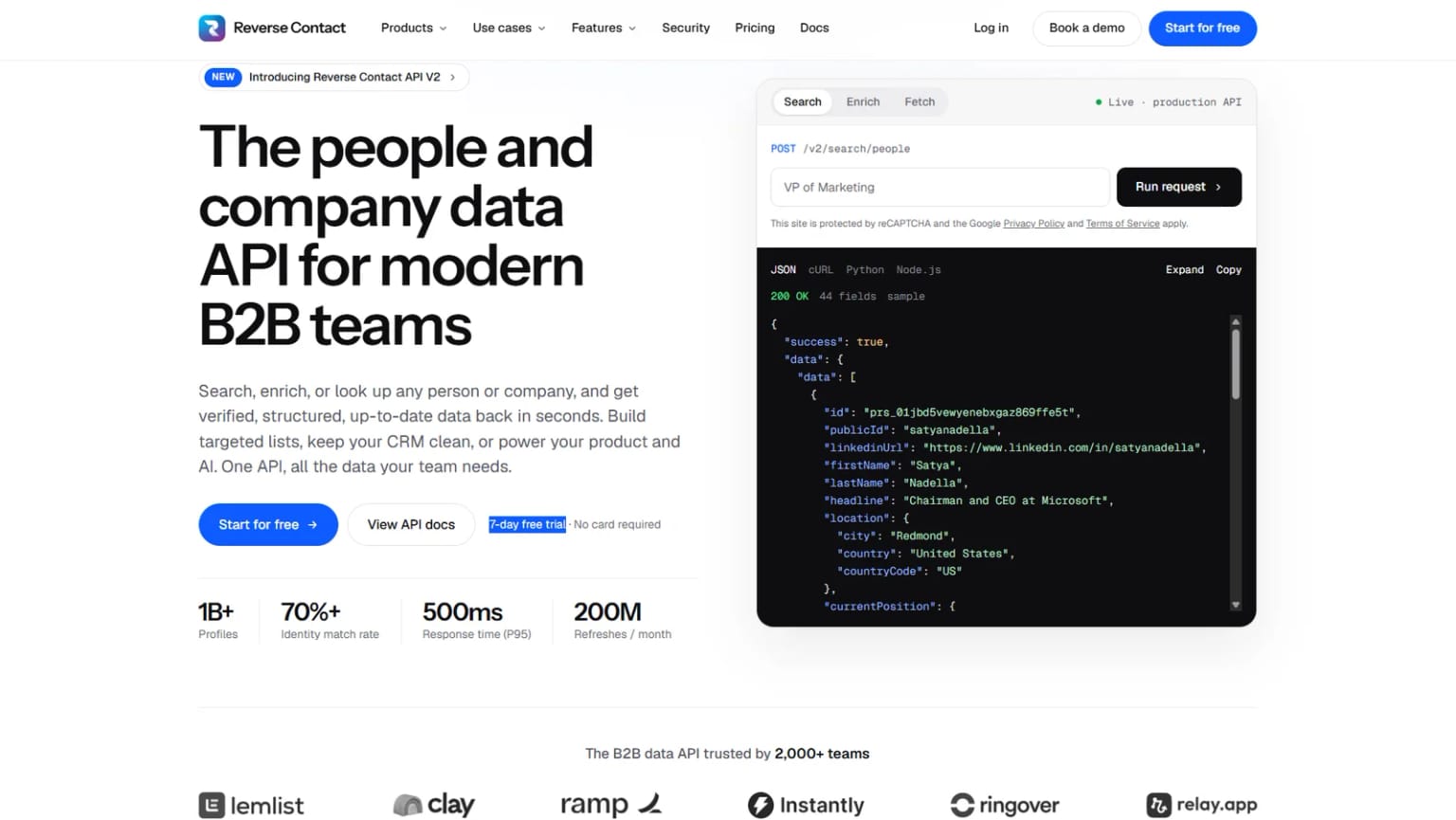
Overview: Our API (a way for your software to request data and receive it) accepts an email address, a person's name plus their company's domain, or a company name, and returns a structured person or company profile in one consistent format.
To keep those profiles honest, every record carries the date the full profile was last refreshed, and once you hold a profile's ID or URL, you can check that date for free before paying for a refresh.
If a result fails our checks we return nothing, and when more than one person could match, we can return the candidate profiles instead of guessing.
On billing, you aren't charged when a cached or live lookup, an enrichment, a standard search, or a hunt for an email or phone number comes back empty. The exception is agentic search (describing who you want in a sentence), which costs 1 credit per request even when it finds no one.
Datadog is a good example of the data layer at work. It runs signups and demo requests through our enrichment to add industry, company size, role, department and seniority, then combines that with product usage to score lead fit and intent. High-priority accounts go to sales or customer success, and the long tail stays on self-serve nurture.
Key features:
- Person and company enrichment from an email, a name and domain, or a company.
- A free freshness check, then a choice between our cached copy (fast) and a live lookup retrieved when you ask (a background job, often tens of seconds and sometimes several minutes, sent to your system by webhook when ready).
- A business email finder at 3 credits per email found and a phone finder that charges 20 credits only when it turns up a number.
- People and company search by role, seniority, location, industry and company size.
- REST API, webhooks for async delivery, CSV enrichment for bulk files, and an MCP server, the connector ChatGPT or Claude uses to pull our records into a chat.
- Maintained apps for Clay, Zapier and Make, with n8n through an HTTP step.
Pricing: Pay-as-you-go credits start from $100, with no subscription. Go costs $249, Plus $449 and Max $699 per month, billed monthly with no annual commitment: Go makes profile lookups by URL or ID unlimited, Plus adds search, and Max adds enrichment starting from an email address, a person's name or a domain. On every plan, finding an email or phone and re-fetching live still spend credits.
The three plans license the data for your own team's use; putting it in front of your customers inside a product needs a Platform contract, priced on a call with sales.
Pros: Free freshness check, nothing billed for an empty cached lookup, standard search, or email or phone lookup, candidate profiles possible on ambiguous matches, public list prices
Cons: No native CRM integrations (you connect through Zapier, Make, Clay or your own code), no point-and-click app for reps, and no funding history or revenue financials
How to start using it:
- Open an account with free trial credits, no card required, and copy your API key.
- Export a sample of recent inbound leads from your CRM, including some you know well.
- Run them through CSV enrichment and count clean matches, empty results and ambiguous matches separately.
- Check the last-updated date on the people you know have changed jobs.
- Size credits or a plan from your real match rate.
Why it's a good B2B sales tool: Every other layer in a sales stack is only as good as the records it starts from, and we tell you how old each record is.
Final verdict: Reverse Contact fits teams that want checked, dated people and company data flowing into their CRM, scoring and routing by API. If your reps want a search app with a dialer, pair a CRM from the next section with a seat-based contact tool instead.
CRM: Where the Deal Lives
The CRM is the record of every account, contact and deal, and it's the layer every other B2B sales tool syncs with. The five below run from a free starter CRM to a fully customizable enterprise platform.
2. HubSpot Sales Hub
Best for: Small teams wanting one connected CRM
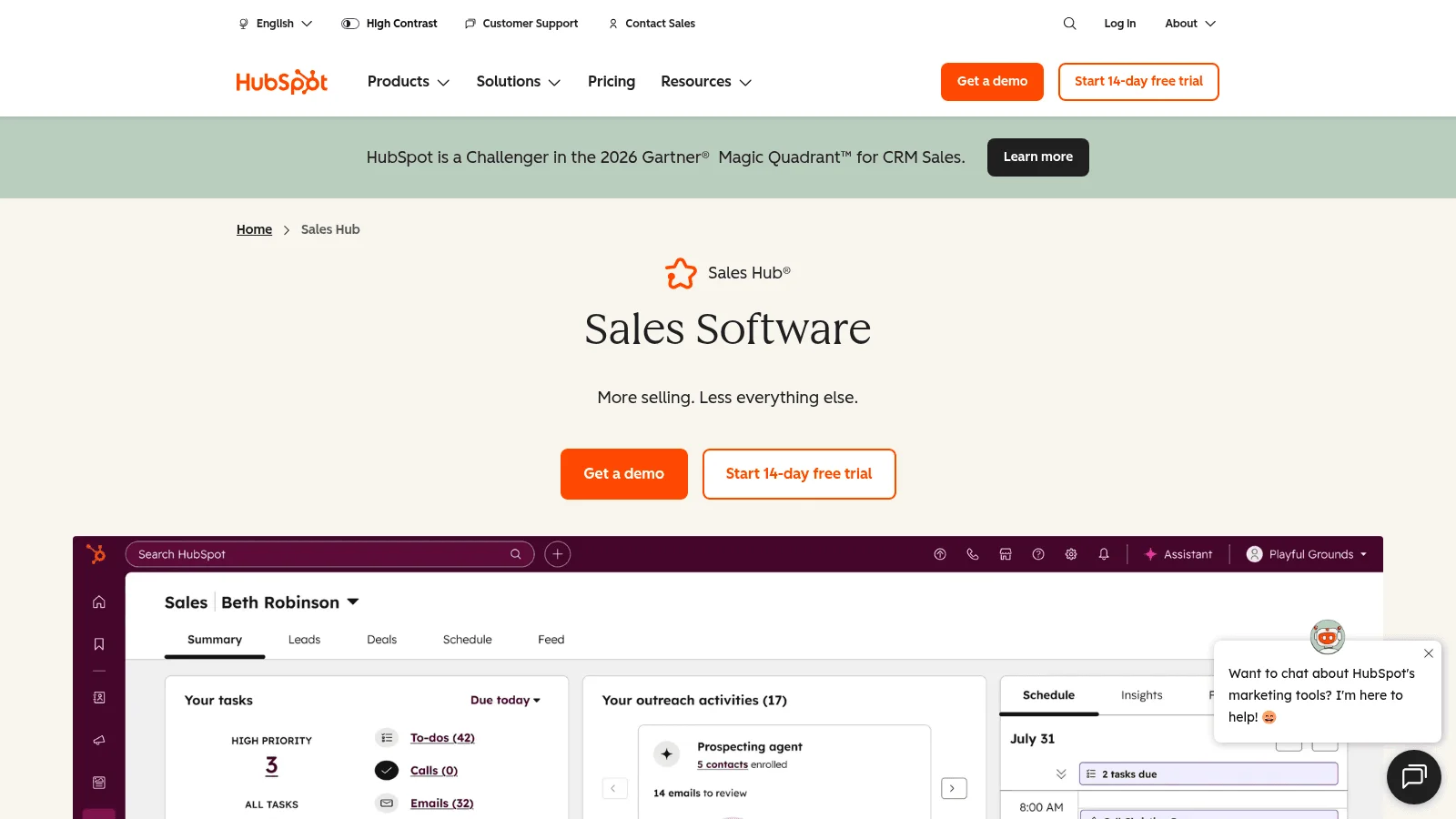
Overview: Sales Hub sits on HubSpot's CRM alongside its marketing and service tools, so a lead's emails, forms and tickets live on one record. The free tier covers up to 2 users and 1,000 contacts.
Pricing: Starter lists at $20 per seat, with a limited-time offer for new customers of $7 a month paid yearly or $10 month to month. Professional is $90 per seat billed annually or $100 paid monthly, still on an annual commitment, plus a required $1,500 onboarding fee. Enterprise starts at $150 per seat through sales, with a required $3,500 onboarding fee.
Pros: Free tier for small teams, marketing and service data on one record, low Starter offer
Cons: Sequences, forecasting and conversation intelligence start at Professional, mandatory onboarding fees on the upper tiers
Final verdict: HubSpot suits a team that wants marketing and sales on one CRM, as long as you budget for Professional once you need sequences.
3. Salesforce Sales Cloud
Best for: Complex sales with custom processes
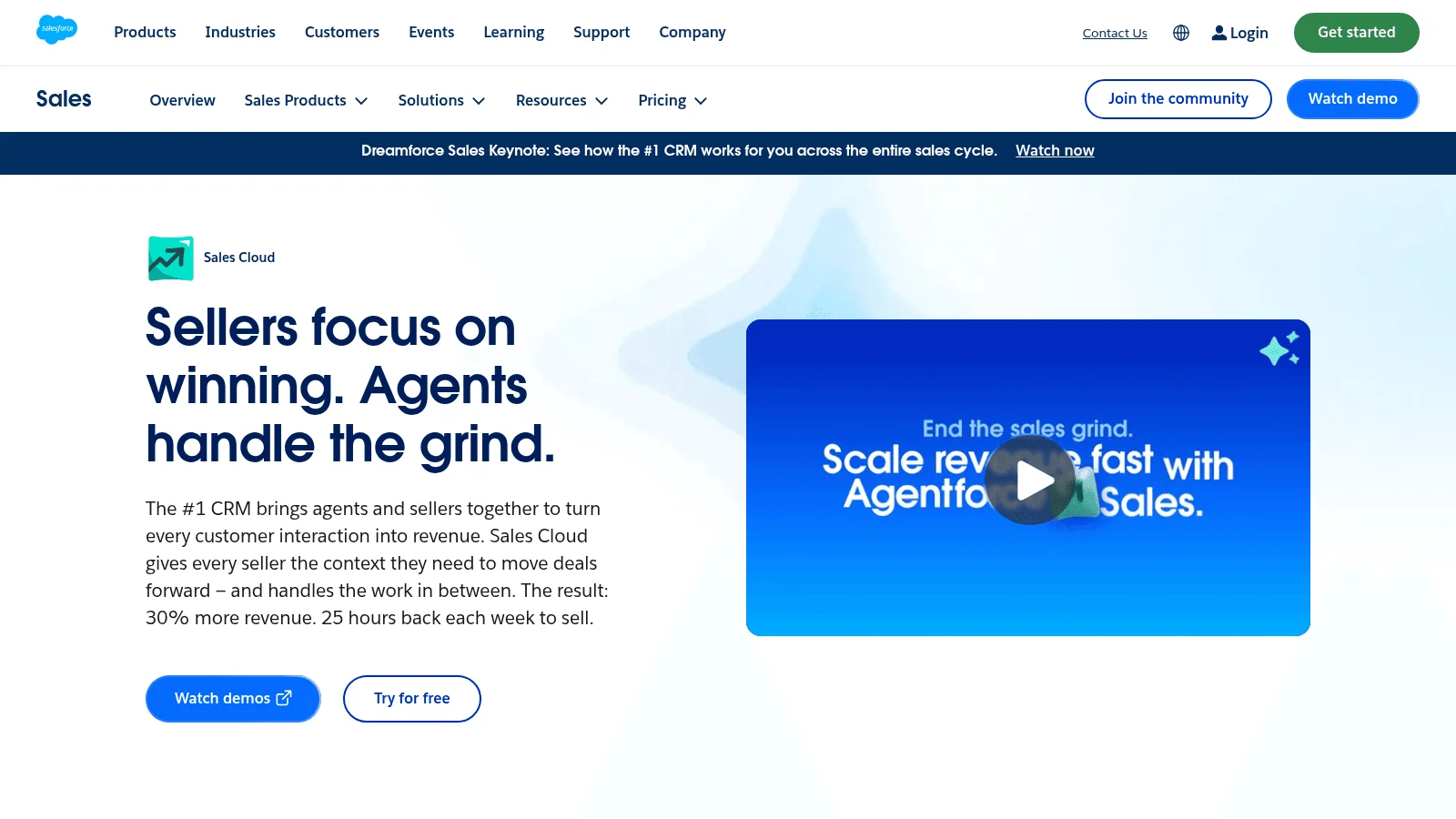
Overview: Sales Cloud is Salesforce's CRM for selling, built to be customized around territories, approval steps and custom objects. Starter through Advanced each offer a 30-day free trial, and the Free Suite covers 2 users as long as someone logs in every 60 days.
Pricing: Starter Suite is $25 per user billed monthly or annually, and Pro Suite is $100 billed annually. Core is $195, Advanced $395 and Max $550, all billed annually, with Max sold through sales. API access isn't on Free or Starter, costs an extra $25 per user on Pro Suite, and is included from Core.
Pros: Deep customization, 30-day trial from Starter to Advanced, advanced forecasting and pipeline inspection from Core
Cons: API is an add-on below Core, Agentforce for Sales is a paid add-on on Core and Advanced with no published price, Premier Success support costs 30% of net license fees
Final verdict: Salesforce fits teams with complex processes and an admin to run it.
4. Pipedrive
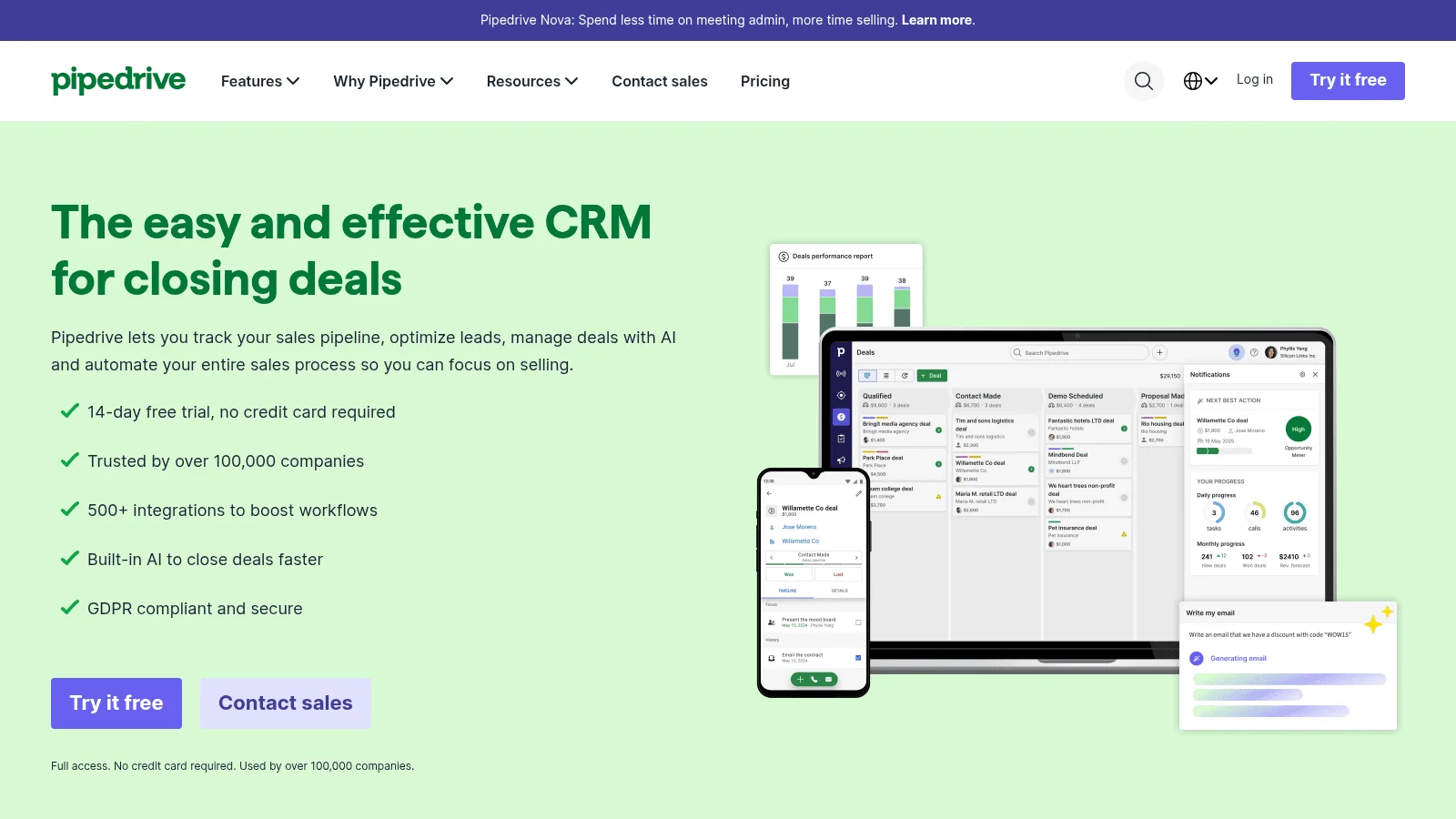
Best for: Pipeline-first small teams
Overview: Pipedrive is a visual pipeline CRM, founded in Estonia in 2010 and backed by Vista Equity Partners. Its pricing page shows a 14-day trial with no card and no free plan.
Pricing: Lite is $14 per seat billed annually or $24 monthly, Growth $39 or $49, Premium $59 or $79, and Ultimate $79 or $99. Sequences, automations and forecasts start at Growth, lead routing, scoring and e-signatures at Premium, company data enrichment comes with Premium, and phone and email enrichment needs Ultimate.
Pros: Simple pipeline view, low entry price on annual billing, sequences on the second tier
Cons: No free plan, monthly billing costs far more than annual
Final verdict: Pipedrive suits small teams that think in deal stages.
5. Attio
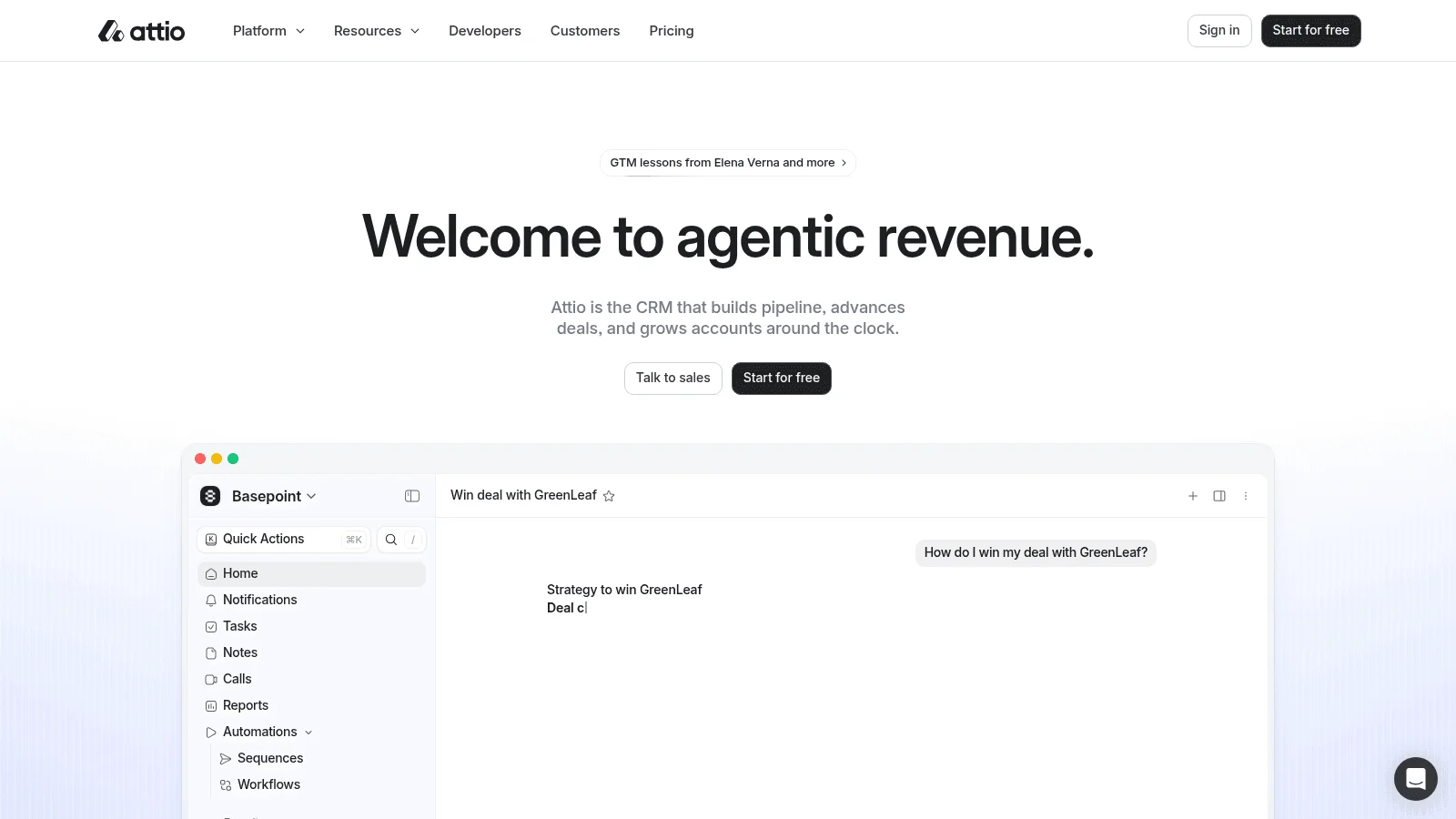
Best for: Teams wanting API and AI on every plan
Overview: Attio is a CRM that leans on automation: its API, webhooks, MCP server, workflows and AI agents are included on every plan, Free included. A 14-day Pro trial needs no card.
Pricing: Free covers up to 3 seats. Plus is $35 per user billed annually or $44 monthly, for up to 10 seats, and Pro is $79 or $99 with unlimited seats. Enterprise is quoted and billed annually.
Pros: Developer access on every plan, generous free tier
Cons: Sequences and call intelligence need Pro, Plus caps at 10 seats, single sign-on (SSO) only on Enterprise
Final verdict: Attio fits technical teams that will use its API.
6. Close
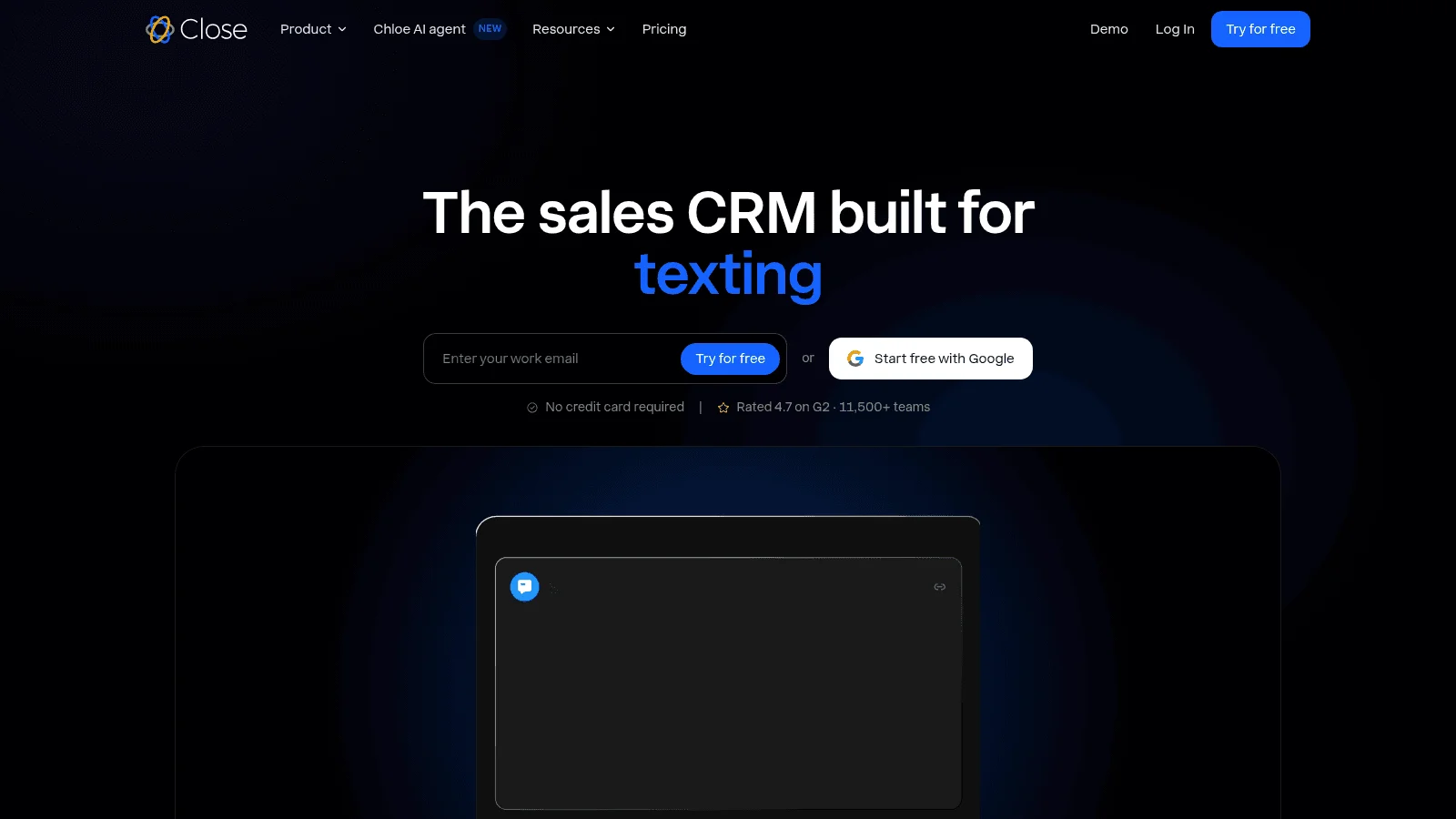
Best for: Inside sales teams that call a lot
Overview: Close is a CRM with calling, texting and email built in, self-funded since its founding in 2013. API access comes on every plan, and the trial runs 14 days with no card.
Pricing: Solo is $9 billed annually or $19 monthly, for one user and 10,000 leads. Essentials is $35 or $49, Growth $99 or $109, and Scale $139 or $149. Workflows (Close's sequences), the power dialer (it calls the next number automatically) and bulk email start at Growth, while calling minutes are billed on usage, with phone lines from $1 a month.
Pros: Calling built into the CRM, API on every plan, low price for a solo seller
Cons: No free plan, no workflows on Solo or Essentials, call costs on top of the seat price
Final verdict: Close suits a phone-heavy team that wants its dialer and CRM in one tool.
Engagement, Call Recording and Forecasting
Engagement platforms run sequences, the scheduled mix of emails, calls and tasks a rep works through for each prospect. Conversation intelligence records and transcribes calls so managers can coach, and forecasting turns pipeline data into a number leadership can plan around. All four B2B sales tools in this layer sell by quote, so compare them on what each package includes.
7. Outreach
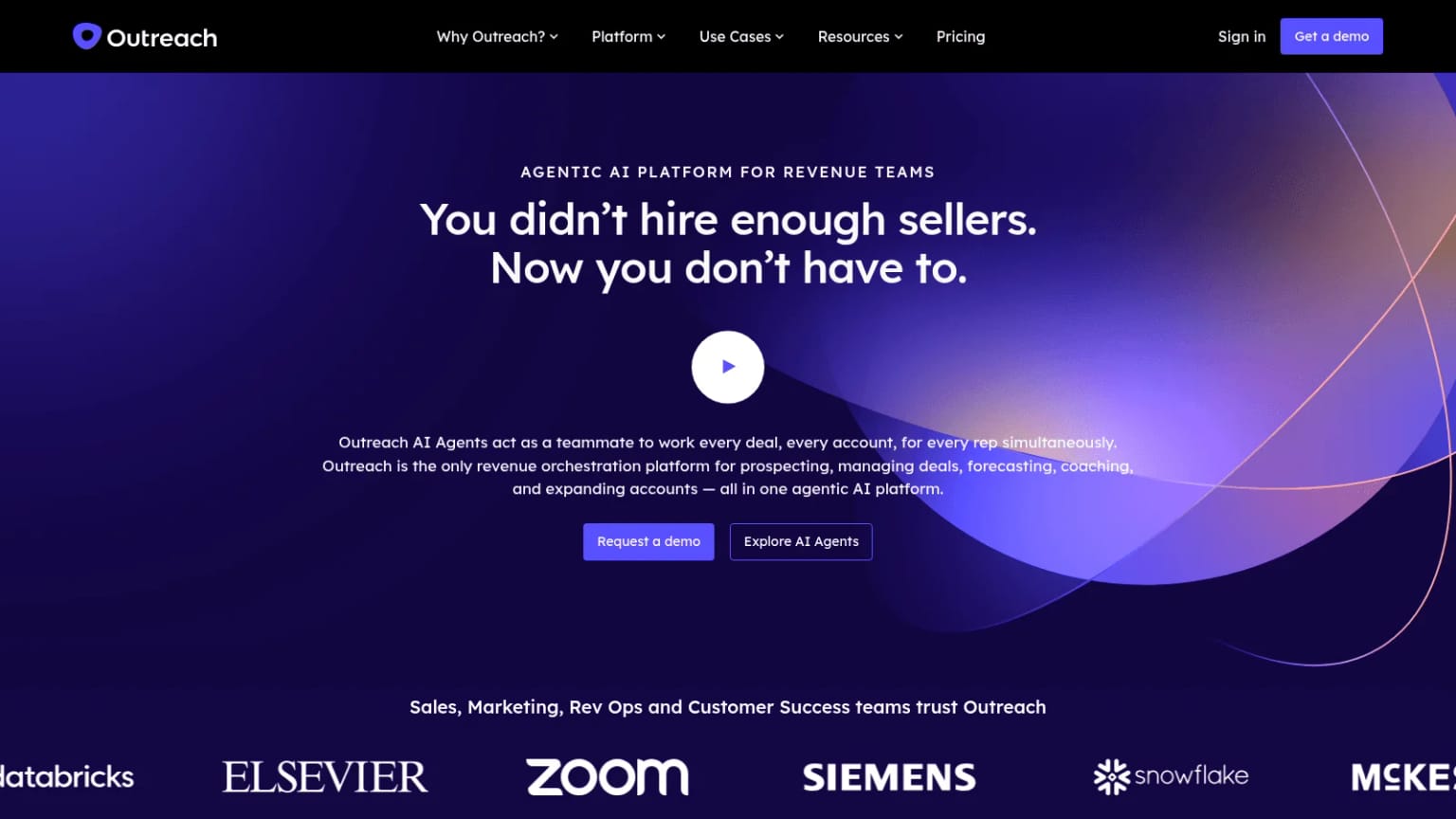
Best for: Large teams running sequences at scale
Overview: Outreach, which now lives at outreach.ai, describes itself as a revenue orchestration platform for prospecting, deals, forecasting and coaching. Its pricing page describes per-user pricing with no platform fee, support included, and AI credits on every package.
Pricing: No price is published. Its four Amplify packages (Essentials, Core, Plus, Pro) range from 10,000 AI credits at the bottom to 100,000 at the top. Sequences are in Core, Plus and Pro but not Essentials, and forecasting is only in Pro.
Pros: No platform fee, MCP access in every package, sequences and coaching in one product
Cons: No public prices, forecasting only in the top package, extra AI credits are bought as separate packs
Final verdict: Outreach suits a large team that wants sequences, calls and forecasts from one vendor, so ask which package your must-have feature sits in.
8. Salesloft
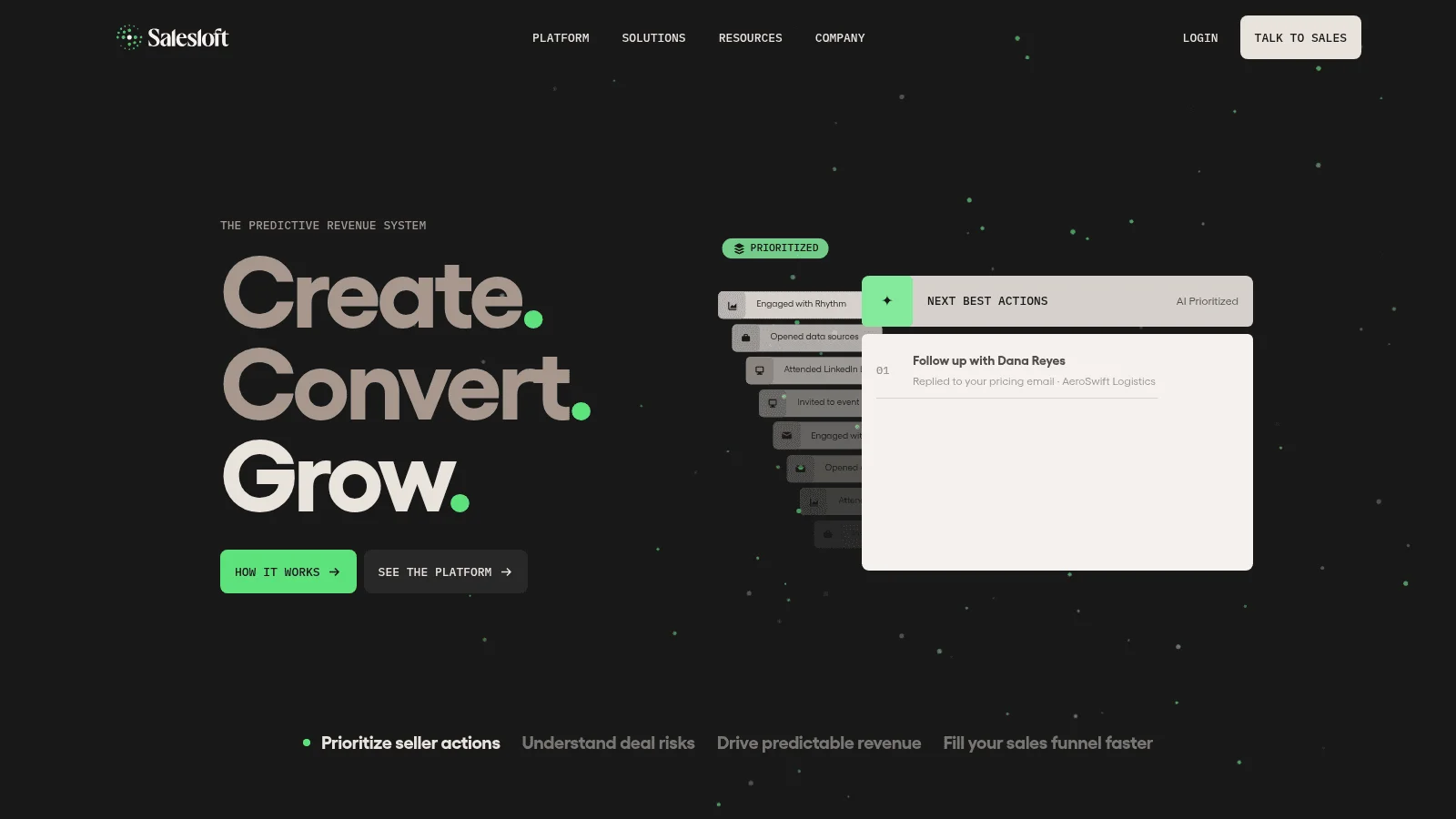
Best for: Cadences plus Clari Forecast from one vendor
Overview: Salesloft completed its merger with Clari on December 3, 2025, and since September 2, 2026 the combined company sells under the Salesloft name. Clari's forecasting product keeps its name as Clari Forecast, and clari.com now redirects to salesloft.com, so a team already on Clari for forecasts can buy cadences from the same company.
Pricing: No price is published, and the pricing link leads to a sales form. The site lists modules for cadence, conversation intelligence, deals, Clari Forecast, Inspect, analytics, AI agents and MCP.
Pros: Sequences and a dedicated forecasting product from one vendor, one company to deal with for both
Cons: No public pricing or package names, the products still run as separate apps with separate logins
Final verdict: Salesloft fits teams that want engagement and forecasting together, but ask how the separate apps share data before you sign.
9. Gong
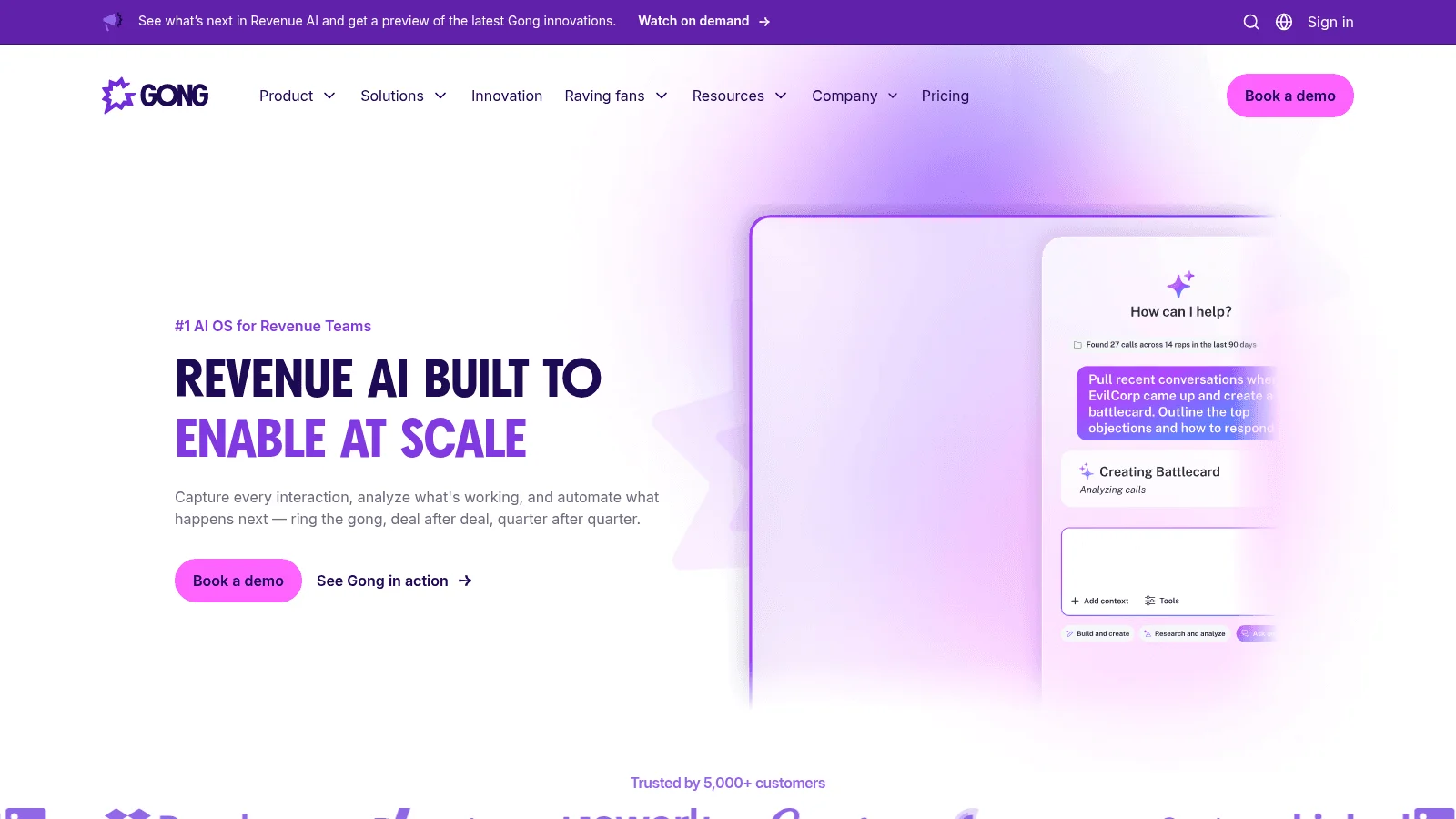
Best for: Recording and coaching sales calls
Overview: Gong records, transcribes and analyzes customer calls, and it has grown into forecasting and sequences. You buy a core Gong Foundation license first, which covers recording and analysis, then add apps such as Gong Forecast or Gong Engage.
Pricing: No price is published. Gong prices licenses per user and adds a platform fee based on how many users you support.
Pros: Call recording and analysis in the base license, free integrations, view-only access for colleagues
Cons: No public pricing, platform fee on top of seats, Engage (sequences) needs a license for everyone who uses it, admins included
Final verdict: Gong suits teams that want call coaching first, with the option to add forecasting and sequences later.
10. Aviso
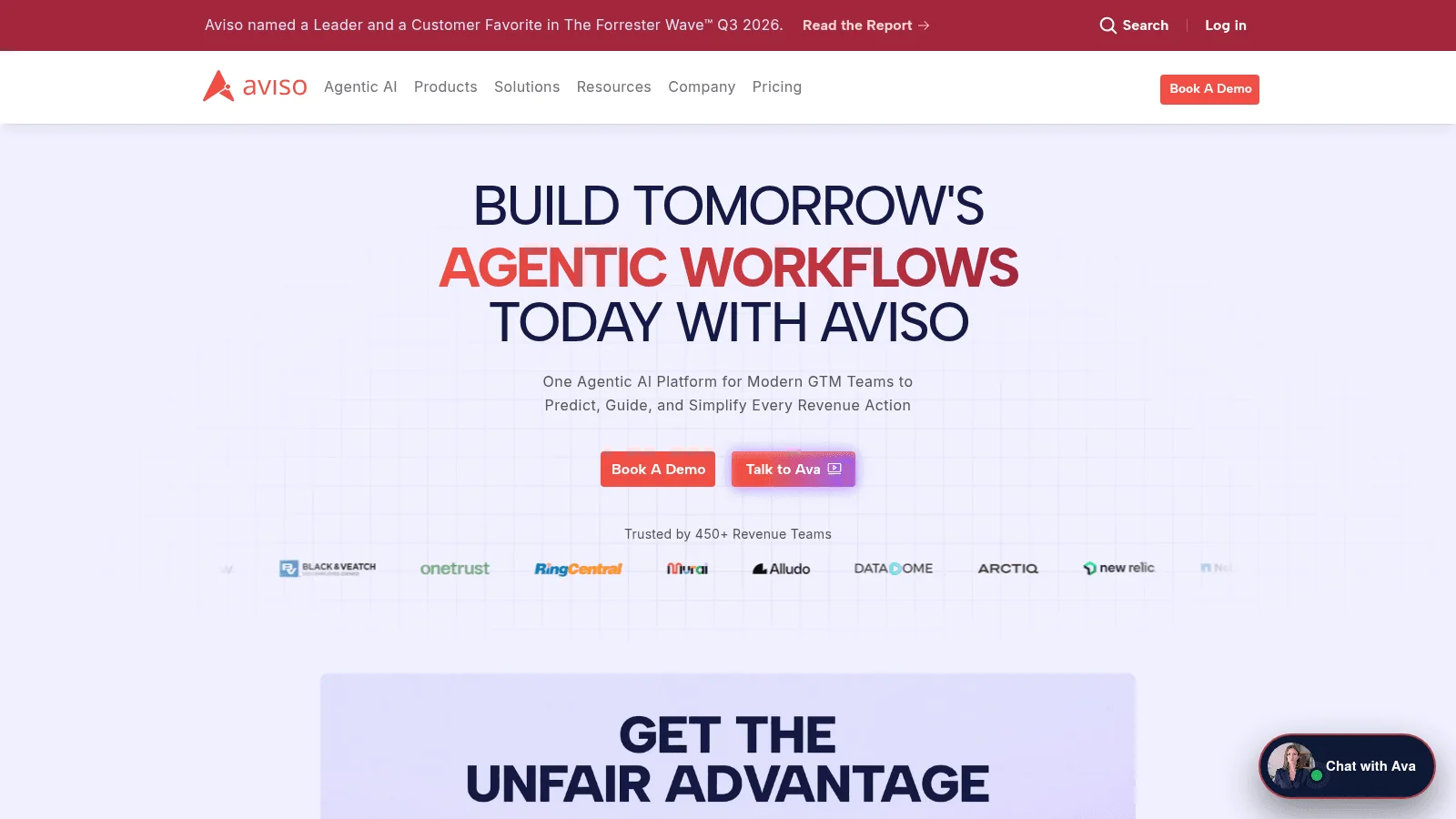
Best for: Teams replacing a forecasting tool
Overview: Aviso is an independent AI forecasting platform based in Redwood City, offered here as Clari's closest peer. Its modules cover forecasting, conversation intelligence, AI agents and sales engagement, among others.
Its forecasting page headlines 98% accuracy, and its own FAQ says that figure comes from one customer case study (New Relic) on consumption forecasting. Treat it as one result, not a benchmark.
Pricing: Fully quote only, with no package names or per-seat figures. Its pricing page does offer to buy you out of a current vendor contract and to migrate you free.
Pros: Contract buyout and free migration offers, forecasting plus call recording in one platform
Cons: Nothing on price or packaging published, bidirectional CRM sync named only for Salesforce
Final verdict: Aviso suits a Salesforce team unhappy with its current forecasting tool, especially if a buyout offer softens the switch.
Meetings and Calling
Scheduling tools turn "when are you free?" emails into a booking link, and routing tools decide which rep gets which meeting. A cloud phone system then lets reps call from a browser and logs each call to the CRM. These three B2B sales tools sit at very different price points.
11. Chili Piper
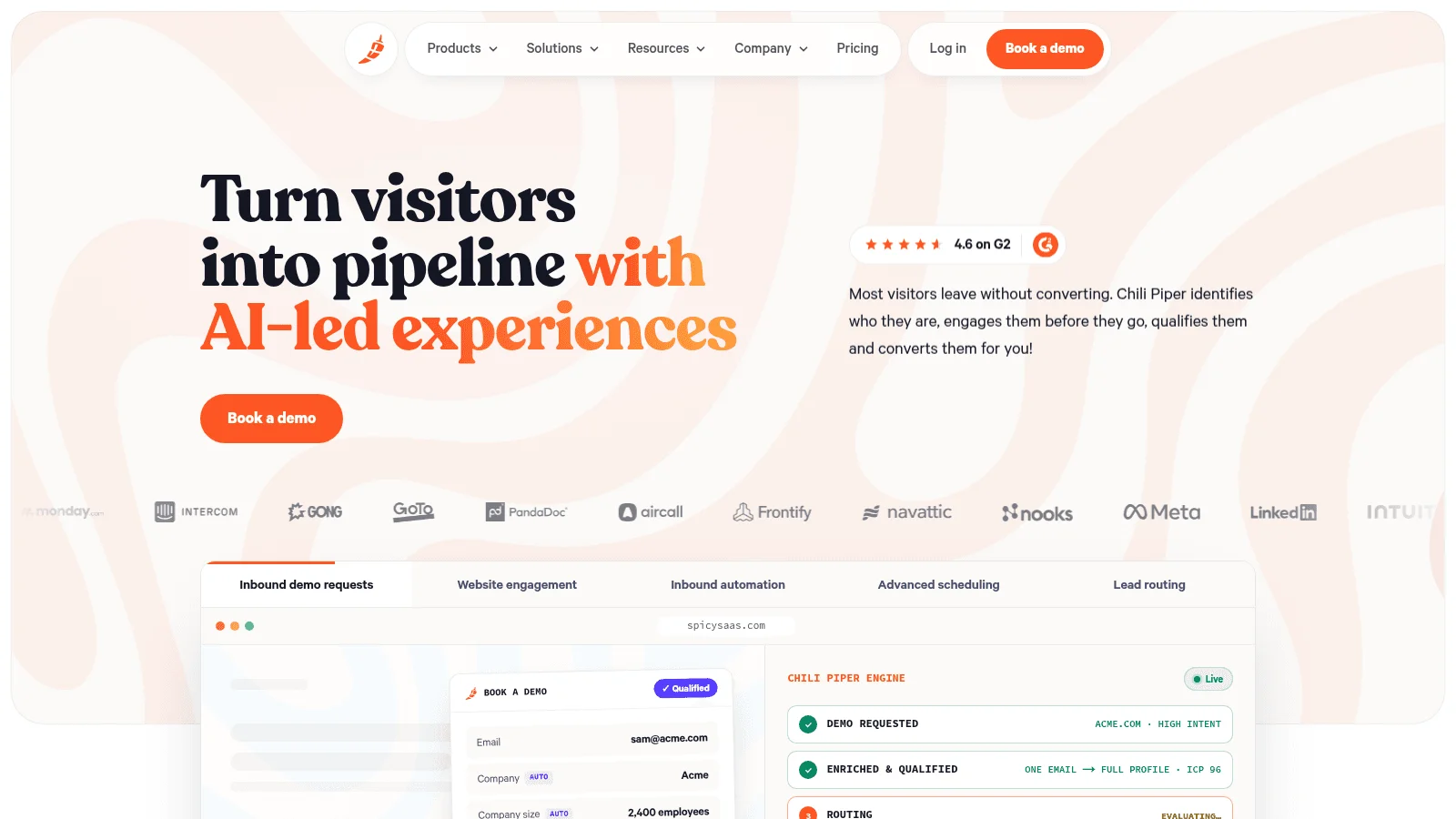
Best for: Routing inbound demo requests
Overview: Chili Piper books and routes meetings straight from your website forms, so a qualified lead lands on the right rep's calendar before leaving the page. It doesn't do sequences, call recording or forecasting, and it connects to Outreach, Salesloft and Gong instead.
Pricing: Routing & Scheduling starts at $1,250 a month ($15,000 a year) for up to 15 seats, with extra seats at $45. Experiences starts at $3,500 a month for up to 30 seats. Billing is annual only, and the standalone ChiliCal scheduler is $12 per user a month with a 200-seat minimum.
Pros: Published prices, Salesforce routing in the first tier, multi-year discounts up to 40%
Cons: $15,000 a year to start, no monthly billing, account identification starts at Experiences and needs 6sense, Bombora or Chili Piper credits
Final verdict: Chili Piper suits a team with enough inbound volume to justify a five-figure routing contract.
12. Calendly
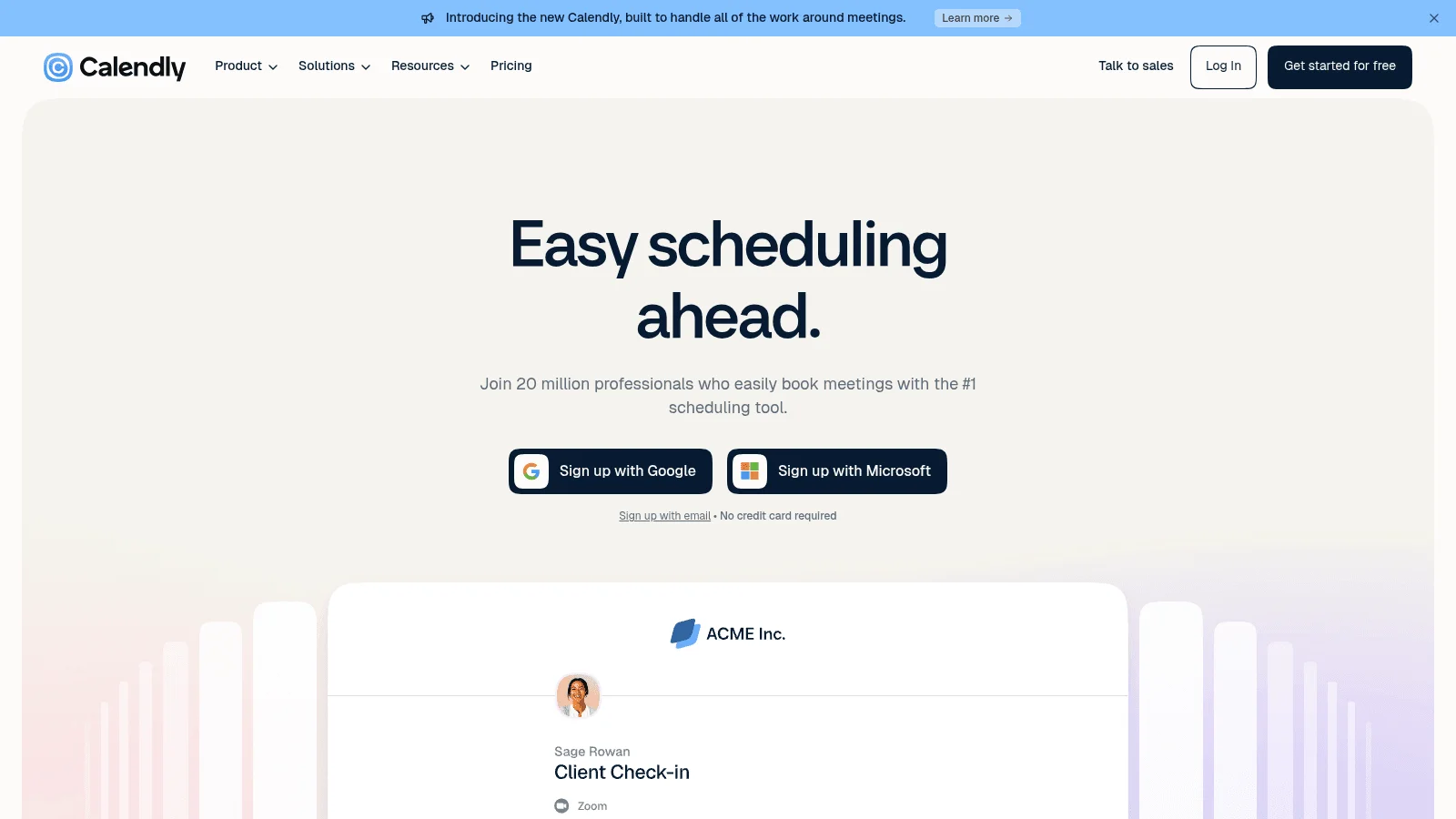
Best for: Self-serve scheduling links
Overview: Calendly is the scheduling link most buyers already recognize, and its Plus tiers add a meeting notetaker and an AI assistant (in beta), both English only. The free plan allows one event type on one calendar.
Pricing: Standard is $10 per seat billed yearly or $12 monthly, and Teams $16 or $20. Enterprise starts at $15,000 a year from 50 seats. Routing, round-robin (meetings shared evenly across reps) and sending meetings to Salesforce need Teams, while HubSpot connects from Standard.
Pros: Free plan, cheap self-serve tiers, a 14-day trial that drops to Free
Cons: Routing needs Teams, Salesforce lookup routing only on Enterprise
Final verdict: Calendly suits most teams below the volume where Chili Piper's routing pays for itself.
13. Aircall
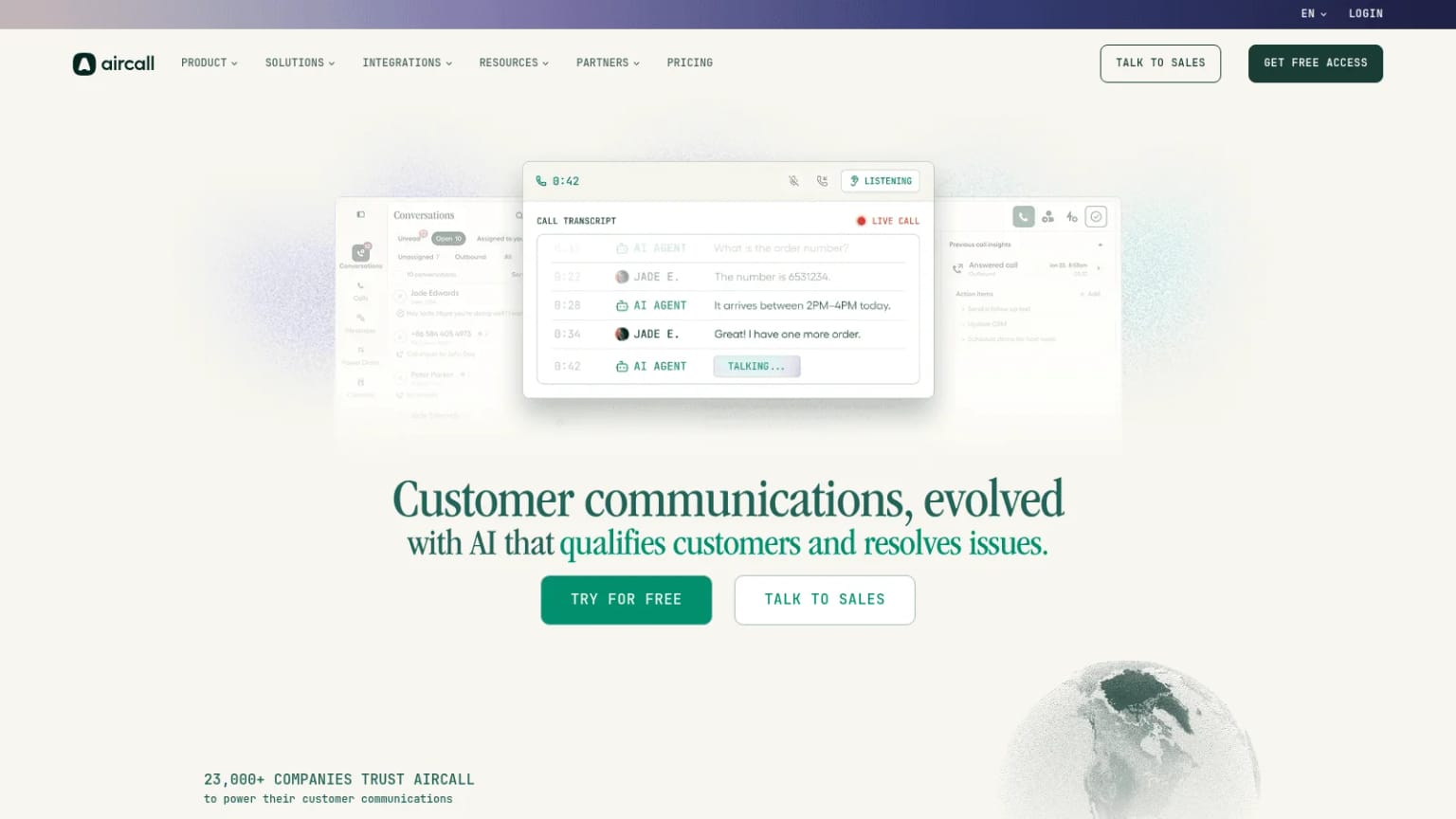
Best for: Cloud phone for sales and support
Overview: Aircall is a cloud phone system founded in Paris in 2014, with AI voice agents also sold on their own.
Pricing: Essentials is $30 per license billed annually or $40 monthly, and Professional $50 or $70, both with a 3-license minimum. The power dialer, voicemail drop and the Salesforce integration need Professional. Add-ons include real-time coaching at $49 a seat and extra numbers at $6 a month.
Pros: Published prices on both billing options, AI voice agents available, wide add-on menu
Cons: 3-license minimum, Salesforce and power dialer only on Professional, real-time AI coaching costs extra
Final verdict: Aircall suits teams of three or more that want a dedicated phone system on Professional.
Enablement and Content
B2B sales enablement tools store the decks, case studies and training reps use, and they show which content buyers actually open. Highspot and Seismic now sit under one company, so one entry covers both.
14. Seismic
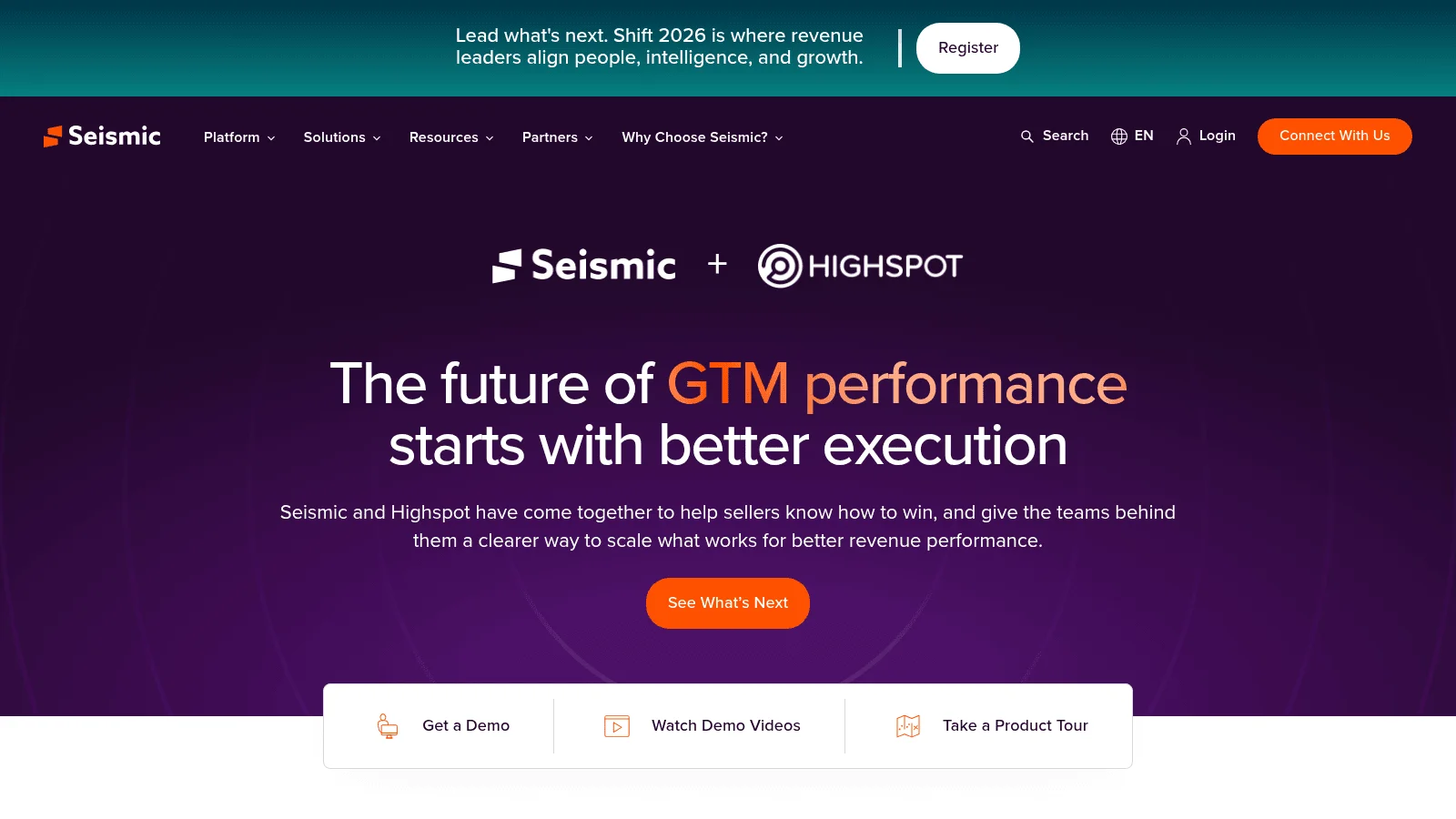
Best for: Large content and training programs
Overview: Seismic completed its merger with Highspot on August 18, 2026, and Highspot now runs as "Highspot by Seismic." Seismic says it has no plans to migrate Highspot customers.
Pricing: Seismic publishes no pricing page or prices. Its Enablement Cloud comes in Essential, Advanced and Ultimate packages, and meeting recordings and coaching intelligence are only in Ultimate (a paid add-on otherwise).
Pros: Two mature enablement products under one roof, broad add-on catalog, document generation from Advanced
Cons: No public pricing, coaching features locked to the top package, combined roadmap still being announced
Final verdict: Seismic suits enterprise teams with a dedicated enablement function, and Highspot customers should ask what the merger means for their contract.
15. Showpad
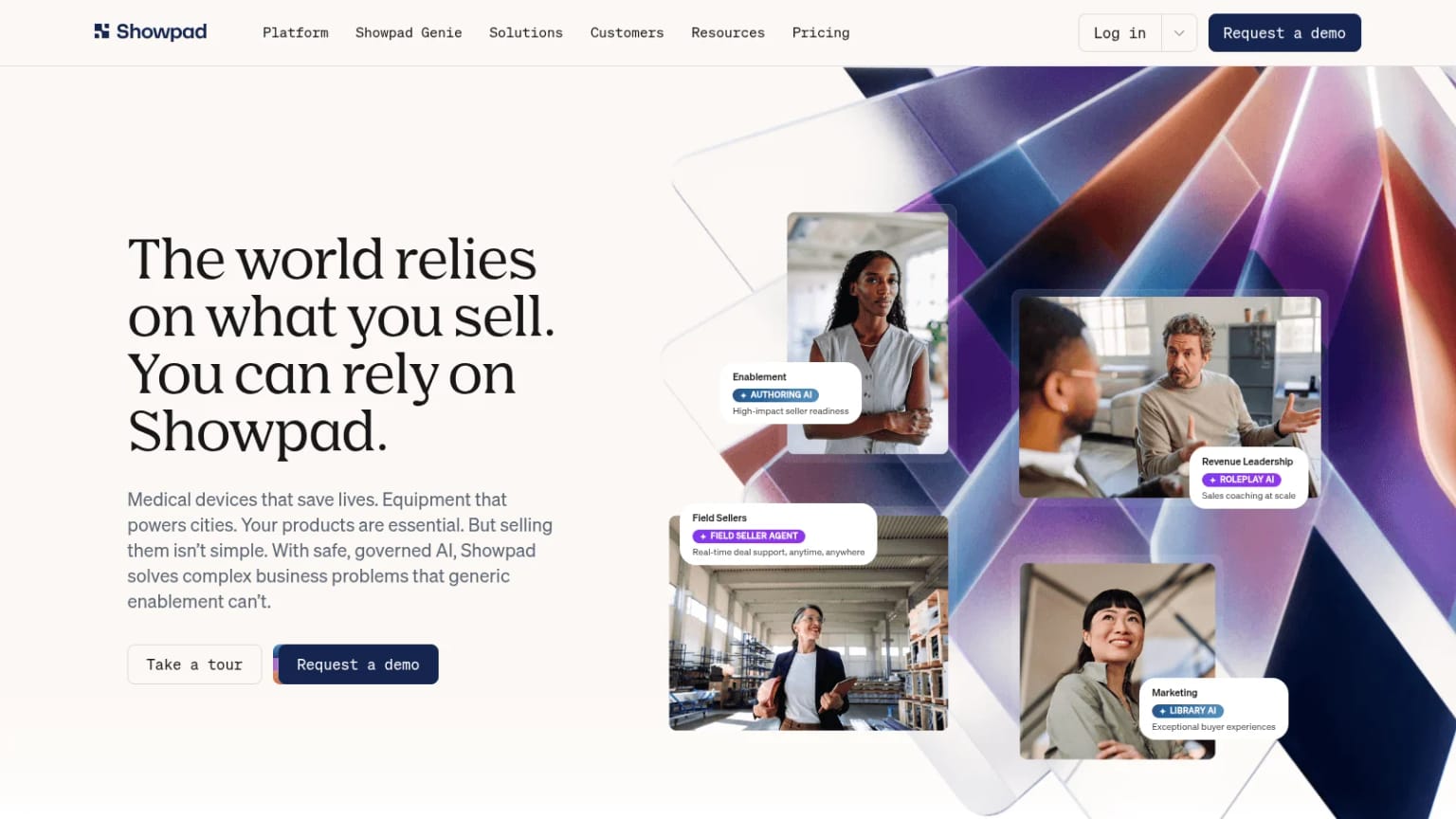
Best for: Field and product-heavy sellers
Overview: Showpad combined with Bigtincan under Vector Capital in a deal that closed October 30, 2025, and the merged company uses the Showpad name. Its product line now includes Brainshark (training) and ClearSlide.
Pricing: Quote only, licensed per user, in Professional, Advanced and Expert packages. Professional includes the content library and CRM integrations, and Advanced adds role-play AI, sales engagement integrations and the developer API bundle.
Pros: Content and training in one platform, CRM integrations in the entry package, custom AI agents in Expert
Cons: No public pricing or trial, developer API bundle only from Advanced
Final verdict: Showpad suits companies selling complex physical products.
Proposals and E-Signature
Proposal and signing tools turn a verbal yes into a signed agreement. PandaDoc builds the quote or proposal, and DocuSign is the signing specialist.
16. PandaDoc
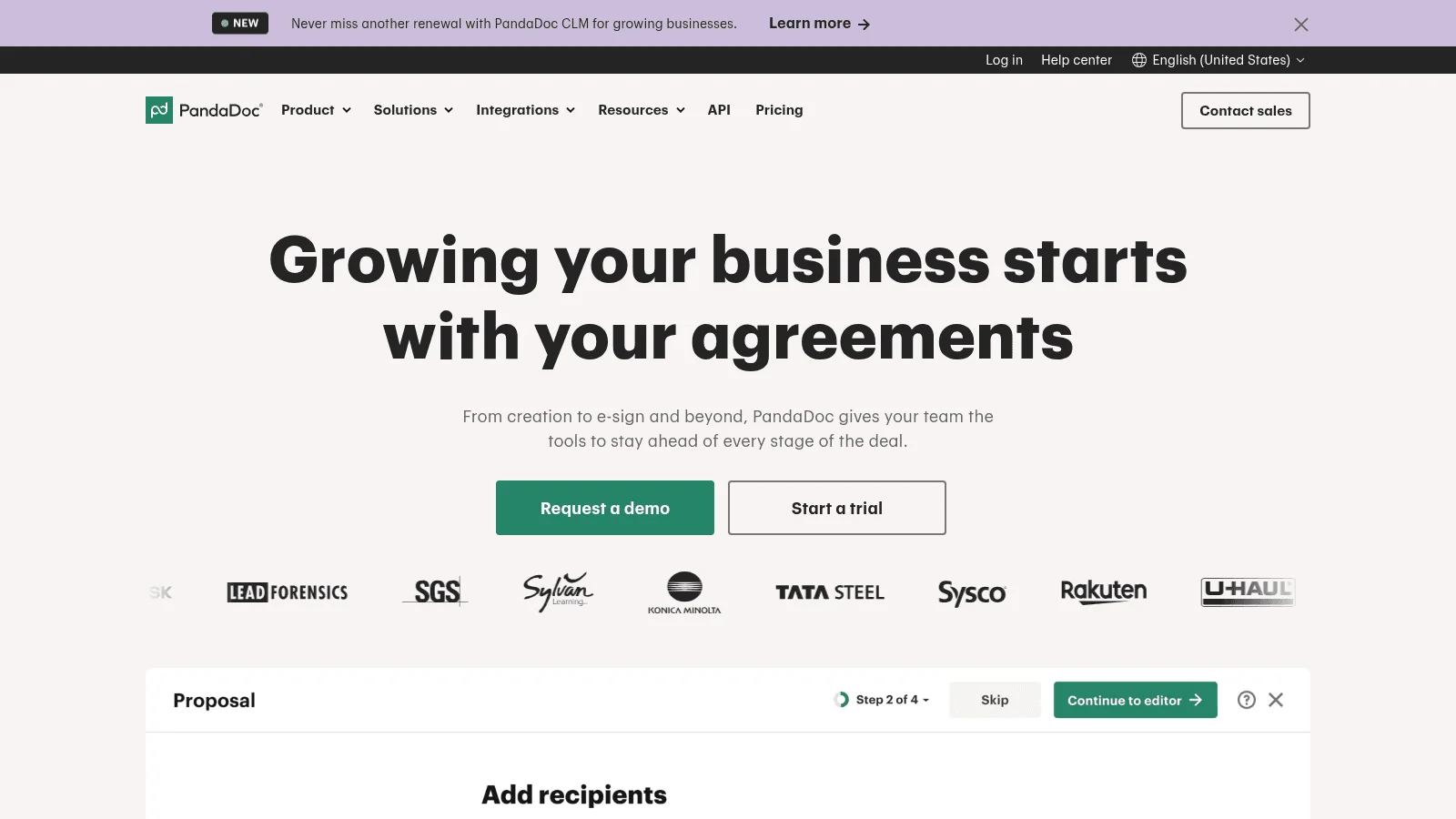
Best for: Quotes and proposals with e-sign
Overview: PandaDoc builds proposals, quotes and contracts from templates, with e-signatures included. A free plan allows 60 documents a year, and Starter comes with a 14-day trial and no card.
Pricing: Starter is $19 per seat billed annually or $35 monthly, and Business $49 or $65. Enterprise is quoted per seat or per document. Unlimited e-signatures start at Starter, while Salesforce and HubSpot integrations need Business and also use paid usage credits.
Pros: Free plan, proposals and signatures in one tool, low annual Starter price
Cons: CRM integrations only from Business, usage credit prices not published, monthly billing nearly doubles the Starter price
Final verdict: PandaDoc suits teams that build their own proposals and want them signed in the same place.
17. DocuSign
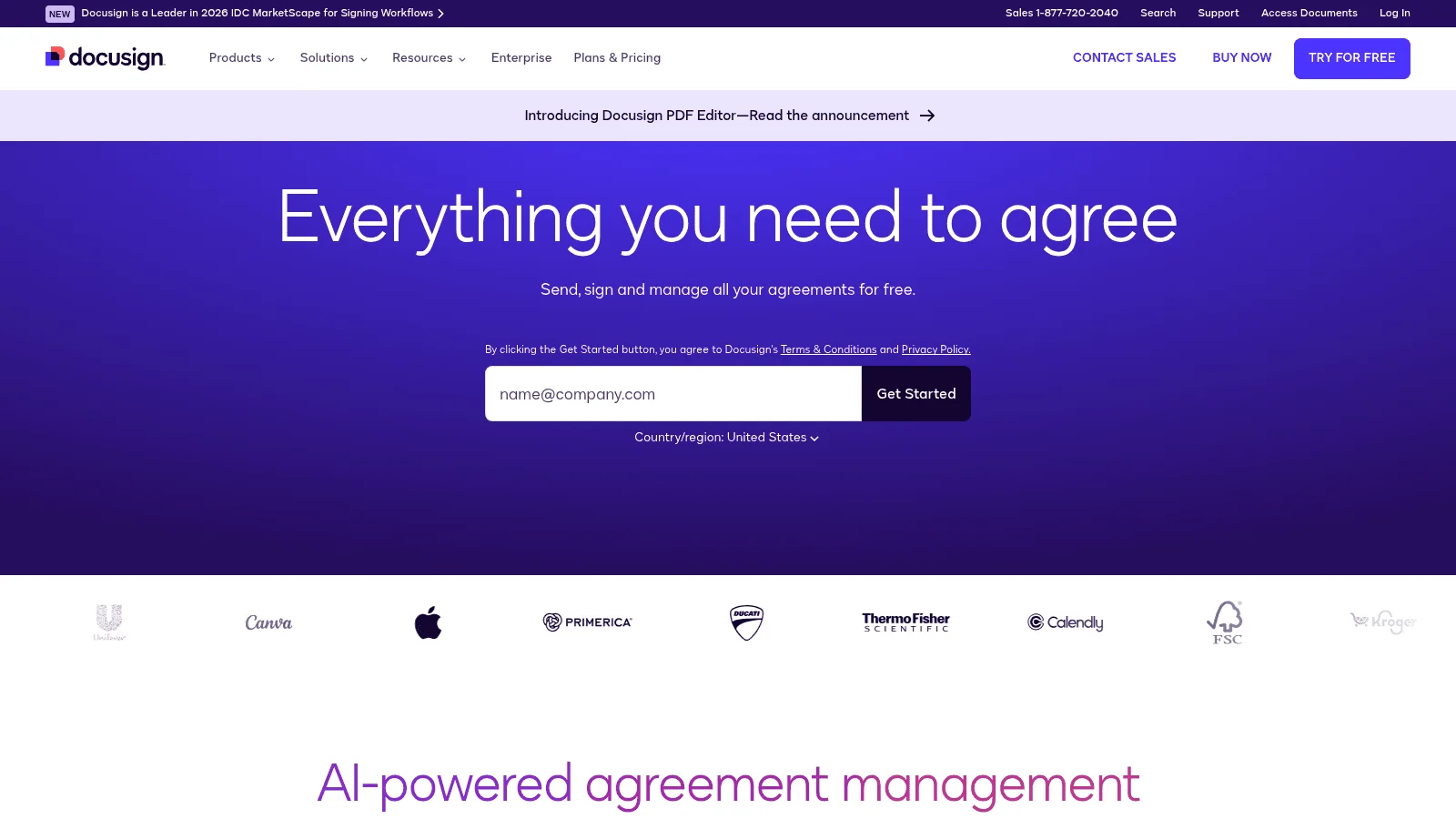
Best for: Signing contracts at volume
Overview: DocuSign is a dedicated e-signature platform that counts usage in envelopes, one per send, and an envelope can hold several documents. Its pricing page shows no free plan, and its trial page offers 30 days free.
Pricing: Personal is $10 a month paid upfront for a year, $11 on an annual plan paid monthly, or $15 month to month, for one user and 5 envelopes a month. Standard costs $25, $30 or $45 per user on those same three options, and Business Pro $40, $45 or $65, for up to 50 users. Annual plans allow 100 envelopes per user per year, monthly plans 10 per user per month. Bulk Send needs Business Pro, and the Salesforce integration is only on the quoted plan for teams above 50 users.
Pros: Bulk sending on Business Pro, 1,000+ partner integrations from Business Pro, separate API plans for developers
Cons: Envelope caps count every sent envelope, signed or not, Salesforce integration needs a sales call, month to month costs far more than paying upfront ($45 vs $25 for Standard)
Final verdict: DocuSign suits teams whose buyers expect it, while PandaDoc is the better fit if you also need proposals.
Writing, Video and Call Notes
The last layer covers the B2B sales tools reps use while they work: a coach for email copy, recorded video and a notetaker on calls. All three have a free plan.
18. Vidyard
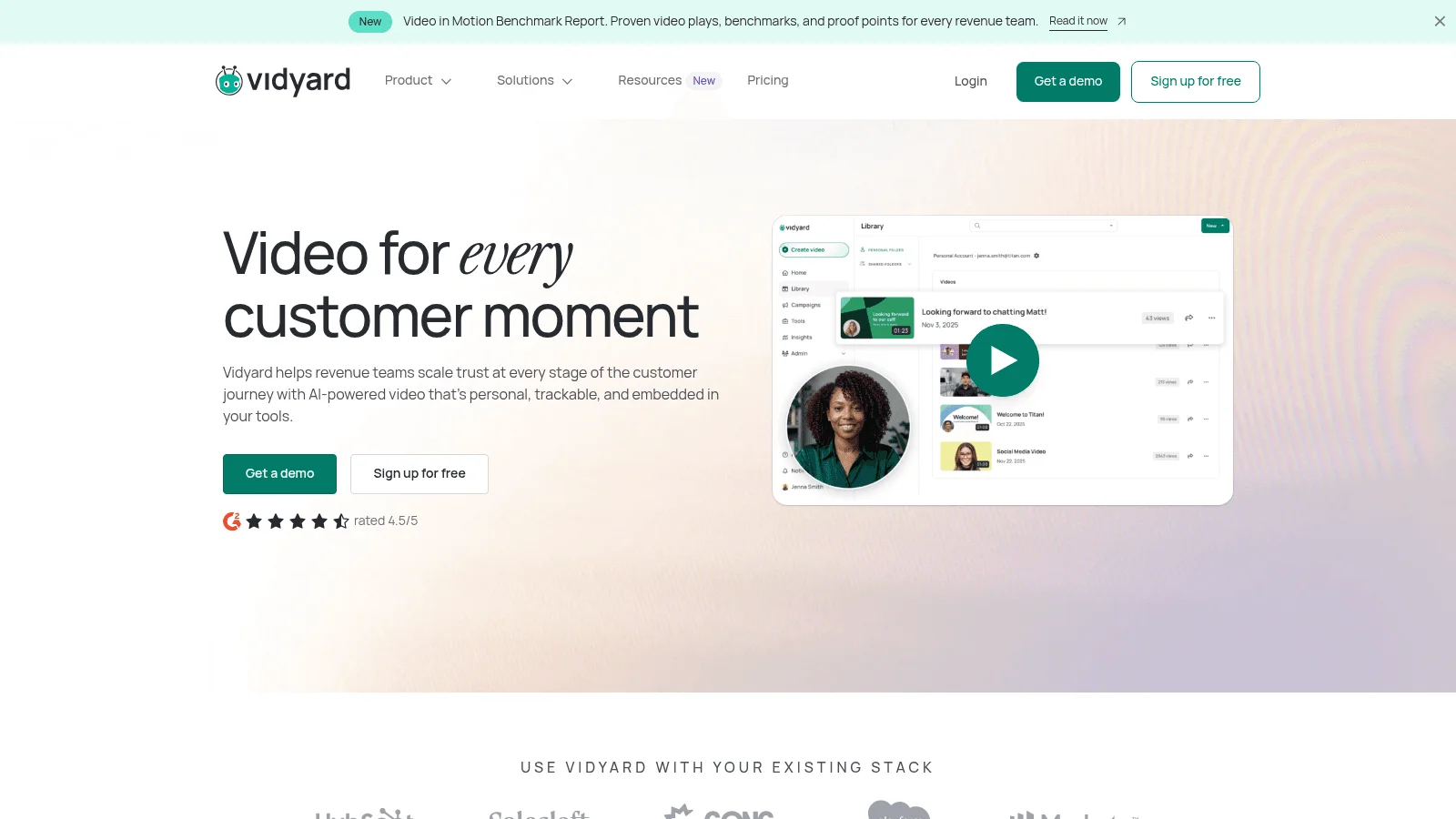
Best for: Recorded video for outreach
Overview: Vidyard lets reps record short personal videos and track who watches them. The free plan gives 5 recordings a month of up to 30 minutes each, with no analytics.
Pricing: Starter is $59 per seat billed annually or $89 monthly, with a "Now 10% off" note on the card. Teams (pitched at teams of 5 or more) and Enterprise are quoted, CRM data sync starts at Teams, and the API is Enterprise only.
Pros: Free plan, view tracking from Starter
Cons: No CRM sync below Teams, API only on Enterprise, promotional price may change
Final verdict: Vidyard suits reps who want video in their outreach, and the free plan is enough to see whether buyers watch.
19. Lavender
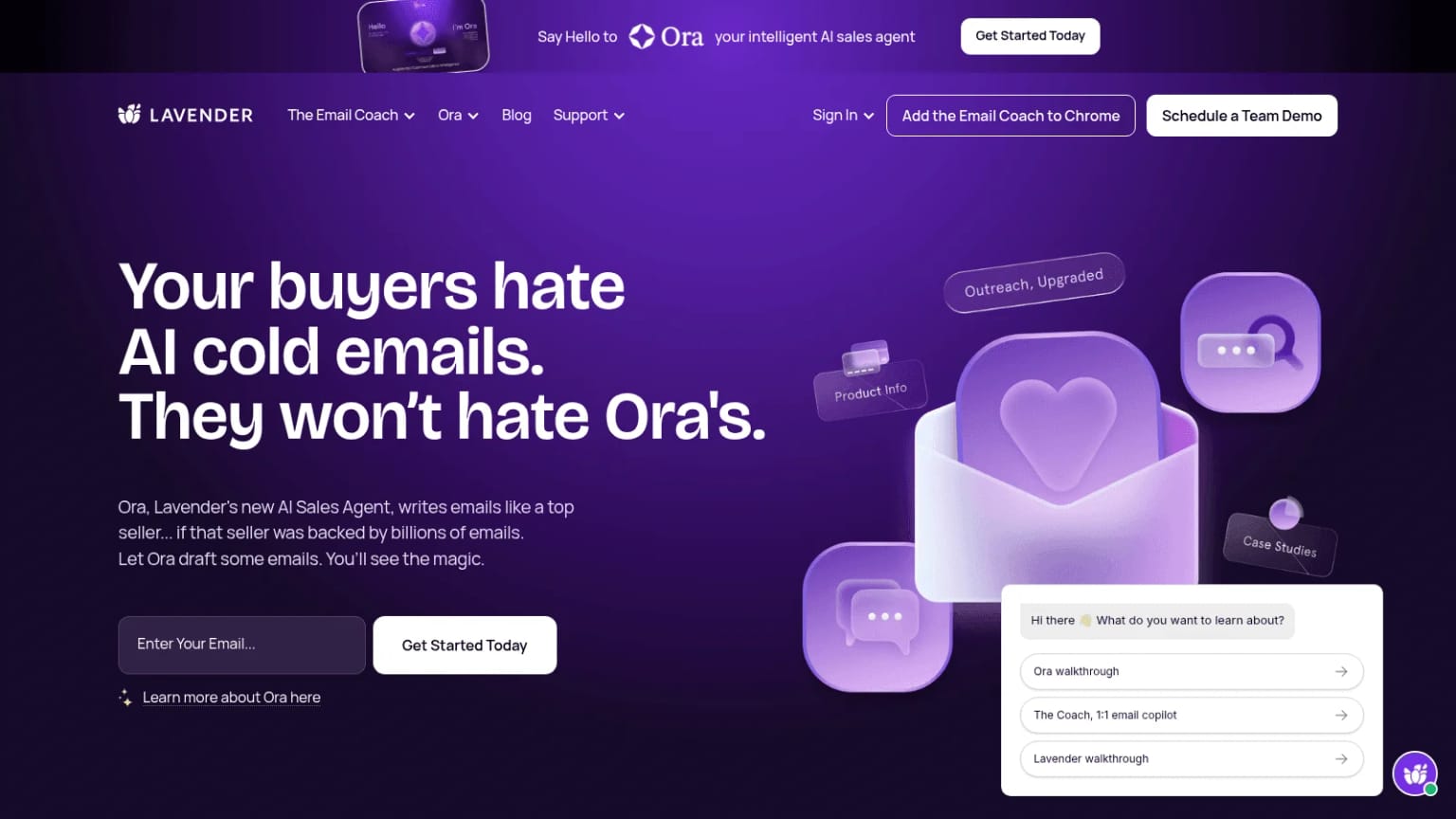
Best for: Coaching reps on email copy
Overview: Lavender scores sales emails as you write them and suggests fixes inside Gmail or Outlook. Its homepage now leads with Ora, a separate AI sales agent priced at $500 per agent a month at launch.
Pricing: Basic is free for 5 analyzed emails a month. Starter is $27 billed yearly or $29 monthly with no integrations, Individual Pro is $45 or $49 and adds integrations such as Outreach, Salesloft and HubSpot, and the Team plan is $89 or $99 per seat through a demo.
Pros: Free plan, small gap between monthly and yearly prices, 7-day trial with no card
Cons: Starter has no integrations, team coaching dashboard only through a demo
Final verdict: Lavender suits reps writing their own cold emails, and Individual Pro is the realistic tier if you work inside a sequencer.
20. Fathom
Best for: Free call notes and summaries
Overview: Fathom records your video calls and writes a summary of each one, and the free plan includes automated summaries. Superhuman announced on September 14, 2026 that it had acquired Fathom.
Pricing: Premium is $16 a month billed annually or $20 monthly for one person. Team is $15 or $19 per user and Business $25 or $34, both with a 2-user minimum. CRM sync is limited to 3 users per domain below Business, and CRM field sync and coaching metrics need Business.
Pros: Useful free plan, API and MCP on every plan, Business offered free for the rest of a Gong contract
Cons: Full CRM sync only on Business, 2-user minimum on team plans
Final verdict: Fathom suits teams that want call notes without a Gong-sized contract.
What Each Rep Costs Across the Stack
Most B2B sales tools price per seat, so the useful number is what one rep costs across the layers you actually buy. This table uses the tier where the key feature appears, not the cheapest card.
| Layer | Tier where the key feature starts | Published price (per user per month) | Watch for |
|---|---|---|---|
| CRM | Pipedrive Growth (sequences) | $39 annual, $49 monthly | Routing and scoring at Premium |
| CRM | HubSpot Professional (sequences) | $90 billed annually, $100 paid monthly on an annual commitment | $1,500 onboarding fee |
| Meetings | Calendly Teams (routing) | $16 annual, $20 monthly | Salesforce lookup on Enterprise |
| Calling | Aircall Professional (power dialer, Salesforce) | $50 annual, $70 monthly | 3-license minimum |
| Proposals | PandaDoc Starter (e-sign) | $19 annual, $35 monthly | CRM sync at Business, $49 |
| Notes | Fathom Team (shared team features) | $15 annual, $19 monthly | 2-user minimum; CRM field sync at Business |
On a team of three or more reps (Aircall's minimum), each rep on Pipedrive Growth, Calendly Teams, Aircall Professional, PandaDoc Starter and Fathom Team, all billed annually, costs $139 a month before data. Switch the CRM to HubSpot Professional and that rises to $190 a rep, plus the $1,500 onboarding fee.
Data is priced differently. Our plans are per team rather than per rep, and enriching leads from their email addresses is unlimited only on Max ($699 a month); on Go or Plus it spends credits. Empty lookups, enrichments, standard searches and email or phone lookups aren't charged, so the real cost depends on your match rate.
How Teams Actually Buy Sales Tools
Forrester's State of Business Buying, 2026 puts 13 internal stakeholders and nine external influencers in the typical B2B buying decision. It also found procurement acts as a decision-maker in 53% of buying cycles, and more than 60% of buyers now use a trial before they buy.
Our own sales calls about data look much the same. Larger buyers run a structured evaluation: a written vendor questionnaire, detailed pricing in writing, and a small test list of people they already know, so they can check every returned profile.
Another common pattern: one person tests a few providers by hand and recommends one to the CEO, who signs off. At agencies, that tester is often a technical go-to-market engineer (the person who builds the sales team's data and automation) rather than the founder.
Product teams, especially those building sales products, want trial credits to test an enrichment API inside their own product while operations handles the contract.
A test also takes longer than many buyers plan for. The founder of an early-stage cold email platform told us how long a data feature needs to prove itself: "realistically, I like to say three months, however, it's probably more going to be closer to four or five and six."
So whatever layer of B2B sales tools you're buying, a short test plan keeps the evaluation honest:
- Write down the one job the tool must do better than what you have now.
- Agree the success metric before the trial starts, not after.
- Test on your own records or calls, including some where you already know the right answer.
- Price the tier that includes the feature you tested, on the billing option you'll actually choose.
- Ask who owns the vendor today, and whether a merger has changed the roadmap.
Four tools on this list have merged or changed owners in the past year, and each change can move a product's price or support.
Which Layers to Buy First
The right order of B2B sales tools depends on how many people sell and where deals stall.
Selling Alone
Start with a free CRM (HubSpot, Salesforce or Attio), a free Calendly link and Fathom's free notetaker. Add PandaDoc's free plan for proposals, and you've covered four layers for nothing but your time. For email addresses, a contact app with a free plan, such as Lusha or one of its rivals, fills the gap.
A Small Sales Team
Move to a CRM tier with sequences, such as Pipedrive Growth or Close Growth, add a phone system if you call, and connect your data layer so inbound leads arrive enriched. Our maintained apps for Clay, Zapier and Make let enrichment run on every new CRM contact without any code.
A Sales Org With Managers
This is where quote-only tools earn their place. Gong or Aviso for coaching and forecasts, Outreach or Salesloft for sequences, and Seismic or Showpad for content all need someone to own them, so add each one only when a named person will run it.
Start From Your Lost Deals
Before adding a tool, look at your last ten lost or stalled deals and note the step where each one went quiet. Wrong contact data points to the data layer, missed follow-ups to engagement, and slow contracts to the proposal layer.
Once you know the layer, trial one tool for it on your own records. If the problem is incomplete or stale records, start with free trial credits, no card needed, and run a sample of recent inbound leads through Reverse Contact to see your real match rate before you size a plan.
FAQ
What are B2B sales tools?
B2B sales tools are the apps and APIs that help you find, reach, win and sign business customers. They fall into the nine layers this guide follows, from data and the CRM to e-signature and call notes. Most teams start with a CRM and add one layer at a time.
What is the best B2B sales software for a small team?
A free or low-cost CRM plus a scheduling link covers most small teams. HubSpot, Salesforce and Attio all have free plans for 2 to 3 users, and Pipedrive starts at $14 per seat billed annually. Add sequences only when you have a repeatable outbound motion, because that usually means moving up a tier.
How are B2B sales intelligence tools different from a CRM?
A CRM stores your accounts, contacts and deals, while B2B sales intelligence tools supply facts about people and companies you don't have yet, or update the ones you do. Seamless.AI and its main competitors sell this as a search app, while an API feeds the same kind of data straight into the CRM.
Are AI tools for B2B sales worth paying for?
Some are, if they replace work your reps do by hand. Salesforce's State of Sales survey found sellers expect AI agents to cut prospect research time by 34% and email drafting by 36%. Start with a free option such as Fathom's free plan or Lavender's 7-day trial (no card), and measure the time saved before you buy a paid AI tier.
How should you test a B2B sales prospecting tool?
Run the same list of 100 to 200 people you already know through each B2B sales prospecting tool and count right answers, wrong answers and empty results separately. A contact app with a free plan can be tested at no cost, while an API is tested with trial credits on a small CSV of your own records, then a paid test batch.
The data layer behind your GTM engine
Access fresh people and company data through one API and power every enrichment, prospecting, and automation workflow.
- Profiles
- 1B+
- Refreshes / month
- 200M
- Response time (P95)
- 500ms