
10 Best Contact Data Tools and B2B Databases in 2026
Julien K.Published Updated
Key takeaways:
- Headline coverage numbers are not comparable. People Data Labs publishes the most honest version of this, showing 2.47 billion person records of which 26.7% carry an email of some kind, only 3.4% a work email, and 20.2% a mobile, which is the kind of breakdown most of this market keeps to itself.
- Seven of the ten publish a paid entry price you can read without a sales call, ourselves among them. ZoomInfo, Cognism and SalesIntel quote every paid tier, though ZoomInfo does publish a permanent free plan, and most of the seven still quote their largest tier.
- Four state a refresh cadence rather than a vague freshness claim. Cognism refreshes 95% of senior contacts every 30 days, SalesIntel re-verifies on a 90-day cycle, People Data Labs refreshes company records monthly, and Lusha publishes refresh rates field by field.
- The split that matters is not price but shape. Four are databases you log into, three are APIs you call, and three sell both, which makes "best" a question about where the work happens rather than whose dataset is bigger.
Buying contact data used to mean buying a list. Now it means choosing between a searchable application your reps open, a credit-metered API your software calls, and several hybrids that do both badly or both well depending on which half you need.
The labels do not help. The same product gets sold as a contact data platform, as one of several contact data providers, or as one of many contact data solutions, and none of those words tells you which of the two shapes you are actually buying.
The contact data tools in this guide cover both shapes, because the keyword covers both and pretending otherwise would be unhelpful. Four are B2B databases with a user interface, filters and exports, three are data APIs with no interface at all, and three sell both. Reverse Contact is one of the three APIs and it goes first because it is our product, not because a list mixing those shapes can be ranked like for like.
What we have tried to compare instead is what decides whether contact data tools work for you: what the coverage number counts, whether there is a published price, what a credit buys, and how fresh the records are. Everything here was read on each vendor's own pages in October 2026. The broader sales intelligence tools category overlaps heavily with this one and sells on different ground.
What a Coverage Number Is Actually Counting
Nine of the ten vendors on this page lead with a number, and contact data tools are compared on those numbers more often than on anything else. They are not measuring the same thing, and some of them are measuring almost nothing.
Start with what exists. The US Small Business Administration's Office of Advocacy counts 34,752,434 small businesses in the United States, which sounds like an enormous addressable market until you read the split: 81.9%, or 28,477,518 of them, have no employees at all. Only 6,274,916 of them have even one person on the payroll.
So a database advertising tens of millions of company records is not offering you tens of millions of companies with someone to sell to. It is counting registered entities, sole traders, dormant shells and duplicates alongside the real ones. That is not dishonest, it is just a different question from the one buyers think they are asking.
Person records work the same way. People Data Labs publishes the breakdown most vendors keep to themselves: roughly 2.47 billion person records, of which 26.7% carry an email address of some kind, 3.4% a work email, and 20.2% a mobile number. A profile without contact details is still useful for firmographics or scoring, and it is useless for outreach, so the headline count and the usable count differ by a factor of four.
Decay is the third distortion, and only four vendors here put a cadence against it. US Bureau of Labor Statistics data on business employment dynamics records 284,000 establishment deaths in the most recent quarter it reports for them, each one a company record that is now wrong.
A separate figure, 338,000 establishment births in the fourth quarter of 2025, is the other half of the problem: records a database does not have yet. Hundreds of thousands of business records go wrong or go missing every quarter, before anyone changes jobs.
| Claim on the page | What it usually means | What to ask instead |
|---|---|---|
| "500M+ contacts" | Total records held, living and dead | How many have a verified email? |
| "100M+ companies" | Registered entities of all kinds | How many have employees? |
| "95% accuracy" | A sample the vendor chose and scored | Measured on what list, when, by whom? |
| "Updated in real time" | Something in the system changed recently | What does your refresh date refer to? |
| "Verified" | Checked at some point before storage | Checked when, and by what method? |
None of those questions is hostile. Vendors who have good answers give them readily, and the ones who do not tend to change the subject to the headline number. The same questions apply when you are sizing up a single account rather than a vendor, since company research runs into the identical problem of fields that look filled and are not.
Databases You Log Into and APIs You Call
The four pure databases here sell an application. You log in, build a filter, look at results, export or push to a CRM. Pricing is usually per seat, though SalesIntel bundles unlimited users and LeadIQ includes five.
The three pure APIs sell a response. There is no interface, nobody logs in, and your software asks a question and gets structured data back. Pricing follows consumption rather than headcount, because no humans are involved.
The remaining three, Apollo.io, Cognism and Lusha, sell both: an application a rep opens and a metered API your code can call. That is the most flexible shape and the hardest to price, because you are buying two things on one invoice.
Teams get this wrong in both directions. A product team buys a seat-based database and discovers the API is on the quote-only tier. A sales team buys a data API and finds there is nothing for a rep to open.
HeyReach shows what the second shape looks like in practice. A self-serve signup tells you someone arrived but not who they are, and an agency running outbound for a dozen clients looks identical to a solo operator at the moment the form is submitted.
Enriching those signup fields returns the professional role and the company context behind them. What HeyReach then does with that, scoring how likely the account is to be an agency and routing it accordingly, is its own logic. Nobody opens a prospecting tool to make any of it happen.
AI features sharpen the same problem. A scoring model, a routing rule or a drafted email inherits whatever the record got wrong, and none of them can flag it, so the work of getting the record right moves upstream of the feature. That lands on internal data teams more often than on sales, because the data has to be correct before anything built on top of it can be.
The 10 Best Contact Data Tools
The table below mixes both shapes deliberately, with the shape named so you can skip the rows that are the wrong shape for you.
| Tool | Shape | Best for | Pricing (from) | Published figure |
|---|---|---|---|---|
| Reverse Contact | API | Data inside your own product | Credit packs from $100 | 800M+ profiles, 70M+ companies |
| ZoomInfo | Database | Enterprise coverage and intent | Quote only | 500M+ contacts, 100M+ companies |
| Apollo.io | Both | Data and outreach in one seat | $49/seat/mo billed annually | 240M+ contacts, 30M+ companies |
| Cognism | Both | European mobile numbers | Quote only | 90% of Director+ in EU and US |
| Lusha | Both | Click-to-reveal prospecting | $37.45/mo billed yearly | 515M+ contacts, 29M+ companies |
| People Data Labs | API | Raw records at a published rate | $98/mo or $940/yr | 2.47B person records |
| Coresignal | API | Volume plus job-posting data | $49/mo for 2,500 credits | 907M+ employee records |
| SalesIntel | Database | Human-verified mobiles | Quote only | 200M+ contacts, 54M+ mobiles |
| UpLead | Database | A stated accuracy guarantee | $74/mo billed annually | 200M+ records |
| LeadIQ | Database | Cheap entry with real seats | $15/mo billed annually | Not published |
Reverse Contact is first because it is ours. After that the order runs roughly from the tools that expect to own most of your workflow down to the ones that expect to own least, which cuts across the shape column rather than following it. A list restricted to the enterprise end looks much like our roundup of ZoomInfo competitors.
1. Reverse Contact
Best for: Contact data inside a product you are building.
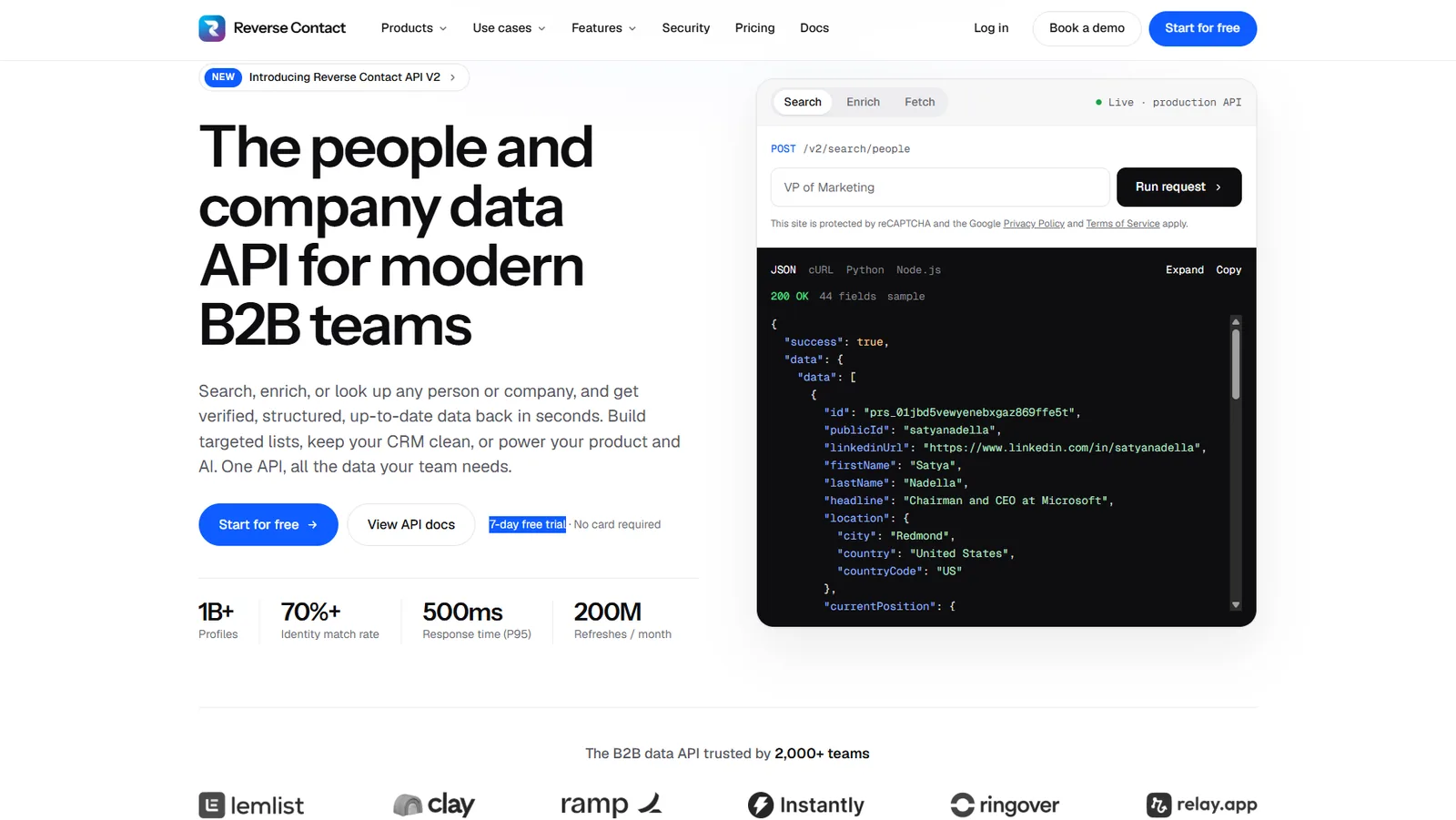
Overview: Reverse Contact is an API with no application on top. There is no search screen, no saved lists and no export button, because the consumer of the data is your software rather than a person.
Two ways in. Hand it an identifier, whether that is an address, a person's name beside their employer's domain, or a company name, and a single identity resolves. Or describe who you want across more than 30 filters and get the matching people or companies.
On coverage we publish 800M+ profiles collected and 70M+ company records, with a stated 70%+ identity match rate. Those are our own figures, measured by us, and the honest caveat from the section above applies to them exactly as it does to everyone else's. It is also why we publish what those totals contain, field by field: in the October 2026 snapshot, 90% of quality profiles (at least one position, one follower and a page still online) carried a current job title, and 74% of active companies a website.
HeyReach is the clearest example of the shape in this list. Signup data goes in, professional and company context comes back, and the platform's own scoring decides what routes to a human. The enrichment is a step in a pipeline rather than a tool anyone opens.
Key features:
- A match count that costs nothing, so you can size a segment before buying anything.
- A no-cost
/checkthat returns the date a record was last rebuilt, which decides cached against live. - Business emails at 3 credits and phone lookups at 20, both billed only when found.
- Agentic search that takes a plain sentence, and lookalike search from one seed profile.
- The same response structure whether the call arrives over REST, a webhook, a CSV upload or MCP.
Pricing: Published up to the top of the self-serve ladder, with no sales call in the way. The entry point is a $100 pack of credits that expire three months after you buy them, oldest first, and nothing renews. Subscriptions sit above that at $249, $449 and $699 a month, each unmetering one more family of calls: lookups, then search, then enrichment from an email or a name. Contact lookups and live re-fetches stay on credits regardless of tier. All three are licensed for your own team, and a Platform agreement covers data your customers will see, priced on application.
Pros: A published self-serve ladder with no sales call, no seats anywhere in the model, nothing charged on an email or phone that finds nothing, a free way to check coverage and freshness before spending
Cons: There is no application, so nobody in sales can use this and it does not replace a seat-based database; phones are the expensive call at 20 credits where an email is 3; an empty live fetch is billed at 2; each credit pack expires three months after purchase; the plans cover your own team, so anything your customers see needs a separate Platform agreement; the Americas and Europe carry the strongest coverage and Asia-Pacific the weakest
How to start using it:
- Open an account; no card is needed for the trial credits.
- Run a free count against the segment you actually sell to. If the number is small, stop there.
- Run 200 real records and keep score on two counts: those that resolved, and those that resolved to the right person.
- Credits spent over correct records gives you the only cost figure that matters.
- Raise Platform with us before you build, if customers will ever see the records.
Why it's a good contact data tool: It is the version of this category with the application removed, which is right when the consumer is code and wrong when it is a person. Our company data coverage carries the firmographic half of the same record.
Final verdict: Built for product and data teams with real volume. Not a prospecting tool, and we would rather say so than sell you one.
2. ZoomInfo
Best for: Enterprise coverage with intent and conversation data attached.
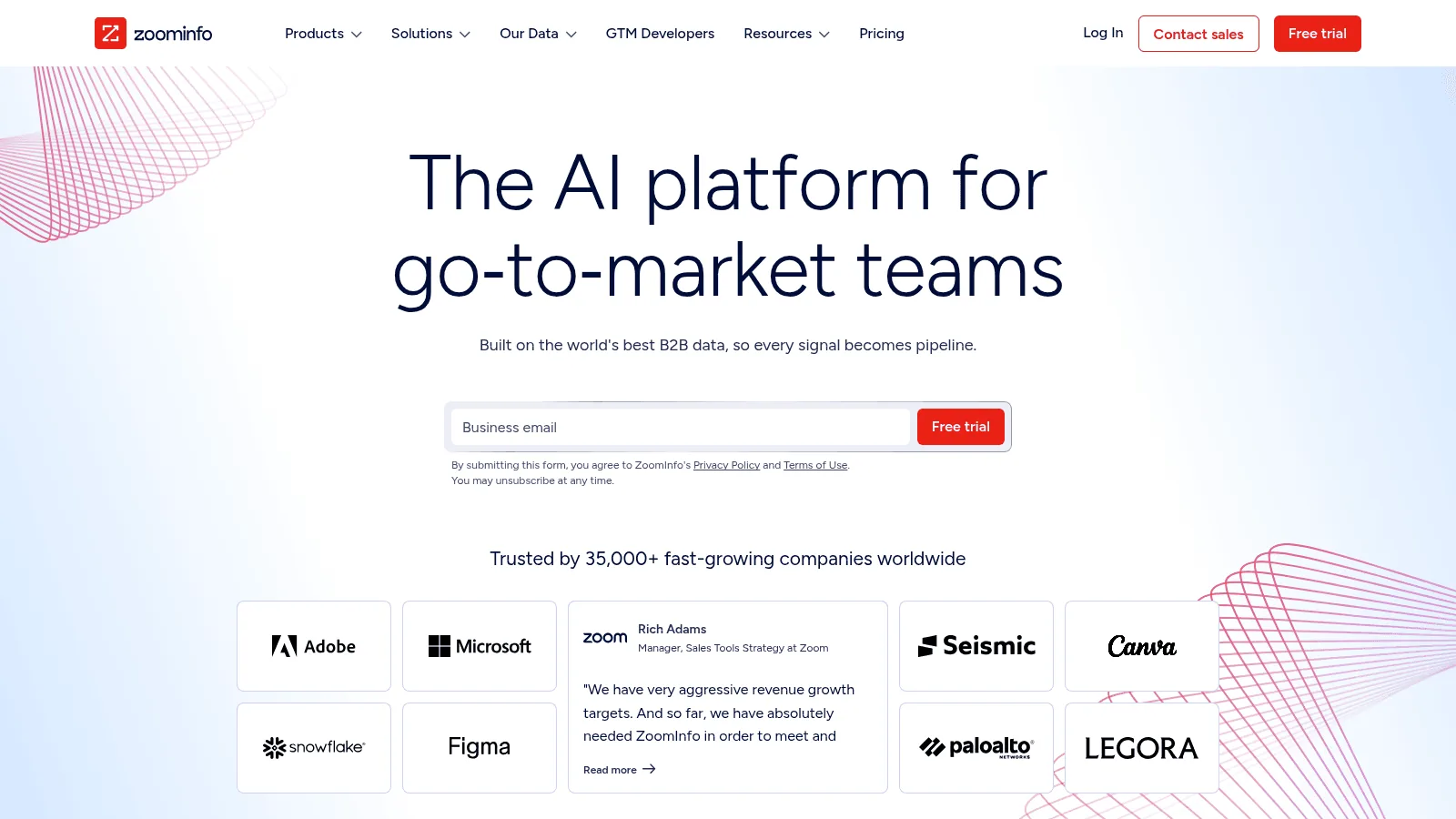
Overview: ZoomInfo holds the broadest company coverage in this comparison and is easily the most complete platform, bundling intent signals, website visitor identification and conversation intelligence alongside the records. On contacts alone Lusha publishes a slightly larger number.
Key features:
- 500M+ contacts and 100M+ companies, with accuracy stated as "up to 95%".
- One credit per export, including exports made through the browser extension or the API.
- Copilot tiers layer AI account prioritization on top of the data.
Pricing: Quote only across Professional, Copilot Advanced and Copilot Enterprise, priced on features, license count and credit usage. ZoomInfo Lite is a permanent free plan, which its own filings describe as part of a contributory network.
Pros: The widest company coverage here, intent and visitor data in one place, a genuinely free entry point in Lite
Cons: No published price at any tier, credits are consumed by API calls as well as manual exports so automation eats the allowance quickly, and its own pages give two different customer counts
Why buyers shortlist it: When company breadth and bundled signals are the requirement and budget is not the constraint, nothing else here covers as much ground.
Final verdict: The default enterprise answer. Expensive and opaque for anyone smaller.
3. Apollo.io
Best for: Data and outreach bought together.
Overview: Apollo pairs a 240M-contact database with sequencing, dialing and a light CRM, which makes it the best-value entry here for a team that would otherwise buy two products.
Key features:
- An email costs one credit and a phone number eight, from a pool granted per seat.
- 30M+ company records behind the same filters.
- A bounce inside 30 days returns the credit.
Pricing: Seats carry the cost at $49, $79 and $119 a month on annual terms for Basic, Professional and Organization, the last requiring three of them and offering no monthly option. Free accounts draw 900 credits a seat each year, released monthly. An 84% email match rate appears on its help pages.
Pros: A real free tier, published prices, outreach included, a stated match rate rather than a vague accuracy claim
Cons: Nothing unspent survives the billing cycle, add-on purchases included, the allowance scales with seats rather than workload, and its own terms restrict plans to internal business use, so building the data into a product you sell needs a separate agreement
Why buyers shortlist it: It is the cheapest published route to a real database plus a sender.
Final verdict: Excellent value for a working sales team. Check the terms before building anything on it.
4. Cognism
Best for: European mobile numbers and compliant calling.
Overview: Cognism competes on phone quality rather than record count, with Do-Not-Call screening across 16 lists built in rather than sold on top.
Key features:
- 90% coverage of Director-level and above across Europe and the US.
- 95% of those senior contacts refreshed every 30 days, which is the clearest freshness commitment on this page.
- One credit reveals one contact, with the same credits working across the platform, the enrichment product and the API.
Pricing: Quote only. Standard and Pro each include five seats, and emails and mobiles sit in both packages; what Pro adds is filtering on premium mobiles, verification on demand, and intent data.
Pros: A published refresh cadence, serious European phone depth, DNC screening as standard, MCP and API from the entry tier
Cons: No published price at all, packaging assumes five seats whether you need them or not, and writing enrichment back into a CRM costs extra on top of either package
Why buyers shortlist it: For calling into Europe it is the most credible dataset here.
Final verdict: The right answer for EMEA outbound. Hard to evaluate without entering a sales cycle.
5. Lusha
Best for: Click-to-reveal prospecting with legible pricing.
Overview: Lusha is the most transparent of the seat-based tools, publishing per-credit costs, coverage by country and a per-field refresh table most rivals would never release.
Key features:
- 515M+ contacts and 29M+ companies, including 165M+ verified emails across 238 countries.
- An email costs one credit and a phone five, priced per data point rather than per person.
- A published table of refresh rates across 103 fields, dated September 2026.
Pricing: Free gives 40 credits a month. Starter is $37.45 a month billed yearly or $49.90 monthly for one seat, Pro $52.45 or $69.90 for two seats, and Premium $299.95 or $399.90 for five. Scale is quoted.
Pros: Unusually detailed public reporting on its own data, a real free tier, seats included in the plan, API on every tier
Cons: Annual credits are forfeited at the end of the term under its own documentation, and its API bills a minimum of one credit per request even when nothing comes back, which only hurts once you automate
Why buyers shortlist it: You can work out what you will pay before you buy, which is rarer here than it should be.
Final verdict: Strong for hands-on prospecting. Read the annual forfeiture rule first.
6. People Data Labs
Best for: Raw records at a published rate, with the caveats published too.
Overview: People Data Labs is sold as developer infrastructure rather than a product a rep opens, and it is the most forthcoming vendor here about what its records actually contain.
Key features:
- Its documentation puts the dataset at roughly 2.47 billion person records and publishes the fill rate for every field, including the work-email figure of 3.4% that most vendors would never print.
- 70M+ company records, refreshed monthly.
- One credit returns one record on both the person and company APIs.
Pricing: Person starts free at 100 credits a month with contact data obfuscated. Pro is $98 a month or $940 a year from 350 credits a month with contact data included. Company mirrors that at $100 a month or $960 a year from 1,000 records. API access is on every plan, and Enterprise adds bulk data licensing.
Pros: Field-fill rates published rather than headline totals alone, a no-cost tier running against the production API, bulk licensing on Enterprise terms, no pretence of being an application
Cons: The free tier obfuscates exactly the contact fields most buyers want to evaluate, and there is no interface whatsoever, so nobody in sales can use it directly
Why buyers shortlist it: Published fill rates make it the easiest vendor here to evaluate honestly.
Final verdict: A serious choice for a data team. Invisible to anyone expecting an application.
7. Coresignal
Best for: Volume, plus job-posting data nobody else here sells.
Overview: Coresignal supplies employee, company and job-posting records through an API aimed at platforms rather than end users, with the most complete published price ladder on this page.
Key features:
- 907M+ employee records, 70M+ company records and 482M+ job postings.
- Job postings cost a single credit each, while employee and company records run 10 to 20.
- REST endpoints, an MCP server, webhooks and agentic search.
Pricing: A 7-day trial carries 2,000 credits. Mini is $49 a month for 2,500 credits, Starter $199 for 12,000, Pro $499 for 35,000, and the ladder continues to $5,000. Mini is monthly only; annual billing starts at Starter and takes 10% off with credits granted upfront.
Pros: Seven published tiers rather than a quote form, job-posting data most rivals lack, a trial that exercises the real API
Cons: Credits generally do not roll over, and a record costing 10 to 20 credits makes per-record arithmetic harder than a one-credit model, so two vendors' credit prices are not directly comparable
Why buyers shortlist it: Hiring signals alongside people records cover a use case the contact databases do not touch.
Final verdict: Good for platforms with volume. No help to a rep.
8. SalesIntel
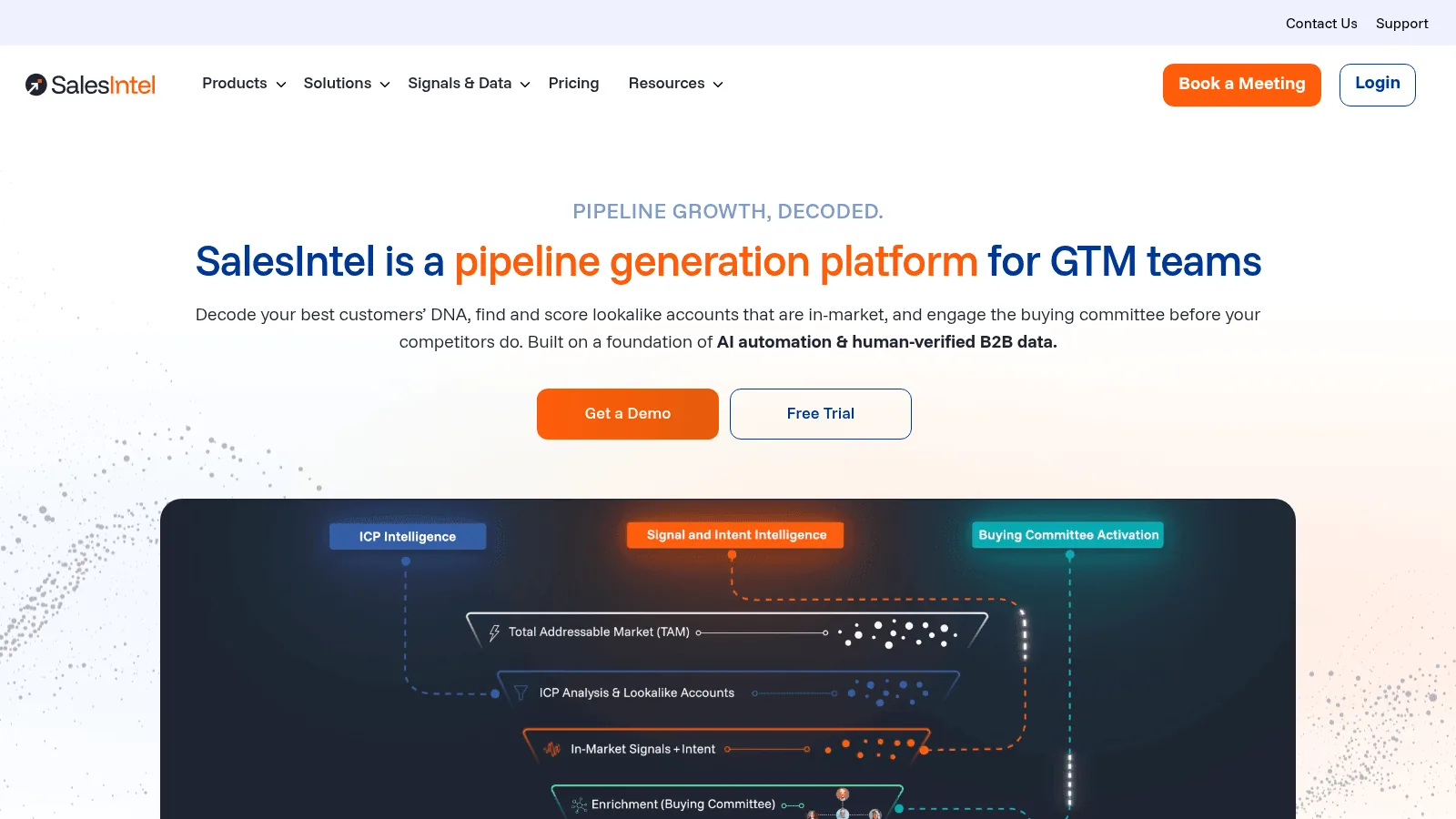
Best for: Human-verified mobile numbers.
Overview: SalesIntel's difference is a research team: contacts are verified by people on a stated cycle, and anything missing can be requested on demand.
Key features:
- 200M+ contacts and 40M+ companies, including 54M+ verified mobile numbers.
- A 90-day re-verification cycle, stated publicly.
- Research on Demand at 10 credits per user per month for records that are not already held.
Pricing: Quote only, sold as a single package with unlimited users and unlimited export and enrichment credits. Intent and visitor identification are add-ons.
Pros: Unlimited users and exports in one package, a stated re-verification cycle, human verification rather than automated checks alone
Cons: No published price, and its pricing page lists no API among its integrations, offering CSV and a set of CRM and sequencer integrations, though it documents Company, People, Technographic and News APIs plus webhooks and a Snowflake data share elsewhere; what it does not publish is which package includes them
Why buyers shortlist it: Unlimited exports changes the arithmetic completely for a team that would otherwise meter everything.
Final verdict: Attractive for a mid-size sales team, and a workable data source for software once you have established which package opens the API.
9. UpLead
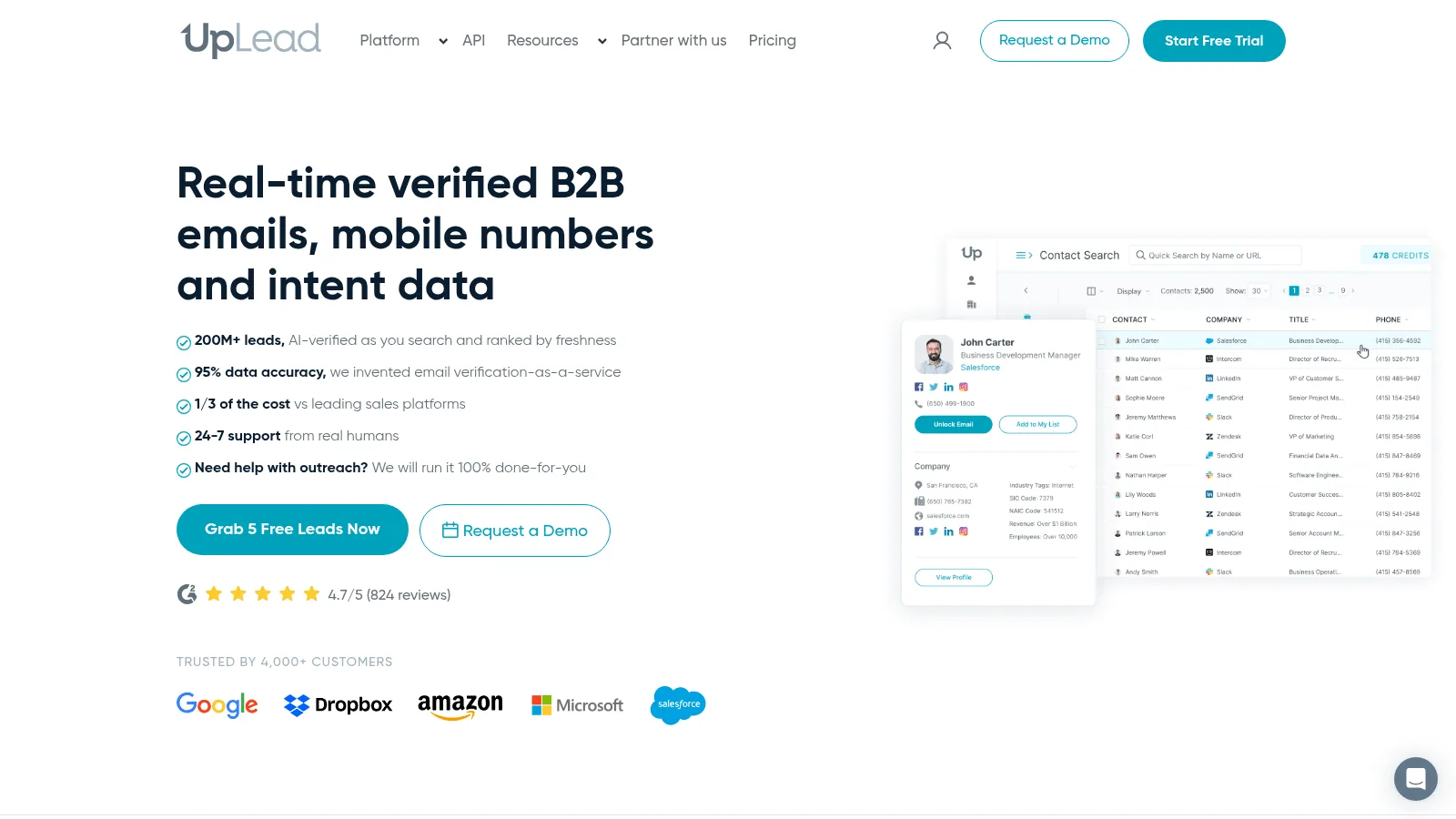
Best for: An accuracy promise with a mechanism behind it.
Overview: UpLead checks each email as you export, and its Valid Only mode withholds the ones that fail; its other two export modes bill for invalid and accept-all addresses, so the setting is the thing to get right.
Key features:
- One credit buys a contact, with email and mobile bundled rather than billed separately.
- 200M+ records behind the search filters.
- Additional credits cost 60 cents on the lower tier and 50 on the higher one.
Pricing: The published pair run single-seat: $99 monthly for Essentials, or $74 if you commit to a year and take 2,040 credits with it, then $199 or $149 for Plus. Professional is annual, quoted, and alone in offering the complete API. Its trial lasts a week and holds five credits.
Pros: Email and mobile in a single charge, a Valid Only export that skips invalid addresses, a published 95% accuracy claim
Cons: Essentials and Plus are single-user accounts, full API access sits behind an annual quote-only tier, and five trial credits are nowhere near enough to measure a hit rate
Why buyers shortlist it: Bundling the mobile into one credit makes per-contact cost simple to forecast.
Final verdict: Sound for a solo seller. Awkward for a team, weak for a build.
10. LeadIQ
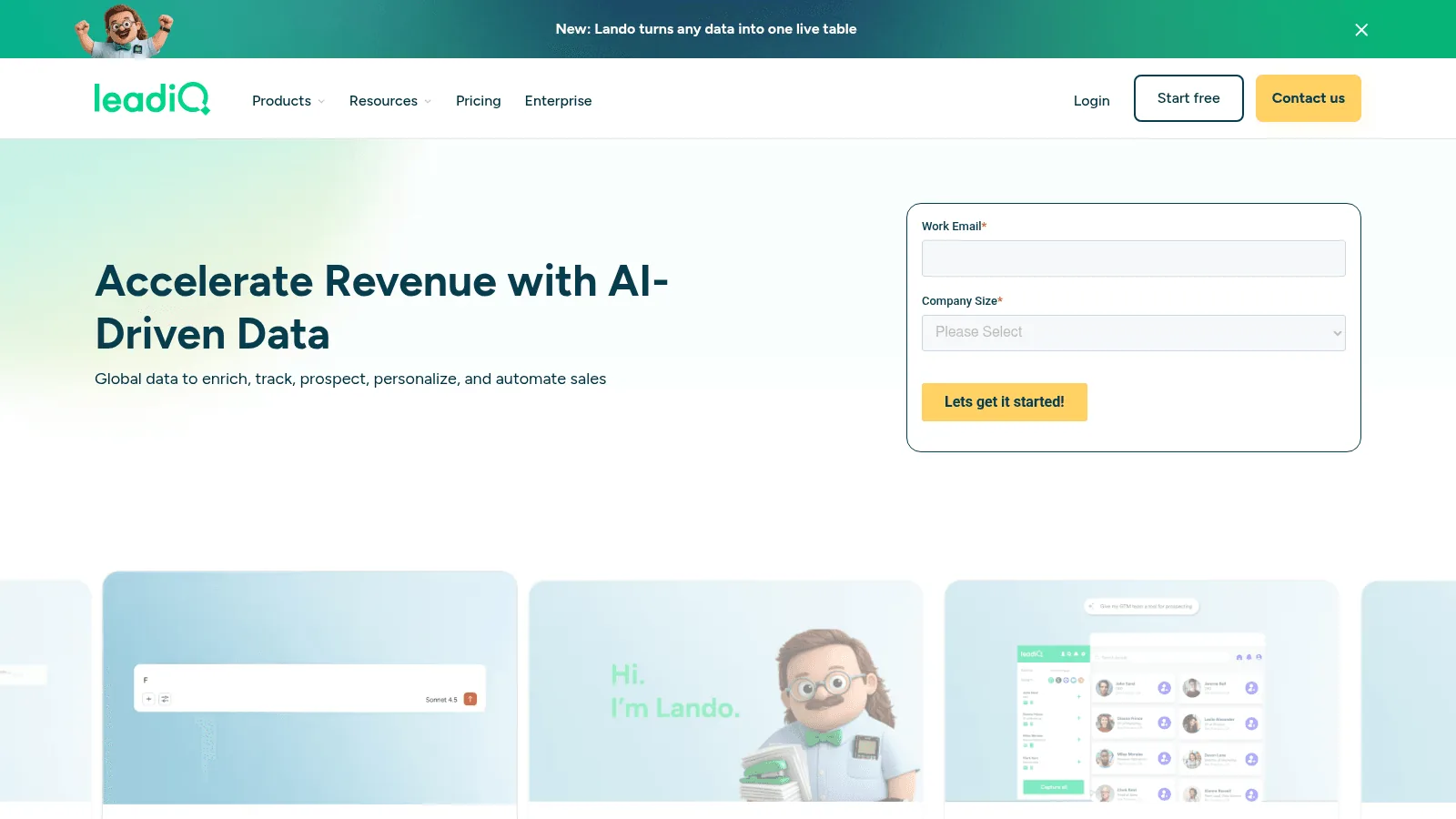
Best for: The cheapest real entry point on this list.
Overview: LeadIQ prices on a slider rather than fixed tiers, and includes five users even at the bottom of that slider, which makes it the cheapest way to get a small team onto a shared database.
Key features:
- An email costs one credit, a phone ten, both together eleven, and an account enrichment three.
- Five users included on Pro regardless of credit volume.
- A 30-day free trial on any plan.
Pricing: Free gives one user and 50 credits. Pro starts at $15 a month on annual billing for 200 credits a month, or $20 monthly, rising with the slider. Enterprise is custom and annual only. API access is listed on every tier, though database search is limited on Free and Pro.
Pros: Genuinely cheap entry, five seats included, a long trial, API listed on every tier
Cons: It publishes no global record count and no headline accuracy rate, only a regional share, so the 30-day trial is the way to find out what it holds for your segment, and database search is restricted below Enterprise
Why buyers shortlist it: $15 a month for five seats undercuts everything else that includes a team.
Final verdict: The best cheap starting point. Verify coverage on your own segment first, which the 30-day trial is long enough to do.
Testing a Contact Database Before You Buy
Where a vendor publishes an accuracy claim at all, it was measured on a list they chose. Yours is the only one that matters.
Build a scorable test set
Take 200 records from the segment you actually sell to, where you already know the right answer. Current customers and recent closed-lost accounts work well, because you can check every field independently.
Run that identical list through each vendor in the same week. Then score three columns rather than one: how many records came back, how many were correct, and how many credits each vendor spent. A tool returning data for 90% of your list and getting one field in ten wrong creates more work than one returning 70% and almost never wrong.
Ask what the refresh date means
"Updated monthly" can mean the whole record was rebuilt, or that something somewhere in the system changed. Those are different promises and only one of them tells you the job title is current.
Ask each vendor directly whether their timestamp covers the full profile or individual fields, and what happens to a record nobody has queried in a year. Cognism's 30-day cadence for senior contacts and SalesIntel's 90-day re-verification are the two clearest answers on this page; most vendors here do not publish one at all.
Watch for the fields that quietly differ
Buyers ask for things vendors supply in different shapes. A buyer at a private-market intelligence platform wanted exact employee counts per company rather than size bands, putting it simply: "the exact number, not the range." A database returning "51-200" and one returning "137" both look like they have headcount.
The same trap catches AI-generated enrichment. A senior leader at a sales automation platform described filling company fields through a model and getting three variables for one company and seven for the next, with no consistency and a higher cost than structured data. Inconsistent fill is worse than a blank, because downstream logic treats a present-but-thin record as complete.
That inconsistency is also the argument for treating data enrichment as a recurring job rather than a one-off purchase. Teams who do this well describe it as hygiene rather than a project, and the ones who do not end up re-buying the same records every year.
Choosing Between Them
Decide the shape first, because it rules out three or four names immediately and tells you how to read the rest. Most contact data solutions here will let you test before you commit, and the ones that will not are telling you something.
If a person is doing the work, you want a database. ZoomInfo for breadth, Cognism for European phones, SalesIntel for unlimited exports and human verification, Lusha for legible pricing, UpLead for a guarantee, LeadIQ if budget is the binding constraint. Apollo.io sits across both and is the best value when you need sending as well.
If software is doing the work, you want an API. People Data Labs for raw records at a flat rate per record, Coresignal when job postings matter, and us when the priority is resolving one identity correctly, surfacing the alternative candidates on an ambiguous match rather than letting a guess reach your customers.
Either way, test first. Pick up a free API key, count your own segment at no cost, then send 200 genuine records through before a year-long contract gets signed.
FAQs
What is the best free contact data tool?
Apollo.io's free plan is the most useful at 900 credits per seat per year with sequencing included. ZoomInfo Lite is a permanent free plan, LeadIQ gives one user and 50 credits, Lusha 40 credits a month, and People Data Labs 100 credits a month with the contact fields obfuscated. Ours are trial credits with no card attached rather than a free plan, and calling it a tier would overstate it.
Which contact data providers publish their prices?
Six do: Apollo.io, Lusha, Coresignal, People Data Labs, UpLead on its first two tiers, and LeadIQ through a slider that amounts to the same thing. We publish ours too, with packs from $100 and plans at $249, $449 and $699, which makes seven of the ten. ZoomInfo, Cognism and SalesIntel quote every paid tier, and you should assume a quote-only vendor is priced on how much they think you can pay.
How accurate are B2B contact databases?
Most of these vendors quote a single figure and leave it there. The ones stated on this page run from our own 70%+ identity match rate through Apollo's 84% email match rate to ZoomInfo's "up to 95%" and UpLead's 95%. They are not comparable, because each vendor picked its own test set and method, and a match rate and an accuracy rate are answering different questions.
The only number worth acting on is the one you generate from 200 of your own records, scored for correctness rather than fill. Treat a published accuracy claim as a statement of intent, not a measurement.
How often does contact data go stale?
Faster than most buying cycles. US labor statistics record 338,000 establishment births in a single quarter and 284,000 deaths in another, and that is before anyone changes job or title. Plan on re-enriching rather than buying once; a quarterly refresh of the records you actually use beats an annual rebuild of everything.
Should I buy a contact data platform or a data API?
Buy the shape that matches where the work happens. If a rep opens something and makes a judgment, you need an application with filters and a profile view.
If your software makes the call and nobody is looking, you need an API with a documented schema and rate limits, because an interface you pay for and never open is pure waste. Scoring and routing sit in that second camp, because lead scoring runs on every signup and nobody reviews them one by one.
The data layer behind your GTM engine
Access fresh people and company data through one API and power every enrichment, prospecting, and automation workflow.
- Profiles
- 800M+
- Refreshes / month
- 200M
- Response time (P95)
- 500ms