
9 Best Company Research Tools and Databases in 2026
Julien K.Published
Key takeaways:
- Company research tools answer different questions. Crunchbase, PitchBook and CB Insights cover funding and deals, D&B Hoovers, Owler and Reverse Contact cover firmographics (size, industry, location), Similarweb covers web traffic, and SEC EDGAR and OpenCorporates cover legal records.
- SEC EDGAR is free, APIs included, and OpenCorporates lets you search its registry data on its website at no cost. Crunchbase and Owler add free account tiers.
- PitchBook and CB Insights quote every plan. The other seven publish at least one price or are free to use.
- Reverse Contact, our product, is the API pick for company search and enrichment from a domain or name. It doesn't carry funding history, revenue or registry records, so pair it with a funding database or an official source for those jobs.
Ask three people to "research a company" and you'll get three different jobs. An investor wants the last funding round, a seller wants headcount and location, and a compliance analyst wants to know the company legally exists.
That's why the best company research tools rarely overlap as much as their marketing suggests. This guide covers nine of them, from paid company research databases to free official filings, and it says plainly which question each one answers well.
One thing to know up front: we make Reverse Contact, so it opens the list. You'll find its gaps spelled out below too, starting with the kinds of company data it simply doesn't hold.
What Are Company Research Tools?
Company research tools collect facts about businesses and let you search, read or export them. The facts fall into a few families: firmographics (industry, size, location, age), funding and deals, financial filings, legal registration, and web activity.
Most tools specialize in one or two of those families. If you only need a handful of facts on a single company, you can find information on a company by hand from its website, filings and news, and it costs nothing but time.
Paid company research services earn their price once the volume goes up. Checking five companies by hand takes an afternoon; checking 5,000 needs a database, an export or an API, which lets your own code ask for a record and receive it without anyone opening a browser.
Match the Tool to the Question
Before comparing prices, write down the question you're actually trying to answer. This table maps the most common ones to the tools in this list.
| Your question | Data you need | Tools in this list |
|---|---|---|
| Who funded them, and when? | Funding rounds, investors, valuations | Crunchbase, PitchBook, CB Insights |
| How big are they, and where? | Headcount, industry, headquarters, locations | Reverse Contact, D&B Hoovers, Owler |
| Which companies fit my target market? | Search by industry, size and location | Reverse Contact, D&B Hoovers, Crunchbase, Owler |
| How much traffic does their website get? | Visits, channels, audience | Similarweb |
| What do their audited numbers say? | Annual and quarterly reports | SEC EDGAR (US public filers) |
| Is the company legally registered? | Registry status, officers, filing history | OpenCorporates, SEC EDGAR |
Most teams need two rows, not one. A seller building an account list wants size and location first, and might check funding later for the accounts that make the cut.
One job the table leaves out, filling the same fields for thousands of accounts inside your own software, is a different buy altogether. That's where a data enrichment API beats any search screen, because nobody has to copy and paste.
The 9 Best Company Research Tools Compared
Each price cell shows the cheapest plan a vendor lists on its own site, along with whether that figure assumes yearly or monthly billing. Coverage counts are each vendor's own claim and count different things, so they don't rank against each other. The last column shows how you can try each tool before paying.
| Tool | Best for | What it covers | Main limitation | Pricing (from) | Free way in |
|---|---|---|---|---|---|
| Reverse Contact | Company search and enrichment by API | 80M+ company profiles, about 200 countries | No funding, revenue or registry data | $249/month (Go); company search from $449/month (Plus); credit packs from $100 | Trial credits, no card (no free plan) |
| Crunchbase | Private company funding and forecasts | Funding, investors, acquisitions, predictions | Exports capped at 2,000 rows a month on Pro | $49/month billed annually in the first year; $99 month to month | Free account; 7-day Pro trial |
| PitchBook | Deep private-market and deal research | 13.4M+ companies, 3.2M+ deals, 667K+ investors | Quote only, priced by seats and firm type | Quote only | Trial on request |
| D&B Hoovers | Firmographic lists from a large company base | 330M+ companies, 520M+ contacts (Essentials) | Main product quote only; Essentials auto-renews | $49/month or $529/year (Essentials) | First month free on monthly Essentials |
| CB Insights | Market maps and private company scoring | 12 million companies, 1,600+ markets | Every product quote only | Quote only | Free trial sign-up |
| Owler | Following competitors and company news | 20M+ company profiles | Free plan opens 1 profile a month | $39/month billed annually (Pro) | Community plan, $0 |
| Similarweb | Website traffic and digital benchmarks | Traffic, engagement, marketing channels | Measures websites, not finances or headcount | $125/month billed annually ($199 monthly) | Free data on its site; trial on self-serve plans |
| SEC EDGAR | Filings from US public companies and funds | Millions of filings, plus free APIs | Most private companies never file | Free | Free |
| OpenCorporates | Legal-entity checks across registries | More than 222 million companies, 140+ jurisdictions | No headcount or contact data; API priced in pounds | £225/month or £2,250/year (API) | Free website search |
Reverse Contact is at the top for one reason: we built it. Below it, the order moves from paid company databases (Crunchbase, PitchBook, D&B Hoovers, CB Insights) to lighter-weight tools (Owler, Similarweb) and then the two tools built on official records. Within that order, check the "Best for" column before the price.
The Best Company Research Tools, Reviewed
For every entry you'll get the research job it handles, its published price, the gaps we found, and the kind of team that gets the most from it.
1. Reverse Contact
Best for: Company data inside products and pipelines
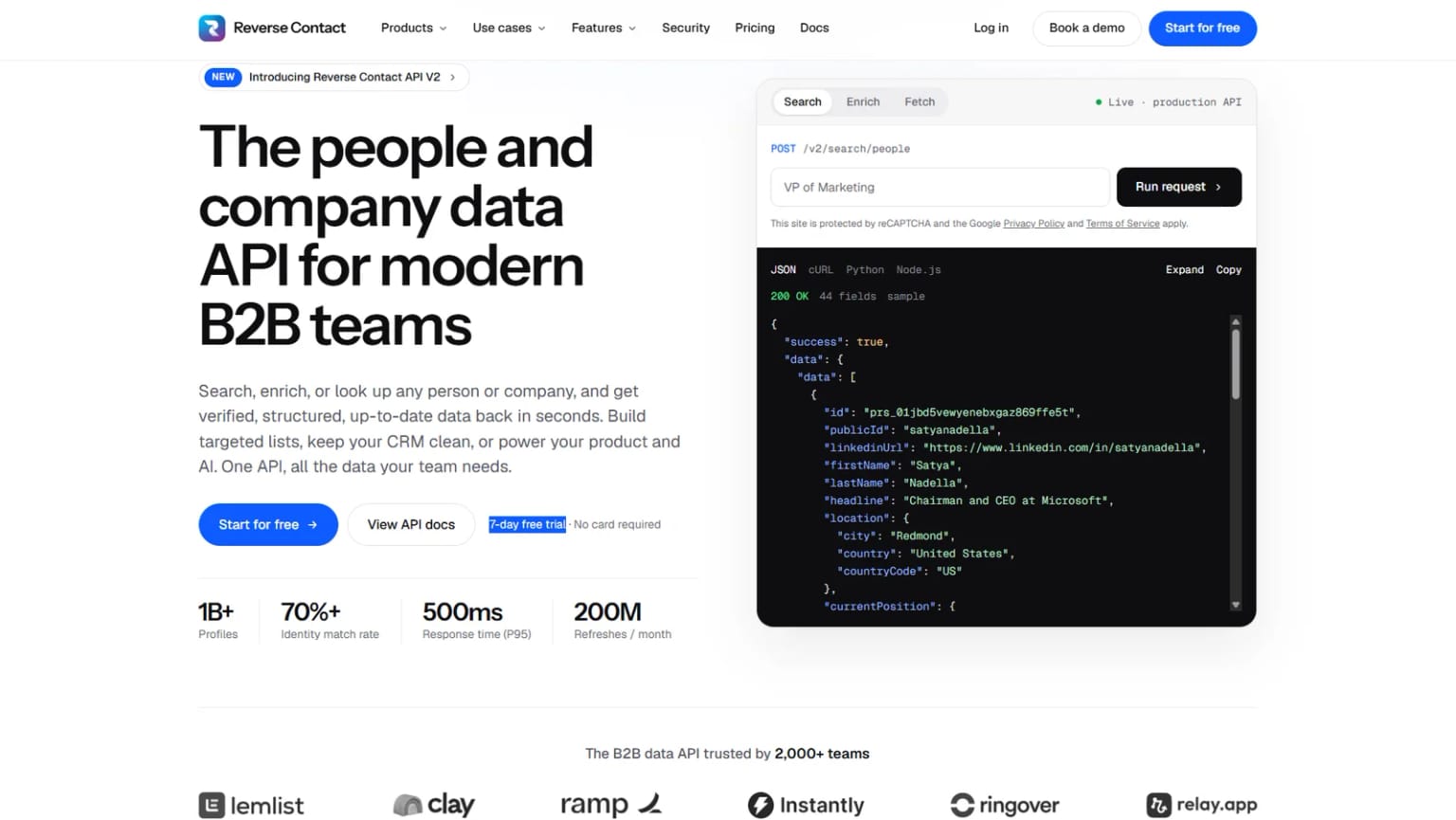
Overview: Reverse Contact is a B2B data API. On the company side, you can search by criteria such as industry, headcount and location, or send a domain or company name and get back one structured company record.
That record covers identity, size, industry, description, headquarters, global locations, company age and contact information. We publish 80M+ company profiles across about 200 countries, and coverage is strongest in the Americas and Europe.
Each record is stamped with the date its full profile was last refreshed. Once you hold a company's profile ID or URL, a free check returns that date, and you choose our stored copy (about half a second for 95% of requests) or a live lookup, retrieved when you ask as a background job that often takes tens of seconds and sometimes several minutes, then delivered by webhook. Enrichment from a domain or company name can also read our stored copy or resolve the company live, per request.
Zuora is a good example of the enrichment side. The same customer can appear under different names in its CRM, billing and product systems, so Zuora runs company and people records through our enrichment and works toward one trusted profile per customer that every team can share.
Key features:
- Company search by firmographic filters, so account lists come out of a query instead of a spreadsheet.
- Enrichment from a domain or a company name, which turns a messy CRM field into a full company record.
- A last-refreshed date on every record, plus a free check on any company you already hold an ID for.
- For those stored records, a choice between our copy and a live lookup, with the same response format either way.
- Delivery by REST API, CSV upload, webhooks that post finished results to a URL you choose, or an MCP server, which lets an assistant like Claude or ChatGPT request company records on its own.
- Apps for Clay, Zapier and Make, plus n8n through an HTTP step.
Pricing: Go costs $249 a month and makes profile lookups by ID or URL unlimited, along with free freshness checks. Plus, at $449, adds unlimited people and company search, and Max, at $699, adds unlimited enrichment from an email, a name or a domain. Live re-fetches, emails and phone numbers use credits on every plan. All three are billed monthly with no annual commitment, and prepaid credit packs begin at $100 for teams that don't want a subscription.
Go, Plus and Max cover your own team's research. Once your customers see our company records inside something you sell, the license you need is a Platform contract, priced on a call with sales.
Pros: Search and enrichment through one API, refresh date on every record, free freshness check, a standard search that finds nothing costs nothing, public list prices
Cons: No funding history, revenue, financials, country business registry records or market-size data (use Crunchbase, PitchBook, SEC EDGAR or OpenCorporates for those), no free plan (trial credits only), built to return records to your code or a CSV rather than for reading profiles one at a time
How to start using it:
- Create your account to get free trial credits (we don't ask for a card), then copy your key from the dashboard.
- Export 100 accounts from your CRM with whatever you have: a domain, a name, or both.
- Upload that file as a CSV or send it to the API, and record which inputs matched.
- Check a sample by hand: headquarters, headcount range and industry against the company's own site.
- Pick Plus for search, Max for enrichment, or stay on credits while you test.
Why it's a good company research tool: It answers "what is this company and how big is it?" at the volume a product or data pipeline needs, and every record says how recently it was refreshed.
Final verdict: Choose Reverse Contact when company data has to flow into software rather than a browser tab. We'd rather return nothing than a company record that fails our checks, so plan a fallback for the domains that come back empty.
2. Crunchbase
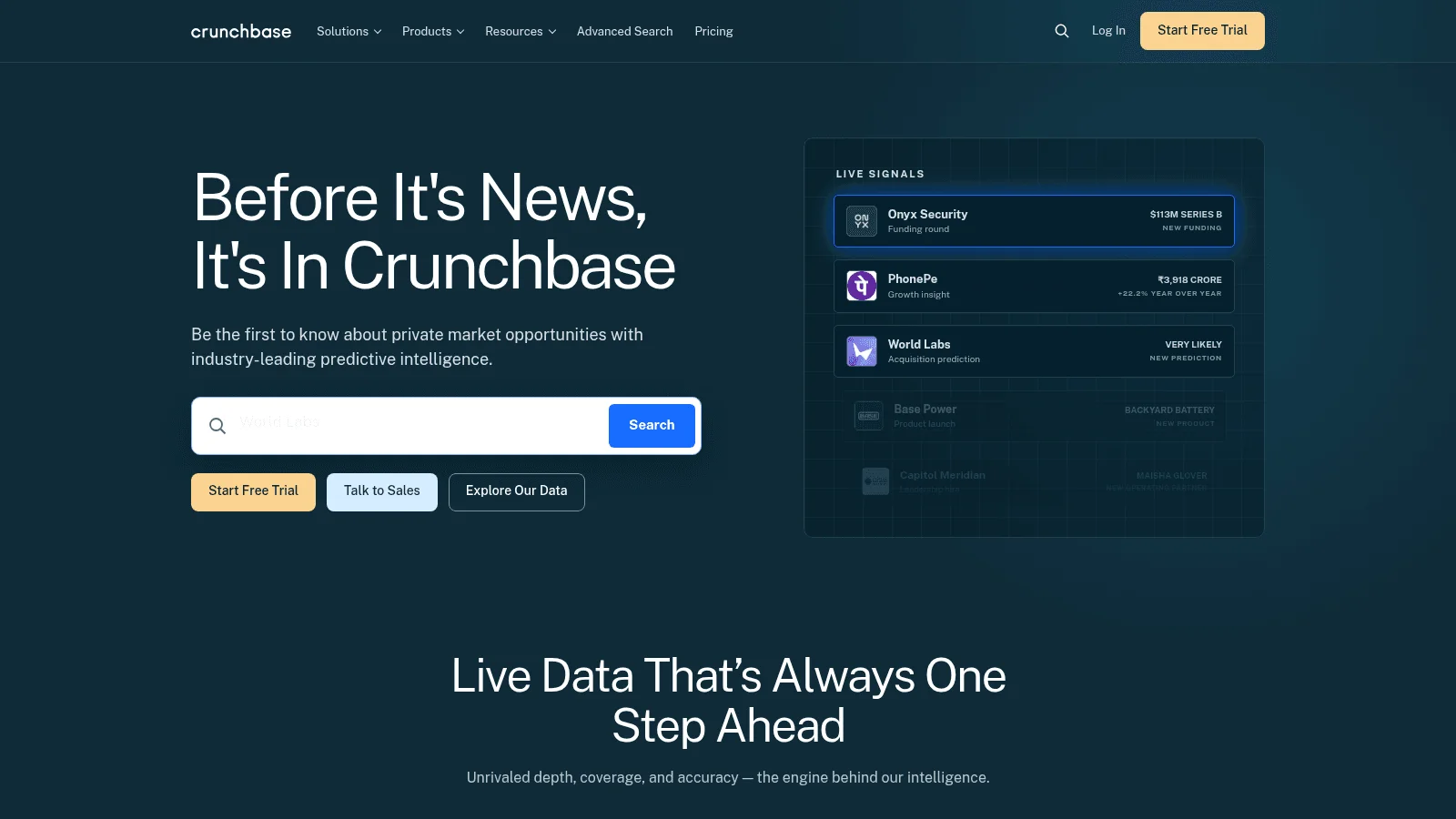
Overview: Crunchbase covers private companies with a focus on funding rounds, investors, acquisitions and IPOs. Its newer pitch is forecasts: it predicts funding, growth, acquisitions, IPOs, closures and layoffs.
Key features:
- Funding and investor history on each profile, so you can see who backed a company and when.
- Private company forecasts on paid plans, useful for sorting a long list by likely change.
- MCP access on Pro and Business, so ChatGPT or Claude can query it with your login.
Pricing: Pro is $49 a month billed annually for the first year ($79 a month at the regular annual rate) or $99 month to month, with a 7-day trial. Business starts at $199 a month billed annually, and API or warehouse delivery sits in custom Data Solutions.
Pros: Free account with real search, strong funding data, published Pro and Business prices
Cons: Pro exports capped at 2,000 rows a month, search results capped at 1,000 per query, API access only on custom deals
Why it earns a place here: For "who funded this startup?" it's the quickest answer, and the free account handles many one-off lookups.
Final verdict: Crunchbase is the default for private company funding research on a modest budget.
3. PitchBook
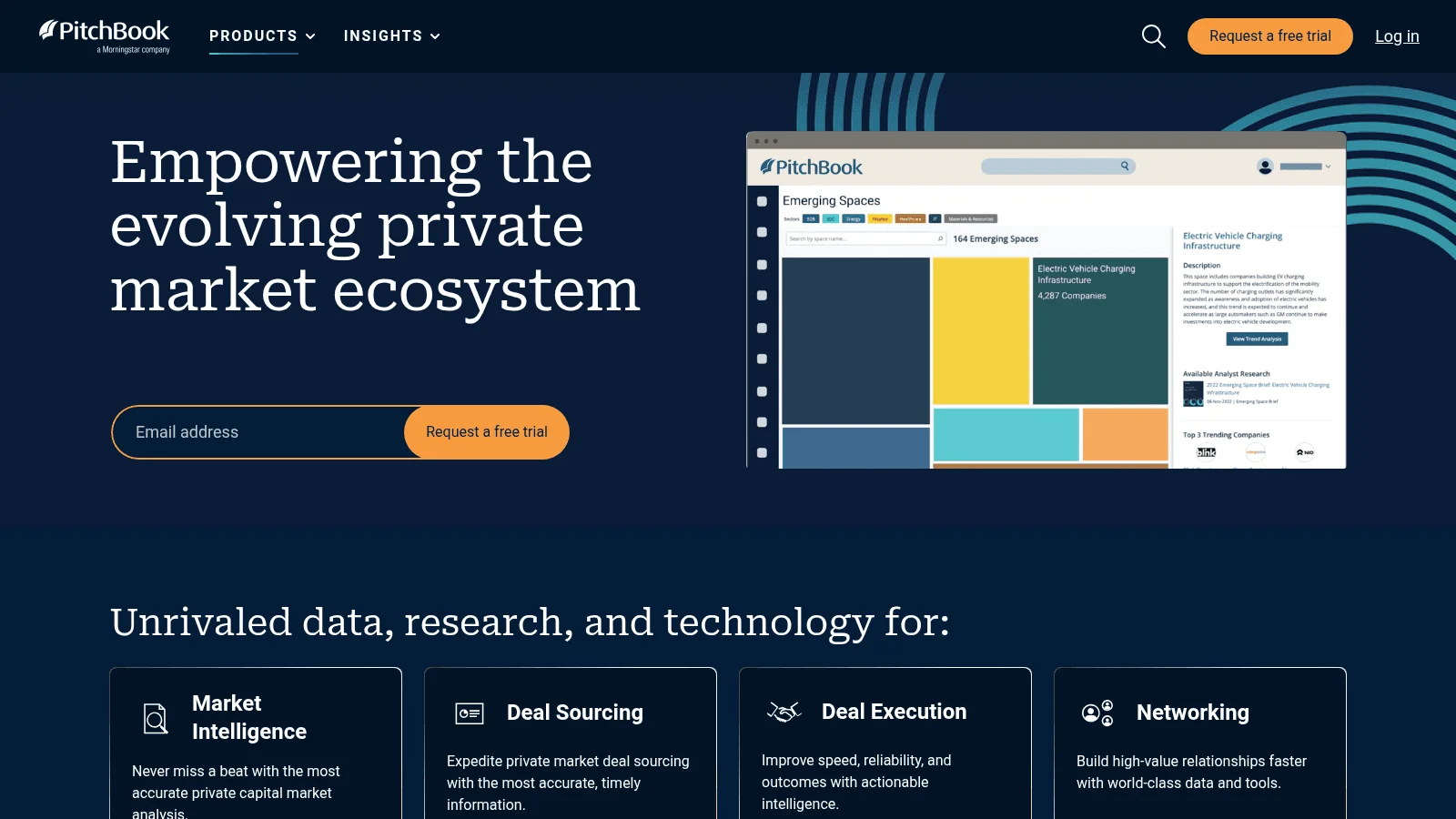
Overview: PitchBook, a Morningstar company, is built for investment professionals. Its data page lists 13.4M+ companies, 667K+ investors, 3.2M+ deals, 175K+ funds and 5.1M+ professionals.
Key features:
- Deal histories with multiples, for benchmarking a company against its peers.
- Fund, investor and limited partner data alongside the companies.
- Desktop, mobile app, Excel and PowerPoint plugins and a Chrome extension in the subscription.
Pricing: It's quote only. PitchBook says price depends on how many seats you need and your firm type, with Direct Data and CRM Integration as premium add-ons.
Pros: Very deep deal and valuation data, broad investor coverage, Office plugins included
Cons: No published price, built around investment workflows, trial only through a request form
Where it fits: A corporate development or mergers-and-acquisitions team that benchmarks valuations every week gets the most from it.
Final verdict: PitchBook is the pick when deal data is your core work, not an occasional question.
4. D&B Hoovers
Overview: D&B Hoovers is Dun & Bradstreet's sales intelligence product. Dun & Bradstreet itself was acquired by Clearlake Capital in a deal completed on August 26, 2025. The main Hoovers product focuses on buying signals and now offers an MCP connection for AI tools.
Key features:
- 130+ filters on Essentials for building company and contact lists.
- Company and contact credits counted separately, so each kind of record you open draws on its own balance.
- News alerts and trigger events on accounts you save.
Pricing: The small-business tier, D&B Hoovers Essentials, costs $49 a month (first month free) for 150 company and 150 contact credits, or $529 a year for 1,800 of each. The full D&B Hoovers product is priced on request.
Pros: Very large company base (330M+ on Essentials), published entry price, monthly option you can cancel
Cons: Essentials renews automatically at list price, full product quote only, credits run out quickly on big lists
What it's genuinely good at: Building filtered company lists across many countries from one familiar data provider.
Final verdict: D&B Hoovers suits teams that want firmographic lists and already trust Dun & Bradstreet's records.
5. CB Insights
Overview: CB Insights maps private markets. Its pricing page describes AI search and analysis across 1,600+ markets, 12 million companies and 1 billion data points, plus its own scores such as Mosaic Score and Exit Probability (the chance of a merger, acquisition or IPO within 24 months).
Key features:
- Market maps that show every player in a technology category.
- Funding history, revenue data and valuations on private companies.
- Three products: Browser Analyst (an extension), Strategy Terminal (the web app) and Data Solutions (feeds).
Pricing: All three products are priced on request. A free trial sign-up sits on its homepage.
Pros: Strong market mapping, proprietary scoring, research reports included in the terminal
Cons: No published price, built for strategy teams more than sellers, scores are its own models
Why buyers shortlist it: When the question is "who else is in this market?", a market map answers it faster than a company-by-company search.
Final verdict: CB Insights suits strategy and innovation teams scouting a category.
6. Owler
Overview: Owler is now part of Meltwater, as its own footer states. It tracks 20M+ company profiles and calls its data community-driven, with a competitor graph showing who competes with whom.
Key features:
- Daily snapshots and instant insights on the companies you follow.
- A competitor graph for finding direct and indirect rivals.
- Filters for revenue, sector, location, employee count and public or private status.
Pricing: The Community plan is $0 and lets you follow 5 companies and open 1 company profile a month. Pro costs $39 a month billed annually, and the Firmographics, Competitor and News APIs sit on Enterprise.
Pros: Genuinely free tier, low Pro price, useful competitor tracking
Cons: One profile a month on the free plan, community-driven data, APIs only on Enterprise
Its real strength: Keeping an eye on a short list of competitors without paying enterprise prices.
Final verdict: Owler fits a founder or marketer who wants company news on a handful of rivals.
7. Similarweb
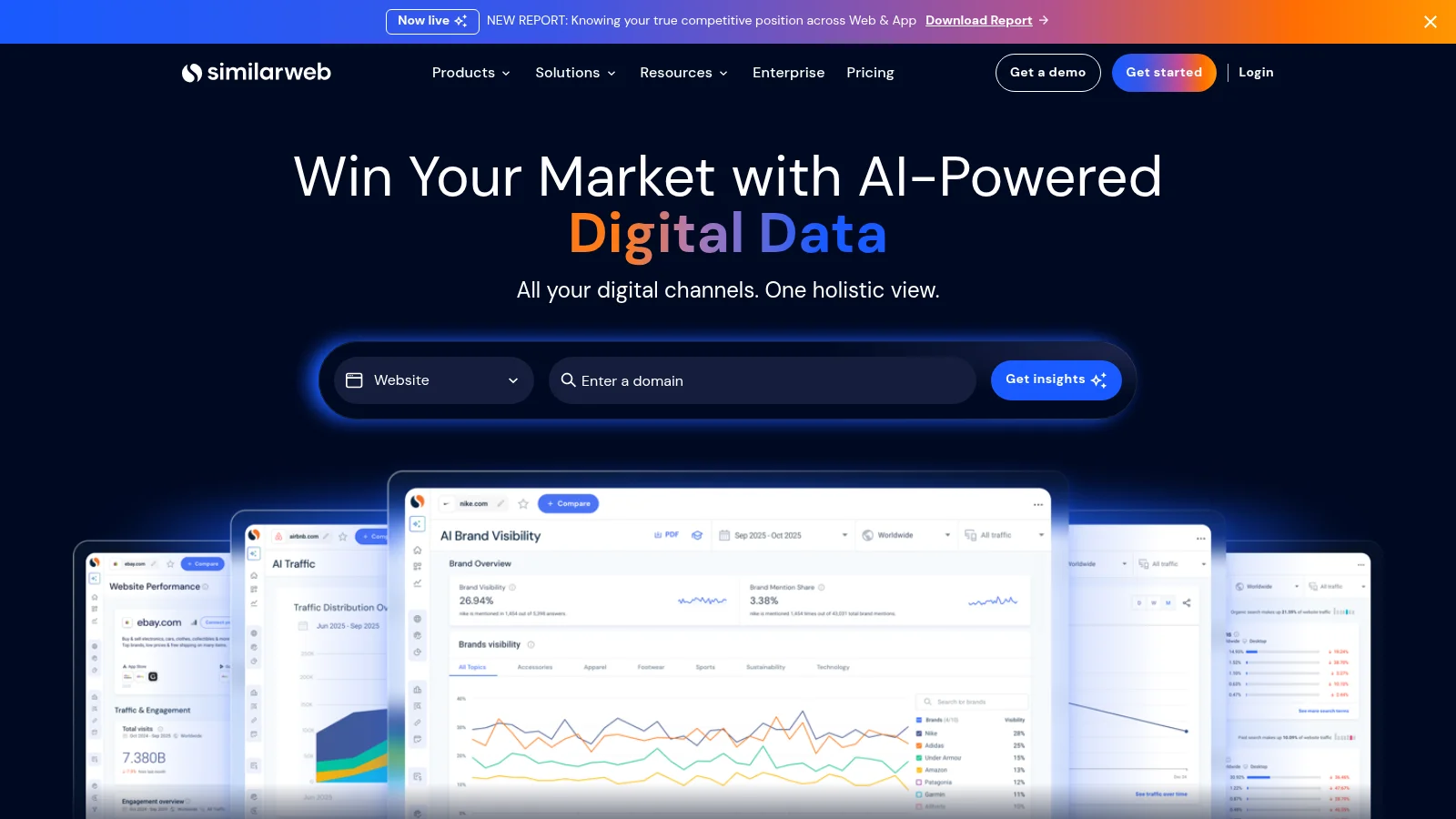
Overview: Similarweb researches companies through their websites and apps: traffic, engagement, marketing channels and audience. It's one of the market research tools companies use when the question is "how much attention does this business get online?"
Key features:
- Traffic and engagement figures for any domain you enter.
- Marketing channel breakdowns, so you can see whether a rival grows through search, ads or referrals.
- Competitor alerts on the entry plan, with SEO and ad intelligence on higher tiers.
Pricing: Competitive Intelligence, the entry Web Intelligence plan, costs $125 a month billed annually or $199 month to month, for 1 user and 3 months of history. Competitive Intel & SEO & AEO runs $333 a month billed annually or $399 monthly, and API access goes through sales, either in a custom package or as a standalone product.
Pros: Free high-level data on its own site, published prices on both billing options, covers private companies through their websites
Cons: Says nothing about funding, headcount or legal status, 3 months of history on the entry plan, API only through sales
Who it fits: Marketers and analysts sizing up a competitor's online reach.
Final verdict: Similarweb is the right tool when a company's website is the best proxy you have.
8. SEC EDGAR
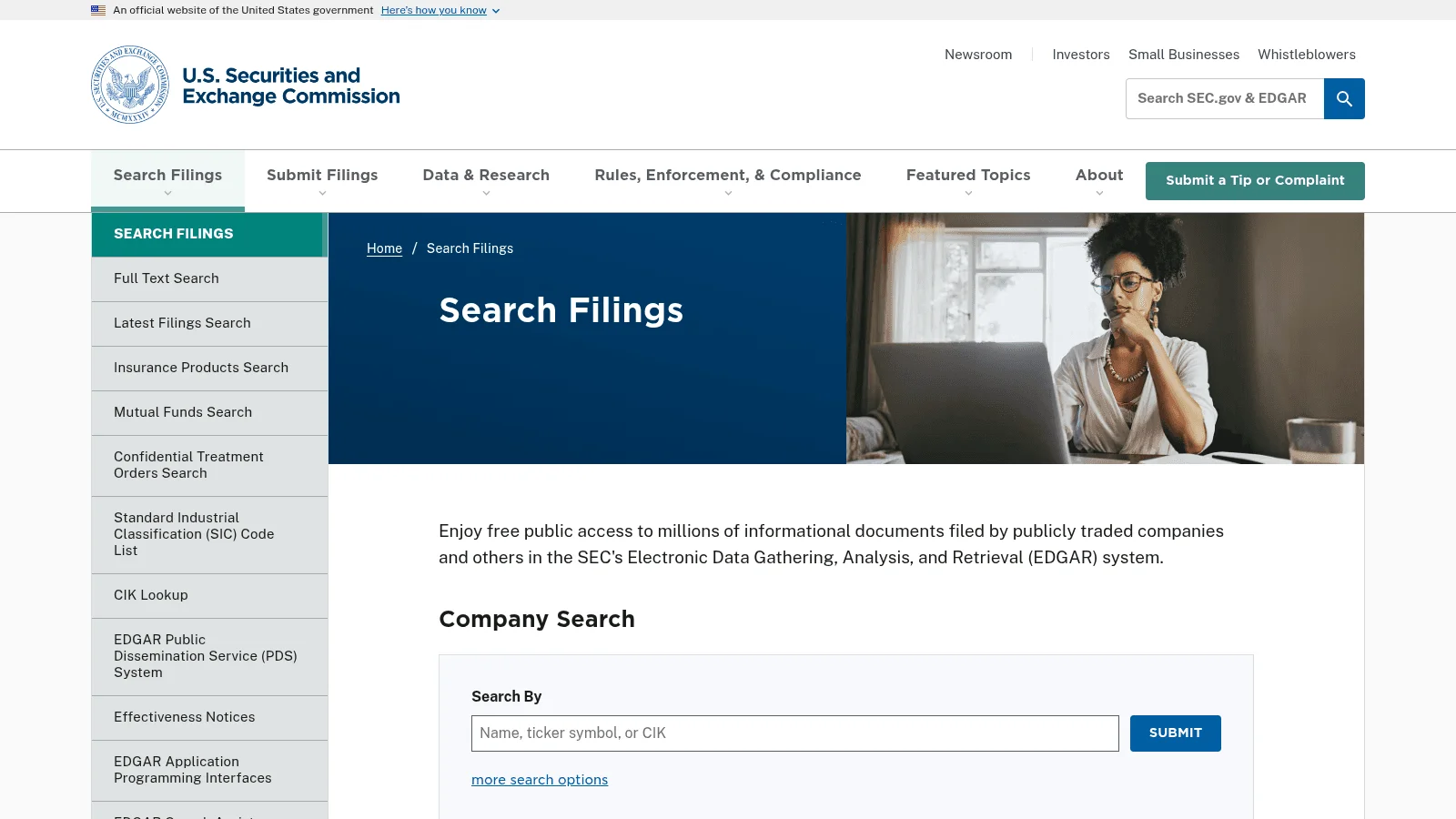
Overview: EDGAR is the US Securities and Exchange Commission's filing system. Annual reports, quarterly reports, ownership filings and more are free to read, search and download.
Key features:
- Full-text search across filings, so you can find every mention of a company, product or executive.
- Free APIs at data.sec.gov that need no account or API key, covering filing history and financial statement data.
- Bulk downloads refreshed nightly for anyone building their own dataset.
Pricing: Free. Automated access is capped at 10 requests per second, and the SEC asks scripts to declare a User-Agent with a name and contact address.
Pros: Primary source, completely free, APIs with no key
Cons: Only companies that file with the SEC (foreign issuers listed in the US included), so most private companies are missing, filings are documents rather than a clean company list
Why it's a good company research tool: When a company files with the SEC, nothing in this list is closer to the source.
Final verdict: Use EDGAR for any US public company before paying for someone else's summary of it.
9. OpenCorporates
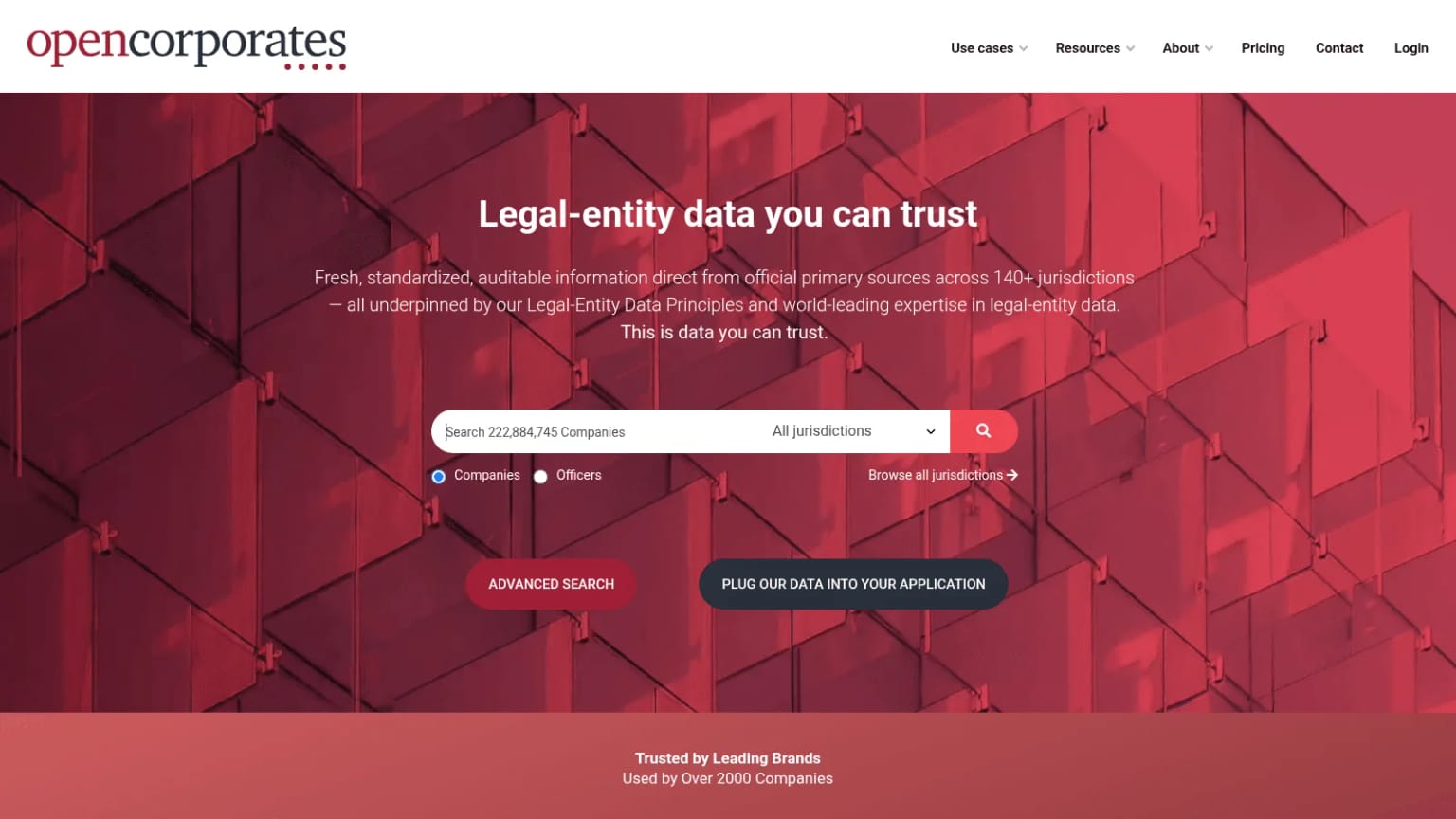
Overview: OpenCorporates collects legal-entity data from official registries. Its homepage search counts more than 222 million companies across 140+ jurisdictions, and you can search companies or officers.
Key features:
- Registry status, incorporation dates and officers for checking a company exists.
- Data published under an open database license, which means you credit OpenCorporates and share any improvements under the same terms.
- Free at-scale access for journalists, NGOs and universities on public-benefit projects.
Pricing: Website search is free. The commercial API starts with Essentials at £2,250 a year or £225 a month for up to 500 calls a month, and bulk delivery is priced on request.
Pros: Records drawn from official registries, free website search, free access for public-benefit work
Cons: No headcount, contacts or web data, API prices in pounds, registries update at their own pace
What it does better than the rest: It answers "is this company real, and who runs it?" from the registry's own records.
Final verdict: OpenCorporates is the starting point for know-your-business checks (the identity checks banks and platforms run on business customers) and supplier vetting.
Why Official Records Still Matter
Paid databases and company research services summarize; official sources record. EDGAR is the primary record itself, and OpenCorporates republishes official registry records you can search for free, so both are worth knowing even if you never pay for anything.
What EDGAR Gives You for Free
The SEC describes EDGAR as a system that processes about 4,700 filings a day and accommodates 40,000 new filers a year on average. Access to its public database is free, so any figure a paid tool shows for a US public company can be checked against the filing it came from.
The gap is private companies. As one founder of a B2B data platform pointed out to us, the UK publishes ownership and financial statements for private companies through its registry, while the US has no equivalent. EDGAR answers less the further you get from the public markets.
Registries Change at Different Speeds
Registry data is official, but it isn't always current. Teams that build on company registries tell us updates arrive monthly in some countries, weekly in others and daily in only a few, and headcount figures pulled from registry filings are often out of date.
The Legal Entity Identifier system shows how much this matters. In its Q2 2026 business report, GLEIF counts an active LEI population of more than 3.1 million and reports that 62% of all LEIs were in good standing at the end of the quarter. An LEI is a global ID that companies need for financial trading, and good standing means its details were re-verified on schedule, so roughly 4 in 10 weren't.
GLEIF also notes that its renewal process makes it transparent "when entity data was last verified." That's the question to ask any company research database, paid or free: when was this record last checked?
Matching Company Records Across Sources
Most company research ends with joining records from two or three tools, and that's where errors creep in. The join key matters more than any single field.
Product teams we talk to tend to settle on the website domain as the identifier. As the founder of a relationship-mapping platform put it, "domain name is absolutely like the best." Names fail more often because the same company appears as a legal name, a brand and an abbreviation.
Bulk matching by name alone has a known failure mode: it returns lookalike companies. One data company founder told us that cleaning up those false matches can be more work than it's worth. That's why a company data record keyed to a domain is easier to join than one keyed to a name.
When you only have a name, add a second signal before you trust a match: a city, an industry code or a known executive.
Free Company Research Tools
Several tools in this list cost nothing at the point of use. Here's what each free option actually gives you:
- SEC EDGAR is fully free, including full-text search and the data.sec.gov APIs.
- OpenCorporates lets you search companies and officers on its website.
- Crunchbase's free account opens company profiles, search results and AI research, with usage limits.
- Owler's Community plan covers five followed companies and a single profile view each month.
- Similarweb shows a high-level sample of traffic data for any domain on its site.
The free options cover single lookups well. They stop working when you need exports, filters across thousands of companies, or data feeding your own software.
Trials fill the gap for paid tools: Crunchbase Pro runs 7 days, the monthly D&B Hoovers Essentials plan gives the first month free, Similarweb offers a trial on its self-serve plans, PitchBook and CB Insights take trial requests, and we give new accounts free trial credits without a card.
When the research moves from companies to the people inside them, only some tools here help: D&B Hoovers sells contact credits, PitchBook lists professionals, and our API searches people as well as companies. For emails and phone numbers at depth, a dedicated B2B contact database usually goes further than any of them.
What Company Research Databases Cost
The cheapest published subscriptions in US dollars range from $39 a month (Owler Pro, billed annually) to $249 a month (our Go plan), and those plans buy very different things. On our side, company search starts with Plus at $449 a month, and credit packs from $100 skip the subscription entirely. PitchBook and CB Insights publish no price at all, and D&B Hoovers prices only its Essentials tier.
Watch the billing toggle. Crunchbase Pro is $49 a month on annual billing for the first year but $99 paid monthly, and Similarweb's entry plan is $125 on annual billing or $199 monthly.
Watch the unit, too. D&B Hoovers Essentials counts company and contact credits separately, Crunchbase caps exports by rows, OpenCorporates caps API calls, and each of our plans makes a named set of lookups unlimited for your own team. Per-record pricing is the number to compare when you weigh Clearbit alternatives or any other enrichment tool, because it decides what 10,000 accounts will cost.
How to Test a Company Research Tool
Every vendor here describes its own coverage, and none of those figures were tested by us. The only reliable number is the one you measure on companies you already know.
One user on Reddit complained they couldn't see a vendor's full data until after signing a contract. It's a single anecdote, not data, yet it explains why a trial on your own list should come before any contract.
A simple test takes an afternoon:
- Pick 50 companies you know well: customers, partners and a few that closed or were acquired.
- Set minimum requirements for a usable record first, such as a working website and a headcount range.
- Run the same list through each tool on the same day, using the same input for every tool.
- Mark each result as correct, outdated, wrong company or missing.
- Check the closed and acquired companies separately, since a tool that hasn't refreshed them may still list them as active.
- Note whether each record shows when it was last updated.
Count wrong-company matches separately from misses. A tool that returns fewer results but no lookalikes can be worth more than one that fills every row, and that difference shows up later when you run CRM data enrichment on your live accounts.
Pick by the Question, Then Check the Record
Start with the table near the top: name your question, shortlist the two or three tools built for it, and run the 50-company test on each. Then add a free check against official records (EDGAR, or registry data through OpenCorporates) to test whatever the paid tool tells you.
If your company research has to run inside your own product or pipeline, get a free API key and test our company search and enrichment on your own accounts with trial credits.
FAQ
What are the best company research tools?
The best company research tools depend on your question. For funding and deals, look at Crunchbase, PitchBook and CB Insights. For firmographics, D&B Hoovers and Owler; for website traffic, Similarweb; for official records, SEC EDGAR and OpenCorporates. Reverse Contact is the API option for company search and enrichment at volume.
Are there free company research tools?
Yes. SEC EDGAR is completely free, including its APIs, and OpenCorporates offers free website search of registry records. Crunchbase and Owler have free account tiers with limits, and Similarweb shows sample traffic data on its site.
What's the difference between a company research database and a market research tool?
A company research database answers questions about specific companies: size, funding, location, filings. The market research tools companies rely on for planning look at a whole category or audience instead. Some tools, such as CB Insights' market maps or Similarweb's traffic data, sit in between.
How do I research a private company?
Start with Crunchbase or PitchBook for funding, OpenCorporates for registration and officers, and Similarweb for website traffic. Private companies rarely file with the SEC, so expect estimates rather than audited figures, and cross-check anything important against the company's own website.
How accurate is company research data?
It varies by tool, by country and by field, and no vendor's own figure replaces a test. Run 50 companies you know through a trial, count wrong-company matches separately from missing ones, and note which tools date their records.
The data layer behind your GTM engine
Access fresh people and company data through one API and power every enrichment, prospecting, and automation workflow.
- Profiles
- 1B+
- Refreshes / month
- 200M
- Response time (P95)
- 500ms