
10 Best Email Lookup Tools in 2026 (Free and Paid)
Julien K.Published
Key takeaways:
- "Email lookup" covers two opposite jobs: finding an address from a name and a company domain, or finding the person behind an address. Nine of the 10 tools below accept either input in some form, though the reverse side lives in different places (a free page, list enrichment or an API), and Emailchaser only finds addresses.
- Free finding usually means a monthly allowance of 25 to 50 lookups or credits (Tomba, Lusha, GetProspect, Hunter.io and Cleanlist). Free reverse lookups vary far more: Mailmeteor's web tool needs no signup, Hunter.io adds a free page (5 a day, 15 a month) to its 50 free credits, Cleanlist's public tool allows 2 lookups per IP every 30 days, and People Data Labs hides contact details on its free tier.
- Seven of the 10 start between $47 and $49.90 a month on monthly billing. Every accuracy figure you'll see quoted is the vendor's own, so test each free tier on contacts you already know and count wrong answers apart from blanks.
- Reverse Contact, which is ours, sits first: we look up the B2B profile behind a business email, or find a business email from a name plus company domain at 3 credits per email found.
Type "email lookup" into a search bar and you'll get two kinds of tool that do opposite things: one turns a name and a company into an email address, and the other tells you who owns an address you already have. Most email lookup tools can do both somewhere in their catalog, but where the reverse side lives varies, and their free tiers stop in very different places.
This list groups 10 email lookup tools by direction (both, finder first or reverse first), says what each free option gets you, and shows how to test them on your own contacts. Reverse Contact is listed first because we make it.
Email Lookup Means Two Opposite Jobs
The first job is finding. You know Maria Lopez runs procurement at Acme, and you need her work address. A finder takes "Maria Lopez" plus "acme.com", builds the likely formats (maria.lopez@, mlopez@ and so on) and checks which one the company's mail server accepts. Sales teams and recruiters run this kind of email search tool every day.
The second job runs the other way. A signup arrives from j.chen@northwind.io, or an invoice lands from an address you don't recognize, and you want to know who's behind it. A reverse lookup takes that address and returns a name, a job title and a company. Doing a reverse email lookup by hand means search engines and guesswork, and the tools below do it in one step.
Each direction needs a different input, and each one fails in its own way.
| Direction | You start with | You get back | What lowers the hit rate |
|---|---|---|---|
| Name to email | A full name plus a company domain | A work address, usually with a verification status | Catch-all domains, nicknames, people who just changed jobs |
| Email to person | An email address | Name, role and company, sometimes work history and location | Personal webmail addresses, shared inboxes like sales@, people with little public footprint |
A catch-all domain accepts mail sent to any address, so a mail-server check can't confirm which one is real. Small businesses are the classic hard case: buyers tell us the owner often has only a personal webmail address on file while the company publishes generic role inboxes, so the owner's real work email is the hardest thing to get in either direction.
The 10 Best Email Lookup Tools Compared
The table shows which direction each tool covers, the free way to try it and the cheapest paid entry with its billing basis.
| Tool | Direction | Free way to try it | Paid from (billing basis) | Best for |
|---|---|---|---|---|
| Reverse Contact | Both, by API or CSV | Free trial credits, no card required | Packs from $100, valid 3 months; plans from $249 a month | Lookups inside a product or pipeline |
| Tomba | Both | 25 search credits every 30 days; 3 reverse demo lookups a day without signing up | $49 a month billed monthly, or $37 a month billed yearly | Reverse lookups at one search credit |
| GetProspect | Both | 50 valid emails and 100 verifications a month, no card | $49 a month billed monthly, or $34 a month on a yearly plan | A free tier counted in valid emails |
| Hunter.io | Both, reverse by a capped free page or the API | 50 credits a month; reverse page with 5 lookups a day and 15 a month, no signup | $49 a month billed monthly, or $34 a month billed yearly | Reverse calls at 0.2 credit each |
| Cleanlist | Both | 50 credits a month per workspace; public reverse tool, 2 lookups per IP every 30 days | $49 per seat a month, or $37 per seat billed annually | Work emails and phones on one meter |
| Lusha | Both, reverse by API or CSV upload | 40 credits a month | $49.90 a month billed monthly, or $37.45 a month billed yearly | Sales teams that need phones too |
| Voila Norbert | Finder first; reverse as paid list enrichment | 50 credits at signup | $49 a month billed monthly, or $39 a month billed yearly | Simple finding with bounce refunds |
| Emailchaser | Name to email only | 3 searches a day, no signup | Part of a cold-email platform from $47 a month billed monthly, or $470 a year | Seeing how an address was checked |
| Mailmeteor | Reverse first; separate free finder too | Free web tools, no signup or card | None needed | One-off checks on a business address |
| People Data Labs | Reverse first, by API; also takes a name plus a company | 100 credits a month, contact data hidden | $98 a month for 350 credits, billed monthly | Developers matching records at scale |
Ours leads the table, followed by five more tools built for both directions, then two that lead with finding, then two that lead with the reverse lookup. Position inside each group isn't a score. Every accuracy or coverage figure below is the vendor's own claim, so test it.
Email Lookup Tools Built for Both Directions
Six tools take you from a name to an email and from an email back to a person as part of the main product. Most still put the finding side up front, so check where the reverse lookup lives: a web screen, a capped free page or an API call. Ours is the exception: reverse lookup is where the product began, and our person enrichment API lets your software request it directly.
1. Reverse Contact
Best for: Resolving emails inside your product.
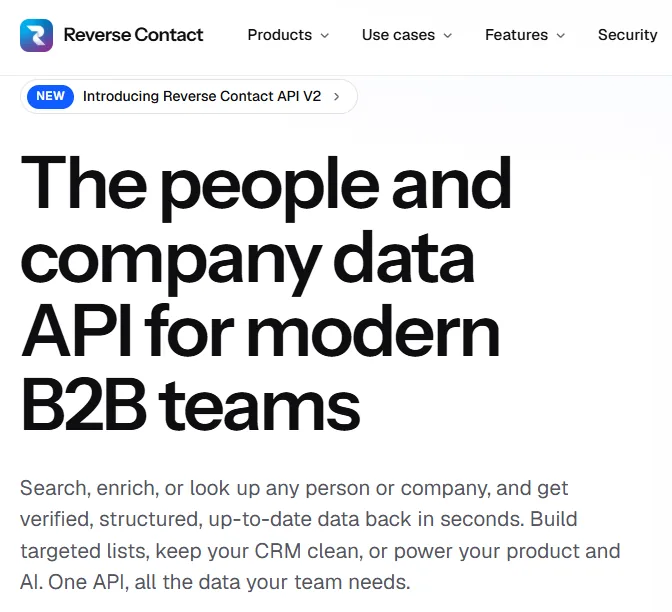
Overview: Send a business email to Reverse Contact and a match returns a structured B2B profile, with name, current role and company, work history, location and education, in one consistent JSON shape (JSON is the format most software reads).
The other direction starts from a name plus a company domain. We look for the business email, check it at the moment you ask, and charge 3 credits only when we find one. We publish a 93% match rate, measured on test sets of B2B contacts with a known valid email, and your own rate will vary by segment, region and company size.
A reverse lookup answers in the same request. When the match is ambiguous, say two people with the same name at one company, you get the best match first and up to nine other candidates beside it, at no extra credit. Finder results arrive later: our goal is under 15 seconds, though a finder call can run tens of minutes, so queue finder calls instead of holding a user up.
HeyReach is a good example of the reverse side at work. The outbound automation platform keeps its signup form short and passes the fields it does collect (email, first and last name, and a company if the user gave one) to our API, which returns the person's role and company context. Spotting which signups are agencies, and routing them to sales, is HeyReach's own logic.
Key features:
- Reverse lookup from a business email to a full B2B profile: 2 credits on packs, Go and Plus, and unlimited on Max.
- Request-time checks on every email (syntax, domain, mail server, catch-all detection, and disposable and role-based filters) before it comes back.
- Delivery by REST API, webhooks, CSV upload, the CLI, or an MCP server that lets AI assistants call the API.
- No-code apps for Clay, Zapier and Make, plus an HTTP step for n8n.
- Official SDKs for TypeScript and Python, so developers skip the raw HTTP calls.
Pricing: On pay-as-you-go, a $100 pack buys 5,000 credits that last three months. For your own team, Go is $249 a month and makes stored profile fetches by URL or ID unlimited, Plus at $449 adds search, and Max at $699 makes profile enrichment unlimited too, whether the input is an email, a name or a domain. That unlimited use is capped at 100,000 profiles per workspace each day. Plans carry a monthly commitment and packs none.
Whatever the plan, a live refresh costs 2 credits, each business email found costs 3, and a lookup that finds a phone costs 20. Platform, custom priced through sales, covers any product your customers use that shows our data.
Pros: Both directions on one key and one credit balance, reverse lookups that answer in the same request, the best match plus up to nine ranked candidates when a name fits several people, a finder that bills only when a checked address comes back, files of up to 25,000 rows enriched in the app without code
Cons: No browser extension, so lookups run through the API, our web app or an integration, not from the page you're browsing; built for business emails, so a personal webmail address on its own returns the least
How to start using it:
- Create a workspace with the free trial credits; you won't be asked for a card.
- Upload a CSV of known contacts, or call the API from your own code.
- Run the 20-contact test below in both directions.
- Check any alternative candidates by hand.
- Size credits from the hit rate you measured.
Why it's a good email lookup tool: An unclear match arrives with the other candidates, so your signup flow or CRM clean-up can flag it for review. Clear matches go straight through.
Final verdict: Pick it if you're putting email lookup inside a product or a data pipeline. One key covers the signup form that needs a name and the CRM clean-up that needs an email.
Test it on your records before you commit to a plan.
2. Tomba
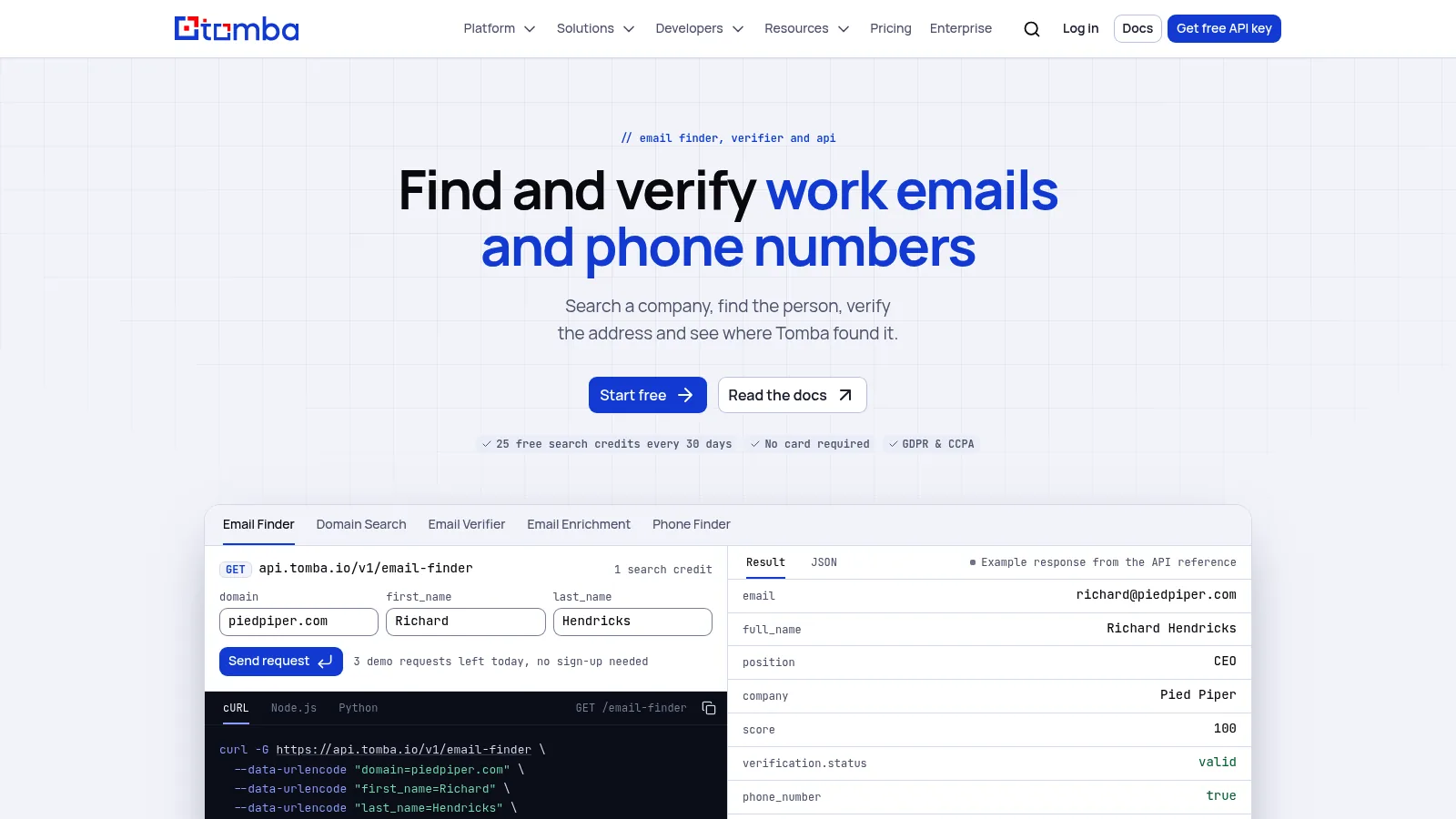
Overview: Tomba covers both directions in one account. Its Email Finder works from a name and a domain, and its enrich call returns the person behind an address, which Tomba describes as name, role, company and profiles.
Key features:
- Email Finder at 1 credit, charged only when it returns an address with a status other than unknown.
- Reverse lookup at 1 search credit, or 6 with phone data.
- A public reverse lookup page with 3 demo requests a day and no signup.
Pricing: The free plan gives 25 search credits every 30 days with no card, no verification credits and a finder limit of 5 requests a day. Basic costs $37 a month on yearly billing or $49 month to month, for 2,500 search and 2,500 verification credits.
Pros: Reverse lookups priced like a search, no charge for an unknown result, a no-signup demo page
Cons: 25 free credits is half the 50 that GetProspect and Hunter.io give, search and verification credits are separate meters
Where it fits: A small team that wants both directions without paying for two tools.
Final verdict: A practical first stop for both directions on one bill.
3. GetProspect
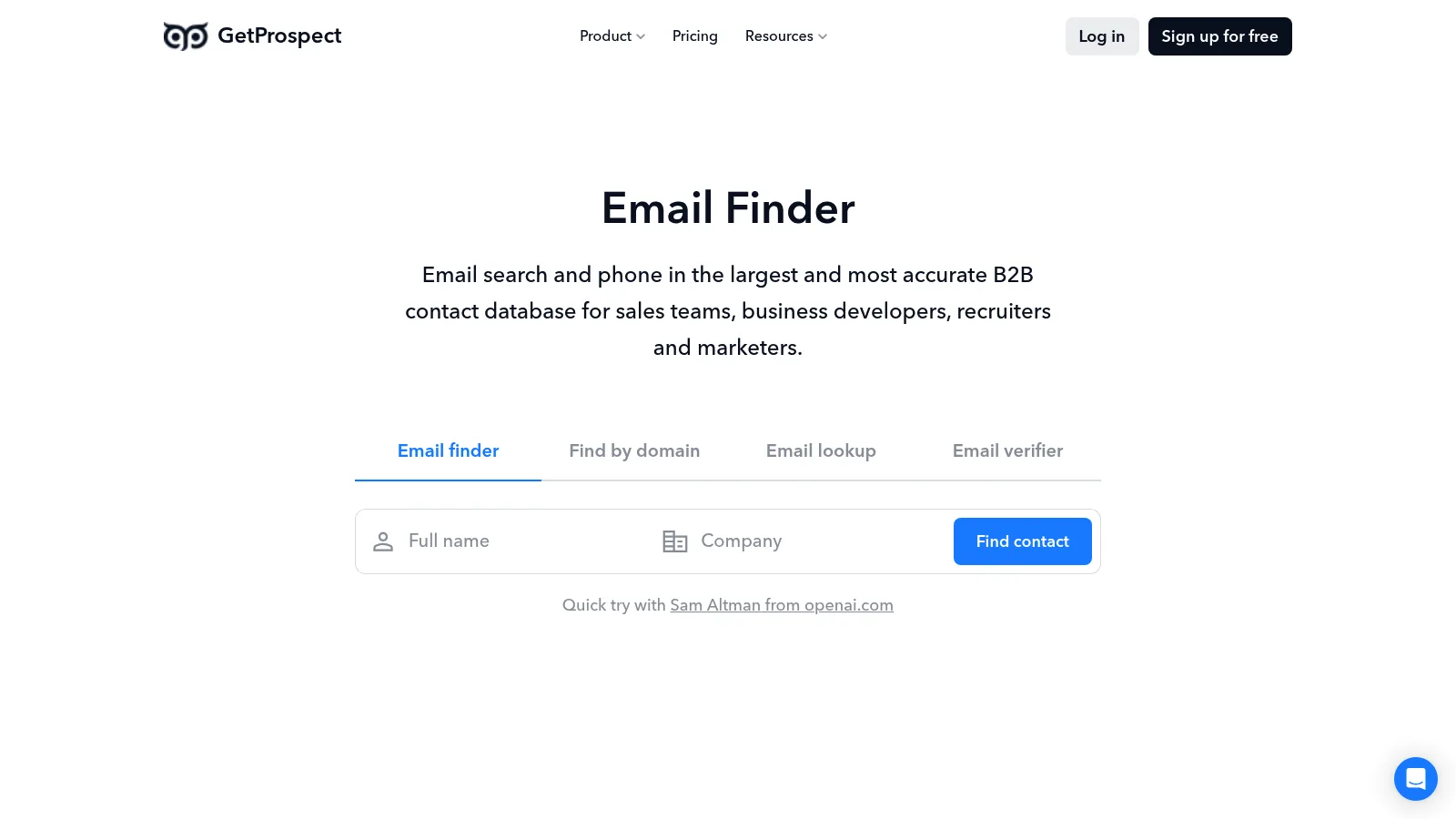
Overview: GetProspect finds emails from a name and a company, and it includes reverse lookup in every plan: paste a business email and it returns the name, role and company behind it.
Key features:
- Credits spent only on a new valid email; a miss, an invalid address or a catch-all it can't confirm costs nothing.
- API and MCP access on every plan, Free included.
- Unlimited teammates on one account.
Pricing: Free gives 50 valid emails a month plus 100 verifications, with no card. Starter is $49 a month on monthly billing, or $412 paid once for a year, which works out to $34 a month.
Pros: Misses don't use credits, reverse lookup in every plan, API access on the free tier
Cons: Free and yearly plans carry no credits over, monthly plans roll over for one period only, the reverse lookup is pitched at business addresses rather than personal ones
Why buyers shortlist it: The free tier counts valid emails, not attempts, so 50 a month goes further than it sounds.
Final verdict: A strong free email lookup tool for a rep testing both directions.
4. Hunter.io
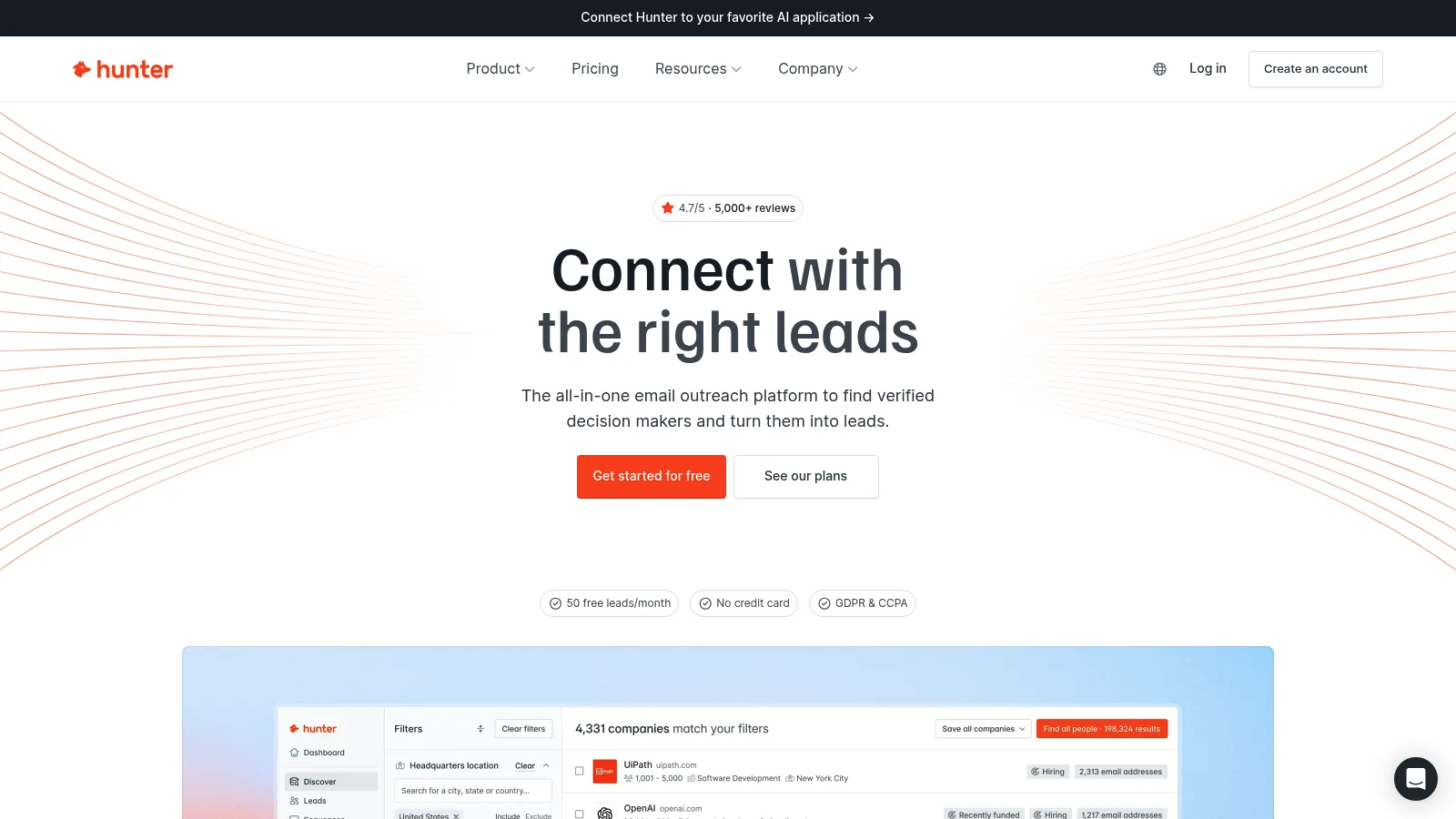
Overview: Hunter.io's Email Finder is the email search tool many people try first for a work address. The reverse direction has two routes: a free Reverse Email Lookup page (5 a day, 15 a month, no signup) and the Email Enrichment API, which takes an email and returns a name, location and social handles.
Key features:
- An Email Finder that shows a confidence score when it couldn't verify an address.
- Email Enrichment at 0.2 credit a call, with separate codes for no match and for people who opted out.
- Unlimited users sharing one credit pool, with API and MCP on every plan.
Pricing: Free has 50 credits a month, where a search costs 1 credit, a verification 0.5 and an enrichment 0.2. Starter runs $49 paid monthly and $34 a month paid yearly, for 2,000 credits.
Pros: Cheap reverse calls, a clear code when someone opted out, no per-seat pricing
Cons: The free reverse page stops at 5 lookups a day and 15 a month, Hunter publishes no find rate, monthly credits don't roll over
What it's good at: You can test both reverse routes before paying anything.
Final verdict: A safe pick for a team that finds emails daily and checks a sender now and then.
5. Cleanlist
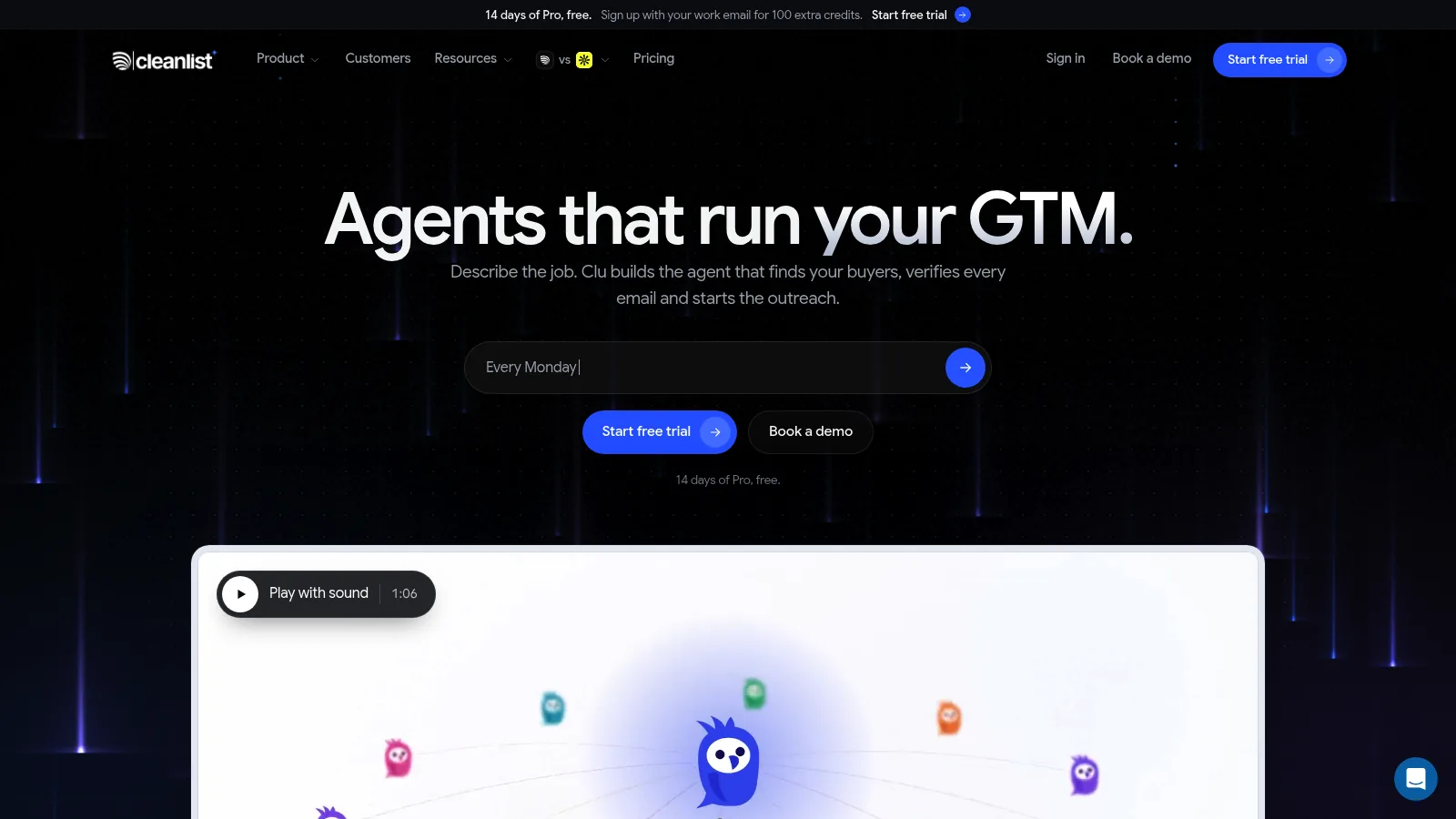
Overview: Cleanlist sells verified work emails and phone numbers on seat plans, and its app runs reverse email lookups too. Its free public reverse tool, per its page, returns name, company, title, city and country, with the phone number and profile URL masked.
Key features:
- 1 credit per verified work email, 10 per phone number and 2 per reverse email lookup.
- A free reverse tool limited to 2 lookups per IP in any 30 days, with VPNs blocked.
Pricing: The free plan is $0 for 50 credits a month per workspace and up to 3 seats. Starter is $49 per seat a month, or $37 per seat billed annually.
Pros: Up to 3 seats free, emails and phones on one meter, reverse lookups on the same credits
Cons: Paid plans price per seat, the public reverse tool's cap is tight, its 98% verified-email figure comes from its own 500-lead benchmark
Why it made this list: Its credits roll over, which Hunter.io's monthly credits don't.
Final verdict: Worth a trial if a small team wants phones and emails from one place.
6. Lusha
Overview: Lusha is a contact database for sales teams, with phones sold beside emails. For the reverse direction, its API's contact search accepts an email as the input, and its CSV enrichment takes a file of emails alone.
Key features:
- 1 credit per email and 5 per phone.
- API on every plan, with strict rate limits on Free and Starter, and MCP on every tier.
- A last-update date shown on individual emails and phones.
Pricing: Free gives 40 credits a month. Starter is $49.90 billed monthly; pay yearly and it drops to $37.45 a month, with 4,800 credits for the year.
Pros: Phones beside emails, dated contact fields, a free tier that includes the API
Cons: Its docs disagree on whether an API request that returns nothing costs a credit (an older guide says a 1-credit minimum, the V3 billing FAQ says no charge for no match), annual credits don't roll over, the reverse direction runs through the API or a CSV upload rather than a one-address lookup page
Its real strength: You can see when an email or phone was last updated before you trust it.
Final verdict: A sound choice if your team calls prospects as often as it emails them.
Finder-First Email Lookup Tools
Voila Norbert and Emailchaser lead with finding: a name and a company domain go in, and an address or nothing comes out. Voila Norbert sells the reverse side only as paid list enrichment, and Emailchaser doesn't offer it. The 11 tools in our email finder roundup are compared by published match rate, while these two earn a place here for low-risk finding.
7. Voila Norbert

Overview: Voila Norbert is built around finding: it takes a name plus a company URL and returns the email. Only found emails count against your credits, and it claims "up to a 98% success rate".
Key features:
- Refunds for bounced emails, handled through support.
- Pay-as-you-go verification at $0.003 per email.
- Reverse enrichment that adds title, company, location and profiles to a file of emails, at $0.04 an email for up to 2,000, with a $4 minimum.
Pricing: New accounts get 50 free credits at signup. Valet costs $49 monthly, or $39 a month if you pay yearly, for up to 1,000 leads.
Pros: Pay only for found emails, refunds on bounces, little to learn
Cons: Reverse lookups come only as paid list enrichment, the free credits are a one-off
Why it earns a place here: The bounce refund lowers the cost of a wrong answer.
Final verdict: Good for a rep who mostly needs the finding direction.
8. Emailchaser
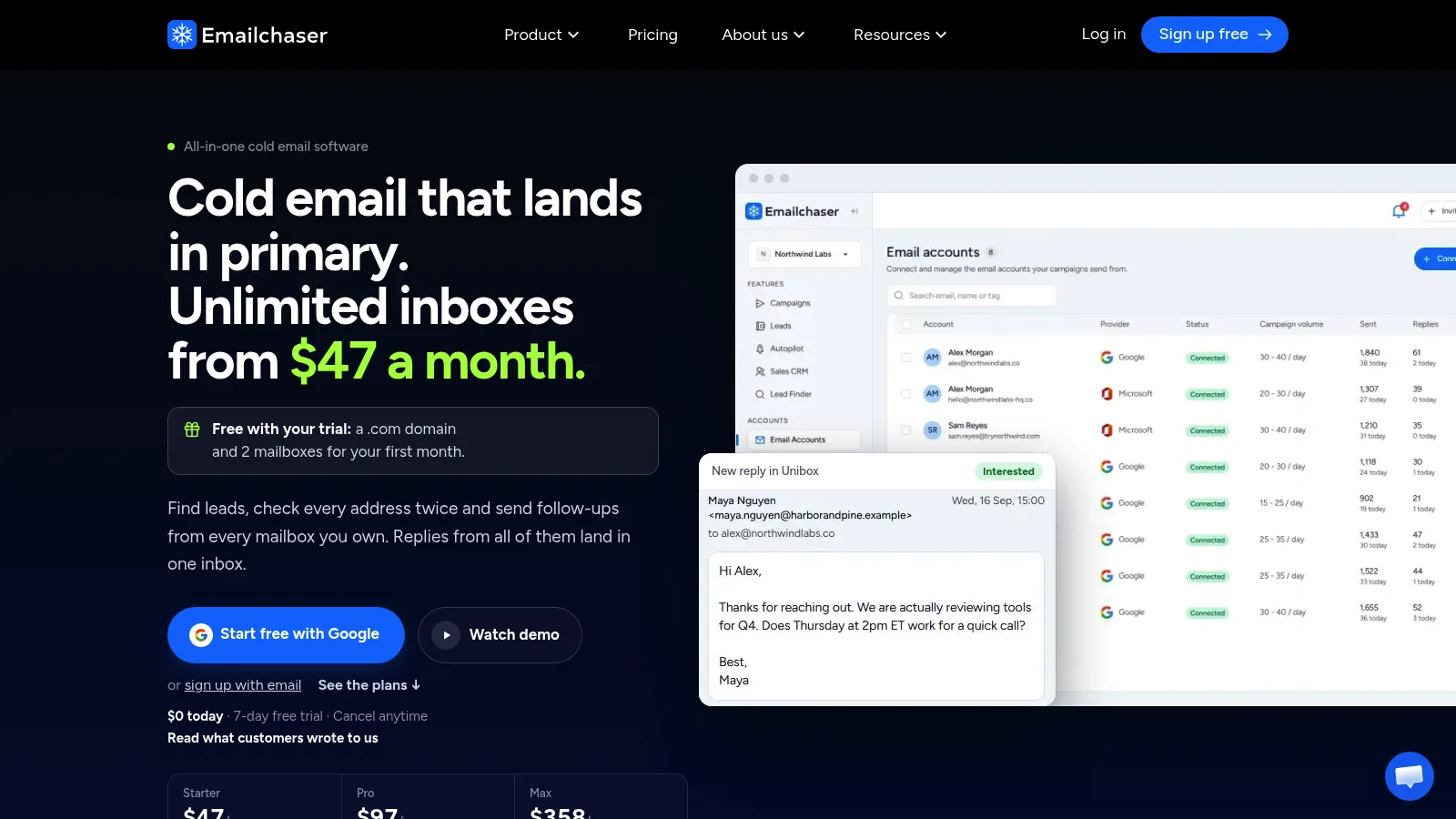
Overview: Emailchaser's free finder builds the likely addresses for a name and domain, asks the mail server which one exists, and shows its work: the pattern, the server and every address it checked.
Key features:
- 3 free searches a day with no signup.
- A visible check trail behind every result.
Pricing: The finder is free, and it sits on a cold-email platform that starts at $47 a month billed monthly, or $470 a year.
Pros: Free without an account, shows how it reached an answer, useful for learning a company's email pattern
Cons: 3 searches a day, no reverse direction, volume means buying a sending platform, a vendor-run test of 100 contacts (August 2, 2026) reports 88 found without saying how catch-alls count
Its real draw: You see the addresses it rejected as well as the one it kept.
Final verdict: A free way to learn how email finding works before you pay for volume.
Reverse-First Email Lookup Tools
Mailmeteor and People Data Labs lead with the reverse direction. They start from an address and tell you who owns it, which is what most people want from a free reverse email lookup tool. Mailmeteor also runs a free finder, and People Data Labs accepts a name plus a company but returns a profile record, not a verified address. Neither prices phones separately; among the tools above that do, adding a phone number costs 5 to 20 credits.
9. Mailmeteor
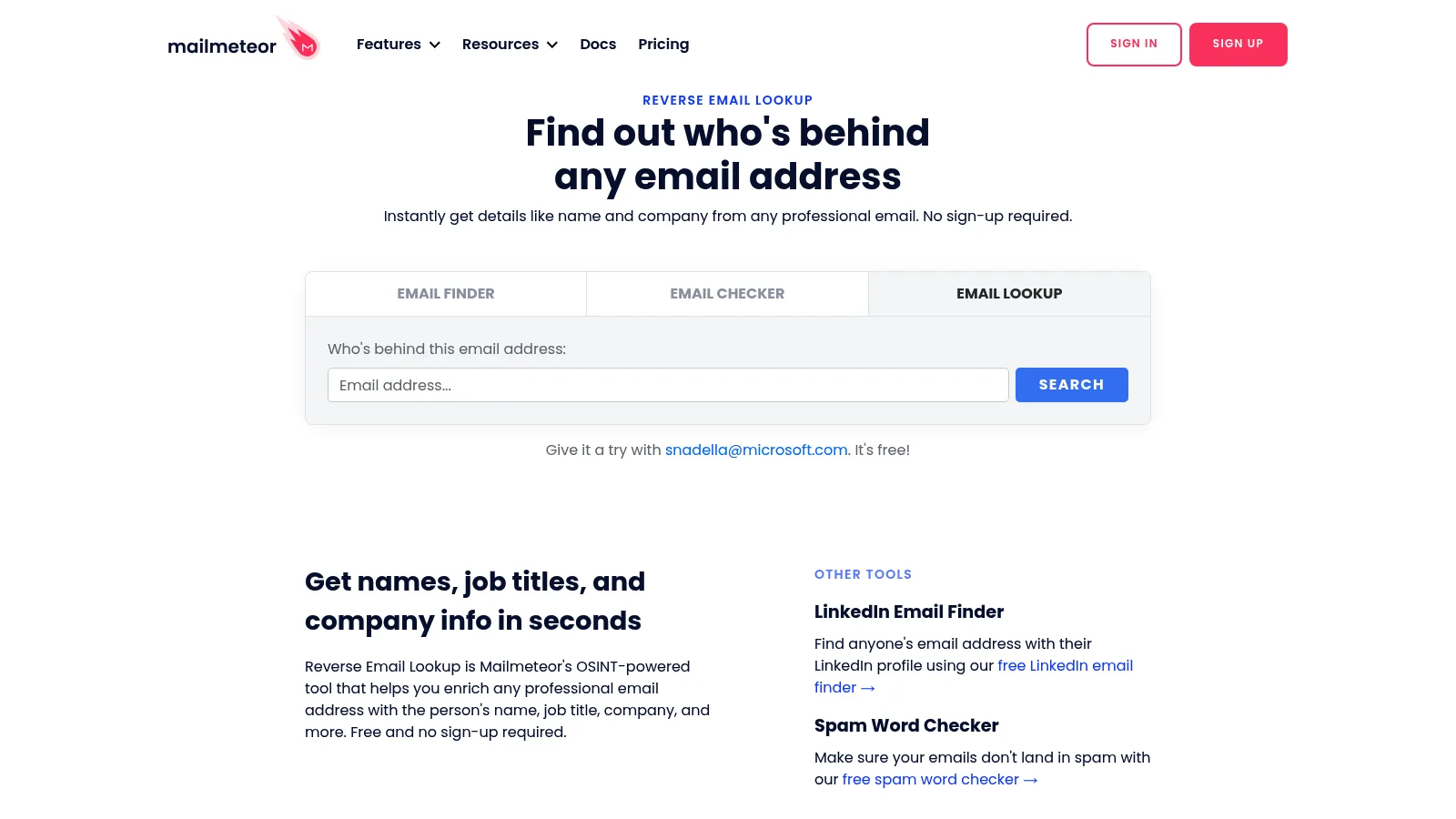
Overview: Mailmeteor's Reverse Email Lookup is a free web tool with no signup or card. By its own description it uses OSINT, meaning publicly available sources, to return a person's name, job title, company and social profiles.
Key features:
- No account needed: you enter an address and get a result.
- A separate free Email Finder that takes a name and a company, also with no signup.
- A plain warning that Gmail, Yahoo and Outlook addresses "may have limited information".
Pricing: Its reverse lookup page says the tool is completely free, with no credit card.
Pros: Free, no signup, honest about webmail limits
Cons: One address at a time, accuracy rests on the vendor's own description, built for manual checks rather than a pipeline
Why it suits one-off checks: It answers "who sent this?" without an account.
Final verdict: A quick free check on an unknown business address.
10. People Data Labs
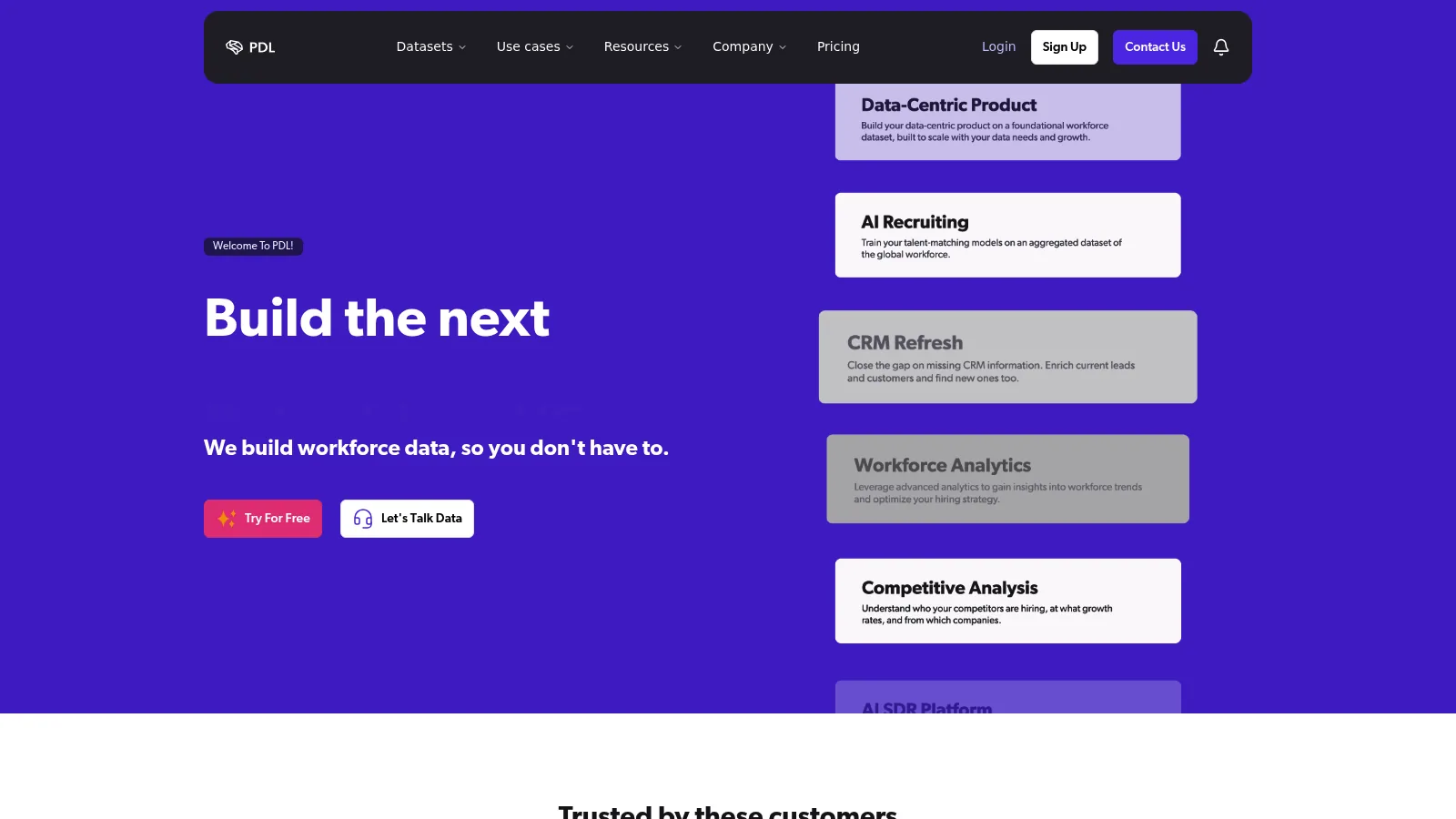
Overview: People Data Labs is developer infrastructure: an API and bulk data for teams that build with people records. Its Person Enrichment endpoint accepts an email and returns a one-to-one match.
Key features:
- One Person Enrichment call that matches on an email, or on a name plus a company.
- 1 credit per record, on monthly or annual billing, with annual saving 20%.
- Bulk data license feeds on Enterprise.
Pricing: The free tier gives up to 100 credits a month, but emails, phones and addresses come back obfuscated. Pro starts at $98 a month for 350 credits, about $0.28 a record, and Enterprise is custom on annual contracts.
Pros: Built for developers, a large dataset, simple per-record pricing
Cons: The free tier hides contact data, there's no prospecting app, per-record cost adds up at Pro volumes
Where it stands out: Its large dataset suits a data team joining millions of rows to one record each.
Final verdict: A strong option for engineers; anyone else should start with a web tool.
Free Reverse Lookups From OSINT and People-Search Sites
Two other kinds of tool show up when you search for a free reverse email lookup tool, and neither is built like the business tools here.
OSINT tools are built for investigators and security researchers. Epieos is one example, with a free member tier, an Osinter plan at €29.99 a month on monthly billing for 30 full-access requests across all its modules, and an API on a custom plan. Such tools answer a different question: what public traces an address has left, rather than who employs its owner.
Spokeo is a consumer people-finder aimed at private individuals, and its records skew toward the US. Its page says its reverse email lookup scans public records, social networks, online directories and shopping sites, with "additional fees" for court-record and background checks.
PeopleSmart now pitches itself at sales and recruiting teams, though its email page still draws on public records, county offices and commercial data vendors, so it behaves more like a people-search site than the B2B tools above. Its page lists the owner's name, city and state, employers, schools, alternate emails and phones.
"Free" on these sites usually stops at the report. In a 2023 r/OSINT thread on free reverse email searches (Reddit, so anecdotal), the poster said that, Epieos aside, every tool they had found advertised itself as free but wanted payment for the actual report, and the highest-scored reply doubted free options give much useful information.
What a Free Email Lookup Tool Actually Gets You
Free means something different in each direction. On the finding side it's an allowance, from 25 credits every 30 days at Tomba to 50 a month at Hunter.io and GetProspect, while Voila Norbert gives 50 once and Emailchaser 3 a day. That's enough to check a few dozen people a month, not to fill a list.
On the reverse side, free comes in more shapes. Mailmeteor gives you a no-account web tool, and Tomba, Cleanlist and Hunter.io offer capped public pages. Hunter.io's 50 free credits also cover API enrichment calls at 0.2 credit each, Tomba's and Lusha's free credits work on their reverse calls too, and People Data Labs has a free API tier with the contact details hidden.
We offer free trial credits rather than a free plan, with no card required, and our pricing page lists what each call costs so you can see what a test will use.
Free or paid, the input decides more than the tool. Product-led companies tell us a large share of their signups, around 70% by one rough estimate, arrive with personal addresses, and they still want to know who signed up. Expect less from a Gmail address than from a work one in any tool, so test on your real signup mix.
Paid email lookup services start close together: most entry plans here cost under $50 month to month, so direction and what a miss costs decide more than price.
How to Test Email Lookup Tools on Your Own Records
The most useful test of email lookup tools is one whose answers you already know. In an r/sales thread on the best email finder (Reddit, anecdotal), one reply suggests spending an hour trying several tools' free credits on a few prospects. Another reply argues the database matters less than whether you can run it at scale and verify before you send.
Settle which addresses you're testing before you start. "Work email or personal email?" was the first question the co-founder of an early-stage people-data startup asked us about reverse lookup, and the answer changes every result. Then work through these steps:
- Pick 20 contacts whose details you know for certain, such as customers, colleagues and past hires.
- Use each contact's name and company domain for the finding test, and its email for the reverse test.
- Run the same set through each tool within a week, since several free tiers cap daily use, and top up where one runs short.
- Mark every result right, wrong or blank, and keep wrong apart from blank.
- Note what each miss cost in credits.
A wrong answer costs more than a blank one. A blank tells you to look elsewhere, while a wrong name on a signup sends your sales team after the wrong person. Running found addresses through email verification tools before a send catches the ones that would bounce.
Feed each tool as much as you have, but clean it first: adding a name and company to an email usually helps a match, yet one wrong field can drag the match rate down.
Before You Act on a Lookup Result
A reverse lookup tells you who an address belongs to. It doesn't tell you that person sent the message. The FBI IC3's 2025 Annual Report lists phishing and spoofing as the top complaint type, with 191,561 complaints, and business email compromise as the second-costliest crime type, with more than $3 billion lost across 24,768 complaints.
A scammer can fake a known colleague's address, and a clean profile match on that address looks reassuring while proving nothing about the sender. Confirm any payment or login request through a channel you already trust.
The other duty comes when you use what you found. If you take an address from a finder and email someone in the EU, Article 14 of the GDPR says that when you got their personal data from somewhere other than the person, you must tell them who you are, why you're using it and where it came from. Exceptions apply, such as the person already having that information.
That has to happen within a reasonable period, at most a month, or by your first message if you use the data to contact them. This isn't legal advice, so check your own process with counsel.
Which Email Lookup Tool Fits Your Job
Pick email lookup tools by the job first. To check one unknown sender, Mailmeteor's free tool answers without an account, and Tomba's public page offers 3 demo requests a day. A rep finding a few addresses a week can live on the free tiers of GetProspect, Hunter.io or Tomba, and Voila Norbert or Emailchaser suit finder-only work.
Forms and signups need an API. A common pattern we see: when someone enters only a work email in a form, an API call fills in name, company and job title, so the form stays short. Those fields can then feed lead scoring, which turns a role and a company into a priority.
Putting lookup inside a product you sell raises different questions: cost per call at volume, how ambiguous matches come back, how results arrive and what the license allows. Reverse Contact and People Data Labs are built for that work, and Hunter.io's and Lusha's APIs cover lighter use. Run the 20-contact test on two or three, then pay for the one whose wrong answers you can live with.
FAQs
What is the best email lookup tool?
The answer depends on the direction. For finding addresses, GetProspect and Hunter.io each give 50 free a month, and Voila Norbert is a simple paid finder. For identifying a sender, Mailmeteor is free and needs no account. For lookups inside software, an API such as Reverse Contact (ours) or People Data Labs fits better than a web tool.
Can you look up an email without paying?
Yes, within limits. Mailmeteor's reverse tool is free with no signup, Emailchaser gives 3 finder searches a day without an account, and Hunter.io, GetProspect, Lusha and Tomba refill a free allowance every month. Free usually stops at volume, and on some tiers at the contact details themselves, which is where paid email lookup services take over.
Is there a free OSINT email lookup tool?
Yes. Epieos has a free member tier, and Mailmeteor describes its free reverse lookup as OSINT-powered. Treat what they return as leads to confirm, because public traces can be old or belong to someone with the same name.
How is email lookup different from email verification?
Lookup finds an address or the person behind one. Verification checks whether an address you already have can receive mail. Several finders here verify as they find, but run a separate verification pass on any list before a campaign.
Do email lookup tools work on Gmail or other personal addresses?
Less well. Mailmeteor warns that addresses at Gmail, Yahoo and Outlook may return limited information, and GetProspect pitches its reverse lookup at business emails.
The data layer behind your GTM engine
Access fresh people and company data through one API and power every enrichment, prospecting, and automation workflow.
- Profiles
- 800M+
- Refreshes / month
- 200M
- Response time (P95)
- 500ms