
12 Best Email Verification Tools in 2026, Compared
Julien K.Published

Key takeaways:
- Eleven of the 12 tools here check a list you already have. Reverse Contact, our product, is the exception: it only verifies the work emails it finds for you, so it fits teams whose problem starts before they have a list.
- Eight of the 11 list verifiers say plainly that you don't pay for an unknown result. On catch-all addresses only MillionVerifier says the same outright, and Snov.io waives its unverifiable bucket, which includes them.
- Every accuracy figure on these sites is the vendor's own. Seven of the 11 attach a bounce guarantee with written conditions, which tells you more than a percentage with no method behind it.
- Six of the 11 list verifiers give 100 to 250 free credits once, and Verifalia gives 25 a day. That covers a 100-address sample of known good and known bad addresses, so test two or three tools before you buy.
Every list verifier here tells you whether an address can receive mail before you send. Where they differ is in what they charge for, what they do with the addresses nobody can settle, and what their accuracy number actually measures.
This guide compares 12 email verification tools on prices, free credits, billing for unclear results and the conditions behind each accuracy claim.
Reverse Contact, at #1, is our own product. It isn't a list cleaner. It verifies the addresses it finds for you at the moment it finds them, and that's the only job we rank it first for.
What Are Email Verification Tools?
Email address verification tools check an address without sending to it. Most run the same chain: a syntax check, a look at the domain's mail (MX) records, then a short exchange with the receiving server over SMTP (the protocol mail servers use to pass messages) that stops before anything is delivered. Checks for disposable (throwaway), role-based (info@, sales@) and catch-all addresses come last.
The answer comes back as a status, usually valid, invalid, catch-all (also called accept-all) or unknown. An email verification platform does this one address at a time through an API (a way for your software to send a request and get an answer back) and in bulk through a file upload.
Verification matters more now because mailbox providers publish hard limits. Google's Gmail sender guidelines ask senders to keep the spam rate shown in Postmaster Tools below 0.10% and never reach 0.30%, and to cut sending volume when messages start bouncing until the SMTP error rate falls.
Yahoo is just as direct. Its sender best practices tell senders to monitor hard and soft bounces and to "remove invalid recipients from your list promptly." Verification is how you find those recipients before a bounce does it for you.
How We Compared These Tools
We read each vendor's pricing page on every billing toggle on October 9, 2026, then its help center and API docs for how unknown and catch-all results are billed. We didn't run a test of our own, so every figure is the vendor's claim. Where no page states a billing rule, the tables say "not stated."
The 12 Best Email Verification Tools Compared
Prices are each tool's lowest published entry point. The last column answers the question that splits this list in two: can you upload addresses you already hold and get a status back?
| Tool | Best for | Key features | Main limitation | Pricing (from) | Checks an existing list? |
|---|---|---|---|---|---|
| Reverse Contact | Verified work emails at the moment you find them | Syntax, MX, SMTP, catch-all and disposable or role-based checks at request time; pay only when an email is found | Doesn't check a list you already have | 3 credits per email found; credit packs from $100 | No |
| ZeroBounce | Lists that need scoring beyond valid or invalid | AI scoring, activity data, 30+ statuses and sub-statuses | Catch-all results are charged | $0 (100 a month), paid from $39 for 2,000 | Yes |
| NeverBounce | Ongoing cleaning synced to a CRM | Sync, 80+ integrations, bounce guarantee | Pay-as-you-go credits expire after 12 months | $8 for 1,000 | Yes |
| Kickbox | One price per volume, no subscription | Sendex score, unknowns refunded | Credits expire after one year | $0 (100), paid from $5 for 500 | Yes |
| Bouncer | Teams wanting toxicity and deliverability checks | Toxicity check, deep catch-all checks | 1,000-credit minimum purchase | $0 (100), paid $8 for 1,000 | Yes |
| Emailable | Simple per-credit pricing with a subscription discount | 0-100 quality score, 250 free credits | 5,000-credit minimum purchase | $0 (250), paid $32.30 a month for 5,000 (subscription), $38 one-off | Yes |
| Clearout | Verification plus finder and form checks | Form Guard, email finder, Data Pulse | Catch-all results are charged | $0 (100), paid $16 a month billed annually ($23 monthly) | Yes |
| MillionVerifier | Large lists on a tight budget | Unknown and catch-all credits returned, credits never expire | No subscription, fixed pack sizes | $0 (100), paid $39 for 10,000 | Yes |
| DeBounce | High volume with optional catch-all checks | Deeper catch-all check, list monitoring | Deeper catch-all checks cost 10 credits each | $0 (100), paid $15 for 5,000 | Yes |
| Verifalia | Developers who want control over each check | Three quality levels, daily free credits | Higher quality levels cost 2-4 credits | $0 (25 a day), paid $7.90 for 1,000 | Yes |
| Hunter.io | Teams already using Hunter to find emails | Free single checks, verification-only credits | Accept-all results are charged | $0 (50 credits a month), paid from $11 for 1,000 checks (Data Platform) | Yes |
| Snov.io | Outreach teams who verify inside their sequencer | 7-step check, unverifiable results free | Trial excludes bulk checks and the API | $0 (50 a month, trial), paid $39 a month (1,000 credits) | Yes |
Reverse Contact is first because it's our product, and the "No" in its row is why most readers should skip to #2. Next come nine dedicated verifiers, roughly from the broadest platforms (ZeroBounce, NeverBounce) to the leanest pay-per-check services (MillionVerifier, DeBounce, Verifalia). Hunter.io and Snov.io close the list, since verification is one module of a bigger prospecting product there.
The Email Verification Tools, Reviewed
Each of these email verification tools gets the same review: cost, how unclear results are billed, and who should pick it.
1. Reverse Contact
Best for: Verified work emails at the moment you find them
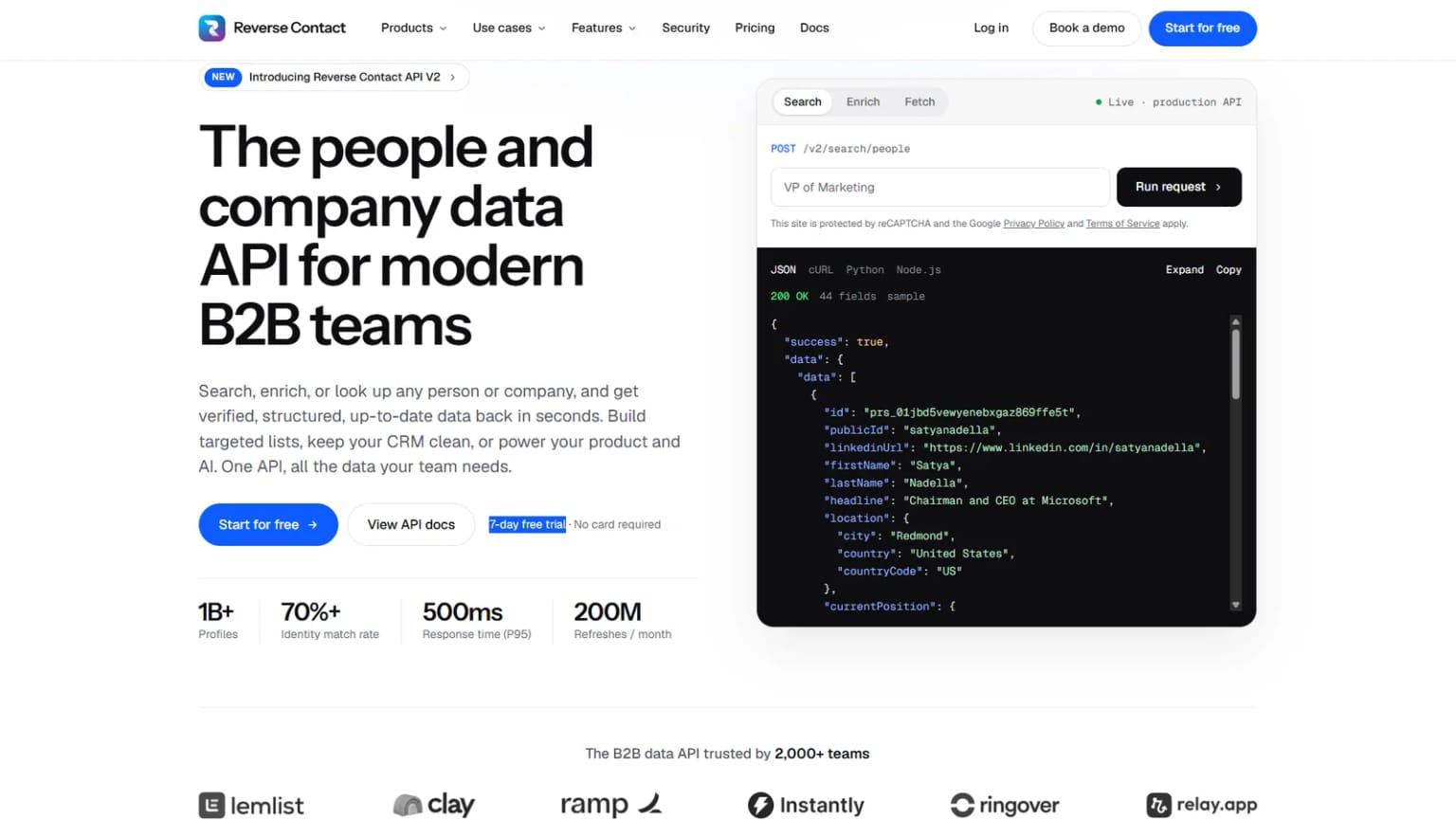
Overview: Reverse Contact is a people and company data API, and our email finder API is where verification happens. You send a name and a company domain, and we look for that person's work email.
Before an address comes back, it goes through syntax validation, DNS and MX checks, SMTP verification, catch-all detection, and disposable and role-based filtering, run at the moment you ask rather than read from an old result. An address that fails doesn't come back, and each call takes a few seconds.
That's also our limit. We don't take a list you already hold and return a status for each address, and we don't certify an email another vendor gave you. If that's your job, any tool from #2 down fits it better.
The same API also works backward, from an address to the person who owns it, which is a question no verifier answers. Ringover uses it on every signup's email and name, scores the profile that comes back, and qualifies roughly 60-65% of inbound signups automatically; the rest get a longer form.
Key features:
- Five checks per address, run at request time rather than read from a stored flag.
- Billing only when an email is found and passes, at 3 credits per address.
- Bulk finding through CSV enrichment for teams that don't write code.
- Results delivered asynchronously, by webhook (posted to your server when ready) or by polling, since each lookup takes a few seconds.
- Also available from our
rcCLI (rc contact email) and in Make through its generic API call. - Business emails only, so results are work addresses rather than personal inboxes.
Pricing: Each email found costs 3 credits and a miss costs nothing. Pay-as-you-go packs start at $100, and the cost per email depends on the pack size. Our monthly plans ($249 to $699) make profile lookups, search or enrichment unlimited, but emails still cost 3 credits on all of them; showing the data to your own customers takes a Platform contract, priced on a call with sales.
Pros: Verification built into the find step, pay only for found emails, five-step check at request time, CSV and API on every plan, published list prices
Cons: Doesn't verify a list you already have or an email from another vendor, no free plan (free trial credits only)
How to start using it:
- Sign up (free trial credits come with the account, no card needed) and copy your API key.
- Pick 20 contacts where you know the right work email, and 20 where you know the person has left; check your trial balance first, since each email found costs 3 credits.
- Send their names and company domains to the email finder by CSV or API.
- Count right emails, wrong emails and empty answers separately.
- Size your credits from the share that came back, since you only pay for those.
Why it's a good email verification tool: It moves the check to the moment an address enters your system.
Final verdict: Choose Reverse Contact when you're finding new contacts and want each email checked before you see it. Cleaning an existing list is a different job, and the eleven tools below do it.
2. ZeroBounce
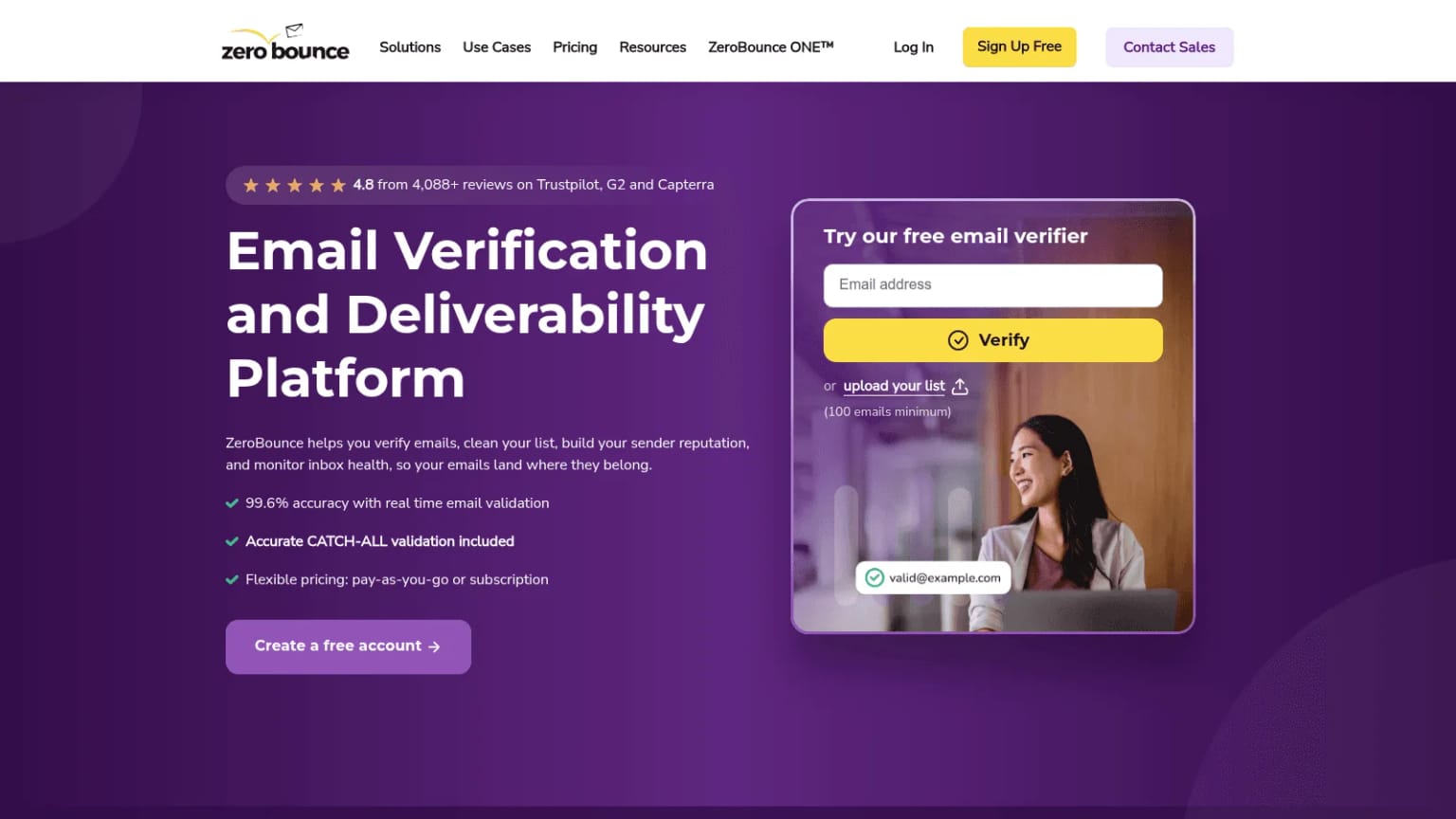
Overview: ZeroBounce is a verification and deliverability platform. Beyond valid and invalid, it returns more than 30 statuses and sub-statuses (role-based, possible trap, greylisted when a server asks to retry later, and more), and it can score addresses on a 0-10 scale.
Key features:
- AI scoring for 1 extra credit, which helps sort the catch-all bucket.
- Activity data showing when an address was last active, on its ZeroBounce ONE subscription.
- Bulk upload plus a real-time API on any account with credits.
Pricing: The free plan gives 100 validations a month for sign-ups with a business domain. Pay-as-you-go starts at $39 for 2,000 credits, the minimum purchase, and ZeroBounce ONE starts at $99 a month for 10,000 credits, with 20% off on annual billing.
Pros: Detailed sub-statuses, monthly free allowance, scoring for unclear results
Cons: Only unknowns and duplicates are free, so catch-alls cost a credit; activity data needs the subscription; credit expiry depends on when your account was created
Where it fits: Teams with old or mixed lists that want more than a pass or fail.
Final verdict: ZeroBounce suits list owners who'll pay a little extra to rank the addresses nobody can confirm.
3. NeverBounce
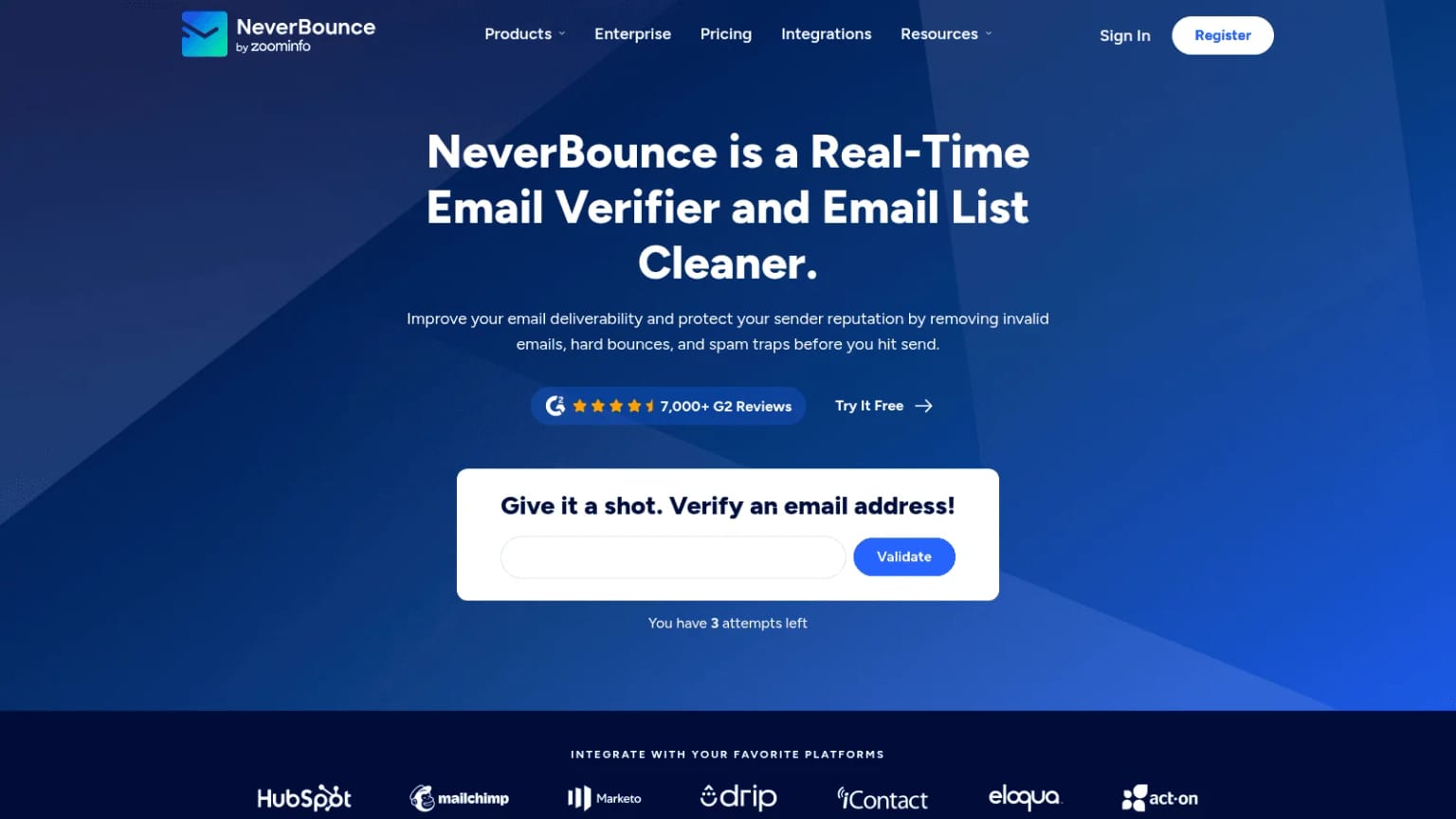
Overview: NeverBounce is owned by ZoomInfo; its logo reads "NeverBounce by ZoomInfo" and its footer names ZoomInfo Technologies LLC. It cleans lists in bulk, checks addresses in real time by API, and its Sync product re-cleans a connected CRM or email platform automatically.
Key features:
- Five result codes: valid, invalid, disposable, accept-all and unknown.
- Sync, which only checks new, unique addresses on each run.
- Free deduplication and bad-syntax removal before a job is priced.
Pricing: Pay-as-you-go costs $8 for 1,000 credits, falling to $50 for 10,000 and $400 for 100,000. The Growth subscription starts at $49 a month for up to 10,000 verifications.
Pros: Low entry price, 80+ integrations, written bounce guarantee
Cons: Pay-as-you-go credits expire after 12 months, no page we read says whether unknown results are refunded
Why buyers shortlist it: Its bounce guarantee comes with written terms, listed in the accuracy table below.
Final verdict: Pick NeverBounce when you want verification running inside your CRM rather than as a monthly upload.
4. Kickbox
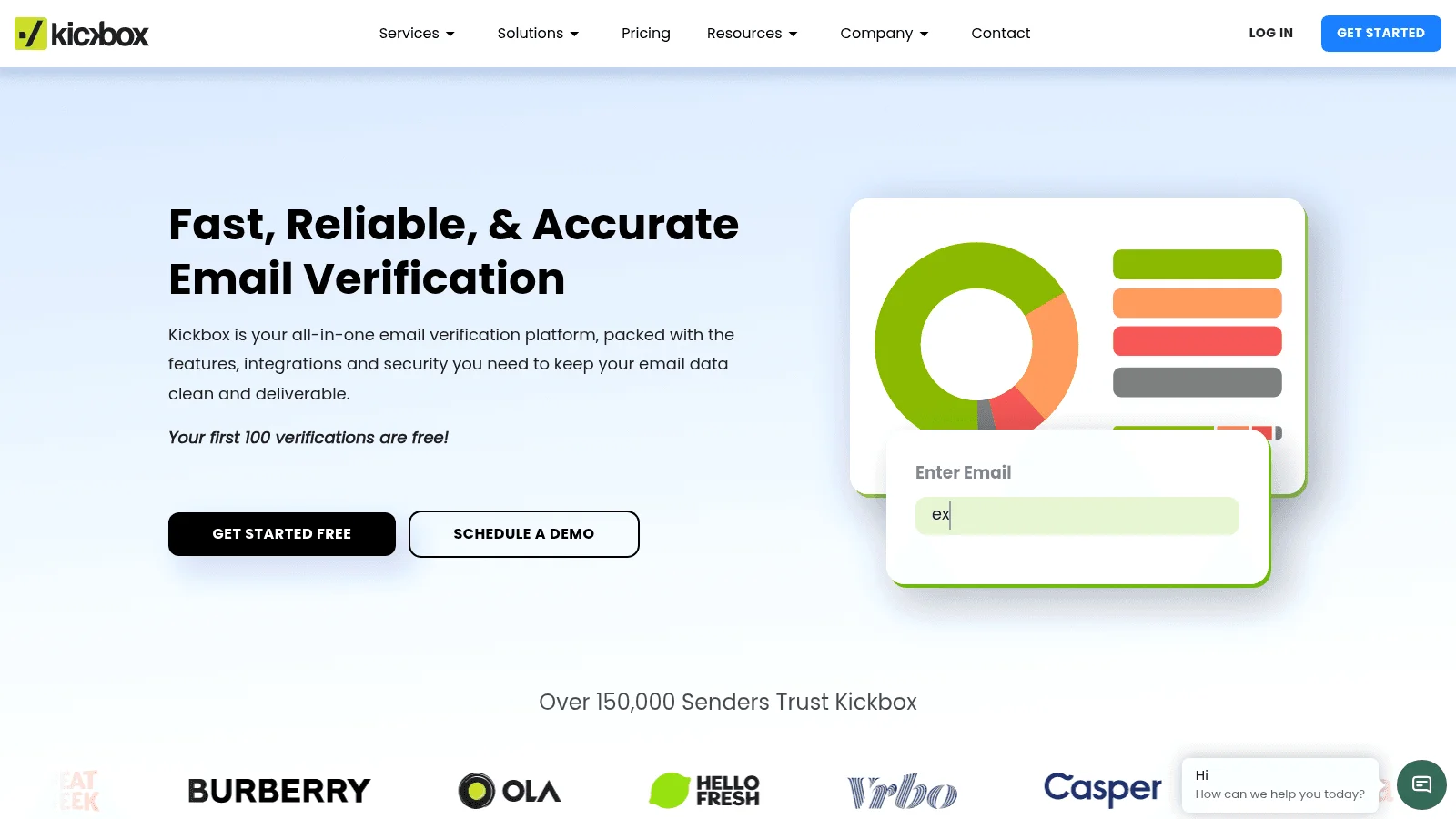
Overview: Kickbox is owned by J2 Martech Corp, a Ziff Davis company. It sells verification credits on one price ladder with no subscription, and it rates each address with a Sendex quality score from 0 to 1.
Key features:
- Unknown results are refunded, so re-checking that address later costs nothing extra.
- Real-time and batch APIs that draw on the same credit balance as list uploads.
- A written bounce guarantee, detailed in the accuracy table below.
Pricing: The first 100 verifications are free. After that, 500 cost $5, 10,000 cost $70 and 100,000 cost $500; above 1 million, pricing is on request.
Pros: One clear price per volume, unknowns refunded, simple API
Cons: Credits expire one year after purchase, no subscription discount, catch-all billing not stated
Its real strength: You can price any job from one table before signing up.
Final verdict: Kickbox fits teams that buy verification a few times a year and want the price fixed in advance.
5. Bouncer
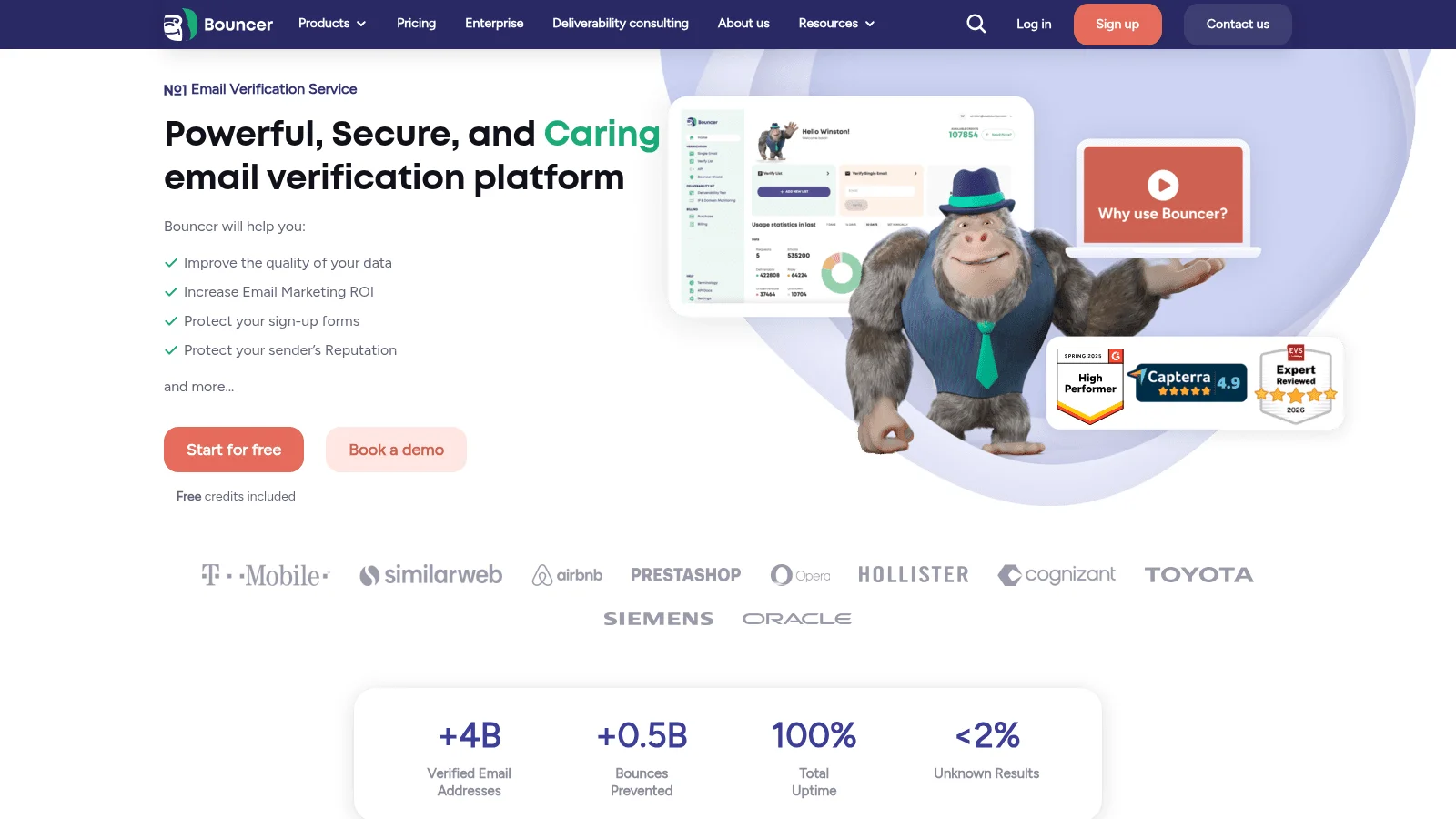
Overview: Bouncer is a verification service based in Wrocław, Poland. It also sells a deliverability kit and a toxicity check that flags breached addresses and likely spam traps.
Key features:
- Deep catch-all checks, including catch-alls hosted by Google and Microsoft.
- A real-time API at up to 1,000 requests a minute.
- Bouncer Shield, a paid add-on that checks emails in your web forms.
Pricing: The minimum purchase is 1,000 credits for $8; 10,000 cost $60 and 100,000 cost $400. A monthly subscription sits on the same page, and every account starts with 100 free credits.
Pros: Credits never expire, unknowns and duplicates free, catch-all depth
Cons: 1,000-credit minimum, deliverability tools priced separately, catch-all billing not stated
What it does best: Its guarantee page promises a refund for any address marked deliverable that bounces within 72 hours.
Final verdict: Bouncer is a strong pick for B2B lists heavy with company domains on Google or Microsoft.
6. Emailable
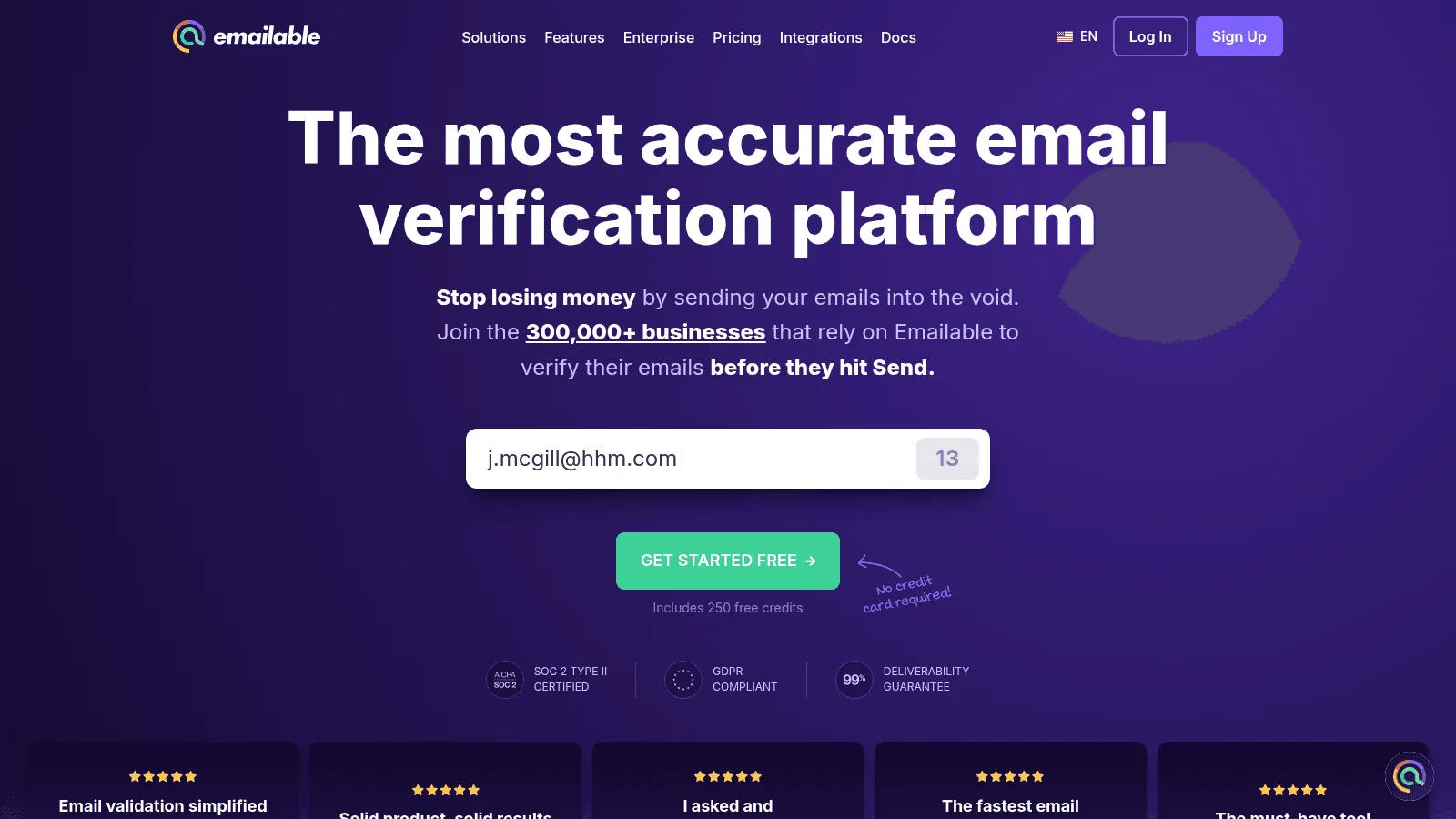
Overview: Emailable verifies lists, single addresses and form entries at 1 credit each. Its homepage calls it "the most accurate email verification platform," a claim the page doesn't back with a published test method.
Key features:
- A 0-100 quality score next to each status.
- Unknown and duplicate results returned to your balance once a list finishes.
- Inbox placement reports and blacklist monitors paid for in the same credits.
Pricing: The minimum is 5,000 credits for $38 pay-as-you-go, or $32.30 a month on subscription, which saves 15%.
Pros: 250 free credits, credits never expire, clear refund rule for unknowns
Cons: 5,000-credit minimum, risky results not listed as free, deliverability extras eat credits
Why it made this list: The price at every volume is public, on both billing options.
Final verdict: Emailable suits regular senders who'll take a subscription for a lower per-credit rate.
7. Clearout
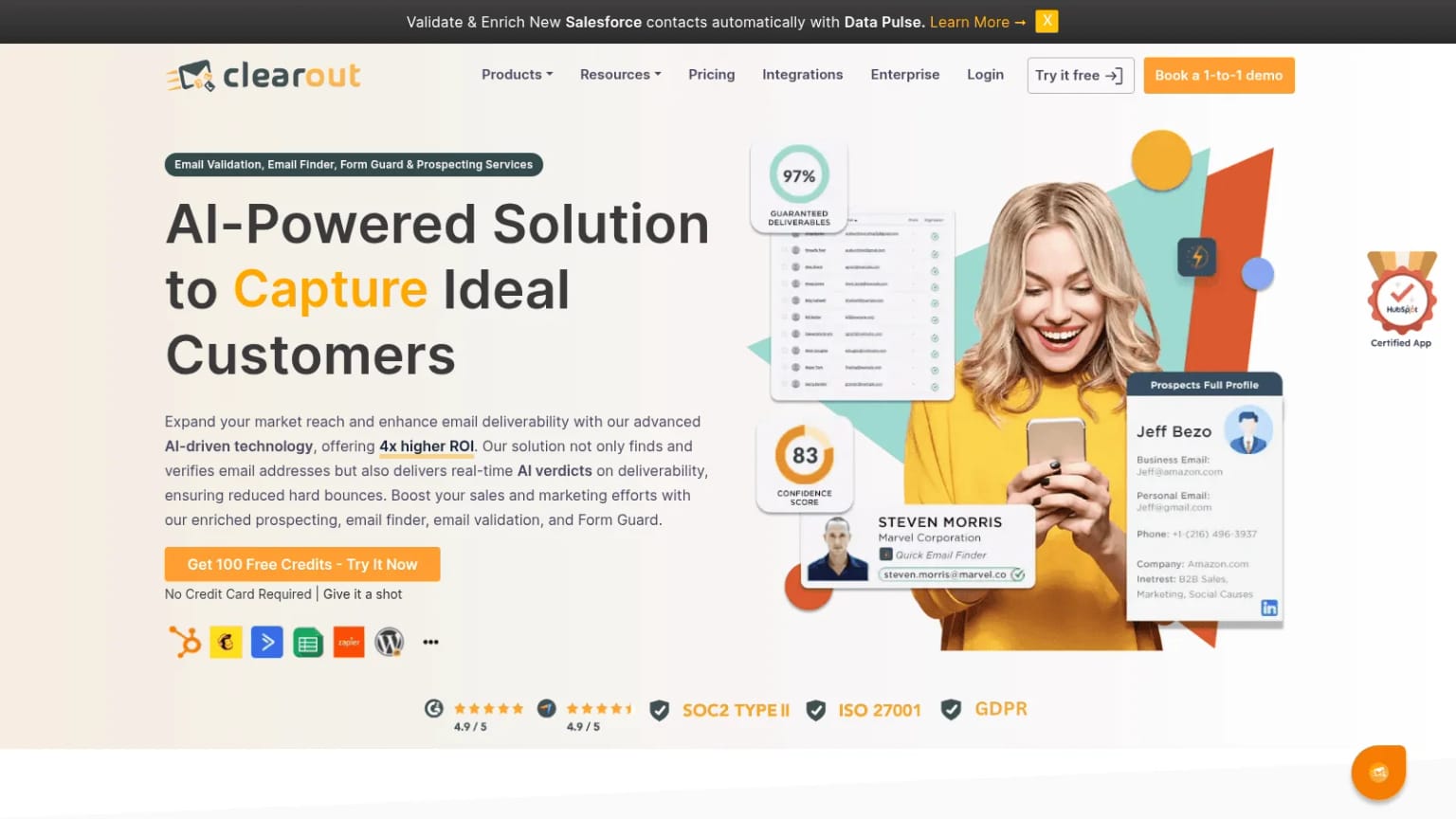
Overview: Clearout combines an email verifier with an email finder, a form checker called Form Guard and Data Pulse, which re-validates contacts inside a CRM.
Key features:
- Form Guard, which blocks bad emails at signup.
- An email finder drawing on the same credit pool.
- Unknown results and duplicates in an uploaded list cost nothing.
Pricing: Freemium gives 100 credits for life. Starter covers 3,000 credits a month for $23 billed monthly or $16 a month billed annually, and Pro 10K is $58 monthly or $32 a month annually. The pricing page still lists one-time packs (10,000 for $65), but its pricing guide says pay-as-you-go is no longer open to new users.
Pros: Verifier, finder and form checks in one account, unused credits roll over, low annual entry price
Cons: Catch-all results are charged, low API rate limits on Freemium and Starter, its two pricing pages disagree on one-time packs
Where it beats the alternatives: One account covers checking, finding and form checks.
Final verdict: Clearout fits teams that want a verifier and a finder without two contracts.
8. MillionVerifier
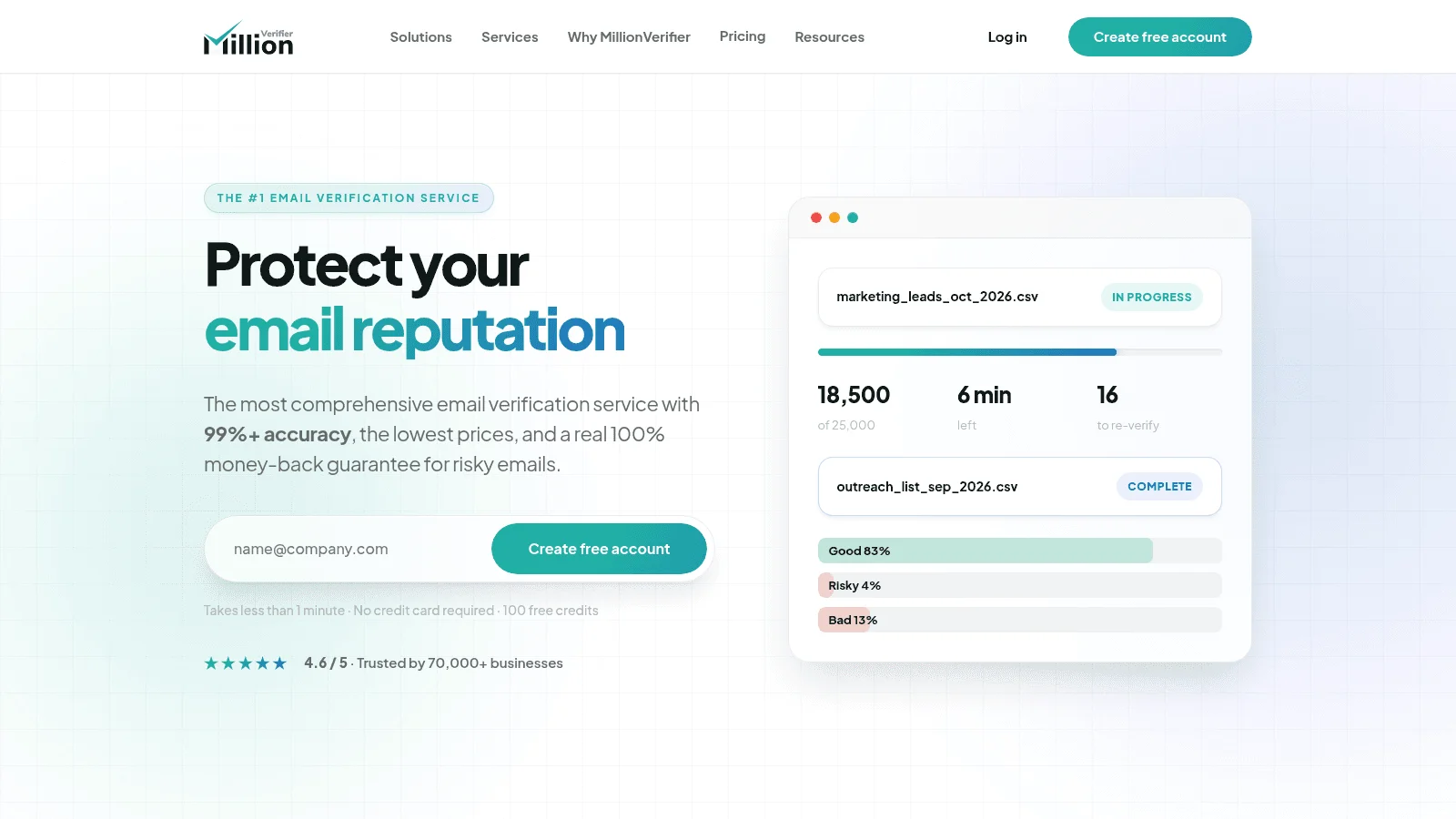
Overview: MillionVerifier is a low-cost list verifier run by GBD Software in Hungary. Its site claims "99%+ accuracy" without publishing how that's measured, and it refunds your last payment if you mail addresses it marked OK within 7 days of verification and more than 4% hard-bounce.
Key features:
- Credits for unknown and catch-all results added back automatically, except on accounts it flags for misuse.
- A catch-all verifier, still in beta, at no extra credit cost.
- EverClean, which verifies a connected email platform every day.
Pricing: Credits come in fixed one-time packs that never expire: 10,000 for $39, 100,000 for $149 and 1 million for $449. There's no subscription, and new accounts get 100 free credits.
Pros: Lowest published 1-million-credit price on this list, no charge for unclear results, credits never expire
Cons: Accuracy method not published, the guarantee excludes single API checks, fixed pack sizes only
Why it earns a place here: For a one-off clean of a very large list, it's hard to spend less.
Final verdict: MillionVerifier is the budget pick for big lists where volume matters more than extras.
9. DeBounce
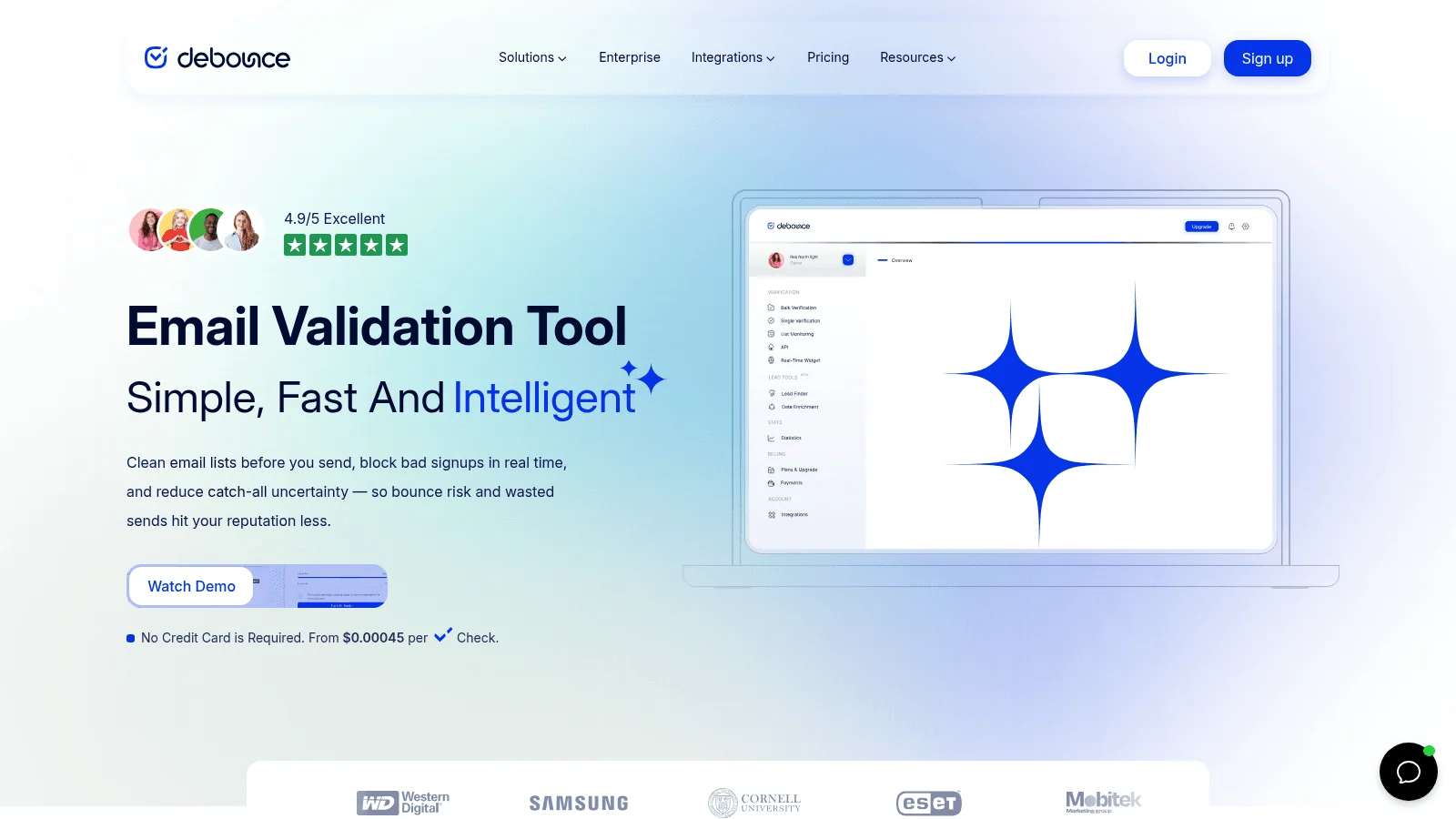
Overview: DeBounce checks lists, single emails and form entries. A standard check flags catch-all addresses for 1 credit, and an optional deeper check tries to settle them.
Key features:
- A deeper catch-all check at 10 credits per address.
- List monitoring, billed at twice the list size each month.
- Free deduplication and an API on every package.
Pricing: Packs start at 5,000 credits for $15 and never expire; 10,000 cost $25 and 100,000 cost $135. New accounts get 100 free credits once.
Pros: Credits never expire, low price per check, a way to settle catch-alls
Cons: Deeper catch-all checks cost 10 times a normal one, 5,000-credit minimum, unknown billing not stated for standard checks
Its real strength: You can pay to settle the catch-all bucket instead of guessing.
Final verdict: DeBounce suits high-volume senders with a lot of company domains in their lists.
10. Verifalia
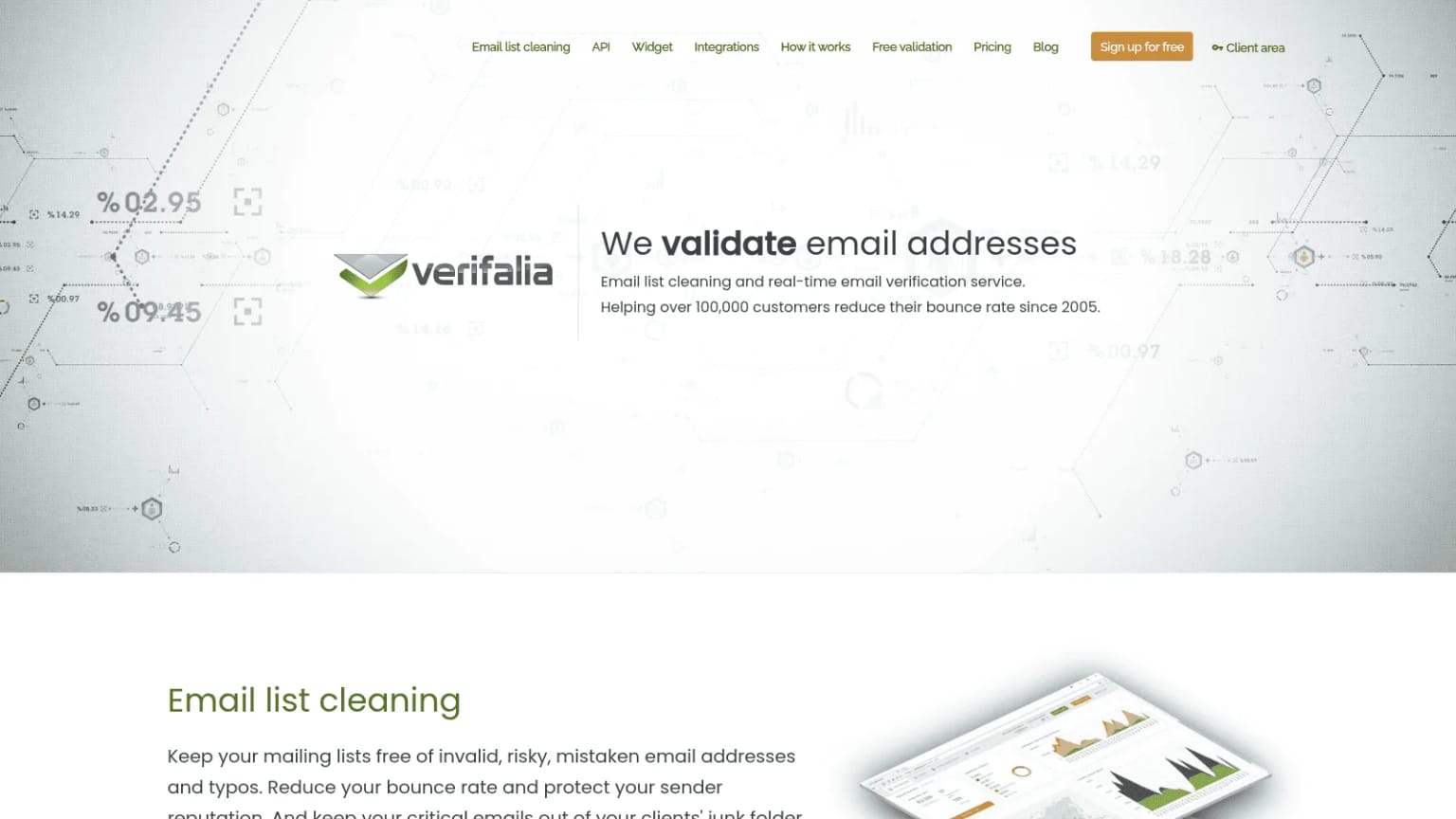
Overview: Verifalia is run by Cobisi Research in Italy and has been verifying emails since 2005. It lets you choose how hard each check tries: Standard runs one pass, High runs three and Extreme runs nine, with longer waits for slow mail servers.
Key features:
- Daily free credits on every plan, from 25 on the free plan to 25,000 on Ultimate.
- Open-source SDKs for .NET, Go, Java, JavaScript, PHP and Ruby.
- Custom rules that decide how each status code is classified.
Pricing: Credit packs start at $7.90 for 1,000 and reach $49.90 for 10,000 and $389 for 100,000; packs never expire. Plans run from Starter at $9.90 a month to Ultimate at $548.90, or $9 to $499 a month on yearly billing.
Pros: Daily free credits, quality levels for slow servers, detailed developer tooling
Cons: High quality costs 2 credits and Extreme 4, unused daily credits expire each day, unknown billing not stated
Why buyers shortlist it: Developers get finer control over each check than with most tools here.
Final verdict: Verifalia fits engineering teams building verification into their own product.
11. Hunter.io
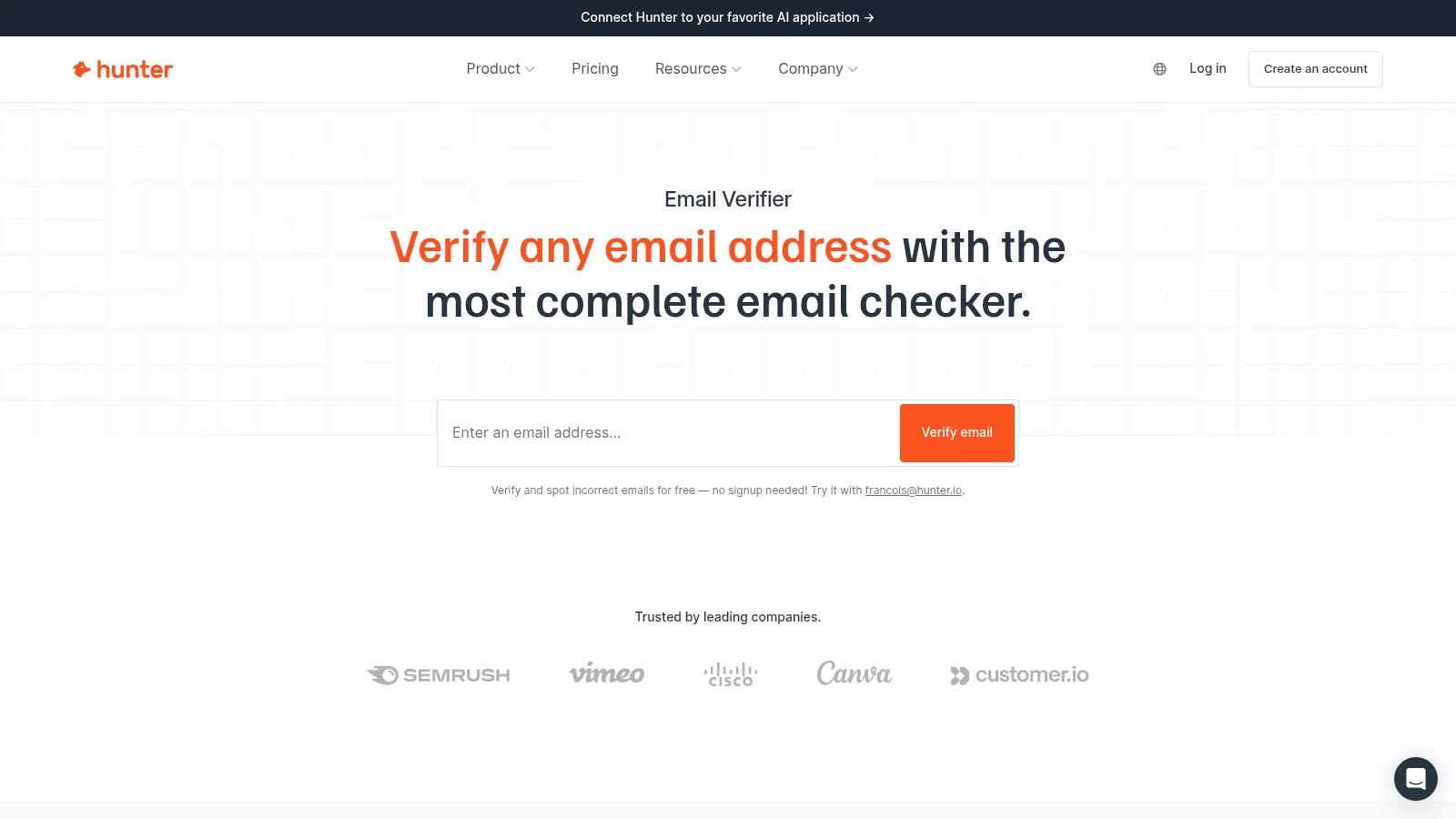
Overview: Hunter.io is best known as an email finder, and its verifier sits in the same account. A single check on its verifier page needs no sign-up, and it also sells verification-only credits through its Data Platform.
Key features:
- Statuses for valid, invalid, accept-all, webmail, disposable and unknown, each with a score.
- Its own method for checking accept-all addresses at several large mail providers.
- An API with a free tier, plus a Google Sheets add-on.
Pricing: The free plan gives 50 credits a month, and a verification costs half a credit. Starter, with 2,000 credits, is $34 a month on yearly billing ($49 if you pay monthly); Data Platform credits are $11 for 1,000 verifications and last 12 months.
Pros: Free single checks, verification and finding in one account, accept-all checks at major providers
Cons: Only unknown results are free, so accept-all checks cost credits; a result can come from a check up to a month old; a 10-requests-a-second API limit
Where it fits: Teams already finding emails in Hunter can check them without adding a vendor.
Final verdict: Hunter.io makes sense as a verifier when you already pay for its finder.
12. Snov.io
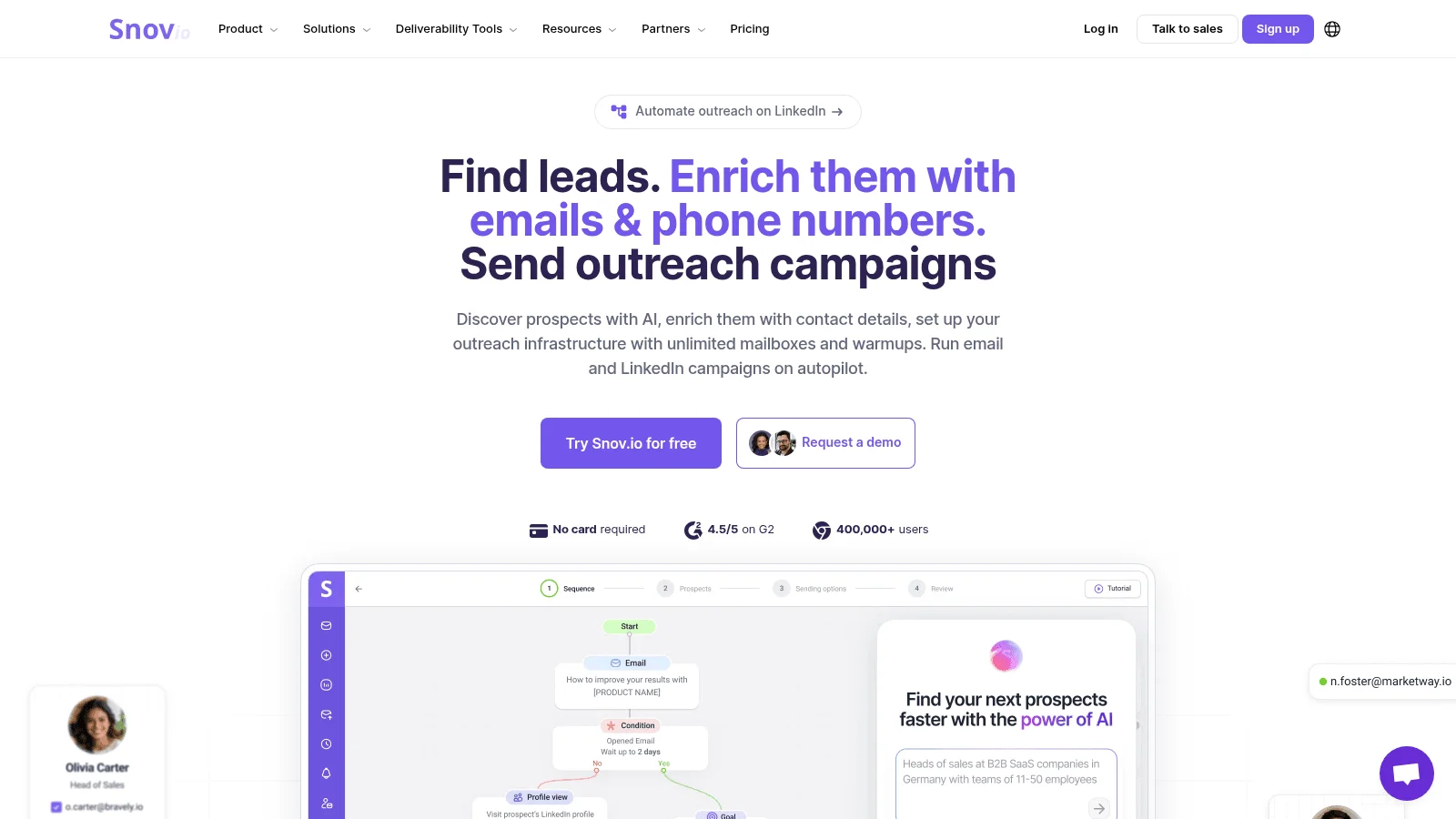
Overview: Snov.io is a prospecting and outreach suite, and its verifier runs seven checks, from syntax to catch-all.
Key features:
- Yellow (unverifiable) results aren't charged, and its status guide files catch-alls there.
- Bulk files of up to 100,000 addresses from Starter up.
- An API with hourly limits from 500 checks on Starter.
Pricing: The free trial gives 50 credits a month but no bulk checks or API. Starter is $39 a month for 1,000 credits and Pro S is $99 for 5,000, with about 25% off on annual billing; each verification costs 1 credit.
Pros: No charge for unclear results, verifier inside the sequencer, greylisting retry
Cons: Trial excludes bulk and API, credits shared with finding and outreach
Why it made this list: Teams sending from Snov.io get verification without exporting a list.
Final verdict: Choose Snov.io's verifier only if you already run outreach there.
What Each Accuracy Claim Actually Measures
Almost every vendor leads with a percentage, but each one counts something different, and only some come with conditions you can check. Reverse Contact isn't in this table or the next, because it returns no status for an address you supply.
| Tool | Published claim | What it measures | Conditions published? |
|---|---|---|---|
| ZeroBounce | 99.6% accuracy, guaranteed | Correct status (its FAQ calls it a money-back guarantee) | No terms or method published |
| NeverBounce | No more than 3% bounce | Bounces on addresses marked valid | Yes: 500+ addresses, mailed within 72 hours, free mail excluded |
| Kickbox | No more than 5% bounce | Bounces on addresses marked deliverable | Yes: 100+ addresses, sent within 24 hours, verified in the last 7 days |
| Bouncer | Over 99% accuracy, 98% coverage | Safe-address calls; share not marked unknown | Refund for deliverable addresses that bounce within 72 hours |
| Emailable | 99%+ deliverability (97%+ at Microsoft) | Delivery to addresses marked deliverable | Yes: 1,000+ addresses, mailed within 24 hours |
| Clearout | 99.73% accurate; 97% deliverability guarantee | Correct status; delivery to safe-to-send addresses | Guarantee only: sent within 24 hours, .edu, Yahoo, AOL and Office 365 excluded |
| MillionVerifier | 99%+ accuracy; refund above 4% hard bounces | Correct status; bounces on addresses marked OK | Guarantee only: sent within 7 days, file uploads only |
| DeBounce | 97.5%+ deliverability | Delivery to deliverable addresses | Yes: 1,000+ addresses, sent within 48 hours, paid mainly in credits |
| Verifalia | 99% accuracy | Correct status | No method or guarantee published |
| Hunter.io | Bounce rate usually under 1% | Bounces on recently verified valid addresses | Described as "usually observed" |
| Snov.io | 98%+ accuracy | Correct status | No; its verifier page also gives two different bounce figures |
Kickbox's 5% sounds weaker than ZeroBounce's 99.6%, but it's a written promise with conditions you can hold the vendor to. By that test we'd fall short too: we publish no bounce guarantee.
Unknown and Catch-All Results: Who Charges for Them
A catch-all domain takes mail for every address on it, so no SMTP check can prove one particular mailbox exists. Unknown results are different: the server gave no clear answer. Both can be a large share of a B2B list, so who pays for them matters as much as the per-email price.
| Tool | Unknown results | Catch-all results | Price for about 10,000 checks |
|---|---|---|---|
| ZeroBounce | Free | Charged | $99 a month (ZeroBounce ONE) |
| NeverBounce | Not stated | Not stated | $50 one-off |
| Kickbox | Refunded | Not stated | $70 one-off |
| Bouncer | Free | Not stated | $60 one-off |
| Emailable | Refunded | Not stated | $60 one-off, $51 a month |
| Clearout | Free | Charged | $58 a month, or $32 a month billed annually |
| MillionVerifier | Credit returned | Credit returned | $39 one-off |
| DeBounce | Not stated | Charged (1 credit; deeper check 10) | $25 one-off |
| Verifalia | Not stated | Not stated | $49.90 one-off |
| Hunter.io | Free | Charged | $110 (Data Platform, $11 per 1,000) |
| Snov.io | Free | Free (filed as unverifiable) | $189 a month for 20,000 (Pro M) |
Run a sample first. If a third of your list is catch-all, a tool that charges for them can cost more than one with a higher sticker price that doesn't.
What to Do With Catch-All Addresses
Don't delete the whole catch-all bucket by reflex. One person who runs a small verification tool argued on Reddit that many real, opted-in people sit on company catch-all domains, and suggested keeping any who opened or clicked recently and re-confirming the quiet ones. It's one vendor's opinion, not a study.
For cold lists, send to catch-all addresses in small batches and watch bounces closely. Deeper catch-all checks (DeBounce, Bouncer, MillionVerifier's beta, ZeroBounce's scoring, Hunter.io's checks at large providers) are worth testing when that bucket is big.
How to Test an Email Verification Tool on Your Own List
Results can differ a lot on the same list. One marketer on Reddit ran the same 10,000 webinar addresses through six verifiers on the same day and got 8,100 valid from one and 6,800 from another. It's one person's experience.
A fair test takes one afternoon:
- Pull 80 addresses where you already know the answer: 40 that took mail recently and 40 that hard-bounced.
- Add 20 untested addresses from the list you actually plan to clean.
- Run that file through two or three tools the same day, on free credits.
- Count wrong answers on the known addresses, not just the valid share: calling a bounced address valid costs more than saying unknown.
- Note how many came back catch-all or unknown, and what each tool charges for them.
- Price the winner at your real monthly volume on both billing options.
Verification alone rarely ends a bounce problem. A technical lead at an early-stage AI SDR startup told us that even with verification providers in place, "we get some emails that are wrong basically." A status can't tell you the person left the company last month, or who owns the address; a reverse email lookup answers that second question.
Verification Checks the Mailbox, Not the Person
A valid status means a mailbox accepts mail, not that the person you want still reads it or holds the job you think. The gap is widest on catch-all domains, where a guess like first.last@ gets accepted whether or not that person has a mailbox there. It's why buyers we speak with ask whether an email was actually checked or just guessed from a name-and-domain pattern.
If someone's current employer no longer matches the company in your CRM and their email is still on the old domain, treat that email as stale even if it passes verification today.
Some teams re-check their whole list every quarter for the same reason, often alongside CRM data enrichment that updates job titles and employers.
Free Email Verification Tools: What You Actually Get
Every free online email verification tool here gives you a sample, not a working plan. Kickbox, Bouncer, Clearout, MillionVerifier and DeBounce give 100 credits once, Emailable gives 250, and ZeroBounce, Hunter.io and Snov.io refill a small allowance monthly. Verifalia gives 25 checks a day, and Hunter.io's single checker needs no account.
That's enough to test email validation tools on a sample, and enough to spot-check contacts bought from a B2B contact database before you trust its own valid flags. For anything larger, you'll pay.
Where Verification Belongs in Your Workflow
The best email verification setup depends on where bad addresses enter. Pick the point that matches your problem:
- At capture, a real-time API or form widget (Clearout's Form Guard, Bouncer Shield, Verifalia's widget) stops typos and fake signups.
- At the find step, a finder that verifies before it returns, like ours by API or CSV enrichment of a whole file, keeps unverified addresses out of your CRM.
- Before a big send, a bulk email verification tool or one of the other email validation tools above cleans the list you already have.
- On a schedule, a synced tool (NeverBounce Sync, MillionVerifier EverClean, DeBounce monitoring) catches addresses that decay.
Most teams need two of these. Among the email verification tools above, the eleven list verifiers cover capture, sends and scheduled checks between them, and we cover the find step.
FAQ
What is the best email verification tool?
For cleaning an existing list on a budget, MillionVerifier or DeBounce; for detailed statuses and scoring, ZeroBounce; for CRM sync, NeverBounce; for developers, Verifalia. If you need emails found and checked in one step, Reverse Contact runs its checks before it returns each address, and you pay only when one passes. Hunter.io, Clearout and Snov.io also pair a finder with a verifier.
Are free email verification tools accurate?
Free tiers cap volume, usually at 100 to 250 credits, and some leave out bulk uploads or the API. That's still enough to run a 100-address sample of your own list, the only fair way to judge accuracy here.
How do email verification tools handle catch-all addresses?
They flag them rather than confirm them. ZeroBounce, Clearout, DeBounce and Hunter.io charge for these results. MillionVerifier doesn't, and neither does Snov.io for the unverifiable results that hold catch-alls. Some also sell deeper checks that settle part of that bucket.
How often should I verify my email list?
Verify any list right before a large send, and check new contacts from forms and lead generation tools as they arrive. Lists you mail every week benefit from a quarterly re-check or an automated sync, because addresses go stale as people change jobs.
What is the difference between email verification software and an email finder?
Email verification software checks addresses you already have. An email finder, such as Hunter.io or one of the Hunter alternatives, discovers new addresses from a name and company, and the better ones verify each result before returning it.
You can test ours on your own records when you get a free API key.
The data layer behind your GTM engine
Access fresh people and company data through one API and power every enrichment, prospecting, and automation workflow.
- Profiles
- 1B+
- Refreshes / month
- 200M
- Response time (P95)
- 500ms