
13 Best Lead Finder Tools in 2026, Coverage and Cost Compared
Julien K.Published
Key takeaways:
- A lead finder tool finds new people and companies that match your ideal customer profile. Finding the email for a name you already hold is a different job.
- What a found lead costs depends on when the meter starts: on each search result, on the reveal or export, or never, on a flat plan.
- In 10 of the 13 tools here, a filter search in the main product uses no credits, and the meter starts when you reveal, save, convert or export a record.
- Each database size below is a vendor's own claim, and coverage leans by industry, so run the same test search on your own buyers in each tool you shortlist.
Lead finder tools search a database for people and companies you don't know yet: heads of sales at French SaaS companies with 50 to 500 employees, say, or every dental clinic in Austin. Most roundups mix that job with finding the email for a name already in your CRM, and the two are priced very differently.
This guide compares 13 lead finder tools by how you search (filters, an example, a sentence, a buying signal or a map) and by when each one starts charging. That second point decides what a usable lead costs far more than the database size on the homepage does. If you're building the whole stack, our roundup of lead generation tools covers the steps after the search.
What Is a Lead Finder Tool?
A lead finder starts from criteria and returns people or companies that match. You describe your ideal customer profile (ICP), meaning the kind of account and buyer you sell to, and the tool hands back names, titles and companies you didn't have. Some start from an example instead, a customer you want ten more of, and our sales prospecting roundup explains how lookalike search helps there.
An email finder works the other way round, from a person you know to their contact details. Plenty of lead finder software does both, which blurs the labels. Instantly, Saleshandy and Snov.io each call their database search a lead finder.
Buyers we talk to draw the same line, between enriching a profile you already have and open-ended search for a type of person you have in mind. This article is about the second.
The 13 Best Lead Finder Tools
Since Reverse Contact is our own product, it goes first, and we didn't rank it against the other twelve. Every tool on the list publishes a price, which is why ZoomInfo's main sales platform and Cognism, both priced on a sales call, aren't here.
Entries 2 to 13 sit in four groups, by how you search: filter a contact database, search by example or in plain English, search by signal and search by map. The order inside a group isn't a ranking.
| Tool | How you search | Free way to test | Lowest paid tier from | Database size (vendor's claim) |
|---|---|---|---|---|
| Reverse Contact | API: filters, plain-English (agentic) search, people lookalike | Free trial credits, no card required | Packs from $100; search plans from $449 a month | 800M+ profiles, 70M+ companies |
| Apollo.io | Filters, lookalikes, Maps search | Free plan, 900 credits per seat a year | $49 per seat a month billed annually | 240M contacts, 30M companies |
| UpLead | Filters; technology search from Plus | 7-day trial, 5 credits | $74 a month billed annually, or $99 monthly | 200M+ leads |
| Skrapp | Lead Search filters | Free plan, 50 credits | $29 a month billed annually, or $39 monthly | 200M+ contacts |
| Saleshandy | Filters, AI search in beta | 7-day trial, up to 50 credits | $34 a month billed annually, or $41 monthly | 852M+ contacts, 42M+ companies |
| ZoomInfo GTM AI | Search and find similar by API, MCP or CLI | 1,000 data and 1,000 AI credits | Pay-as-you-go from $20 | 500M+ people, 100M+ companies |
| Instantly | AI search, filters, domain lookalikes | 14-day trial, 1,000 welcome credits | $47 billed monthly, 1,500 credits | 450M+ B2B leads |
| Ocean.io | Lookalike companies from seed domains | Free trial | From $250 a month, priced annually | 85M+ companies |
| Snov.io | Plain-English AI search or filters | Trial, 50 credits every 30 days | $29.25 a month billed annually, or $39 monthly | Not quoted (its pages disagree) |
| Lusha | Filters, lookalikes, AI assistant | Free plan, 40 credits a month | $37.45 a month billed yearly | 515M+ contacts, 29M+ companies |
| TheirStack | Companies by technology and job posts | Free plan, 50 company credits a month | $109 one-time for 1,000 company credits; API from $49 a month | Not quoted (its pages disagree) |
| BuiltWith | Websites by technology | Single-site lookups only | $295 a month | 491.9 million domains |
| Scrap.io | Category plus place on maps | 7 days, up to 100 leads | $35 a month billed yearly, or $49 monthly | Not quoted (no labeled total) |
Each size counts something different, so read the last column as a description, not a scoreboard.
1. Reverse Contact
Best for: Lead search inside your software.
Overview: Reverse Contact is a data API for people and companies, a service your code calls. You send search criteria and get back full profiles, without emails, of the matching people or companies, from our 800M+ profiles and 70M+ companies. Without code, our web app runs people and company searches into a List you can export as CSV.
Filter search takes exact criteria. Agentic search takes one sentence, such as "finance directors at Spanish fintechs", and returns the filters it built from it alongside the results. People lookalike takes one seed profile, by URL or our person ID, and returns people in similar roles.
New leads then have to match the records you already hold, or your CRM fills with duplicates. Zuora's data team does this kind of matching: it uses our company and person enrichment to match records held in its CRM, billing, product and customer-success systems, aiming for a single trusted profile for each customer.
Key features:
- People filters for current, past or excluded titles, 32 job functions, 386 sub-functions, 10 seniority levels, 490 industries and headcount brackets.
- Location by country, region, city or 62 area zones such as DACH (Germany, Austria and Switzerland).
- A free count on the same filters, so you size a market before spending.
- Agentic search for companies as well as people, so an account list can start from a sentence too.
- People lookalike from one seed, matched on function, tenure, seniority and location.
- Company search by name, domain, industry, specialties, headcount, founded year and headquarters.
Pricing: Search costs 1 credit per profile or company returned, and a search page with no match costs nothing. Agentic search adds 1 credit per page, so a page of 25 people costs 26 credits. Credit packs begin at $100 for 5,000 credits, which expire after three months and carry no commitment.
Plans carry a monthly commitment. Go, $249 a month, makes cached record fetches unlimited; Plus, $449, makes people and company search unlimited too, agentic and lookalike included within fair usage; Max, $699, also covers enrichment that starts from a name, an email or a domain.
Each plan covers your own team's use, and its unlimited calls top out at 100,000 profiles in each workspace per UTC day. Showing results to your customers inside your product takes a Platform contract, which sales quotes. Whichever option you pick, a live refresh of a record costs 2 credits, each business email found 3, and a lookup that finds a phone 20.
Pros: A free count of matching people or companies before you spend, agentic search for people and companies that lists the filters it applied and flags what it couldn't, lookalikes built from one person you know is right, whole regions such as EMEA or DACH in a single filter, full profiles in every search result with no second call
Cons: We don't send email or run sequences; no revenue, funding or tech-stack filter on company search
How to start using it:
- Grab the free trial credits, which need no card.
- Run the free count on your ICP filters.
- Pull one page of 25 and check each title against your real buyers.
- Find business emails only for the people you'll contact.
- Cost one lead you'd actually use, then choose packs or Plus.
Why it's a good lead finder tool: It sends full profiles straight to your code, and counts a market free first. That suits teams that want new leads to land in their own CRM, app or AI agent.
Final verdict: Choose us when your software runs the search and you want each result's cost in view before you scale. For revenue or tech-stack filters, or a built-in sender, tools further down fit better. Run your first test search.
The next five tools are contact databases you filter, four in an app and GTM AI by API. You browse for free and pay when you open or export a contact.
2. Apollo.io
Overview: Apollo.io, an all-in-one sales platform, sits on a database it puts at 240M contacts and 30M companies. You filter, preview the list, then spend credits on the contacts worth opening.
Key features:
- People and Company Lookalikes (beta) from up to three people or a pasted list of top customers.
- Google Maps Business Search on paid plans, up to 60 companies per search.
- Select up to 25 records at once on Free, then 1,000, 2,500 and 10,000 by plan.
Pricing: Free gives 900 credits per seat a year with basic filters; advanced filters start at Basic, $49 a seat per month billed annually, or $65 monthly. Each email costs 1 credit, each phone number 8.
Pros: A free plan with real filter search, paid-plan lookalikes and Maps search, outreach in the same app
Cons: Lookalikes still in beta, credits don't roll over
Who it suits: Teams that want to find, contact and track leads in one seat-based app.
Final verdict: Pick Apollo.io for broad filter search backed by a free plan you can test with.
3. UpLead
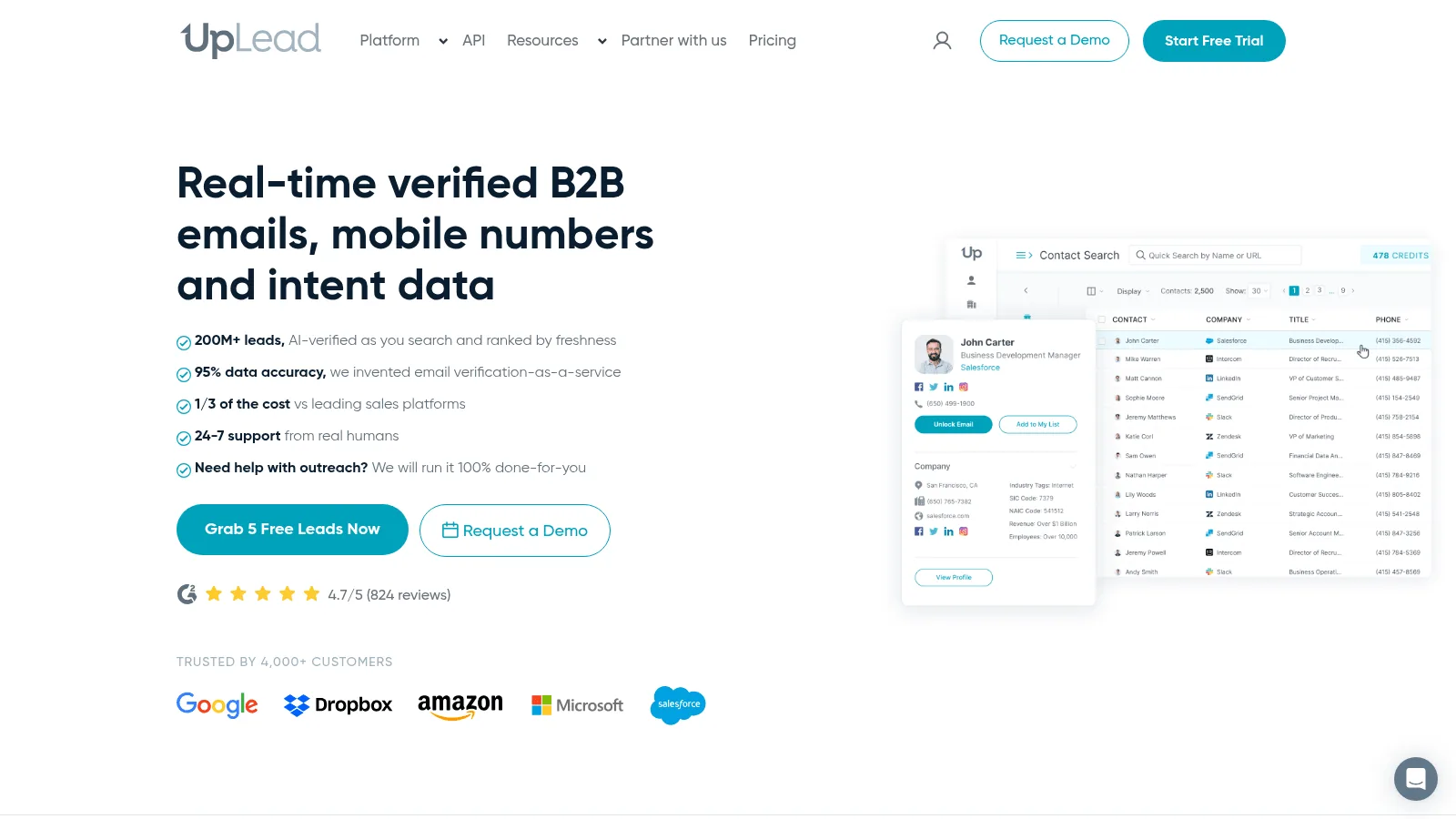
Overview: UpLead is a B2B contact database, claiming 200M+ leads, with one plain unit: a credit opens one contact, email and mobile direct dial together.
Key features:
- More than 50 filters, all on Professional.
- Technology search from Plus, across over 16,000 technologies, to list companies running a given tool.
- Download or CRM export for each opened contact.
Pricing: Essentials gives 2,040 credits a year at $74 a month billed annually; month to month, it's $99 for 170 credits. A 7-day trial includes 5 credits.
Pros: A simple per-contact unit, technology filters on a contact database, monthly billing
Cons: Five trial credits make a thin test, the full API sits on annual-only Professional at a custom price
Why buyers shortlist it: Technology filters help when your product replaces or plugs into a named tool.
Final verdict: UpLead works for small teams that want a predictable cost per contact.
4. Skrapp
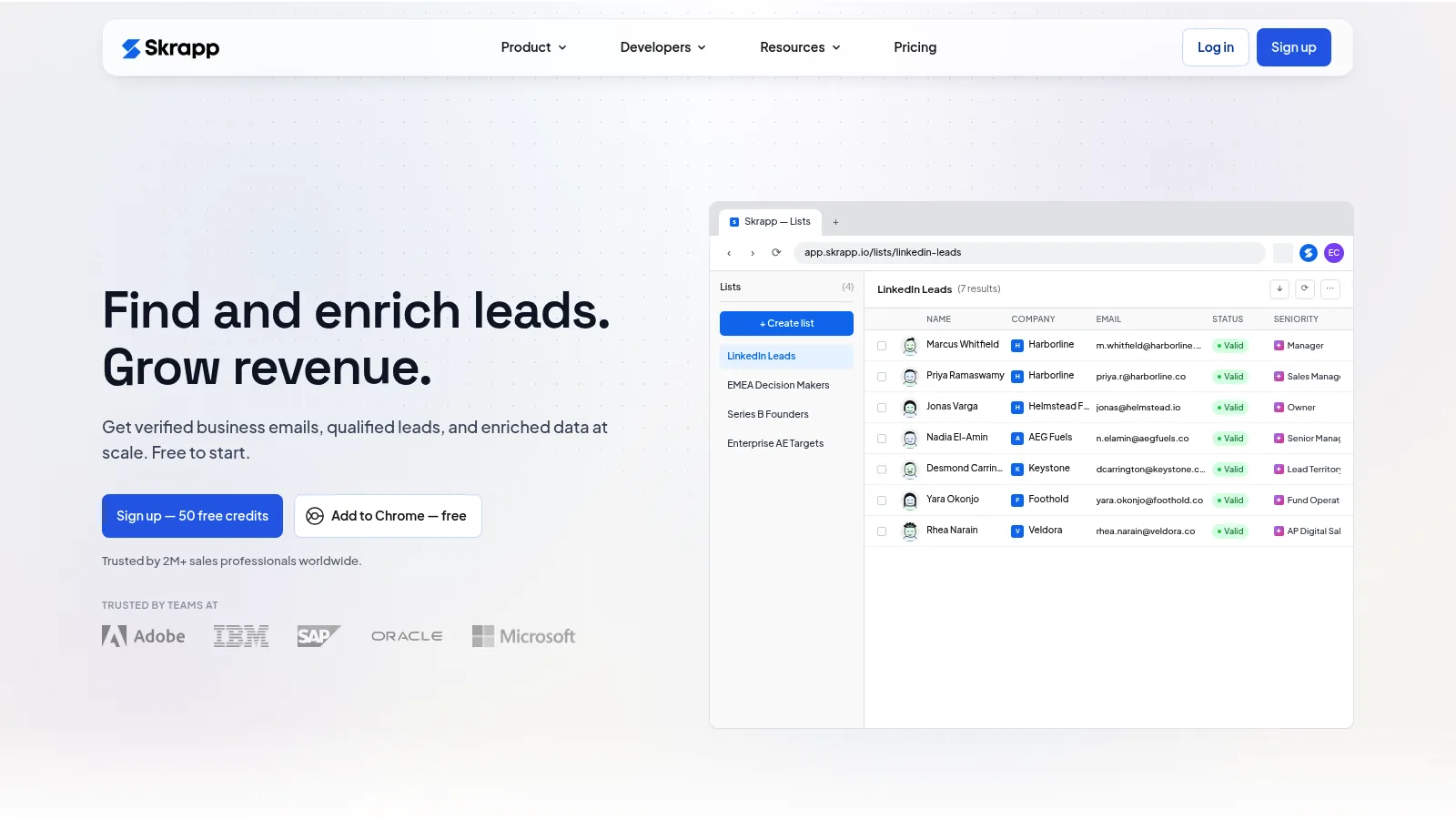
Overview: Skrapp is an email finder with Lead Search over a database it puts at 200M+ contacts. You search, then click "Get Email" on the people you want.
Key features:
- Lead Search filters for company type, industry, location, revenue, funding and company size.
- Billing only for emails marked Valid or Catch-all (a domain that accepts any address, so it can't be fully checked).
- Credits that roll over.
Pricing: The Free plan gives 50 credits. Professional brings 2,000 credits and 2 users for $39 monthly, or $29 a month billed annually.
Pros: Revenue and funding filters at an entry price, no charge for an email that fails checks, rollover
Cons: Catch-all results still bill under its FAQ and API docs (one pricing-page tooltip says they don't), a small free allowance, two users on Professional
What it does well: Revenue and funding filters plus rollover credits, from $29 a month billed annually.
Final verdict: Skrapp fits a small team that searches, then pays per Valid or Catch-all email.
5. Saleshandy
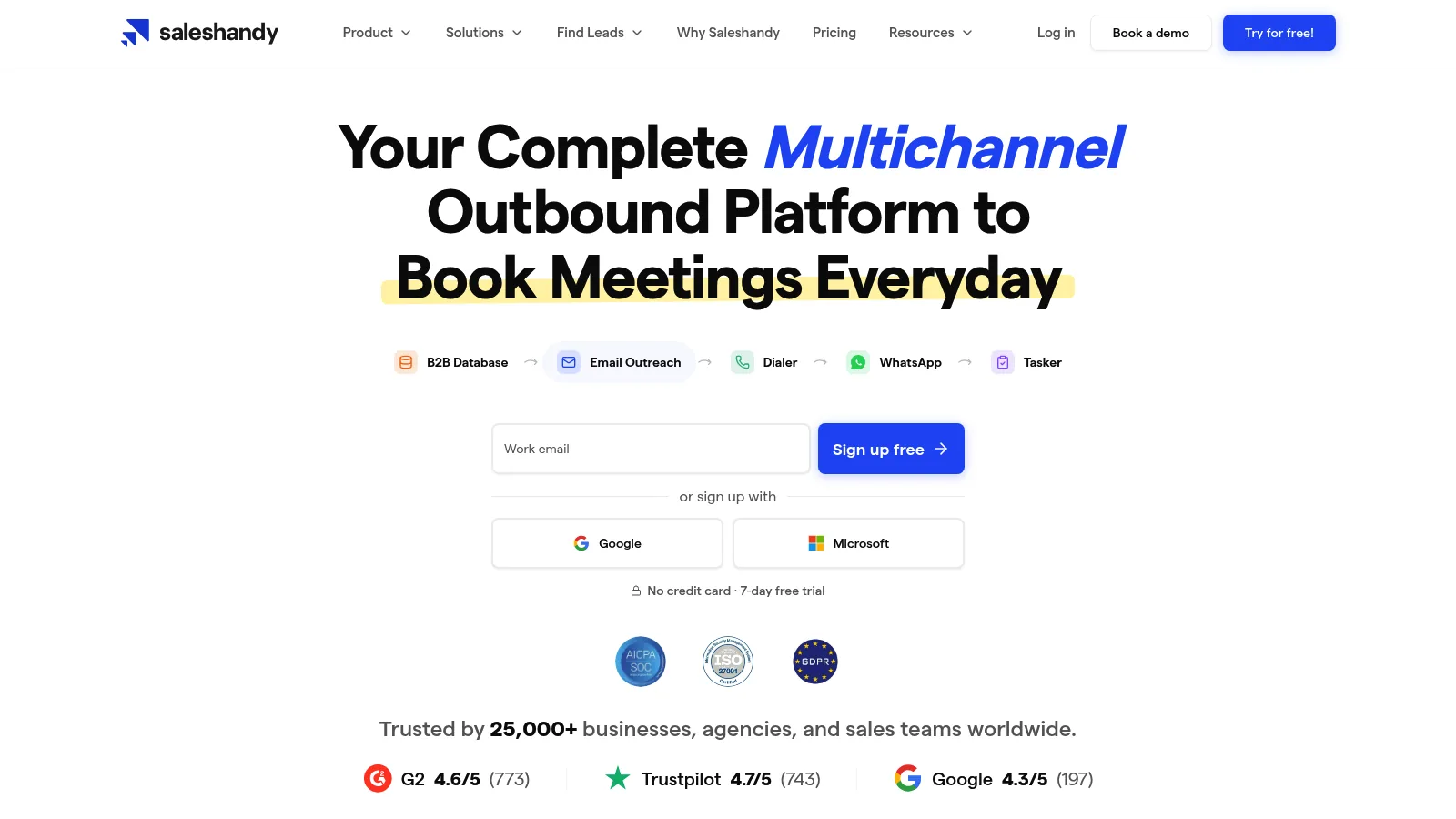
Overview: Saleshandy is a cold email platform whose lead finder searches 852M+ contacts and 42M+ companies, by its count. Search is unlimited on every plan.
Key features:
- Filters including seniority, department, tech stack and hiring signals.
- Sage, an AI search in beta, for describing leads in words.
- Reveals at 1 credit per verified email and 6 per phone, with unverified results free.
Pricing: Starter is $34 a month billed annually, or $41 monthly, with 1,500 credits a month for one user. A 7-day trial includes up to 50 free credits.
Pros: Browse as much as you like, unverified results cost nothing, sending built in
Cons: Starter covers one user, AI search still in beta, the data comes inside an outreach subscription
Its real strength: You can refine a list for an hour without watching a meter.
Final verdict: Saleshandy suits a seller who wants search and sending on one bill.
6. ZoomInfo GTM AI

Overview: GTM AI is ZoomInfo's pay-as-you-go route to its data, reached by API, MCP (the protocol AI assistants use to call tools) or command line instead of the main app. It claims 500M+ people and 100M+ companies.
Key features:
- Search, lookup and "find similar" always free.
- One data credit per record, charged on enrich or export.
- MCP access, so an AI assistant can run searches for you.
Pricing: Signup brings 1,000 data and 1,000 AI credits with no card. Beyond that, you pay as you go from $20, with "one tier, no contract, no seat fees".
Pros: Free search and lookalikes, no contract, a large signup allowance
Cons: Mobile numbers only in Enterprise packages, ZoomInfo's license terms bar building the data into your own product
Why it made this list: It puts ZoomInfo's database behind free search with no seat or contract.
Final verdict: Try GTM AI if you want ZoomInfo data on usage terms through an API or AI assistant.
The next four let you search without picking every filter. You give an example, such as a customer's domain, or a sentence, and the tool works out the matches.
7. Instantly
Overview: Instantly is a cold email platform. Its Lead Finder, formerly SuperSearch, searches a database it puts at 450M+ B2B leads. Lead credits are a separate subscription.
Key features:
- AI search or 13 filters, including keywords, revenue and tech stack.
- Lookalikes from a client's domain, plus a Local section that finds businesses by category, location and reviews.
- An estimated credit cost before you convert results into leads.
Pricing: Billed monthly, Growth Credits are $47 for 1,500 credits a month; a 14-day trial includes 1,000 welcome credits.
Pros: Lookalikes from one domain, local search in the same tool, cost shown before you spend
Cons: The preview shows only the first 50 results, with no manual selection or paging; credits billed apart from sending
Where it helps most: Cloning a good customer takes one input, with the cost shown first.
Final verdict: Instantly fits teams already sending with it that want leads in the same place.
8. Ocean.io
Overview: Ocean.io finds companies that look like your customers, from an index it puts at 85M+ companies. Give it seed domains and it returns ranked matches, each with its reason.
Key features:
- Lookalike search from your best customers or a single seed domain.
- Hard filters that give an exact market count before you export.
- Contact enrichment, a REST API and an MCP server.
Pricing: Growth starts at $250 a month, priced annually, with 60,000 credits a year and free exports. There's a free trial, with no credit amount stated.
Pros: A reason shown with every match, company lookalikes as the core product, API and MCP included
Cons: Annual pricing from $250 a month, search results cost 0.2 credits each (API docs)
Why it's on the list: Seeing why each account matched makes a lookalike list easier to prune.
Final verdict: Ocean.io suits account-based teams that start from their best customers.
9. Snov.io
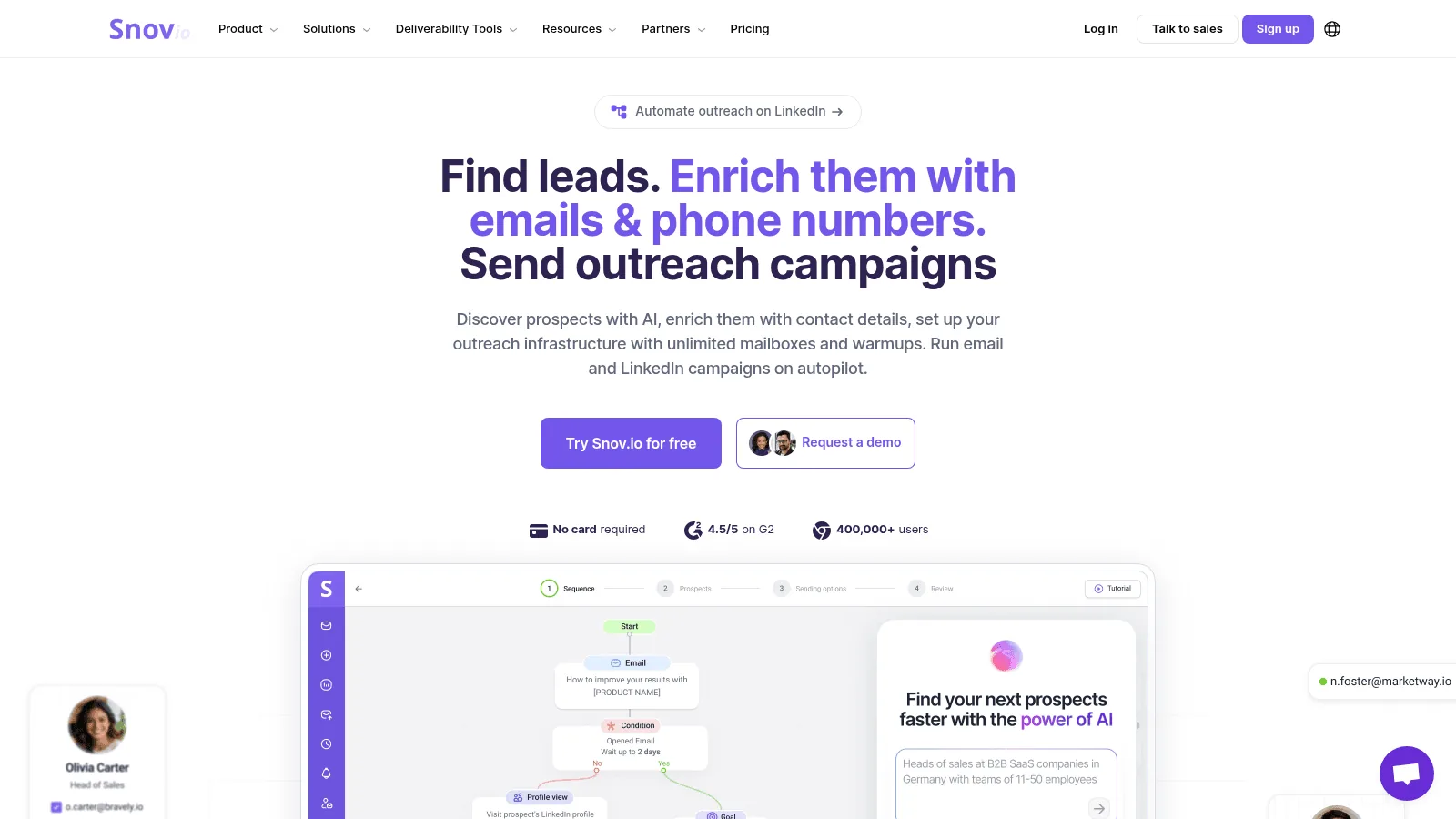
Overview: Snov.io is a sales platform whose database you search in plain English or with filters "from skills to revenue".
Key features:
- Natural-language AI search beside classic filters.
- Credits charged "not for the search itself, but for saving prospects and viewing collected company leads", at 1 credit per prospect.
- Unlimited export on paid plans.
Pricing: Starter is $39 billed monthly for 1,000 credits, which its FAQ prices at 3.9 cents a credit, and annual billing takes 25% off. The free Trial renews 50 credits every 30 days.
Pros: Searching costs nothing, plain-English queries, a trial allowance that renews
Cons: No export or API on the Trial, a credit per saved prospect
The appeal: You can describe a buyer in plain English, and the search itself costs nothing.
Final verdict: Snov.io works for teams that like to explore in plain English before spending.
10. Lusha
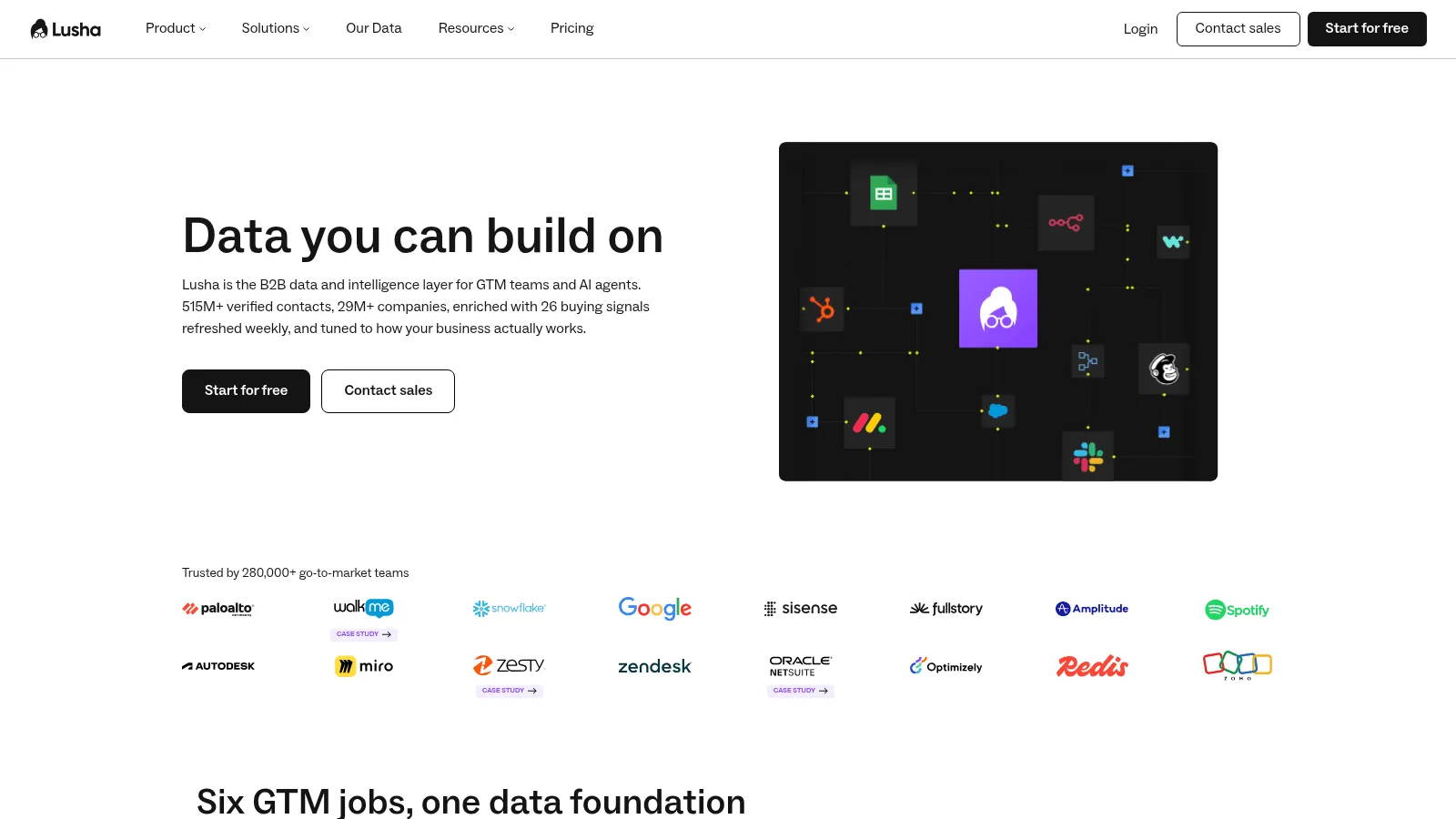
Overview: Lusha is a contact data platform claiming 515M+ contacts and 29M+ companies. Its Starter plan adds lookalikes and an AI assistant to its filters.
Key features:
- Basic and advanced filters on every plan, Free included.
- Contact and company lookalikes from Starter up.
- AI search at 1 credit per 5 prompts.
Pricing: Lusha's Free plan includes 40 credits a month. Its Starter plan is $37.45 a month billed yearly, with 4,800 credits a year, and a CSV export costs 1 credit per 1 to 25 results.
Pros: Advanced filters on the free plan, lookalikes at the entry tier
Cons: AI prompts cost credits, exports cost credits on top of reveals, no lookalikes on Free
Why teams pick it: Cloning a strong account works from Starter, with no upper plan needed.
Final verdict: Lusha fits a small team that filters first and clones its best accounts next.
Signal finders start from evidence instead of a profile: a company that runs a given tool or is hiring for a given role. The catch is that a technology lookup says a company uses a tool, not whether it's deeply embedded, barely touched or migrating away. Treat a signal as a reason to look, not a reason to buy.
11. TheirStack
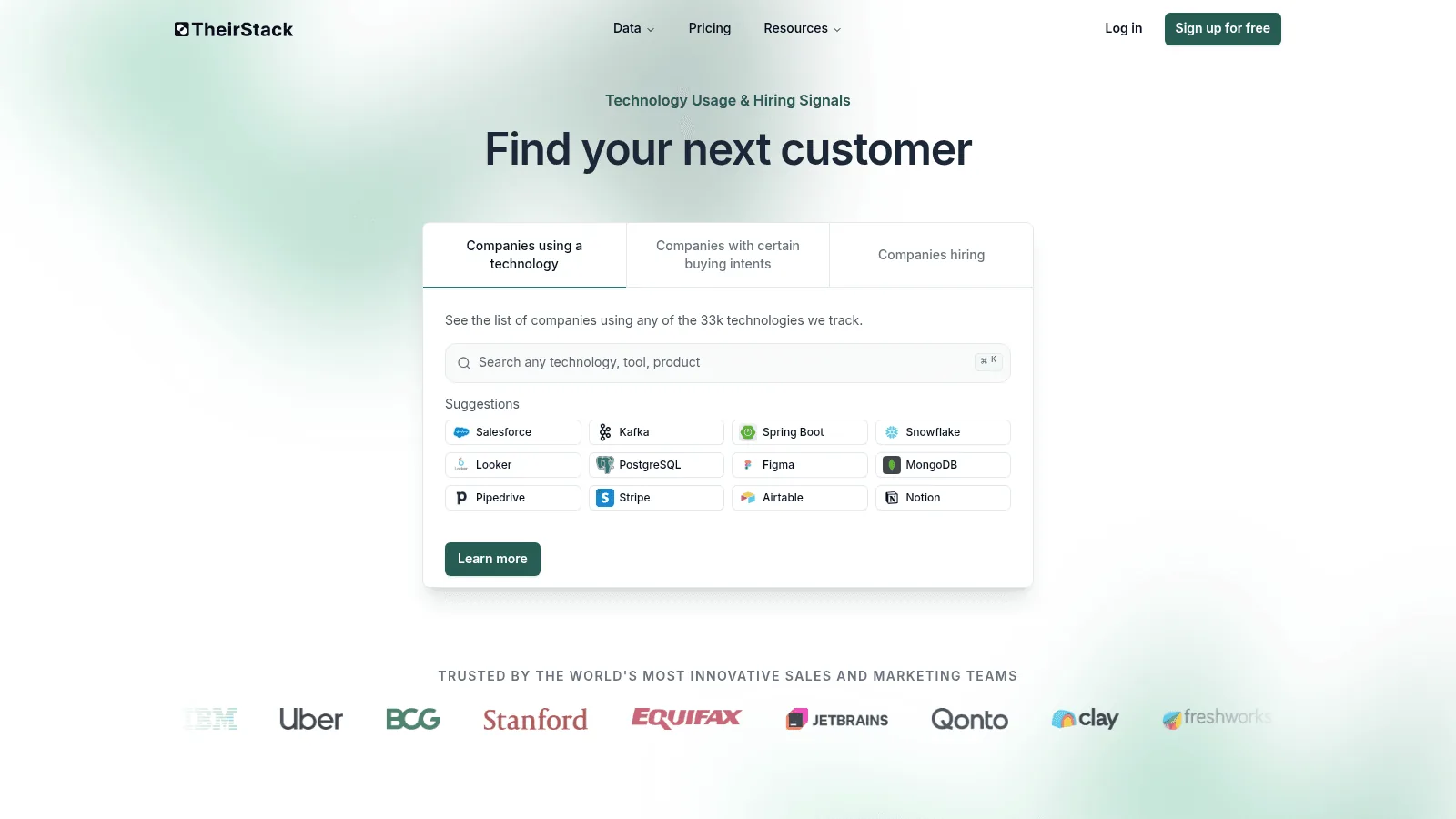
Overview: TheirStack finds companies by the technology they use and the jobs they post. It returns companies, not people, though job records name the hiring contact where known.
Key features:
- Search by technology and by hiring, with email alerts on saved searches.
- Up to 500 results per page on paid plans.
- Company credits that give 90 days of unlimited views of each company you reveal.
Pricing: One-time packs run from $109 for 1,000 company credits to $999 for 200,000, and roll over for 12 months. The API starts at $49 a month for 1,500 credits.
Pros: Hiring and technology signals in one search, credits that last a year, saved-search alerts
Cons: No people search, a signal isn't intent, free plan shows 25 results a page
Where it fits: When "hiring a data engineer" or "runs Snowflake" is the clearest sign of a buyer.
Final verdict: TheirStack is a strong first filter for account lists built on hiring and stack.
12. BuiltWith
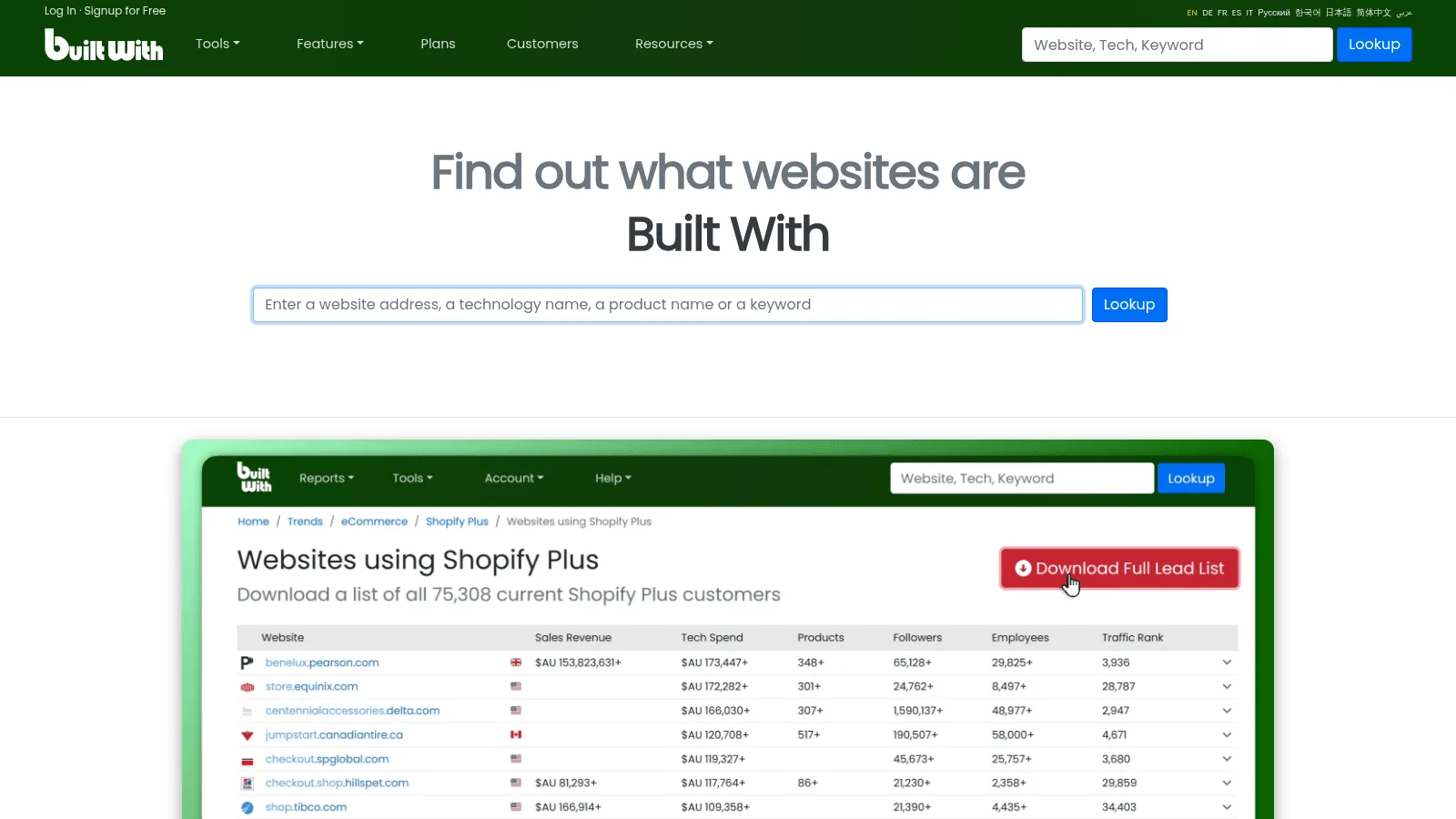
Overview: BuiltWith lists websites by the technology they run. It says it tracks 128,106 technologies across 491.9 million domains.
Key features:
- Lists of every site running a given technology, exported to CSV or Excel.
- Contact names, emails and titles "publicly listed with businesses" in the exports.
- Alerts and CRM integrations.
Pricing: Basic is $295 a month, Pro $495 and Team $995, with yearly plans at 10 times the monthly fee. Single-site lookups are free.
Pros: A flat price with no per-record meter, free single-site lookups, a very wide technology catalog
Cons: Basic caps you at 2 technologies and 2 keywords, contacts limited to what businesses publish
Why buyers use it: Within your plan's limits, extra lists cost nothing more.
Final verdict: BuiltWith suits sellers whose market is defined by the software on a website.
Map finders search the way a local customer would, by business category plus a place. Apollo.io's Google Maps search and Instantly's Local section do a version of this inside a bigger tool, and the last entry makes it the whole product.
13. Scrap.io
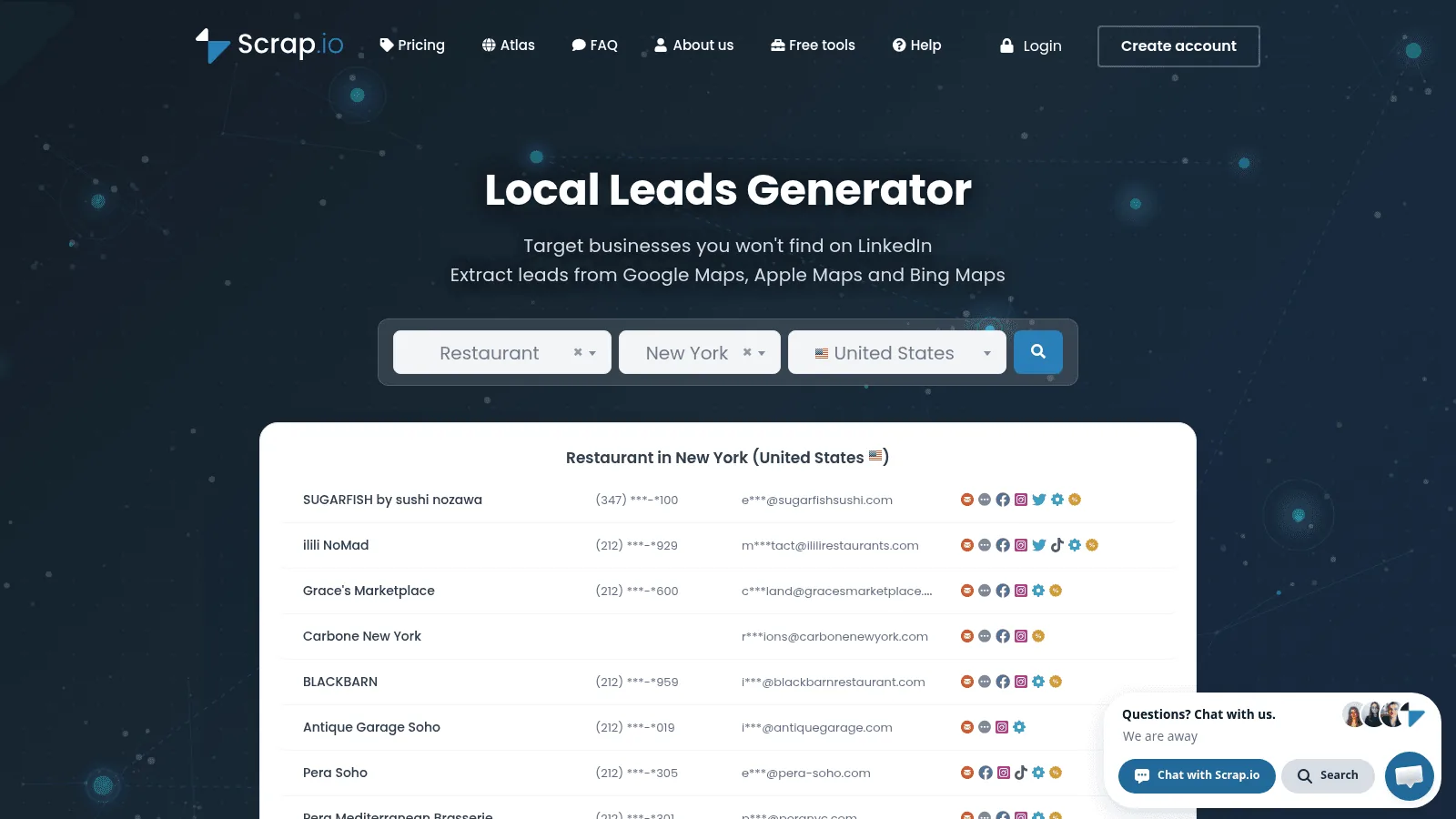
Overview: Scrap.io searches business listings on Google, Apple and Bing Maps by category and place.
Key features:
- Filters for listings with a website, phone, email, rating, review count or social profile.
- Search by city on Basic, and by whole country or a drawn area on Company.
- An API and MCP server on every plan.
Pricing: Basic is $35 a month billed yearly, or $49 monthly, with 10,000 export credits a month that don't carry over. A 7-day free trial exports up to 100 leads.
Pros: Reaches small local businesses, re-exporting a place within 30 days is free, API on every plan
Cons: City-only search on Basic, unused credits lapse each month, results are businesses rather than job titles
Its niche: It finds the plumber, clinic or café with a map listing, with or without a website.
Final verdict: Scrap.io is the pick when your buyers are local businesses.
When the Meter Starts, and What It Counts
The tools above don't all charge at the same moment, and the moment shapes the bill. A meter on each result charges for people you'll discard, while a meter on the reveal lets you browse freely.
| Tool | Meter starts at | Unit |
|---|---|---|
| Reverse Contact | Each result and agentic page, unless Plus or Max covers search | 1 credit per profile or company; email 3, phone 20, when found |
| Apollo.io | Email or phone reveal | Email 1 credit, phone 8 |
| UpLead | Opening a contact | 1 credit per contact |
| Skrapp | "Get Email" returning Valid or Catch-all | 1 credit per email |
| Saleshandy | Reveal; search unlimited | 1 per verified email, 6 per phone |
| ZoomInfo GTM AI | Enrich or export; search free | 1 data credit per record |
| Instantly | Converting results into leads | Credits, separate subscription |
| Ocean.io | Each result (API docs) | 0.2 credits per result; email 1, phone 10, when found |
| Snov.io | Saving a prospect | 1 credit per prospect |
| Lusha | Reveal, AI prompts or CSV export | Email 1, phone 5; 1 per 5 prompts; 1 per export of up to 25 |
| TheirStack | Revealing or exporting a company | 1 company credit |
| BuiltWith | Never: flat plan | Plan caps on technologies |
| Scrap.io | Exporting a place | 1 export credit |
The units differ (an email, a contact, a company, a place), so the rows are not directly comparable.
On our API, a search result is a full people profile with no email in it. A product lead at a news-driven lead-generation platform asked us exactly this: "does that bring the email through? Or is that a second sort of enrichment on top of that?"
For us it's the second. A found lead with a business email is 1 credit plus 3, or 4 credits, and the email part costs nothing if none is found. On Plus, search is part of the plan, within its 100,000-profiles-a-day cap.
Match the meter to how you search. If your filters are tight, a per-result meter, ours included, wastes little. If you browse widely, a reveal meter costs less. If you need thousands of accounts, a flat plan or an unlimited tier caps the bill.
How We Chose These Lead Finder Tools
Lead finder software made this list if it finds people or companies you don't already know, from criteria, an example, a signal or a place. Tools that only return contact details for a name you supply belong in a different list, as do website-visitor tools and general page-extraction tools.
We read each vendor's pricing page and help center on November 2 and 3, 2026, and every price carries its billing basis. Where a vendor's own pages disagree on a database size, we quote neither figure.
How Much Coverage Do You Really Get?
Coverage is the hardest thing here to check. Each database size in the first table is the vendor's own figure, ours included, and none tells you how many of your buyers are inside.
Size also hides a gap. The U.S. Census Bureau reports that from 2012 to 2023, nonemployer businesses (mostly self-employed people with no paid staff) grew 2.7% a year against 1.1% for employers, shrinking employers' share of all U.S. businesses from 24.6% to 21.6%.
A search built on company headcount and job titles is aimed at businesses with staff, and most U.S. businesses by count have none, so check whether your buyers are among them.
Coverage leans by industry, too. In a Reddit thread on r/sales, an SDR coach said data tools work better in some industries than others, and another commenter found one database strong on companies with a big online footprint and weaker on small businesses. That's anecdote, not data.
So test coverage yourself, ours included: our figures are 800M+ profiles and 70M+ company profiles.
Are Free Lead Finder Tools Worth It?
Free lead finder tools exist, but "free" here means a capped allowance, and the cap decides whether you can test a real search. The FTC's guide on "free" offers sets a fair standard here: the terms a free offer depends on "should be set forth clearly and conspicuously at the outset of the offer", so read the cap before you plan a test.
Here's what five of the free routes in this list give you:
- Apollo.io's Free plan carries 900 credits a year for each seat, with basic filters.
- Lusha's Free plan gives 40 credits a month, advanced filters included.
- Snov.io's Trial renews 50 credits every 30 days, with no export.
- ZoomInfo GTM AI gives 1,000 data credits at signup, with no card.
- Instantly's 14-day trial includes 1,000 welcome credits.
A free allowance answers one question well: does this tool find your kind of buyer? Use it for that, with the same ICP in each tool, and leave the big export for a paid plan.
We don't offer a free plan. You get free trial credits at signup, no card required, and our count is free on every option, so you can size a market and test results before you buy a pack.
How to Choose the Right Lead Finder Tool
Start from what you already know about your buyer, because that picks the search style, and the search style cuts the list fast.
If You Can Name the Titles and Company Size
Use a filter tool, or our API if your own code runs the search.
Titles are slippery, though. A Series A B2B software startup's growth lead told us that "at a younger company, a growth role might mean both sales and marketing." At a larger one, the title splits. Teams that pull the right people filter on a title keyword plus a separate seniority level, rather than typing every variant.
If You Have a Customer You Want More Of
Use lookalike search. Ocean.io clones companies from seed domains and Instantly from a client domain, while Apollo.io and Lusha clone people or companies, and our lookalike clones people.
If You Can Describe the Buyer in a Sentence
Use AI search, then check which filters the tool built from your sentence, if it shows them, because a sentence can be read two ways. We cover how agentic search works in our AI prospecting roundup.
If the Signal Is a Tool, a Job Post or a Place
TheirStack and BuiltWith return accounts, so plan a second, person-level search for who to contact. For local businesses, use Scrap.io or the map features inside Apollo.io and Instantly.
Run One Search in Three Tools Before You Pay
Pick your search style first, then shortlist up to three that offer it. Run one identical search in each, count how many of your known customers come back, and note the moment each tool starts charging.
Price one lead you'd actually contact, email included, in each, and compare those numbers. Once the leads are in, deciding which to work first is a job for lead scoring.
FAQs
What are the best lead finder tools?
The answer depends on how you search. For filters, look at Apollo.io, UpLead, Saleshandy and ZoomInfo GTM AI; for lookalikes and plain-English search, Instantly, Ocean.io, Snov.io and Lusha; for buying signals, TheirStack and BuiltWith; for local businesses, a map finder.
If your own software will run the search, Reverse Contact is built for that, with a free count before results bill.
Are there free lead finder tools?
Yes, with caps. Apollo.io, Lusha, Skrapp and TheirStack have free plans, and Snov.io has a renewing trial. Use the allowance to test whether a tool finds your buyers, not to build a full list.
How is a lead finder different from an email finder?
A lead finder starts from criteria, such as a title, an industry and a company size, and returns people you didn't know. An email finder starts from a person you know and returns their address. If you already have the names, our list of email finder tools fits that job.
Does a lead finder give you email addresses?
Usually as a separate step. Apollo.io charges 1 credit per email, UpLead 1 credit per contact with email and direct dial, and Saleshandy 1 per verified email. On our API, a search returns the profile, and a business email is a separate call at 3 credits, charged only when one is found.
How do I check a lead finder's coverage before I buy?
Look up 50 current customers in each tool's free allowance, over a few days if searches are capped daily, and count how many return with the right title and company. Repeat it for each industry you sell into, because coverage leans by industry.
The data layer behind your GTM engine
Access fresh people and company data through one API and power every enrichment, prospecting, and automation workflow.
- Profiles
- 800M+
- Refreshes / month
- 200M
- Response time (P95)
- 500ms