
10 Best Account Intelligence Tools in 2026
Julien K.Published
Key takeaways:
- Account intelligence works on the company, not the person: which accounts fit, who's in the buying group, what changed at the account, how to reach it and who's on your site. The 10 tools below are grouped by the question each one answers.
- Five of the 10 publish an entry price (Common Room, Sales Navigator, Salesmotion, RB2B and us), and five let you start without a sales call (AdRoll ABM only through its retargeting package). The other five open with a demo or quote.
- Most accounts on a fit list aren't buying yet. A Forrester analyst suggests assuming 15 to 30% of your audience is in market, not 5%, if you sell B2B marketing technology.
- Reverse Contact goes first because it's ours. We supply company and people records for your own tools to read.
Account intelligence tools help you decide which companies to work and when. Some pick the accounts, some map who decides there, some flag news like a new CFO or a funding round, and some show which companies are reading your pricing page right now.
Few do all of that, so this list sorts 10 account intelligence tools by the question each answers. We make Reverse Contact, so it's listed first. After that, tools are grouped by job, and order within a group carries no rank.
What Is Account Intelligence?
Account intelligence is what your team knows about a company as a buyer. It works at the level of the organization: whether the company fits, who decides there, what's changing and whether it's paying attention to you. Sales intelligence tools work one level down, on the person: a name, a title and a way to reach them.
Most account intelligence tools answer one of four questions:
- Which accounts fit, and who's in the buying group?
- What changed at the account recently?
- How do you reach the account before a rep calls?
- Who from the account is visiting your website?
Under all four sits a fifth, the record layer: what is this company, and who works there? That's where our own product fits.
A 2026 study in Industrial Marketing Management by Severini, Terho, Mero and Cardinali, based on interviews with account-based marketing (ABM) leaders at 22 firms, names deep account intelligence as one of three core ABM activities, beside picking high-value accounts and personalized engagement.
Whether to sell by account or by lead is a separate decision. This list assumes you've already chosen accounts.
The 10 Best Account Intelligence Tools Compared
The table sets each tool's question beside its published price and billing basis, whether you can start without a sales call and how its data reaches you (MCP lets AI assistants query a tool).
| Tool | Question it answers | Pricing | Start without a sales call? | Delivery |
|---|---|---|---|---|
| Reverse Contact | What is this account, and who works there? | Credit packs from $100 for 5,000 credits; plans from $249 a month | Yes: free trial credits, no card required | API, webhooks, MCP server, CLI, CSV import and export; Clay, Zapier and Make apps |
| 6sense | What's the history, activity and buying team at this account? | Custom quote; free plan ended August 12, 2026 | No: quote form | App, Chrome extension, APIs and MCP |
| Demandbase | Which accounts fit, and how are they structured? | A platform fee plus a flat fee per user; no figures | No: quote form | App, with data sold on its own |
| Common Room | Who's in the buying group, and who's missing? | $2,500 a month, billed annually | No: demo request | App, with MCP on every plan |
| LinkedIn Sales Navigator | Who's in the buying group, and who do I know there? | $119.99 a month per seat, or $1,079.88 a year | Yes: free trial for eligible members | App; CRM sync on Advanced Plus |
| Salesmotion | What changed at my accounts this week? | $85 a month, monthly contract | Yes | App; API from 100 free credits a month; Salesforce, HubSpot and MCP on custom plans |
| Databook | What changed, with a source for every fact? | No list price; consumption, credit or outcome-based terms, after a 90-day proof of value | No: proof of value first | Salesforce, Slack, Teams, API and MCP |
| AdRoll ABM | How do I reach target accounts with ads? | Three packages by demo; retargeting pays only for media | Partly: three packages start with a demo, Account-Based Retargeting has a self-serve sign-up | Ad platform and Command Center |
| RB2B | Which companies and people visit my site? | Free plan; paid from $79 a month, billed monthly | Yes: free plan and a 7-day trial | Slack and Teams; all integrations from Pro |
| Lead Forensics | Which companies visit my site? | Priced on your website visitors, unlimited users, by demo | No: demo first, then a one-week trial | App with alerts; routing on Automate |
That's five published entry prices out of 10. Five tools let you start without talking to sales, and the other five begin with a demo or quote: 6sense, Demandbase, Common Room, Databook and Lead Forensics.
We built the list from the pages ranking for "account intelligence tools" and "account intelligence software," most of them written by vendors, as this one is. Every price and feature was read on the vendor's own pages on November 3, 2026.
What Is This Account, and Who Works There?
Intent (signs a company is shopping), visits and AI briefs all land on a company record in your CRM. This group has one entry: the record itself. By our count, we cover 70M+ companies in our company data and 800M+ people profiles, delivered as data rather than dashboards.
1. Reverse Contact
Best for: The account record your other tools read.
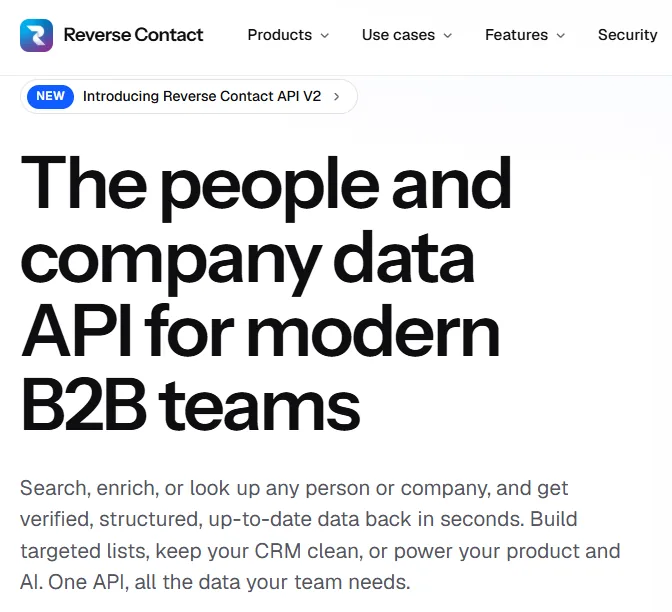
Overview: Reverse Contact is a people and company data API. Search companies by industry, headcount and location to build an account list, enrich the accounts you already hold from a domain, then find who works there by role and seniority. Or describe the accounts in one sentence: our agentic company search shows the filters it used and flags anything it can't search on, such as revenue.
Each company record arrives in the same JSON layout (industry, employee count, headquarters, locations, description and founding year), so your CRM and any tool reading it get the same fields. An enriched record also carries its last refresh date.
Zuora shows why a consistent record matters. Its data team uses us to enrich company and people identities from records spread across CRM, billing, product and customer-success systems, where one customer can appear under several names, and it's working toward one trusted profile per customer.
Key features:
- Company search by industry, headcount, location, specialities or founded year, at 1 credit per company returned, after a free count.
- Company enrichment from a domain, singly or for a file of up to 25,000 domains in a List, exported as CSV.
- People search by company, role and seniority.
- Person enrichment from an email, or a name plus the company domain.
- Business email and phone finders, at 3 credits per email found and 20 per lookup that finds a phone; both run asynchronously, so queue them.
- Delivery by REST API, webhooks, CLI, SDKs or MCP server, plus company steps in our Clay, Zapier and Make apps.
Pricing: Pay-as-you-go starts at $100 for a 5,000-credit pack, usable for three months, with no commitment. Plans carry a monthly commitment: Go at $249 a month makes cached record lookups unlimited, Plus at $449 extends that to people and company search, and Max at $699 to enrichment by email, name or domain, with unlimited use capped at 100,000 profiles per workspace per UTC day. Every plan still meters live refreshes, business emails and phones, and an empty live fetch bills 2 credits.
Plans cover your own team. Software your customers use that runs on our data needs a Platform contract, which our sales team prices.
Pros: A free count of matching companies before you pay, one-sentence account search that shows its filters and gaps, a last-refresh date on each enriched company plus a search filter on record age, company Lists built from a file of domains and exported as CSV, the people at each account through the same API and credits
Cons: We supply company and people records, not intent, scoring or account dashboards; our published API schema has no revenue, funding history or tech-stack fields
How to start using it:
- Start on free trial credits (no card required).
- Export 50 accounts from your CRM, including a few likely duplicates.
- Enrich each one from its domain.
- Compare the records that come back and merge the ones that match.
- Size credits or a plan from what you saw.
Why it's a good account intelligence tool: The other nine tools attach what they know to an account record, and a consistent record is what we make.
Final verdict: Pick it if you run, or plan to buy, an intent or ABM platform. Keep one consistent account and people record in the CRM that platform reads.
Try it on your accounts before you choose a plan.
Which Accounts, and Who's in the Buying Group?
Four tools here pick accounts and map who decides inside them. 6sense and Demandbase are full account-based platforms, Common Room builds the buying group from signals, and Sales Navigator works from a professional network most reps already use. ZoomInfo sells account data too, and a ZoomInfo competitors roundup reviews it alongside its peers.
2. 6sense
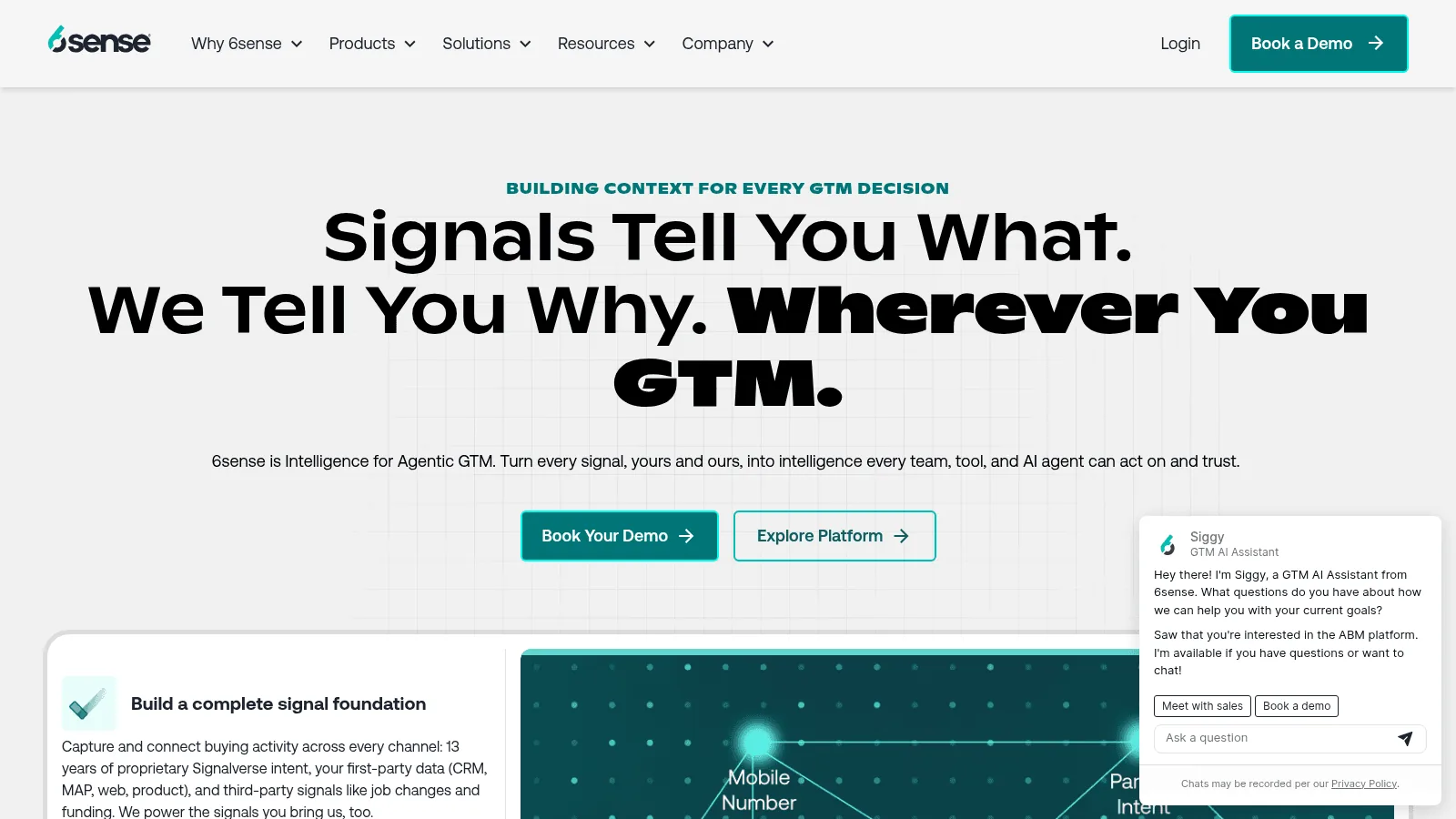
Overview: 6sense's Account Intelligence puts an account's past and present on one page: "recent activity, past opportunities, and the buying group in one place, wherever you work." It pulls CRM and marketing-automation activity, web behavior, intent, tech-stack data and opportunity history into that view.
Key features:
- One account page joining past deals, recent engagement and intent, so a rep doesn't rebuild the story from five tabs.
- Buying-team mapping around each account, including the roles you haven't reached yet.
- A Chrome extension, APIs and MCP access, so the view follows you outside the app.
Pricing: 6sense prices every package on a custom quote, requested through a form. Its free Sales Intelligence plan ended on August 12, 2026.
Pros: History, activity and buying team on one page, built on your own CRM and marketing data, access through APIs and MCP
Cons: Quote-only pricing, no free plan, the view is only as complete as the CRM and marketing-automation data you connect
Why account teams use it: A rep opening an account sees what happened before and who's involved now.
Final verdict: A strong fit for account-based teams with budget for a quoted platform and CRM data worth feeding it.
3. Demandbase
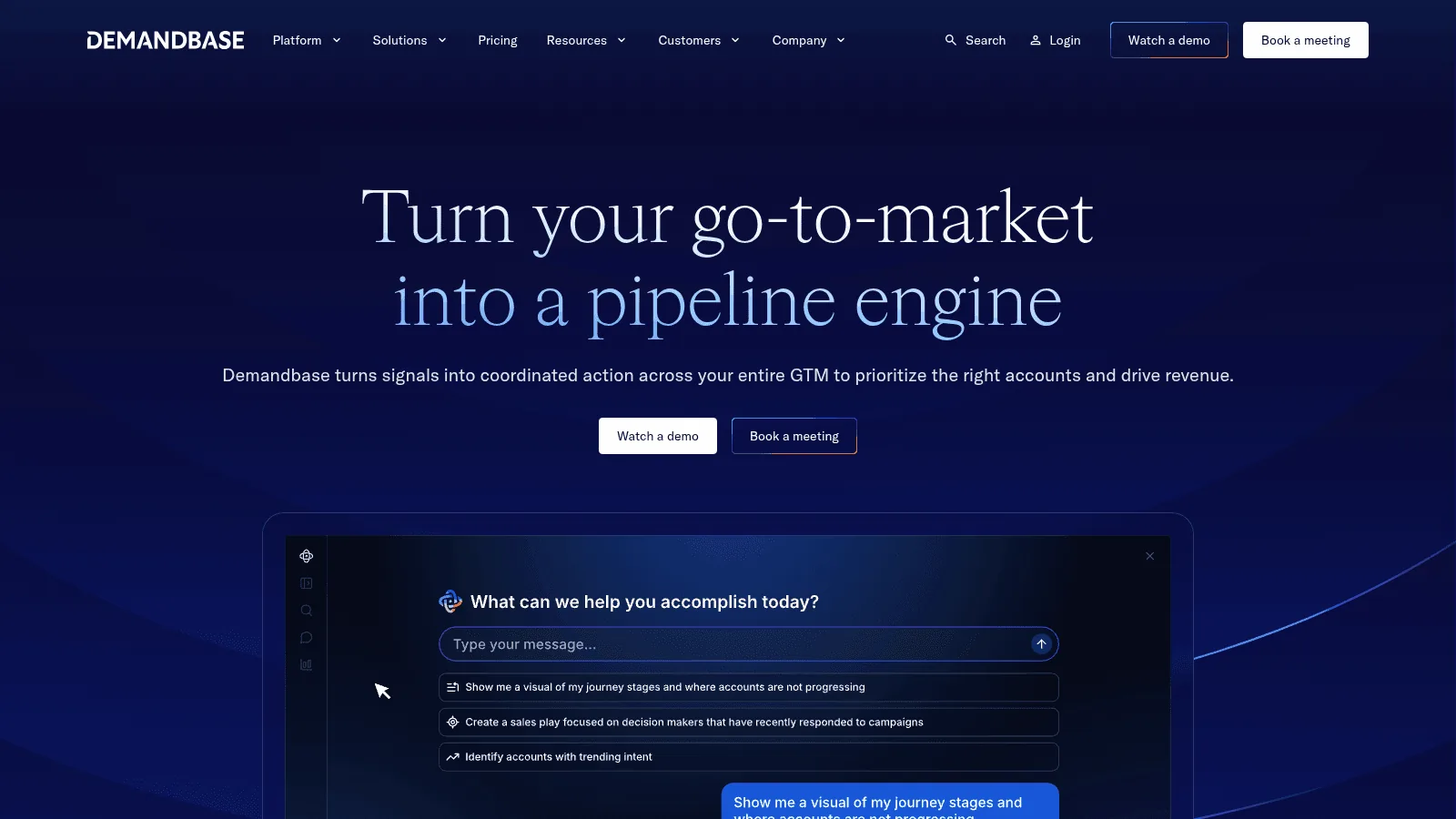
Overview: Demandbase frames account intelligence as your first-party data blended with its own. Its account intelligence page lists 113M+ companies with industry, revenue, employee count, financials and account hierarchies, plus 3.7B+ IP addresses for account identification, all self-reported. It launched Demandbase AI in 2026.
Key features:
- Company records with revenue, financials and account hierarchies, so subsidiaries roll up to the right parent account.
- Account identification from your website traffic, matched by IP address.
- A Data product you can buy on its own, with Advertising as another way in.
Pricing: Demandbase publishes no figures, and quotes come through a form. Its FAQ describes a platform fee covering core software and services, with a flat charge for each user on top.
Pros: Revenue, financials and hierarchies in the company record, data sold separately, ads and account identification under one contract
Cons: No published figures, per-user fees on top of the platform fee
What sets it apart: It publishes revenue, financials and hierarchies as fields, which our documented company fields don't carry.
Final verdict: Shortlist it when company detail and parent-child account structure matter as much as intent.
4. Common Room
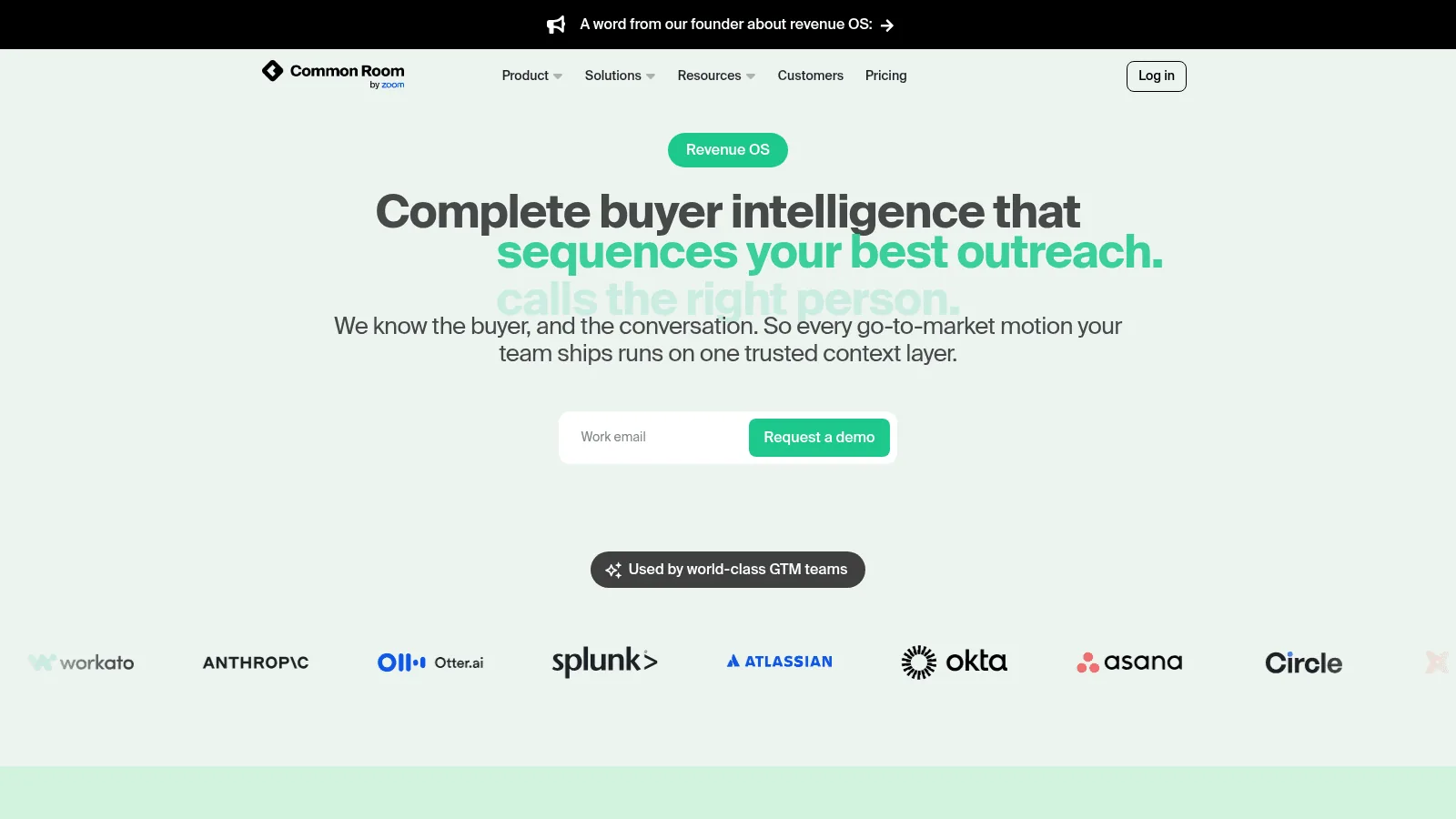
Overview: Common Room maps buying groups from first-party signals. Zoom bought it, with the deal closing in July 2026, and it's still sold as Common Room. Its Buying Committee feature, listed in its feature table and labeled a beta in its docs, aims to "map the full buying group, not just one contact."
Key features:
- Buying-committee matching that sorts decision makers, economic buyers, champions and blockers against your ideal customer profile, from a 400M+ contact directory it reports.
- Warnings for stakeholders you aren't tracking yet and for deals that rest on a single contact.
- An MCP server on every plan, so AI assistants can query it.
Pricing: Essential costs $2,500 a month, billed annually, for 5 seats, up to 100,000 contacts and 1,000 website deanonymizations a month. Advanced and Enterprise are custom, and the pricing page offers only a demo request.
Pros: Named roles across the buying group, single-thread warnings, a published entry price
Cons: $2,500 a month on an annual term to start, no free plan or self-serve route, a change of owner in 2026
Where it earns its place: It shows who's missing from a deal, not only who's in it.
Final verdict: Worth a demo for teams that lose deals when one champion leaves or goes quiet.
5. LinkedIn Sales Navigator
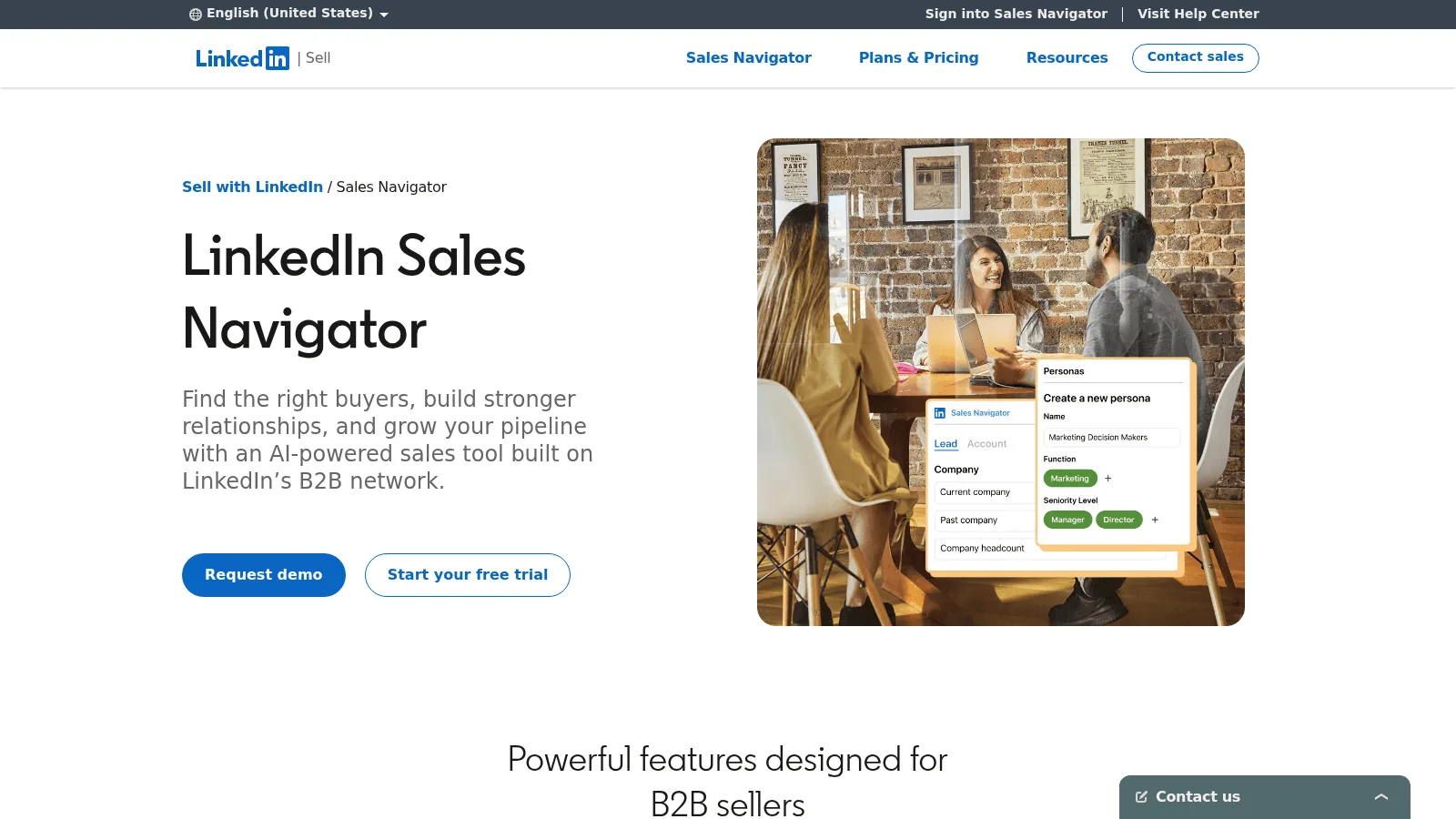
Overview: Sales Navigator is LinkedIn's seat-based tool for researching accounts and leads. On Core and above, Account IQ writes AI summaries of an account, and the Relationship Map gives "visibility into buying committee gaps."
Key features:
- Account IQ and Lead IQ, AI-written insights on an account or a person.
- Relationship Map and Relationship Explorer, for seeing the buying group and how your team connects to it.
- Alerts, 50+ search filters and 50 InMail messages a month on every plan.
Pricing: In US dollars per seat, Core costs $119.99 a month or $1,079.88 a year, Advanced costs $159.99 a month or $1,799.88 a year and adds Buyer Intent and TeamLink, and Advanced Plus is custom. Prices are listed as estimates that may exclude VAT.
Pros: Self-serve with a free trial, buying-group mapping from Core, a network your sellers work in daily
Cons: Per-seat cost adds up across a team, its signals come from one network, CRM sync waits for Advanced Plus
Strongest when: Relationships open the door, and reps need to see who they already know at an account.
Final verdict: The quickest way for a rep to start mapping buying groups this week.
What Changed at the Account?
Two tools here watch accounts and write up what changed, such as a new executive, a funding round or a hiring push. They're among the best AI tools for account intelligence, and their AI-written summaries are where the risk sits. In a Reddit thread on r/salesforce, a poster wanted users to see recent public events, such as executive changes and funding, on each account page.
One reply suggested keeping that news layer separate from the account's own fields, pulling news on a schedule, scoring it for relevance and showing the summary with source links, so reps don't treat AI text as CRM truth. That's one person's design, but both tools below show their sources too. For a one-off profile of a single company, company research tools fit better than ongoing watching.
6. Salesmotion
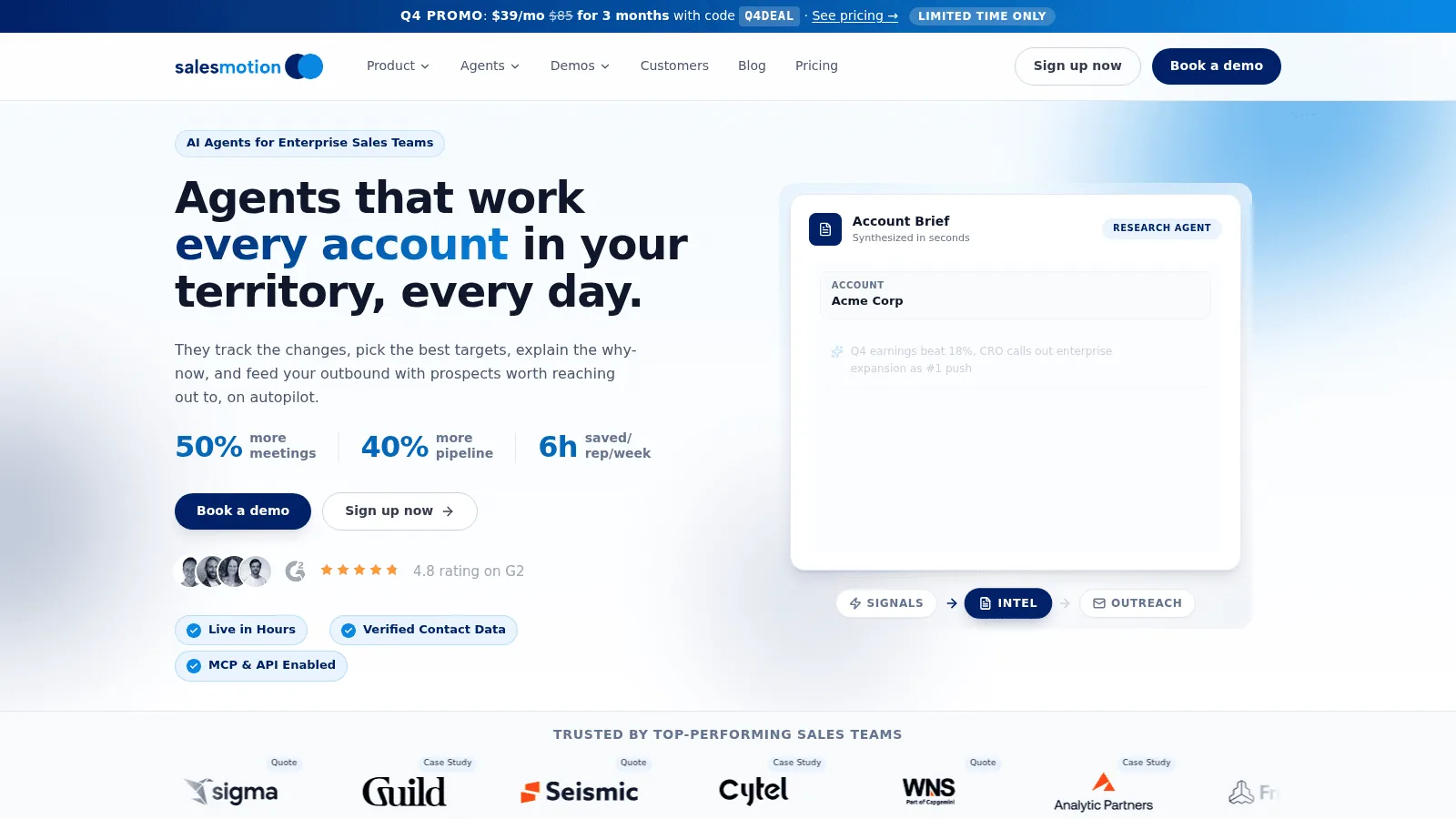
Overview: Salesmotion watches a rep's territory and writes up what moved. A Signal Agent tracks changes across what it says are 50+ signal types, a Research Agent writes account briefs, and an Outreach Agent drafts the follow-up.
Key features:
- Signal tracking on a list of named accounts, so a rep sees which ones moved this week.
- Research briefs that link back to their sources.
- Lookalike account discovery, starting from accounts that already fit.
Pricing: Individual costs $85 a month on a monthly contract, for one user, up to 100 tracked accounts and 200 contact credits a month. Team and Enterprise are custom and add unlimited users, Salesforce and HubSpot integration, MCP access and SSO, while its API is sold separately, with 100 free credits a month.
Pros: A published monthly price, built around one rep's territory, briefs with their sources attached
Cons: A 100-account cap on Individual, one user per Individual plan, CRM integration and MCP access only on custom plans
Why it suits a territory: One rep can buy it today, point it at 100 accounts and get the week's changes without a platform project.
Final verdict: The practical pick for a rep or a small team watching a named territory.
7. Databook
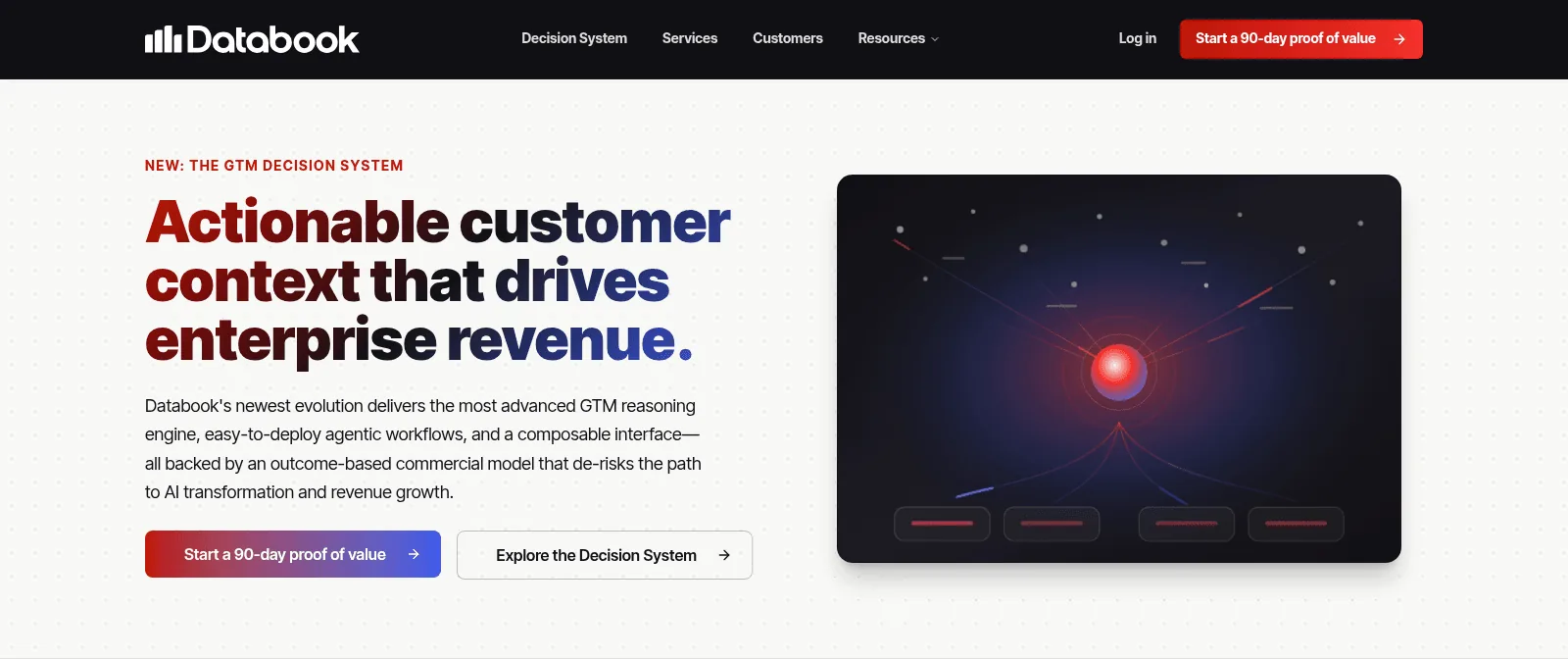
Overview: Databook calls itself a "GTM Decision System" for enterprise sales. It joins licensed and human-verified third-party data with your CRM and call context, and every fact it shows carries a source, a date and its provenance.
Key features:
- Sourced, dated facts on every account, so a rep can check a claim before repeating it on a call.
- Delivery into Salesforce, Slack and Microsoft Teams.
- API and MCP access for teams building their own workflows.
Pricing: Databook publishes no list price. Since September 2026 it has offered an "outcome-based commercial model" (a base fee plus a fee on revenue above the customer's financial plan) alongside its standard consumption and credit-based agreements, and every engagement opens with a 90-day proof of value.
Pros: Every fact traceable to its source, delivered where reps already work, a 90-day proof of value up front
Cons: No list price, enterprise-shaped with no self-serve path, its value depends on the CRM and call data you connect
The case for it: It answers the concern the Reddit thread raised: where did this summary come from, and can a rep check it?
Final verdict: A fit for enterprise teams that want account research they can audit line by line.
How Do You Reach the Account?
Knowing an account is in market doesn't help much if nobody there has heard of you. Account-based advertising puts your name in front of people at target companies before a rep calls, or while one does.
8. AdRoll ABM
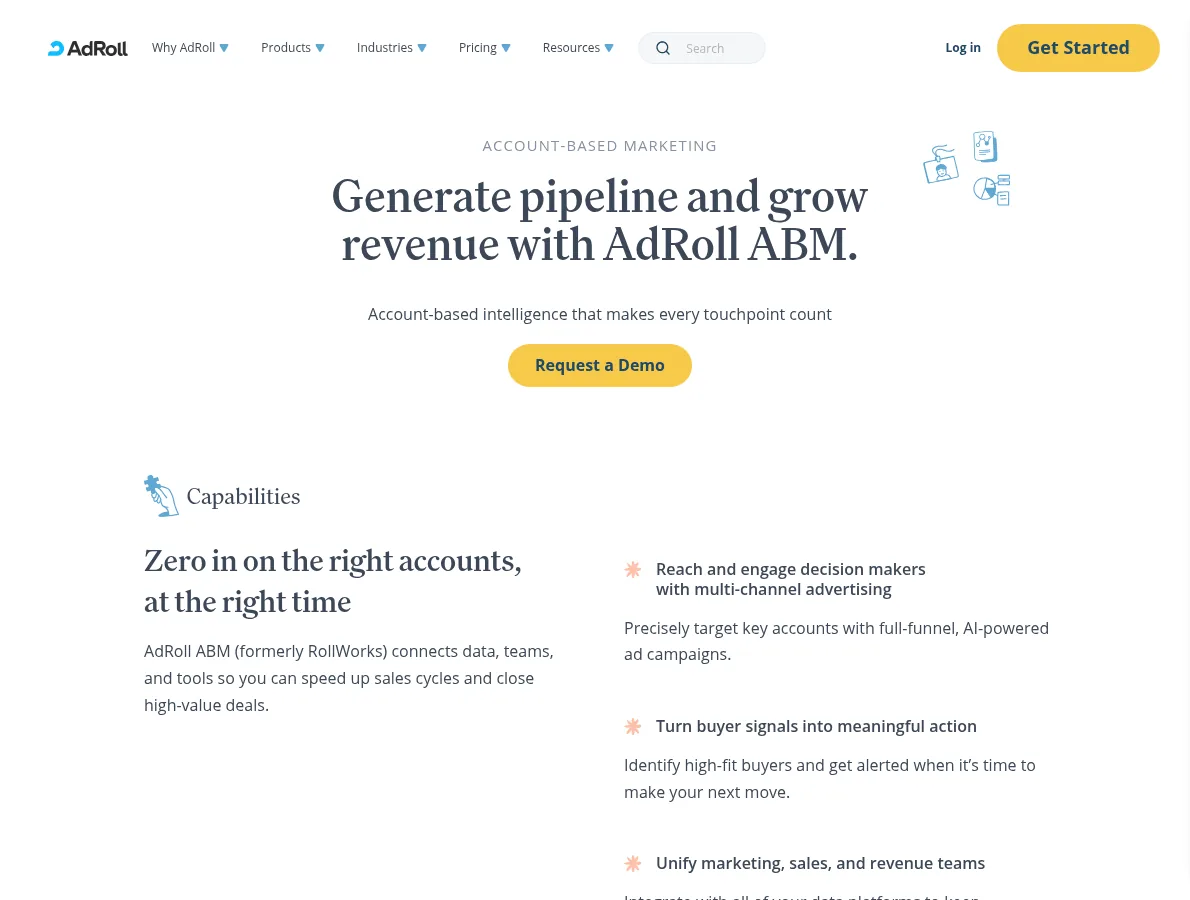
Overview: AdRoll ABM, formerly RollWorks, is NextRoll's account-based marketing product, renamed in August 2025. It pairs account-based advertising with buyer signals.
Key features:
- Ads aimed at target accounts, so the buying group sees you before a rep reaches out.
- A Command Center that turns signals into next steps, such as adding accounts to the CRM.
- Priority account lists you can pass straight to sales.
Pricing: Three of its four ABM packages (Account-Based Advertising, Account-Based Marketing + Advertising and Account-Based Marketing) are priced through a demo. The fourth, Account-Based Retargeting, has "no fee to get started," and you "pay only for media."
Pros: Ads and signals in one product, a no-fee way into retargeting, next steps handed to sales
Cons: No dollar figures, its account intelligence arrives through an ad platform, three of four packages need a demo
Best use: Warming up a target list with ads while sales works the accounts already showing activity.
Final verdict: Choose it when reaching accounts is the gap, not knowing them.
Who's on Your Site? Account Identification Tools
Tools in this group name the company behind an anonymous website visit, usually by matching the visitor's IP address to a business, and some go on to name the person. Clearbit used to be one option here until it joined HubSpot, so former users now weigh Clearbit alternatives that still name visiting companies.
Naming visitors isn't limited to the two tools below, though. Here's what each of the 10 says it can name, read from its own pages.
| Tool | Names companies visiting your site? | How it names people at an account | Starts from |
|---|---|---|---|
| Reverse Contact | No | People search by company, role and seniority | A domain or search filters |
| 6sense | Yes, from web activity | Buying-team mapping around each account | Your CRM, marketing-automation and web data |
| Demandbase | Yes: 3.7B+ IP addresses listed for account identification | 200M+ B2B contacts listed | Its data blended with yours |
| Common Room | Yes: 1,000 a month on Essential | Buying-committee mapping (beta) | Your first-party signals plus its contact directory |
| LinkedIn Sales Navigator | Partly: Advanced adds Buyer Intent, which counts visits to your site if you install LinkedIn's Insight Tag (shown as a visitor profile and role) | Relationship Map, on Core and above | Its own member network |
| Salesmotion | Not listed | 200 contact credits a month on Individual | A list of tracked accounts (100 on Individual) |
| Databook | Not listed | Verified contacts listed in its third-party data | Your CRM and call context plus licensed data |
| AdRoll ABM | Yes: Site Traffic Revealer, on the two Account-Based Marketing packages | Contact Discovery: 98M+ US contacts, bought with annual credits | Its ad platform and buyer signals |
| RB2B | Yes, free and in any country | Individual US visitors, from Starter | Your website traffic |
| Lead Forensics | Yes, from IP addresses | Decision-maker contacts at identified companies | A tracking script on your site |
Read "not listed" as a question for the demo, not as a no. Six of the 10 name companies visiting your site (Sales Navigator Advanced gets partway there through Buyer Intent).
9. RB2B
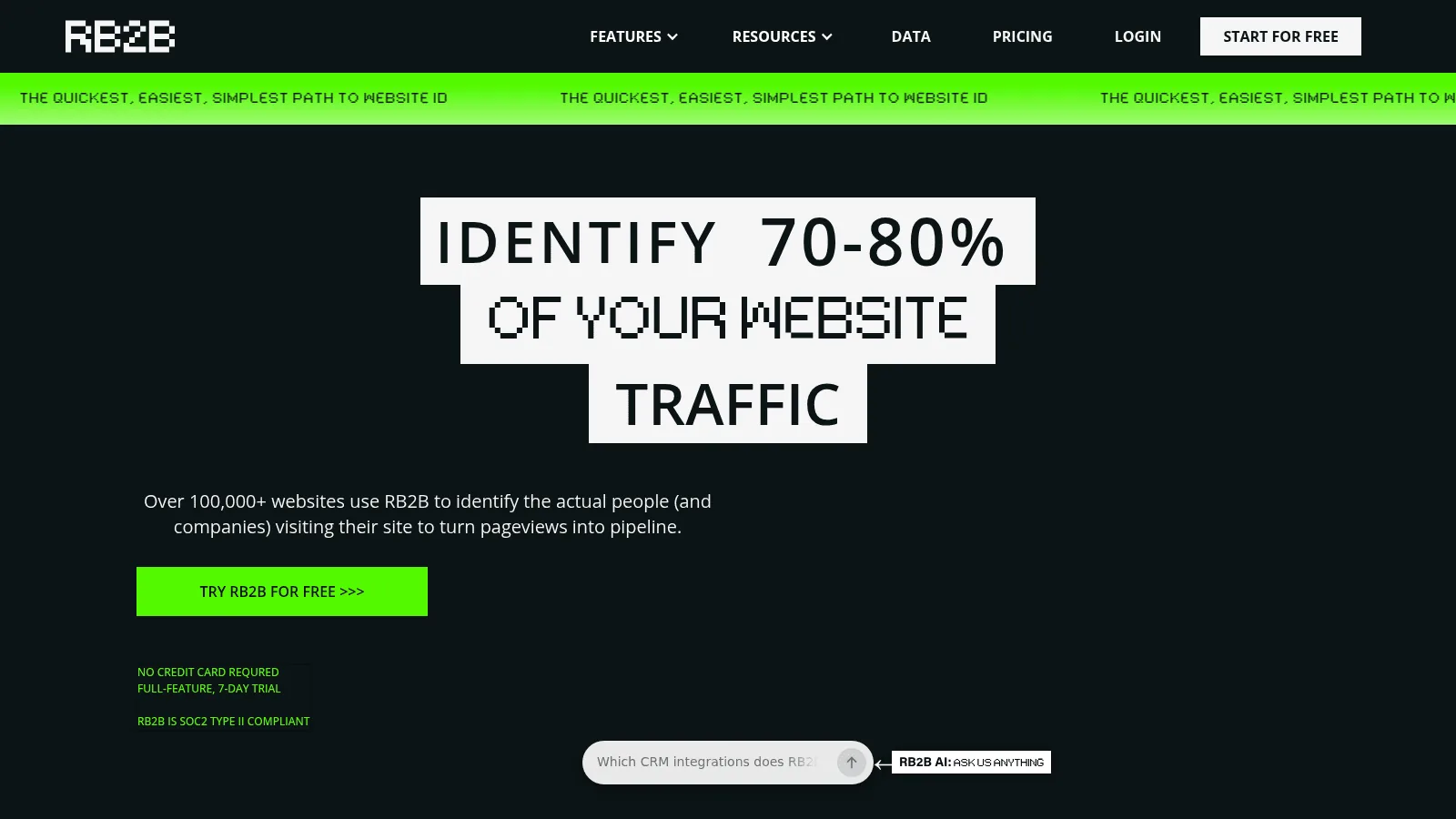
Overview: RB2B tells you who's on your website. Its free plan names visiting companies worldwide, and paid plans name individual US visitors and post them to Slack or Teams. Its pricing table states 15 to 20% coverage, and 35 to 45% on Pro+, while its homepage claims 70 to 80% of traffic with person and company identification combined.
Key features:
- Company-level identification on the free plan, in any country.
- Person-level identification in the US from Starter, with each visitor's LinkedIn profile URL sent to Slack or Teams.
- Business emails and every integration from Pro.
Pricing: Free covers 150 resolutions a month at company level, Starter costs $79 a month for 300, Pro starts at $149 a month and Pro+ at $199, all billed monthly. Overage runs 45 cents a resolution on Starter and 25 cents on Pro and Pro+, and every account gets a 7-day trial with no card.
Pros: A free plan you can run on your own site, monthly billing with no annual term, named US visitors from $79 a month
Cons: Person-level identification is US only, emails and integrations wait for Pro, overage billed per resolution past your allowance
Why it made the cut: You can see which companies visit your site without paying or talking to sales first.
Final verdict: Start here if you've never looked at who visits your site.
10. Lead Forensics
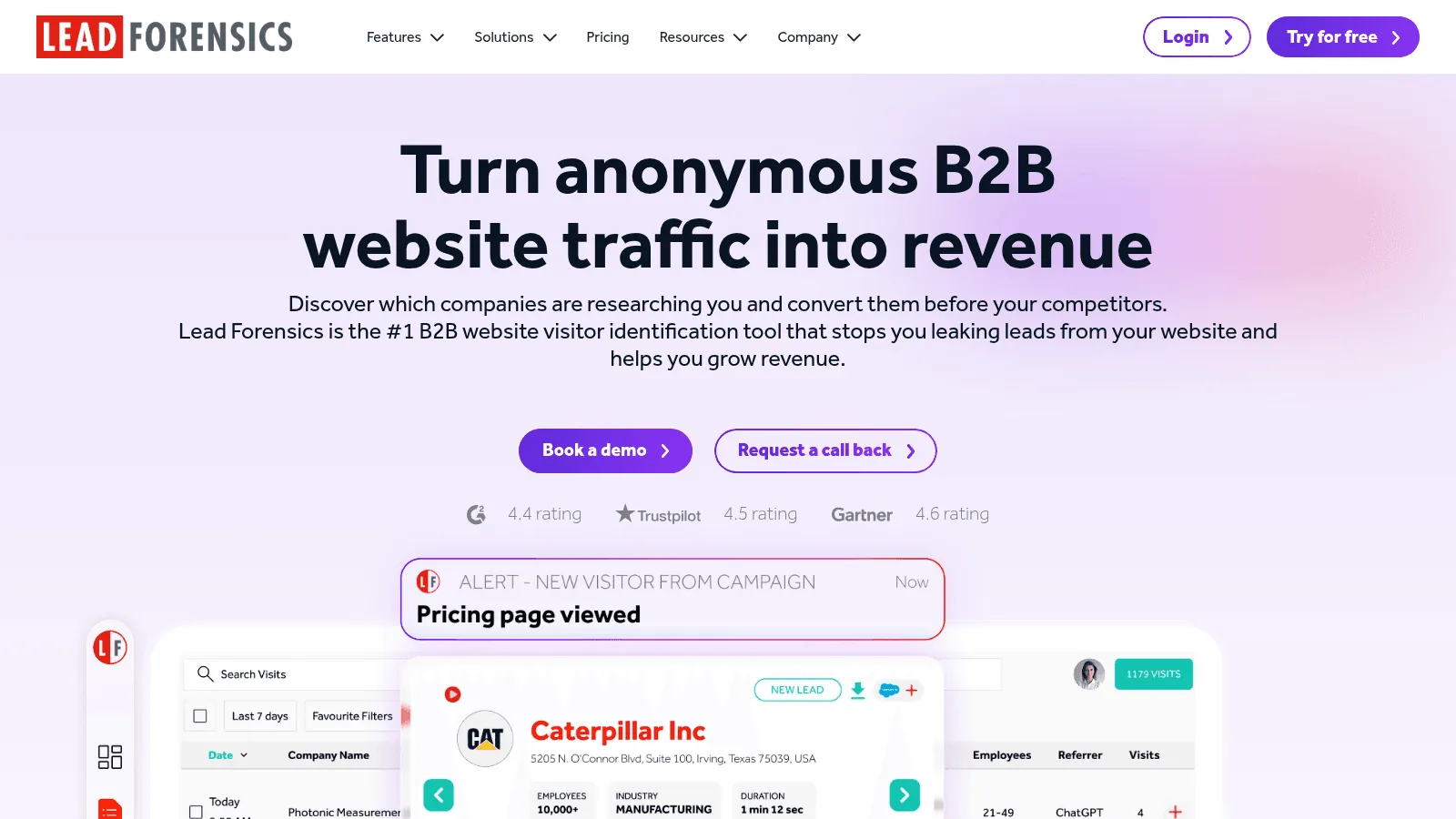
Overview: Lead Forensics names the businesses visiting your website. A small tracking script reads each visiting company's IP address, and the platform adds a lead and pipeline manager.
Key features:
- Company identification from IP addresses, with alerts when a business you care about visits.
- Decision-maker contacts at each identified company.
- ABM account matching and routing in the Automate package.
Pricing: Cost is "calculated based on your website visitors," and both packages, Essentials and Automate, start with a demo. There's a one-week free trial, and users are unlimited.
Pros: Unlimited users, a contact beside each identified company, account matching and routing on Automate
Cons: Names the company rather than the visitor, no published price, a one-week trial
Where it fits: Teams that want a named company and someone to call there from the same visit report.
Final verdict: A sound choice when you want visitor identification priced to your traffic and don't mind a sales conversation first.
A List Shows Fit, a Signal Shows Timing
A fit list tells you which companies should buy someday, not which are buying now. In a Reddit thread on r/b2bmarketing about target-account lists, a former salesperson turned ABM marketer replied that a list alone isn't ABM: what makes it account-based is coordinated effort, intent data and a "why now" for each account, such as engagement, site visits or news. Treat that as one practitioner's view, not data.
John Arnold of Forrester argued in a 2025 analyst blog post that the rule of thumb of only 5% of buyers being in market is too low. Across the B2B marketing technology categories Forrester tracks, he found roughly 20% of organizations planning to change their primary provider, 78% of them within 12 months, or about 15.6% in market each year, with 23% planning a change for ABM platforms.
His advice is to plan on 15 to 30% of your audience being in market if you sell B2B marketing technology. If your category behaves like the ones he tracked, most accounts on a fit list won't buy this year, and signal tools exist to spot the ones that will.
One sales-outreach founder we spoke with finds the strongest triggers stack two signals, such as a new VP of Sales joining a company that just raised a Series A. For a few strategic accounts, though, a plain news alert on each company keeps the team current without manual research.
Why a Duplicate Account Breaks Everything Above It
Every tool but ours hangs what it knows on a company record. When one customer exists as three records, each tool splits its picture three ways. Intent lands on one record, the open opportunity on another, and the buying group on a third.
Data teams we talk to use a simple rule when two company records claim the same domain: give the domain to the record whose name is closest to it and that has the most employees, then clear it from the rest. Domains don't stay put either. When a company rebrands onto a new domain, matching on the old one quietly splits a single account in two.
So clean your accounts before you buy signals for them, then re-run that cleanup on a schedule as part of your CRM data enrichment, and again whenever a signal tool and your CRM disagree about who an account is.
How to Compare Account Intelligence Software on Your Own Accounts
Vendors demo on their best accounts, and yours are messier. To compare account intelligence software fairly, run every finalist through the same test:
- Pick 30 to 50 target accounts you know well, including some closed-won, some lost and a few you suspect are duplicates.
- Write down what you expect each tool to report on them: the buying group, recent changes, any site visits.
- Run the same accounts through each finalist's trial, pilot or proof of value.
- Count right answers, wrong answers and blanks separately for each account.
- Open the source behind every AI summary and check that it says what the summary claims.
- Check whether each tool treats your suspected duplicates as one company or several.
Fit filters need the same scrutiny. One lead-generation agency CEO told us that targeting by company size alone kept booking meetings at companies whose staff sat mostly offshore, when their client needed a team in its own market: "we're ending up getting a lot of disqualified calls booked and our client doesn't want to talk to disqualified calls." Headcount tells you how big a company is, not where its people work.
What Account Intelligence Software Costs
Four of the nine third-party tools publish an entry figure, from RB2B's free plan and $79 a month up to Common Room's $2,500 a month, billed annually. Billing units differ: Sales Navigator charges per seat, Lead Forensics by website visitors, Databook optionally on outcomes and Demandbase a platform fee plus a fee per user.
On our side, credit packs start at $100 and plans at $249 a month, with company search unlimited from the $449 Plus plan.
Start With the Question Your Team Can't Answer Yet
Pick the tool by the question that's costing you deals. If reps can't tell which accounts fit or who decides, look at 6sense, Demandbase, Common Room or Sales Navigator. If they know the accounts but miss what changed, Salesmotion suits a rep with a territory and Databook an enterprise team. If accounts don't know you yet, AdRoll ABM reaches them, and if you can't see who's visiting, start with RB2B or Lead Forensics.
If your tools already disagree about who an account is, fix the record first. That's the layer we sell.
FAQs
What are account intelligence tools?
Account intelligence tools gather what you know about a target company and help you act on it. They pick accounts that fit, map the buying group, flag changes such as new executives or funding, reach accounts with ads, and name companies visiting your site. Most own one or two of those jobs, which is why this list groups them by question.
What is the difference between account intelligence and sales intelligence?
Account intelligence works on the organization: fit, buying group, changes and visits. Sales intelligence works on the person: a name, a title, an email or a phone number. The two meet at the company record, since people data only helps once you know which account each person belongs to.
What are the best AI tools for account intelligence?
Salesmotion and Databook write account research with AI and show the sources behind it, and Sales Navigator's Account IQ adds AI summaries for a seat price. 6sense, Common Room and Databook also offer MCP access, as do Salesmotion's custom plans, so AI assistants can query them directly. Whichever you pick, check each summary against its source before it reaches a customer.
What are account identification tools?
Account identification tools name the companies behind anonymous website visits, usually from IP addresses. RB2B and Lead Forensics do this as their main job, and 6sense, Demandbase, Common Room and AdRoll ABM do it inside larger platforms. RB2B also names individual US visitors.
How much does account intelligence software cost?
The lowest published entry is RB2B, free or $79 a month, and the highest is Common Room at $2,500 a month, billed annually, with Salesmotion at $85 a month and Sales Navigator Core at $119.99 a seat a month between them. The other five third-party tools publish no figure, and our credit packs start at $100, plans at $249 a month.
The data layer behind your GTM engine
Access fresh people and company data through one API and power every enrichment, prospecting, and automation workflow.
- Profiles
- 800M+
- Refreshes / month
- 200M
- Response time (P95)
- 500ms