
11 Best Lead Intelligence Tools in 2026
Julien K.Published

Key takeaways:
- Lead intelligence has three layers: data (who the lead is), signal (what the person or their company did) and action (the score and routing that turn both into a next step). Most of the 11 tools below own one or two, and the comparison table names which.
- Three of the 11 work on the company (Leadfeeder, 6sense and Bombora), one on the person (Warmly), and seven on both. Match the unit to how you sell before you compare features.
- Five offer a free plan: ZoomInfo Lite, HubSpot Sales Hub Free, Apollo.io, Leadfeeder Lite and Clay. ZoomInfo's sales packages, 6sense, Demandbase and Bombora publish no price, and UserGems starts at $40,000 a year.
- Reverse Contact heads the list since it's ours. We supply the person and company record a score sits on.
Most lead intelligence tools promise a clearer picture of who a lead is and whether they're ready to buy. Some start with the record (name, role and company), some with behavior (a website visit, a spike in topic research), and some with the score and the routing rule.
A score built on a stale job title still produces a confident number, and it points your team at the wrong person. This list sorts 11 lead intelligence tools by the layer they own, so you can see what each adds and what it needs underneath.
We make Reverse Contact, so it goes first. After that, tools follow the order of the layers (record data, website visits, accounts in market, then scoring and routing), and position inside a group isn't a ranking.
What Is Lead Intelligence?
Lead intelligence is what you know about a lead and what you do with it. No standards body defines the term, and nearly every page ranking for it is vendor-written, so here's the version we use:
- The data layer says who the lead is: name, role, company, size, industry and contact details.
- The signal layer says what happened: a pricing-page visit, a form fill, a company researching your category, a new hire.
- The action layer turns both into a next step: a fit or engagement score, a routing rule, an alert to the right owner.
Each layer leans on the one before it: an intent spike means little until you know who to contact, and a score means little if the title under it is two jobs old. Teams building signal products tell us the same thing: signals are noisy, and they only become useful once they're attached to clean person and company records.
That data layer is where lead intelligence overlaps with sales intelligence tools, which mostly sell contact and company records by the seat.
The 11 Best Lead Intelligence Tools Compared
Before the reviews, the table maps each tool to its layer, how to try it free and its lowest paid price with the billing basis.
| Tool | Layer it owns | Free way to try it | Paid from (billing basis) | Best for |
|---|---|---|---|---|
| Reverse Contact | Data: person and company records | Free trial credits, no card required | Credit packs from $100, valid 3 months; plans from $249 a month | The record under your own scoring |
| ZoomInfo | Data, plus fit score, intent and visitors on Copilot Advanced | ZoomInfo Lite, free, no card | Quote only on sales packages; GTM AI API credits top up from $20 | Data and signals in one contract |
| HubSpot | Data and action, inside the CRM | Sales Hub Free, 2 users; enrichment from Starter | Starter $7 per seat a month billed annually, new customers | Teams already on HubSpot CRM |
| Apollo.io | Data and scoring, light visit and intent signals | Free plan, 900 credits per seat a year | $49 per seat monthly on annual billing; $65 month to month | Trying every layer in one app |
| Leadfeeder | Signal: company-level website visits | Lite, free forever, no card | $79 a month billed annually, or $113 monthly | Seeing which companies visit |
| Warmly | Signal and action: person-level visits and routing | No free plan listed | $4,875 a quarter, or $10,000 a year | Acting on named visitors fast |
| 6sense | Signal and action: account intent and prediction | No free plan since August 2026 | Custom quote | Large account-based programs |
| Demandbase | Signal and action: account-based marketing | None listed | Custom: platform fee plus a flat fee per user | Ads, intent and sales views together |
| Bombora | Signal: topic intent data other tools embed | None listed | No public price | Intent as an input to your own tools |
| UserGems | Action: scoring from its own signals | None listed | $40,000 a year | Signal-based scoring without building it |
| Clay | Action: scoring tables you build | Free plan, 100 data credits a month | $167 a month billed annually, or $185 monthly | Designing your own scoring logic |
Read the billing basis as carefully as the number: four Warmly quarters cost $19,500, against $10,000 for a year.
Know the Lead: Person and Company Data
Four tools start with the record: you give them an email, a name or a company, and they tell you who the person is and where they work. ZoomInfo, HubSpot and Apollo.io wrap that record in signals and scoring of their own, while we sell the record by itself through our person enrichment API.
1. Reverse Contact
Best for: The record under your scoring.
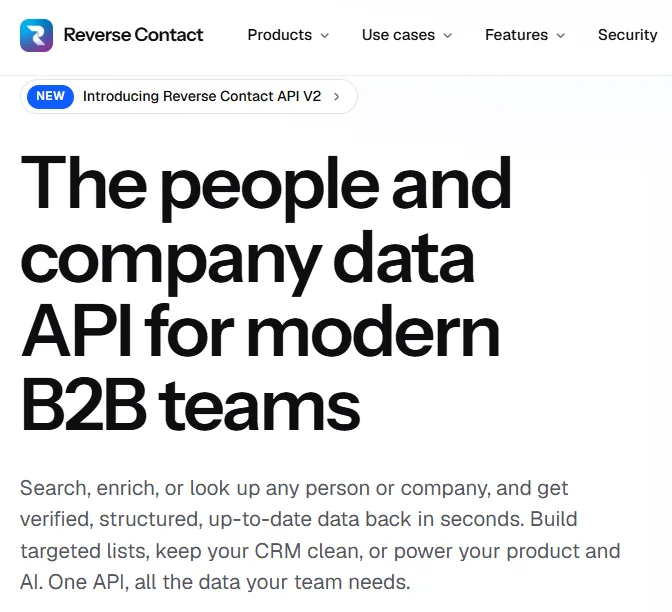
Overview: Reverse Contact gives your software people and company data through one API. Send us an email address, a name plus the company domain, or a domain alone, and we return a structured B2B record: a person's role, company, work history and location, or a company's industry, size, headquarters and description.
Each record type keeps a consistent JSON shape, so one scoring rule reads every record of that type. On an ambiguous match, we can return the other candidates beside the main result, so your score can see the doubt.
Signal teams tell us a cached record can be too old to act on, so for a record you already hold, you choose between our stored copy, returned in the request, and a live refresh by its ID. A free refresh-date check helps you pick, if your workspace holds at least 2 credits.
Live refreshes run in the background: each should finish in under 15 seconds, yet one can run for tens of minutes.
HeyReach shows inbound enrichment in practice. The outbound automation platform keeps self-serve signup short: email, first name, last name and, optionally, a company. Those fields go to our enrichment right after signup, and back comes the person's professional role and company context. The agency-likelihood score that decides who gets a sales conversation is HeyReach's own logic.
Key features:
- Enrichment by email, name plus domain, or domain alone.
- People search by current company, role and seniority, with a free count of matches first.
- A business email finder, 3 credits per email found.
- A phone finder, 20 credits when a lookup finds a phone; both finders run in the background, so queue them.
- REST API, webhooks, a CLI, SDKs or an MCP server for AI assistants, plus Lists that import a file of up to 25,000 people or company domains and export CSV.
- Ready-made apps for Clay, Zapier and Make; n8n connects through an HTTP request step.
Pricing: A $100 credit pack buys 5,000 credits that expire after three months, with no commitment. On monthly plans, Go costs $249 a month and puts fetches of stored records by ID on an unlimited allowance, Plus at $449 extends that to search, and Max at $699 covers enrichment from emails, names and domains too. That allowance tops out at 100,000 profiles a workspace each UTC day.
Live refreshes (2 credits, even on a miss), business emails (3 per email found) and phones (20 when a lookup finds one) cost credits on every plan. Plans cover your own team's use; customer-facing or resold use is a Platform contract quoted by sales.
Pros: Enrichment that answers in the same request, ranked candidates on unclear matches, a free refresh-date check before you pay, bulk enrichment of up to 25,000 people per request, email and phone finders that bill only on a find
Cons: We supply the data, not the scoring, intent data or routing; our published company schema has no revenue, funding history or technographics for a fit score to read
How to start using it:
- Start a workspace using free trial credits (no card required).
- Choose cached or live for each record refresh.
- Run the test below on 50 known leads.
- Feed records into your score (live refreshes arrive by webhook or polling).
- Pick a pack or plan from the result.
Why it's a good lead intelligence tool: Every score reads a record, and records are what we make. You can test it on leads you already know before any model reads it.
Final verdict: The fit for a team that already scores, routes or buys intent elsewhere and needs the record layer underneath.
Try it on your records before you pick a plan.
2. ZoomInfo
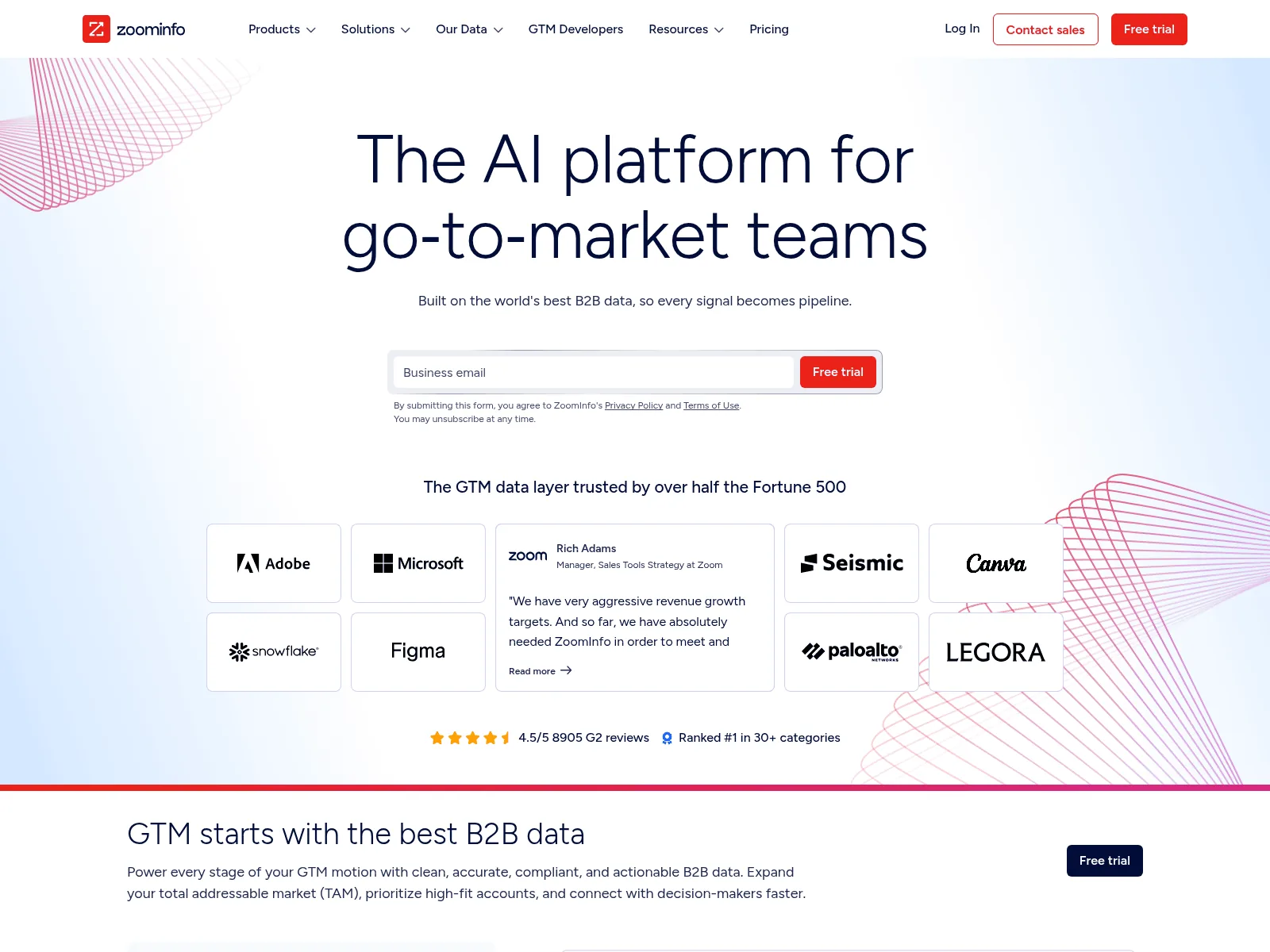
Overview: ZoomInfo is a contact and company database with lead intelligence added by tier. Professional covers the record (contacts, companies, mobiles and business emails), and the signals start one tier up.
Key features:
- Account Fit Score on Copilot Advanced, rating how closely a company matches your ideal customer.
- Buyer intent signals, website visitors, champion tracking and job-posting changes on the same tier.
- Real-time and custom intent plus AI account summaries on Copilot Enterprise.
Pricing: Every sales package is priced on a quote; the GTM AI API sells credits from $20. ZoomInfo Lite is free with no credit card, and the marketing packages list 25 intent topics on Marketing Demand and 100 on ABM Lite.
Pros: Data, intent and visitors from one vendor, a permanent free plan, fit scoring built in
Cons: No published price on its sales packages, fit score and intent start above the entry package, its license terms forbid putting the data inside products you build
Where it fits: A large team buying the record, intent and visitors together.
Final verdict: If lead intelligence is why you're buying, ask for a Copilot Advanced quote, not Professional.
3. HubSpot
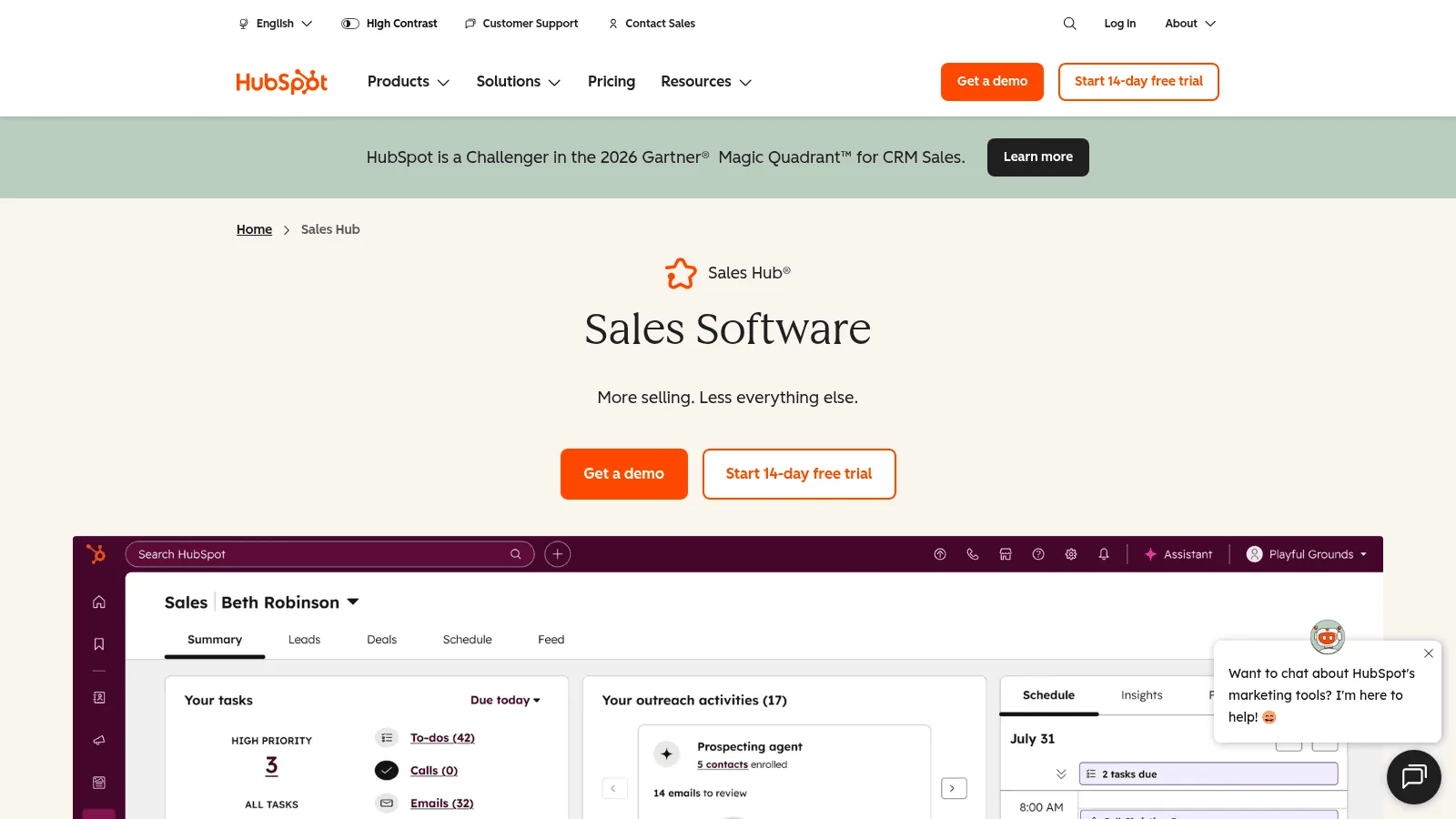
Overview: HubSpot's Sales Hub runs lead intelligence inside the CRM. Paid Sales Hub plans get contact and company enrichment, which HubSpot says draws on its commercial dataset, third-party providers and publicly available information. HubSpot absorbed Clearbit in December 2023, so teams that don't run HubSpot look at Clearbit alternatives for standalone enrichment.
Key features:
- Enrichment that doesn't consume HubSpot Credits, with automatic enrichment off until you switch it on.
- Lead scoring with up to 5 scores on Professional and up to 10 on Enterprise.
- An Intelligence tab showing website visitor activity and company qualification beside the record.
Pricing: Sales Hub Free costs $0 for up to 2 users, and Starter runs $7 per seat a month on annual billing, a new-customer discount on a $20 list price. Professional is $90 per seat a month billed annually, or $100 paid monthly on an annual term, plus $1,500 onboarding.
Pros: Enrichment, scoring and CRM in one place, no credit meter on enrichment, a free entry plan
Cons: An annual commitment and $1,500 onboarding on Professional, little value unless HubSpot is your CRM
Why buyers shortlist it: There's no sync to build between the record and the score.
Final verdict: The natural pick for HubSpot shops; check which tier your scoring needs.
4. Apollo.io
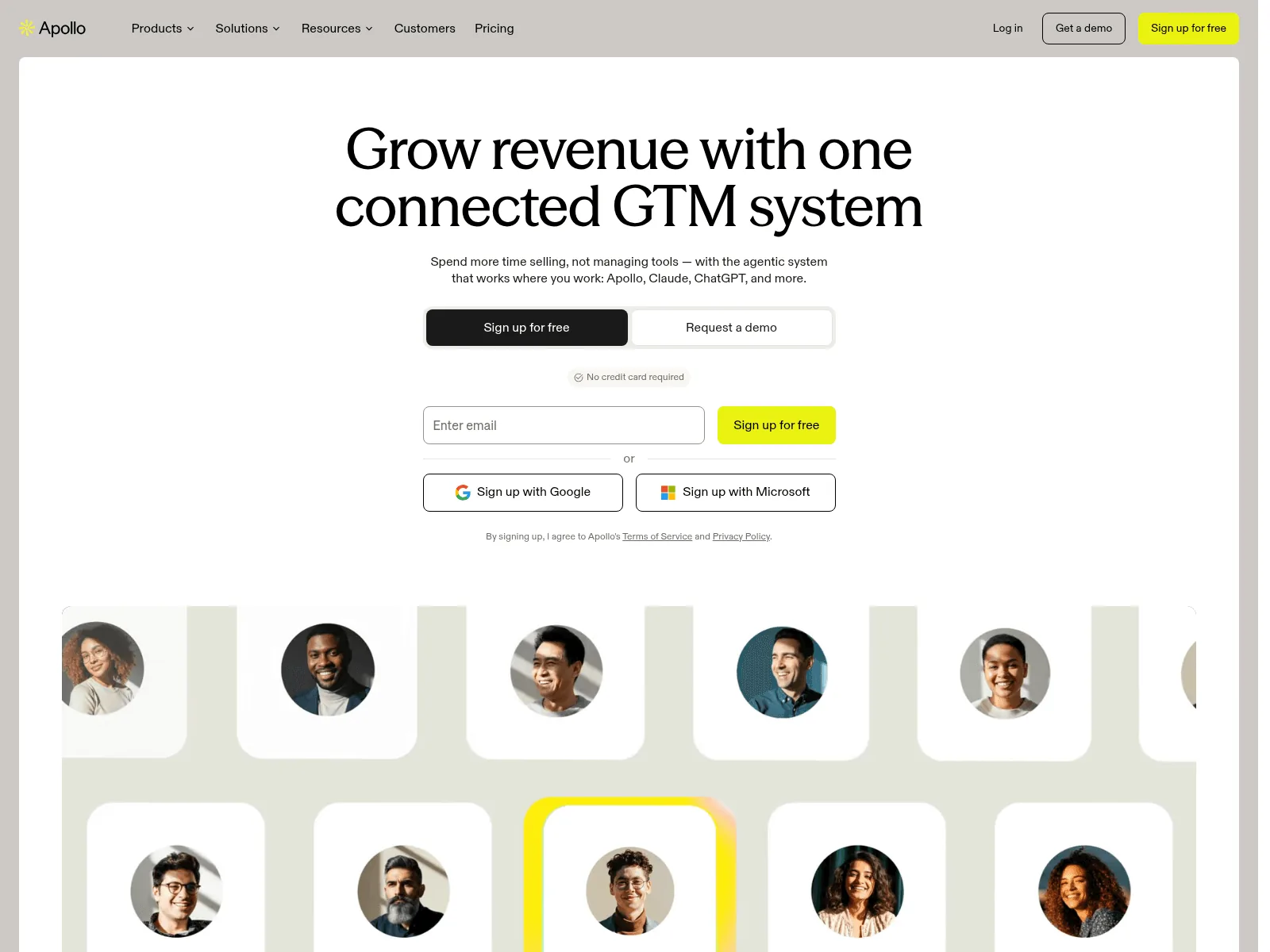
Overview: Apollo.io puts a contact database, website visitor identification, intent topics and lead scoring in one app, and its free plan touches each in small amounts.
Key features:
- Visitor identification for 20 companies a month on Free and 100 on Basic.
- Intent topics: 1 on Free, 6 on Basic and 12 on Organization.
- Lead scoring with 2 scores on Free and Basic, and uncapped AI lead scoring on Professional.
Pricing: The free plan carries 900 credits per seat a year, released month by month. Basic costs $49 per seat each month when paid annually, or $65 paid monthly, and an Inbound add-on with routing and forms starts at $119 per team a month billed annually.
Pros: Every layer can be tried free, a low per-seat entry price, API access even on Free
Cons: Credits don't roll over, the Inbound add-on's contact-level visitor data covers the US only, plans are for internal business use only
What it's genuinely good at: Letting a small team try fit, intent and visits before it pays.
Final verdict: The broadest free starting point here, if your scoring fits inside its caps.
See the Visit: Website Visitor Identification
Two tools here start from your website traffic: Leadfeeder identifies the company behind a visit, and Warmly goes a step further to the person. In a Reddit thread on r/b2bmarketing about whether visitor tracking works, one marketer said an unnamed person-level tool they tried rarely matched the accounts that three account-level tools agreed on, and the account-level results lined up with their own forms and demo bookings.
Another commenter put identification at roughly 10 to 30% of traffic, with individuals named only in the US. Treat both as individual experience, not data, and test any visitor tool on your own traffic.
5. Leadfeeder
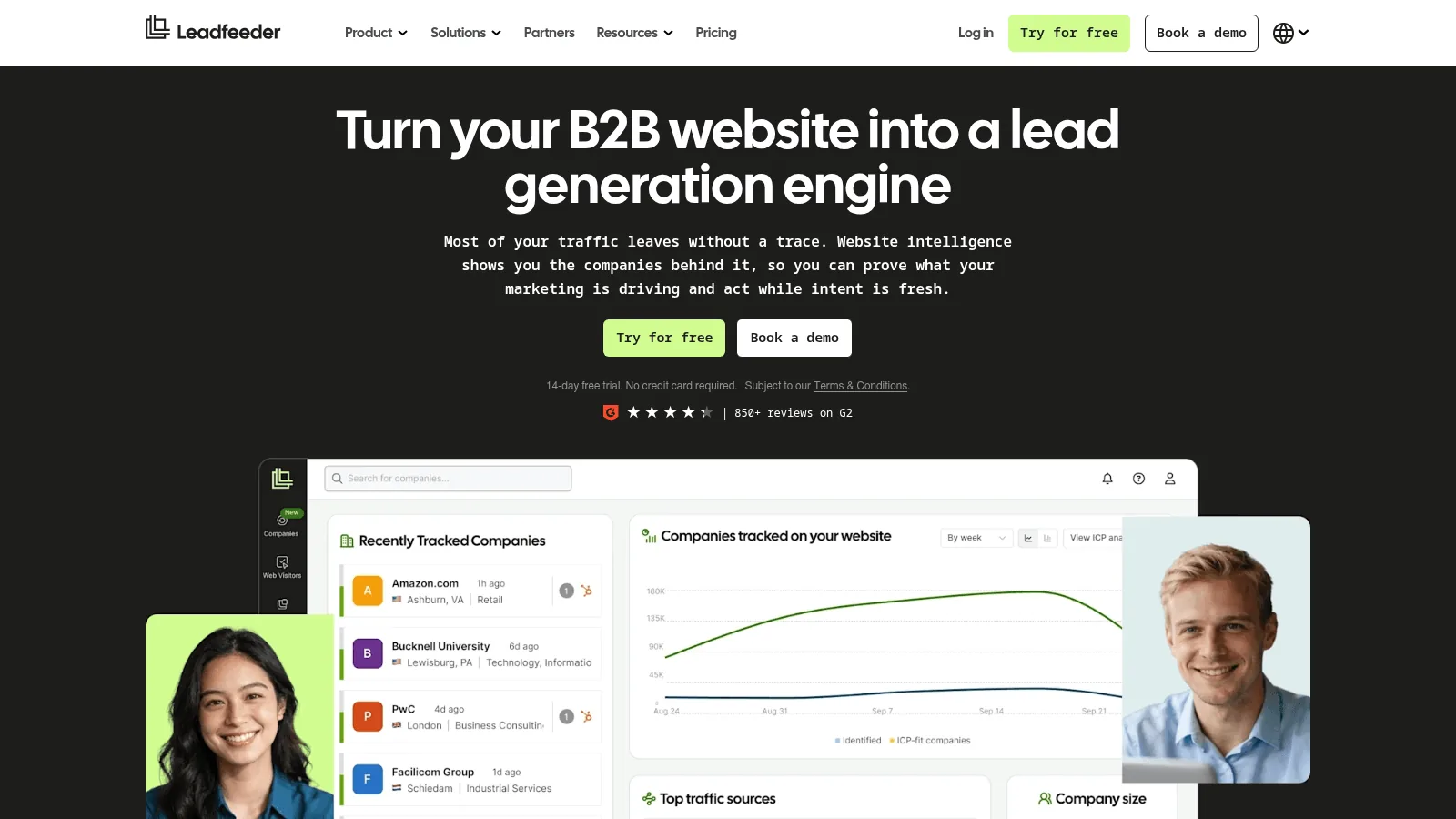
Overview: Leadfeeder tells you which companies are on your site and what they read there. Dealfront renamed itself Leadfeeder on March 24, 2026, so the two names mean one product.
Key features:
- Company identification from visits, with unlimited users on every plan.
- API and MCP access, real-time alerts and CRM sync from Discover.
- Verified emails and phones plus intent filters on Activate.
Pricing: The Lite tier costs nothing, forever, and needs no card; it keeps 7 days of history and the last 100 companies a month. Discover begins at $79 a month on annual billing, or $113 paid monthly, and the price grows with the companies identified.
Pros: A real free plan, unlimited users, account-level data that suits account-based teams
Cons: Company-level by default, contacts and intent filters wait for Activate at $369 a month billed annually, top-tier Scale is annual only
Why it made this list: It shows which companies came back this week, without a sales call.
Final verdict: The low-risk way to add a visit signal to account-based work.
6. Warmly
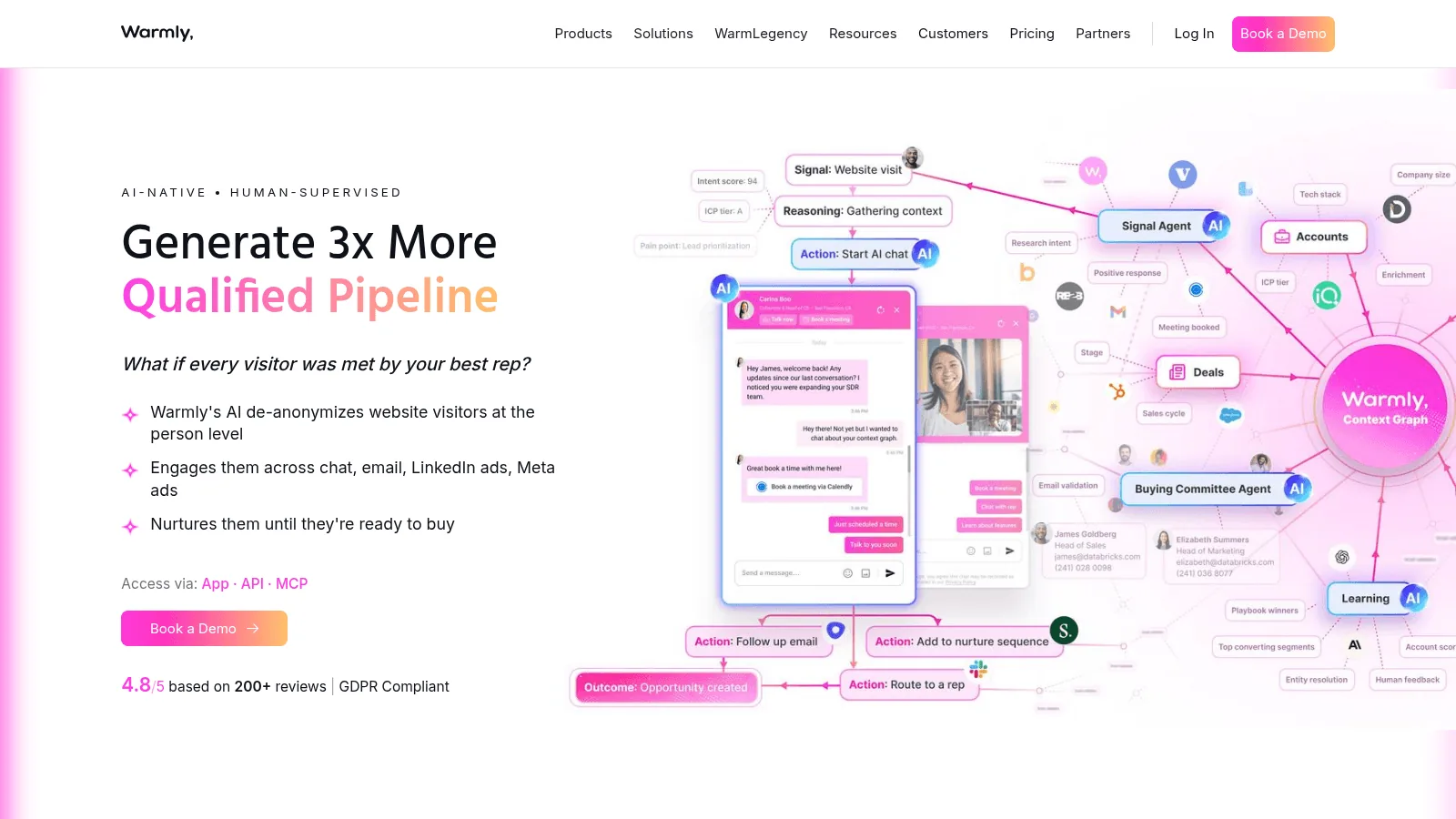
Overview: Warmly names website visitors at person level and acts on them with chat, routing and AI agents. Its June 30 blog post says it agreed to be acquired by HubSpot, with contracts and pricing unchanged at that point.
Key features:
- Web deanonymization (naming the person behind an anonymous visit), filtered by your ideal customer profile.
- Lead routing, CRM sync and Slack alerts when a matching visitor lands.
- Inbound chat and an AI autopilot on higher packages.
Pricing: AI Web-Deanonymization starts at $4,875 a quarter, or $10,000 a year, from 10,000 credits a month. The Inbound Chat and AI Inbound Autopilot packages start at $6,500 and $9,750 a quarter, or $20,000 and $30,000 a year.
Pros: Person-level visitor data, routing built in, a quarterly option before an annual term
Cons: No free plan listed, five-figure annual prices, the HubSpot acquisition, which could change the product
Where it beats the alternatives: A named visitor becomes a routed alert or a live chat in one tool.
Final verdict: Worth a quarter's trial if you sell lead by lead, with the acquisition in mind when you sign.
Find Accounts in Market: Intent Data
Intent data tracks which companies are researching a topic across the web, often before they visit your site. 6sense and Bombora work on the account, so their main output is a company and a topic, not a person, while Demandbase says its data adds person-level intent.
Turning that into someone to contact takes a record of the buying group, from the vendor's contact data or yours. For the company half of that record, company research tools fill in size, industry and location before you look for people.
7. 6sense
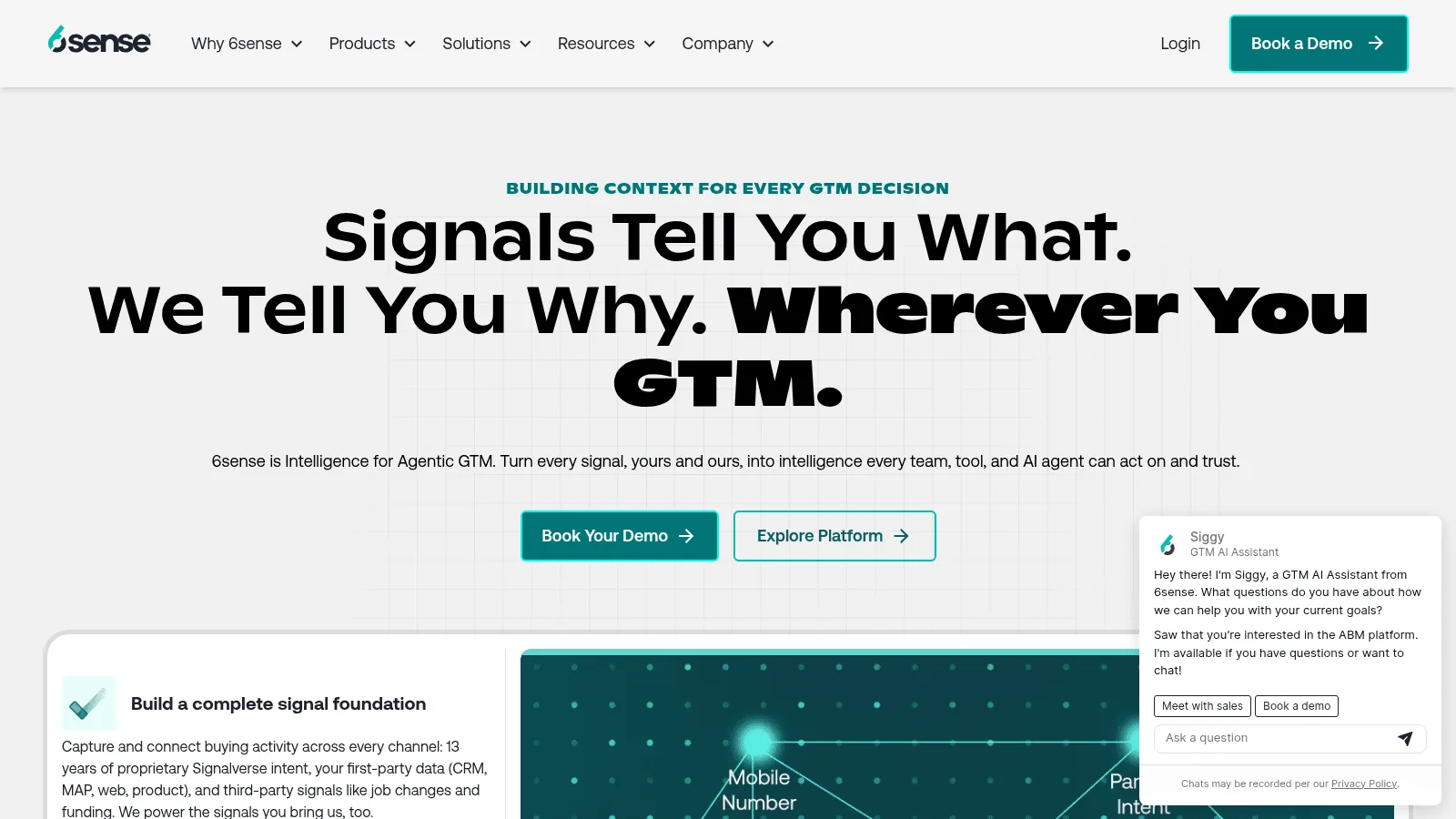
Overview: 6sense combines web deanonymization, an intent network and predictive models that it says come "with explainability," so you can see which accounts are in market and why.
Key features:
- Three starting points: Revenue Marketing, Sales Intelligence and 6sense Intelligence.
- Add-ons including a Bombora Topic Pack, extra credits and more predictive models.
- APIs and an MCP server in the platform foundation.
Pricing: Every package is priced on a custom quote. The free Sales Intelligence plan was discontinued on August 12, 2026.
Pros: Intent, visits and prediction in one account view, models it calls explainable, API and MCP access
Cons: No published price, no free plan now, account-level output, with contacts in its Sales Intelligence package
Its real strength: Ranking accounts by buying stage, at scale.
Final verdict: A serious platform for account-based teams with budget and time to implement it.
8. Demandbase
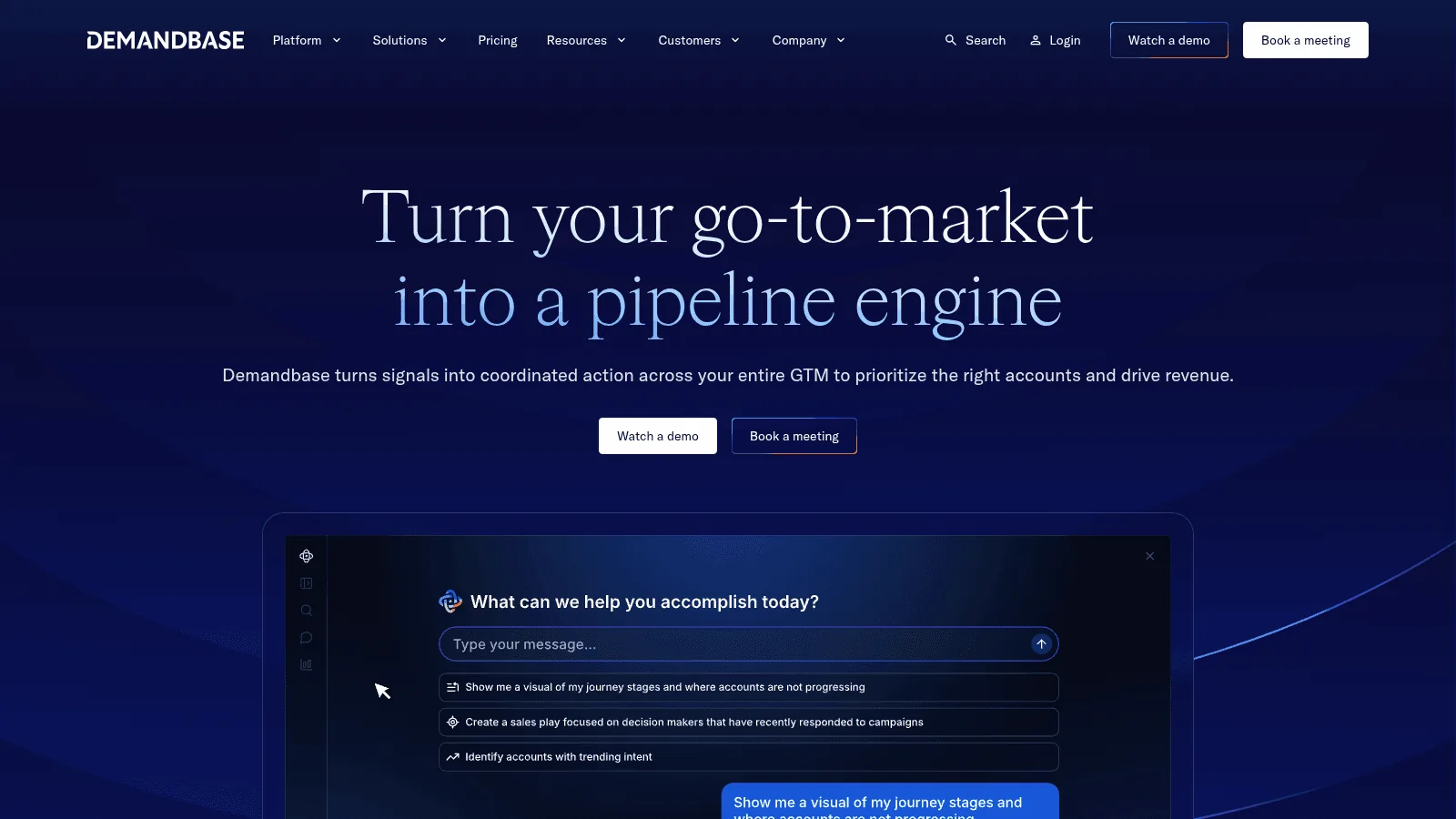
Overview: Demandbase is an account-based marketing platform with products for marketing, advertising, sales and data.
Key features:
- Intent signals and the companies behind anonymous site visits.
- A Data solution you can buy on its own.
- Advertising as a starting point for account-based campaigns.
Pricing: Pricing is custom. Its FAQ describes a platform fee covering the essential software and services, plus a flat fee per user.
Pros: Sales and marketing on one license, data sold separately if that's all you need, ads and intent together
Cons: No published figures, more platform than a small team needs, built account-first, so test the person-level intent it claims
Why teams pick it: It keeps ads, intent and sales views under one contract.
Final verdict: Shortlist it when the account, not the lead, is how your company sells.
9. Bombora
Overview: Bombora calls itself "a data company, not a platform." Its Company Surge data flags companies researching a topic more than usual, across 25,300+ topics, and other tools embed it, 6sense among them.
Key features:
- Company Surge intent data by topic.
- Identity and enrichment, plus B2B digital audiences for ads.
- Campaign measurement and insights.
Pricing: No price is published; the site asks you to speak to an expert. You can also reach the data inside 6sense's Bombora Topic Pack or Cognism's Pro package.
Pros: Wide topic coverage, data you can feed into your own scoring, reachable through tools you may already own
Cons: No public price, sold as data rather than a workflow for working leads, intent at company level only
Where it fits: A team that wants intent as an input to its own scoring, not another dashboard.
Final verdict: The supplier to check first if intent data is the layer you're missing.
Rank and Orchestrate: Scoring and Routing
The last two tools start with the score. They rank leads or accounts and push the result to your team, and a ranking needs good data underneath: UserGems brings its own signals, and Clay pulls from whichever providers you connect. If you're building a score yourself, start from the company and people fields that lead scoring actually depends on.
10. UserGems
Overview: UserGems scores accounts and contacts from signals, 30+ native ones including job changes, intent, hiring and M&A, and it calls its AI scoring "fully transparent."
Key features:
- Account and contact scoring on every package.
- MCP access, ad audience sync and calendar capture from Advanced.
- Contact-level intent, web deanonymization, buying stages and CRM hygiene on Elite.
Pricing: Core is $40,000 a year, Advanced $75,000 and Elite $150,000, each with unlimited admin and end users. Implementation is a one-time $3,000 to $10,000, by package.
Pros: Published prices at the enterprise end, signals and scoring in one place, no per-seat charge
Cons: A $40,000 annual floor, visitor identification and contact-level intent only on Elite, implementation fees on top
Why it earns a place here: It publishes what signal-based scoring costs, where 6sense and Demandbase quote on a call.
Final verdict: For larger teams that want signal-based scoring without building it.
11. Clay
Overview: Clay is a spreadsheet-style workspace where you build the score yourself: pull records from data providers, add formula or AI columns that grade each lead, and sync the result. Our data runs inside it through our Clay app.
Key features:
- Scoring as columns you design, so every rule stays visible and editable.
- Web intent signal tracking, CRM sync and an HTTP API from Growth.
- No Data Credits or Actions charged when an enrichment returns no result.
Pricing: On Clay's free tier you get 500 actions and 100 data credits a month. The paid Launch tier is $167 a month billed annually, or $185 billed monthly, and Growth is $446 a month billed annually, or $495 billed monthly.
Pros: Full control over the score, many providers in one table, misses cost nothing
Cons: You design and maintain the logic yourself, two meters (actions and data credits) to budget, CRM sync waits for Growth
What it does best: It lets an operations team change a scoring rule without waiting on a vendor.
Final verdict: The pick for teams that want to own their scoring logic and choose their own data.
Lead-Based or Account-Based? The Unit Each Tool Works On
The first question in any lead intelligence purchase is which unit you sell to. Lead-based tools work on a person who raised a hand or was found, such as a form fill, a signup or an identified visitor. Account-based tools work on a target company and roll up signals from everyone there. When people compare account based vs lead based sales intelligence tools, that's the split they mean.
| Tool | Main unit | What it outputs | What it needs to work |
|---|---|---|---|
| Reverse Contact | Both | Person and company records | An email, a name plus domain, a domain or search filters |
| ZoomInfo | Both | Contacts, companies, fit score and intent | Its own database |
| HubSpot | Both | Enriched, scored contacts and companies | Your CRM records |
| Apollo.io | Both | Scored contacts, visits and intent topics | Its own database |
| Leadfeeder | Account | Companies visiting your site | Your website traffic |
| Warmly | Person | Named visitors, alerts and routed leads | Your website traffic plus contact data |
| 6sense | Account | Accounts ranked by buying stage | Your CRM and marketing-automation data |
| Demandbase | Both | Account lists, buyer intent, ads and sales views | Intent and account data |
| Bombora | Account | Companies surging on a topic | A tool that acts on it |
| UserGems | Both | Scored accounts and contacts | Its signals plus your CRM |
| Clay | Both | Scored rows you design | The data providers you connect |
Note the last column: most of these lead intelligence tools need person or company records from somewhere, their own database or yours.
Research backs the account side. A Gartner survey of 632 B2B buyers, published in May 2025, put buying groups at five to 16 people across as many as four functions, and a single lead record sees one of them.
Practitioners still argue it both ways. In a Reddit thread on r/salesforce about dropping Salesforce's Lead object, one commenter said their org runs almost no leads: about 30,000 target accounts sit in the CRM, sales cycles run three to five years, and leads exist only for a few inbound paths.
Another commenter said you outgrow a lead record once several people at a company are engaged, while a third commenter said teams that skipped the Lead object regretted it. Lead-based still wins where the person arrives first. Agencies we talk to queue the business email of everyone their team meets for automatic enrichment, then filter out the job titles that don't fit, which turns a calendar of meetings into sorted contacts.
Why the Score Is Only as Good as the Record Under It
Any score from these lead intelligence tools reads fields such as title, company, size, source and status.
A 2025 study in Frontiers in Artificial Intelligence shows which fields a score leans on. González-Flores and colleagues built a lead scoring model on 23,154 records and 67 fields from a B2B software company's CRM, covering January 2020 to April 2024, and found "source" and "lead status" among the most predictive features. Source and status come from your own process, so audit them first; enrichment fills title, company and size.
The same CRM's contact Title field showed 18.80% outliers, which the authors describe as possible data-quality issues. That's a statistical flag, not a count of wrong titles, but audit yours before you trust a score built on them.
Records also age after they're entered. Even with validation at the point of entry, buyers tell us their historical databases decay: people change companies, emails get deactivated and companies close. A fit score built on last year's title keeps scoring a job the person no longer holds, so re-enrich on a schedule with one of the data enrichment tools built for it.
How We Chose These Lead Intelligence Tools
We started from the pages ranking for "lead intelligence tools" and "lead intelligence software" and kept tools that own at least one layer outright. To compare the best lead intelligence software fairly, we read every vendor's own site on November 3, 2026, and quoted only what it published, with its billing basis.
The category moves fast. MadKudu's domain now redirects to HG Insights, and Koala's homepage says it was acquired by Cursor and would shut down on September 30, 2025, so both are out, while Warmly stays in with its HubSpot agreement stated. We left out vendor claims about customer counts, ratings and ROI, and gave no tool a star rating, our own included.
How to Test Lead Intelligence Software on Your Own Records
A demo runs on the vendor's best data, and your leads are messier. A tool that fills every field with a guess looks better in a demo than one that leaves a blank, and does more damage in your CRM, so count wrong answers too:
- Pick 50 to 100 recent leads whose real role and company you know, including personal emails, recent job changers and small companies.
- Set the success measure first, with matches, wrong answers and blanks counted separately.
- Run the same set through each finalist's free plan, trial or pilot.
- For visit and intent tools, check the companies they flag against your own form fills and demo bookings.
- Feed the enriched records into your current score and see which leads move.
- Price the winner from your real hit rate, not the vendor's published one.
Keep the test set, and run it again when you renew or a vendor changes hands.
What Lead Intelligence Software Costs
Prices fall into three bands. Five tools have a free plan, with tight caps where they're published: 20 identified companies a month on Apollo.io, the last 100 companies on Leadfeeder Lite, 100 data credits on Clay. Self-serve paid entry starts at HubSpot Starter's $7 per seat a month, billed annually.
At the top, Warmly starts at $4,875 a quarter and UserGems at $40,000 a year, while the other four (6sense, Demandbase, Bombora and ZoomInfo's sales packages) come with a sales process instead of a price.
Building lead intelligence into a product your customers use changes the math: CRM vendors we talk to want enrichment inside their own product, writing results into custom fields that drive their customers' routing rules. That's embedding, which vendors usually price apart from team use: ours is a Platform contract, Apollo.io's plans are for internal business use only, and ZoomInfo's license terms bar it.
Pick the Layer You're Missing First
The best lead intelligence software for your team is the one that fills your weakest layer. If your scores look wrong, run the test above on the record tools (Reverse Contact, ZoomInfo, HubSpot or Apollo.io) and count how many titles and companies are out of date before you buy more signals.
If the records hold up but you can't tell who's in market, add a visit signal (Leadfeeder or Warmly) or intent data (Bombora, 6sense or Demandbase). If you have both and still can't turn them into a next step, the gap is the action layer: HubSpot, UserGems or Clay. Whatever you add, keep the record layer honest, because scores and routing read from it.
FAQs
What are lead intelligence tools?
Lead intelligence tools collect facts about a lead and help you act on them: the record, signals such as visits and intent, and the scoring and routing that decide what happens next. Most own one or two of those layers.
What is the difference between lead intelligence and sales intelligence?
Sales intelligence usually means the contact and company database a rep searches, and lead intelligence adds the signals and scoring around a specific lead. The data layer is shared, which is why ZoomInfo and Apollo.io show up on both kinds of list.
Is account-based or lead-based lead intelligence better?
Neither wins everywhere. Account-based tools suit long sales cycles and buying groups, which Gartner puts at five to 16 people, while lead-based tools suit inbound and self-serve motions where one person signs up first. Many teams run both and join them on the company record.
What is the best free lead intelligence software?
Apollo.io's free plan touches every layer, with visitor identification for 20 companies a month, 1 intent topic and 2 lead scores. Leadfeeder Lite suits company-level visits, and ZoomInfo Lite, Clay and HubSpot Sales Hub Free complete the five free plans here. HubSpot's free tier is the CRM alone, with enrichment from Starter and scoring from Professional.
How much do lead intelligence tools cost?
Billed annually, self-serve plans start at $7 per seat a month for HubSpot Starter (new customers), $49 per seat a month for Apollo.io Basic, $79 a month for Leadfeeder and $167 a month for Clay. UserGems starts at $40,000 a year.
Our packs start at $100 and monthly plans at $249, with Max at $699 for unlimited enrichment from an email, a name or a domain, up to 100,000 profiles a day.
The data layer behind your GTM engine
Access fresh people and company data through one API and power every enrichment, prospecting, and automation workflow.
- Profiles
- 800M+
- Refreshes / month
- 200M
- Response time (P95)
- 500ms