
10 Best Lead Scraping Tools in 2026, Compared
Julien K.Published
Key takeaways:
- "Lead scraping tools" covers two products: software that pulls rows from pages you point it at, and records someone already built that you buy or call by API.
- The sticker price is the small part. Upkeep, blocks, email finding, verification and de-duplication are separate steps, and often separate charges.
- The tools here bill in plan tiers, records, credits, execution hours, compute units or a flat license, so compare the cost of one usable row, not the plan price.
- Legality turns on what you collect, how, and how long you keep it, not on the word "scraper".
The best lead scraping tools turn a web page, a directory or a search into rows: names, companies, websites, and sometimes emails and phone numbers. Most don't clean those rows, check the emails or keep running when the site changes, and that's where much of the real cost sits.
This guide compares 10 lead scraping tools by what you run, what you pay for and how much of the work stays with you.
What Lead Scraping Tools Actually Are
Search this keyword and you'll find two kinds of product on the same lists. The first is extraction software: you point it at a page, a directory or a search result, and it copies the repeating fields into rows. Octoparse, Browse AI and Apify work this way, like most data scraping tools for lead generation.
The second is records someone else already built, which you buy from a B2B contact database or request from a data API. You send an email, a name or a company domain, and a structured profile comes back.
The difference shows up after the export. Most lead scraping software hands you whatever the page showed, so finding emails, verifying them and removing duplicates usually become your next jobs. A records provider hands you a structured profile, priced per record.
The 10 Best Lead Scraping Tools
Reverse Contact is first because it's our product, not because we ranked it. The order follows the groups below, not a score.
Entries 2 to 10 are grouped by the work you carry: point-and-extract apps (Octoparse, Browse AI), source-specific tools (Lead Scrape, Outscraper, Evaboot), platforms you configure (Apify, PhantomBuster, Bright Data) and orchestration (Clay).
Each price below comes from the vendor's pricing page, checked on November 2 and 3, 2026.
| Tool | What you run | Pricing unit | Price (from) | Extra steps, charges and limits |
|---|---|---|---|---|
| Reverse Contact | API calls with an email, a name plus domain, a domain or filters | Credits per record or lookup; emails and phones billed only when found | $100 for 5,000 credits; plans from $249 a month | No reviews, listings or prices; emails and phones cost extra credits |
| Octoparse | Click-built tasks, on desktop or in its cloud | Plan tiers by tasks and cloud concurrency | Free local plan; Standard $69 a month billed yearly in the US | Emails only if the page shows them; anti-blocking tools from Standard up |
| Browse AI | AI-built robots you point at a page | Credits: 1 per page or per 10 list rows, whichever is more | Free 50 credits a month; $19 a month billed annually | Website caps by plan; premium sites cost more credits |
| Lead Scrape | A desktop app searching business listings | Flat one-year license | $97 list, $79 discounted when checked | Runs on your computer; people results capped per search, 200 or 1,000 |
| Outscraper | Cloud jobs on Google Maps and other sources | Per 1,000 records, priced per step | 500 places free, then $3 per 1,000 | Contacts, validation and phone lookup billed separately |
| Evaboot | Exports from your Sales Navigator searches | 1 credit per exported lead | $9 a month for 100 credits | Your own Sales Navigator seat; no phones; leads with no email still billed |
| Apify | Ready-made or custom Actors in its cloud | Plan plus compute units, or per result on some Actors | Free with $5 of usage a month; Starter $17 a month billed annually, $19 monthly | Residential proxies at $8 per GB on Free and Starter |
| PhantomBuster | Cloud automations, including Sales Navigator | Slots, execution hours and several credit meters | $56 a month billed annually, or $69 monthly | Email credits metered apart from hours |
| Bright Data | Scraper APIs, block handling, proxies | Per 1,000 successful records | 5,000 records a month free, then $1.50 per 1,000 | Targets, cleaning and verification stay with you |
| Clay | Tables chaining providers, AI steps and formulas | Actions plus data credits | Free plan; $167 a month billed annually, or $185 monthly | Bulk runs over 50,000 records at once need Enterprise |
Read the unit before the price. A $19 plan billed per page and a $56 plan billed by execution hours can't be compared until you test how many rows each returns.
1. Reverse Contact
Best for: Lead records your code requests.
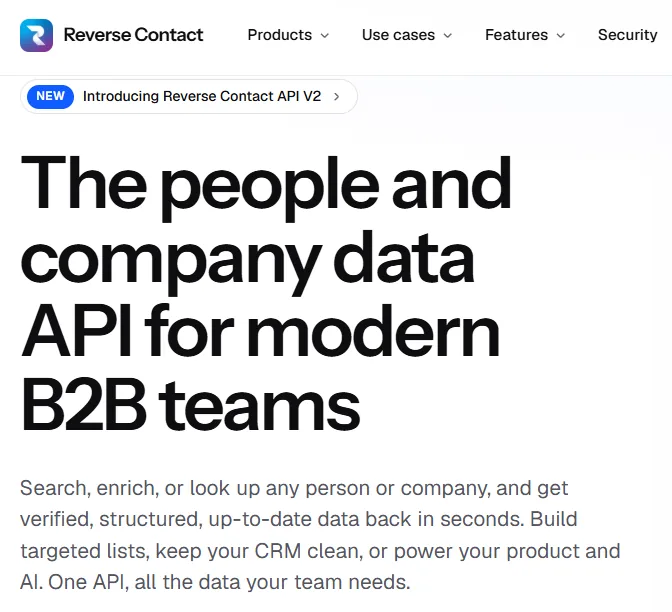
Overview: Reverse Contact is an API, a service your software calls for people and company records. You send what you already hold (an email, a name and the company's domain, a company domain or search filters) and get back a structured profile in JSON, a plain text format any software reads.
We count 800M+ profiles and 70M+ companies. If a match is unclear, we can return the best match first and list the other candidates next to it, so you can see the doubt and check that row yourself.
Results reach you by API call, webhooks (callbacks that post results to your server when they're ready), our MCP server for AI assistants, a CSV file, or no-code steps in Clay, Zapier and Make.
Key features:
- Enrichment that turns an email, a name with the person's company domain, or just a domain into a full record, so a bare CRM row fills out.
- Search people and companies by role, seniority, location, industry and headcount, with a free match count first.
- Business email finding at 3 credits per email found, charged only when one turns up.
- A direct phone finder that charges 20 credits only on lookups that return a number.
- A
/checkcall, free while your workspace holds at least 2 credits, showing when a record was last fully refreshed. - The same profile fields whether you use the API, webhooks, CSV or MCP.
Pricing: Packs start at $100 for 5,000 credits, valid three months, with no commitment. Go, $249 a month, covers unlimited fetches of stored records; unlimited search starts at Plus, $449, and unlimited enrichment from any email, name or domain at Max, $699. All three carry a monthly commitment, and their unlimited calls stop at 100,000 profiles per workspace a day.
Emails, phones and live refreshes still cost credits on every plan. Each plan is for use inside your own team. If your customers will see the data, that's Platform, priced on a sales call.
Pros: Emails verified as we find them and billed only when found, up to 25,000 people enriched in one request with misses free, Lists that never bill twice for someone already on them, the same records in your code or a no-code app, free trial credits with no card required
Cons: People and company records only, with no reviews, listings or prices; a live fetch that finds no one still costs 2 credits
How to start using it:
- Make an account; free trial credits need no card.
- Export 200 records you already hold.
- Enrich the sample.
- Note filled fields, rows with candidates and any wrong matches.
- Find emails and phones only for rows you'll contact, since those lookups use the most credits.
Why it's first on this list: It's our product. It fits when you want people by role, seniority or company rather than one site's rows, for your own code to load into your CRM or AI agent.
Final verdict: Choose us for lead records your code can use, with per-result prices in public. We don't send email, and if your list lives on one specific site, such as a local directory, one of the next tools fits better. Try it on your records.
The next two tools put you in charge of the page. You open a site, the tool reads its repeating list, and you export the rows.
2. Octoparse
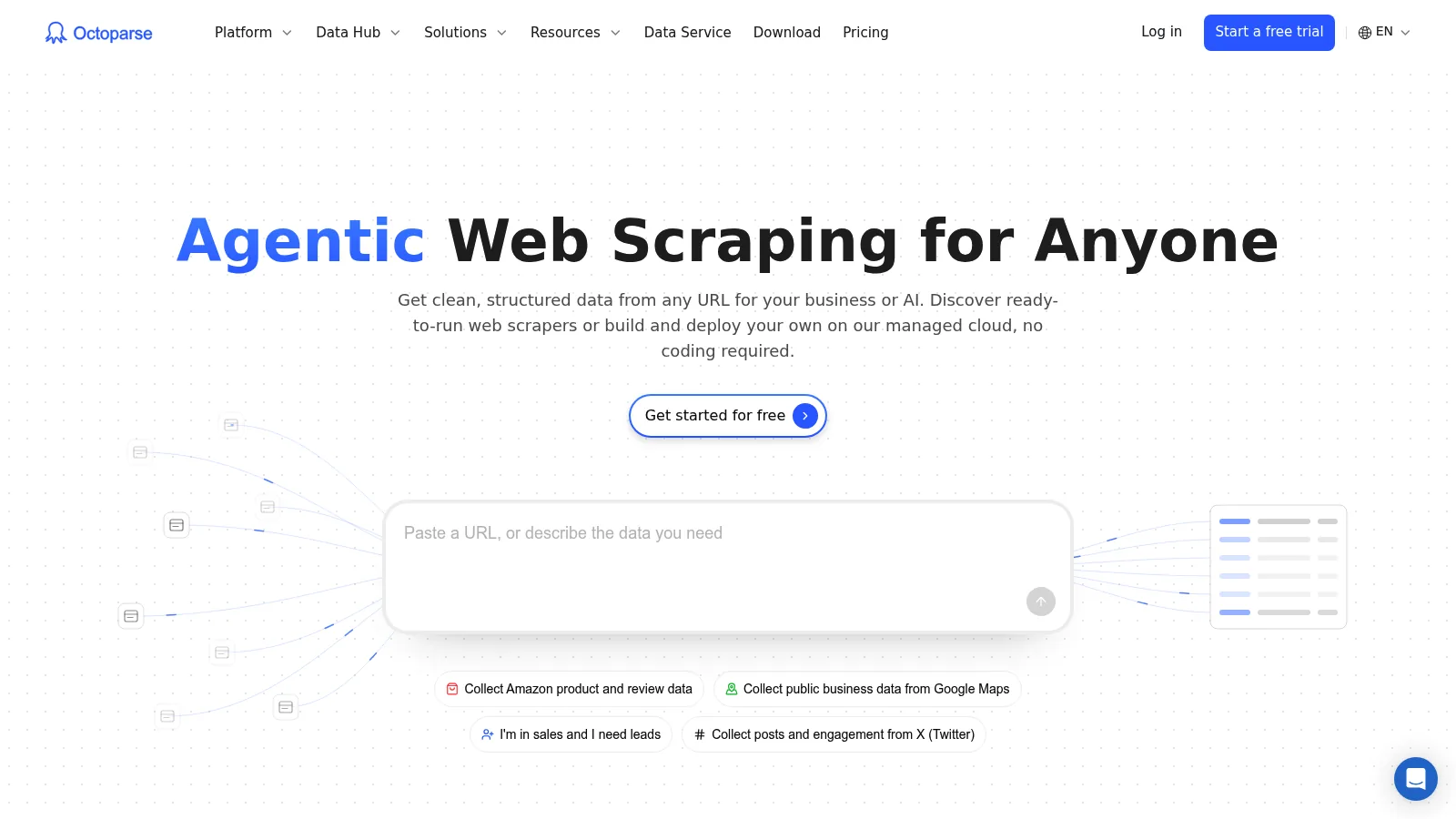
Overview: Octoparse is a visual tool. You click the fields you want on a page, and it builds a task that runs on your desktop or in its cloud. Its pricing page lists 500+ preset templates for common sites.
Key features:
- A point-and-click task builder, so a directory page becomes rows without code.
- Up to 20 concurrent cloud processes on Professional, so big jobs don't tie up your laptop.
- Residential proxies (home internet addresses) and CAPTCHA solving from Standard up cut stalled runs.
Pricing: The free plan runs on your desktop only, with 10 tasks and up to 10,000 rows per export. Standard's price differs by country: $69 a month billed yearly in the US and $99 from a German IP. Professional is $249 a month billed yearly, or $299 monthly, with 250 tasks.
Pros: No code needed, a free plan that does real work, templates for common sites
Cons: Exports only what the page shows, no anti-blocking tools on the free plan
Where it shines: It's a gentle route from a directory you know to a spreadsheet.
Final verdict: Pick Octoparse for repeat extraction from a handful of sites you choose.
3. Browse AI
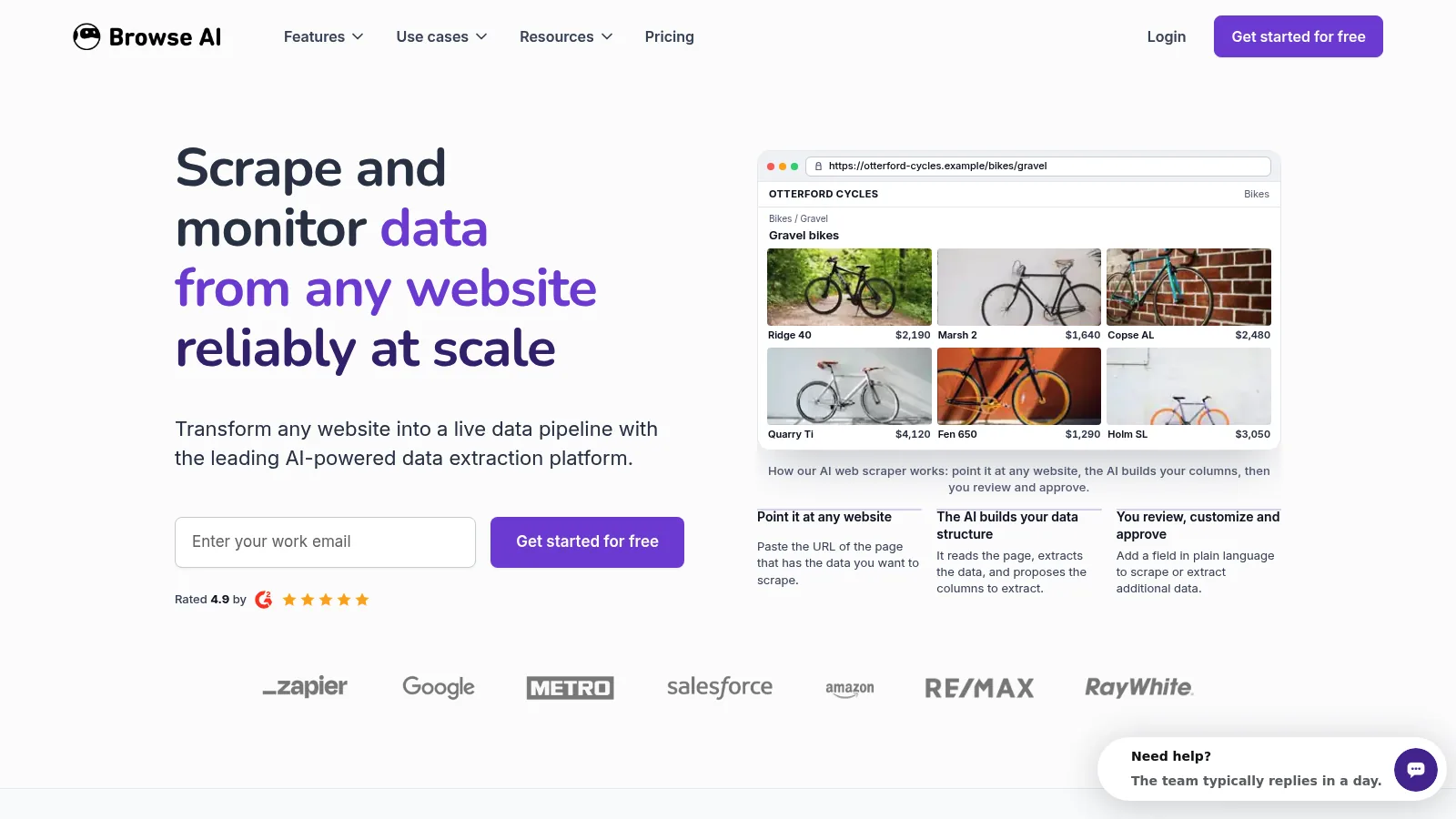
Overview: Browse AI reads a page you point it at, proposes the columns and lets you approve them or add fields in plain language. You can re-run the same robot on a schedule, and it lists 200+ prebuilt robots for popular sites.
Key features:
- Scheduled monitoring on every plan, with checks every 5 minutes or sooner, so new listings arrive as new rows.
- A REST API, webhooks and bulk runs on every plan, the free one included.
- Residential proxies on every plan, though premium sites such as Amazon cost more credits per page.
Pricing: Free gives 50 credits a month. Personal is $19 a month billed annually, which is $228 upfront for 12,000 credits a year, or $48 billed monthly for 2,000 credits a month. Professional is $69 a month billed annually, which is $828 for 60,000 credits a year, or $87 billed monthly for 5,000 credits a month. Premium, a managed service where its team builds and maintains the robots, starts at $500 a month billed annually.
Pros: AI-built columns, scheduled re-runs, API and webhooks even on the free plan
Cons: Caps of 2, 5 and 10 websites across Free, Personal and Professional, premium sites burn credits faster, emails only when the page shows them
Why buyers shortlist it: It watches a set of directories for new rows with almost no setup.
Final verdict: Choose Browse AI to track a few lead sources on a schedule.
Source-specific tools trade flexibility for less setup, since each starts from one kind of lead source.
4. Lead Scrape
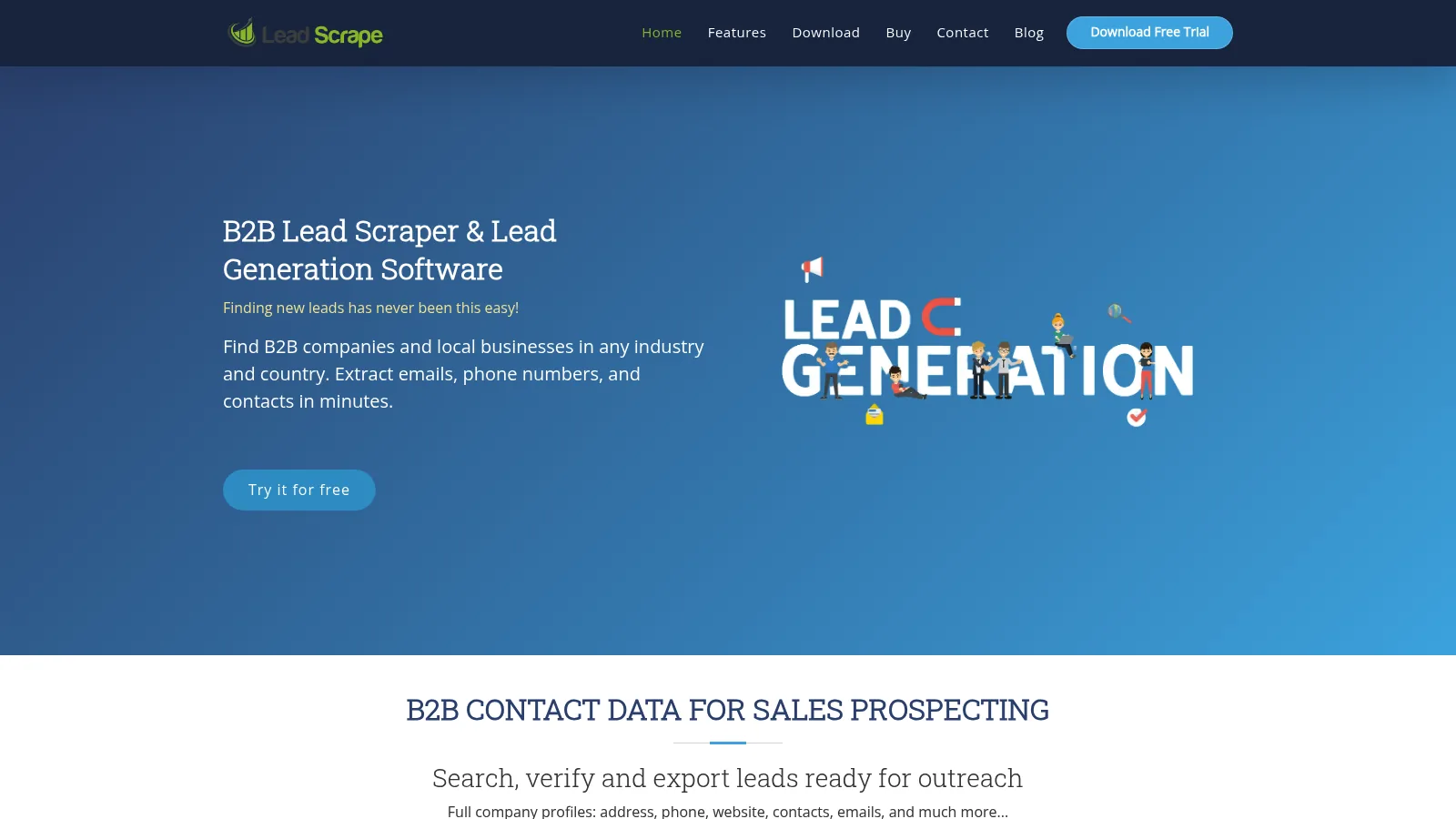
Overview: Lead Scrape is a desktop app for Windows and macOS that searches local and B2B business listings and returns business and people records.
Key features:
- Three listing sources on Standard and seven on Business, searched from one app.
- Up to 1,000 people results per search and bulk searches on Business, against 200 on Standard.
- Review scores, revenue and SIC or NAICS industry codes on Business, so you can filter before outreach.
Pricing: Standard lists at $97 for a one-year license and showed $79 on a discount when we checked; Business lists at $247 and showed $199. Each license installs on two computers.
Pros: A flat price with no per-lead meter, review and revenue fields on Business, a 14-day money-back guarantee
Cons: Runs on your own machine, people results capped at 200 or 1,000 per search, the license covers one year
Where it fits: Local-business prospecting where you'd rather pay yearly than meter every row.
Final verdict: A sensible pick for agencies and local sales teams pulling business lists every week.
5. Outscraper
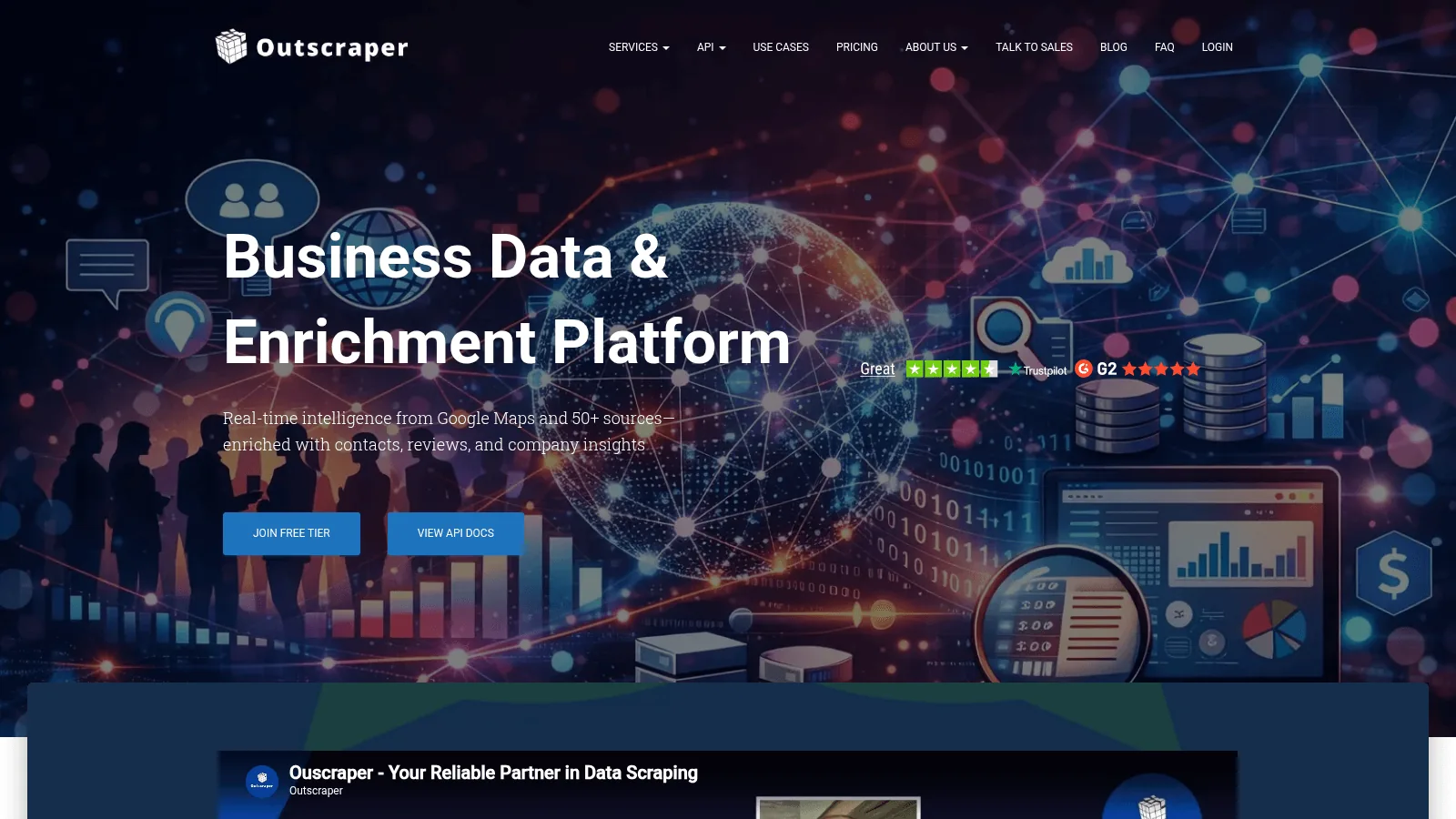
Overview: Outscraper pulls business listings from Google Maps and, per its homepage, 50+ other sources, then prices each later step separately.
Key features:
- Google Maps places, with the first 500 free.
- Contacts from a domain, returning the emails, phones and social links a site lists.
- Email validation and phone lookup as separately priced jobs.
Pricing: It's pay-as-you-go with no monthly fee, and tiers reset every 30 days. Places and domain contacts cost $3 per 1,000 each after 500 free, validation $3 per 1,000 after 25 free, and phone lookup $5 per 1,000, with lower rates at higher volumes.
Pros: No subscription, free starting volume on each step, every step priced in public
Cons: Every pass is a separate charge, contacts depend on what each website and its public profiles list, and it starts from a place or a domain rather than a job title, with names on some records only
What it's good at: Building a list of local businesses with websites and generic contacts, priced per row.
Final verdict: Open, per-record pricing for map-based prospecting, one step at a time.
6. Evaboot
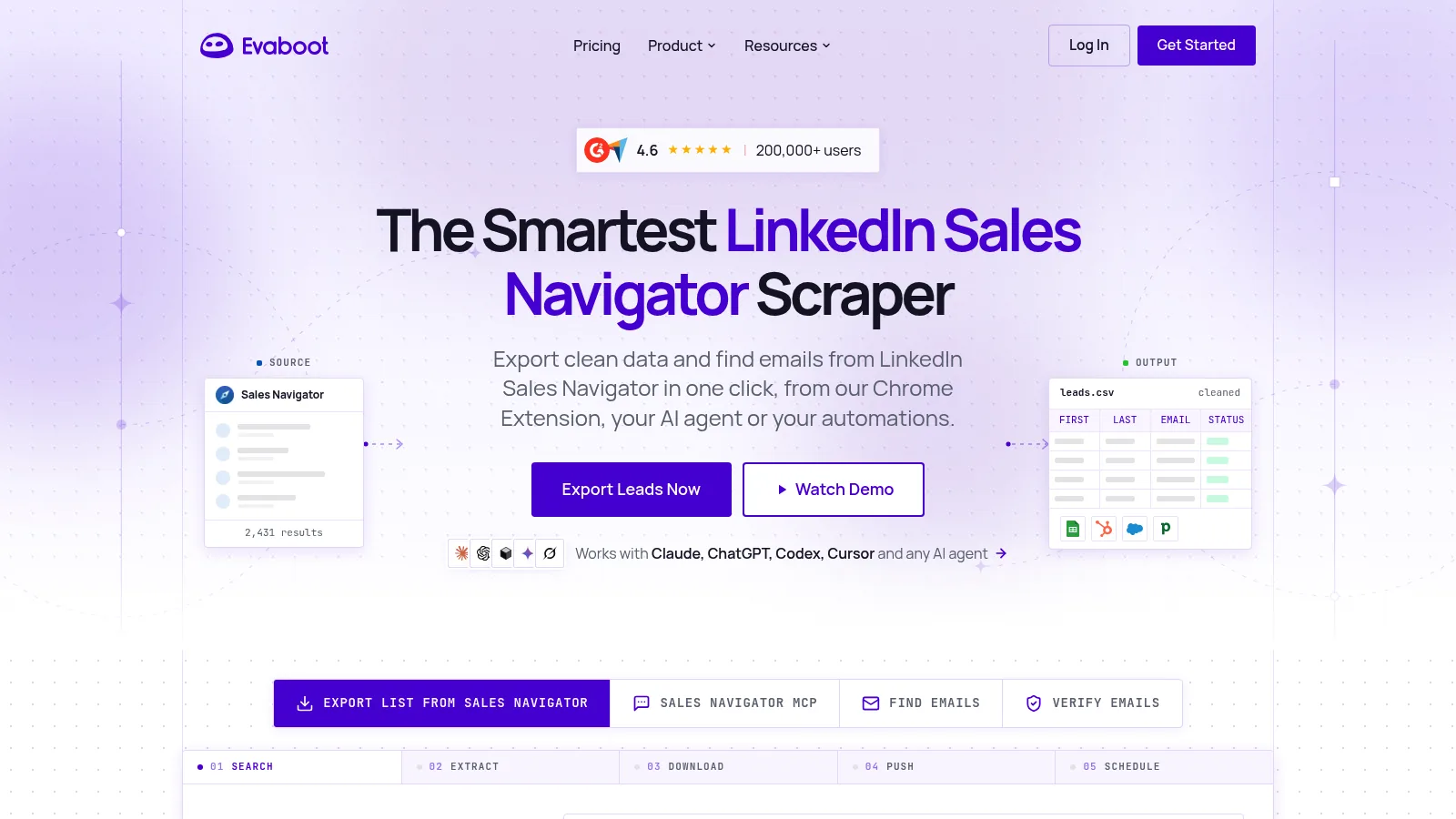
Overview: Evaboot exports leads from LinkedIn Sales Navigator searches and adds a verified email where it finds one.
Key features:
- Up to 2,500 leads or 1,000 companies per search.
- A separate Email Finder at 1 credit per email found, charging nothing when none turns up.
- A verifier at 1 credit per email, plus API and MCP access on every plan.
Pricing: On monthly billing, Starter is $9 for 100 credits, Grow $29 for 400 and Scale $49 for 1,000, rising to 15,000 credits for $299. An exported lead costs 1 credit whether or not an email turns up, and credits roll over while you stay subscribed.
Pros: A low entry price, unlimited seats, rollover while subscribed
Cons: Needs a paid Sales Navigator seat, bills leads that come back with no email, no phone numbers
Why it made this list: Many B2B teams already build lists in Sales Navigator, and Evaboot gets them out with emails.
Final verdict: A cheap export step if your lists start in Sales Navigator and email is all you need.
The next three are platforms rather than finished tools. You build or pick the job and pay for the compute, time or records it uses, so you get the widest reach and the most to look after.
7. Apify
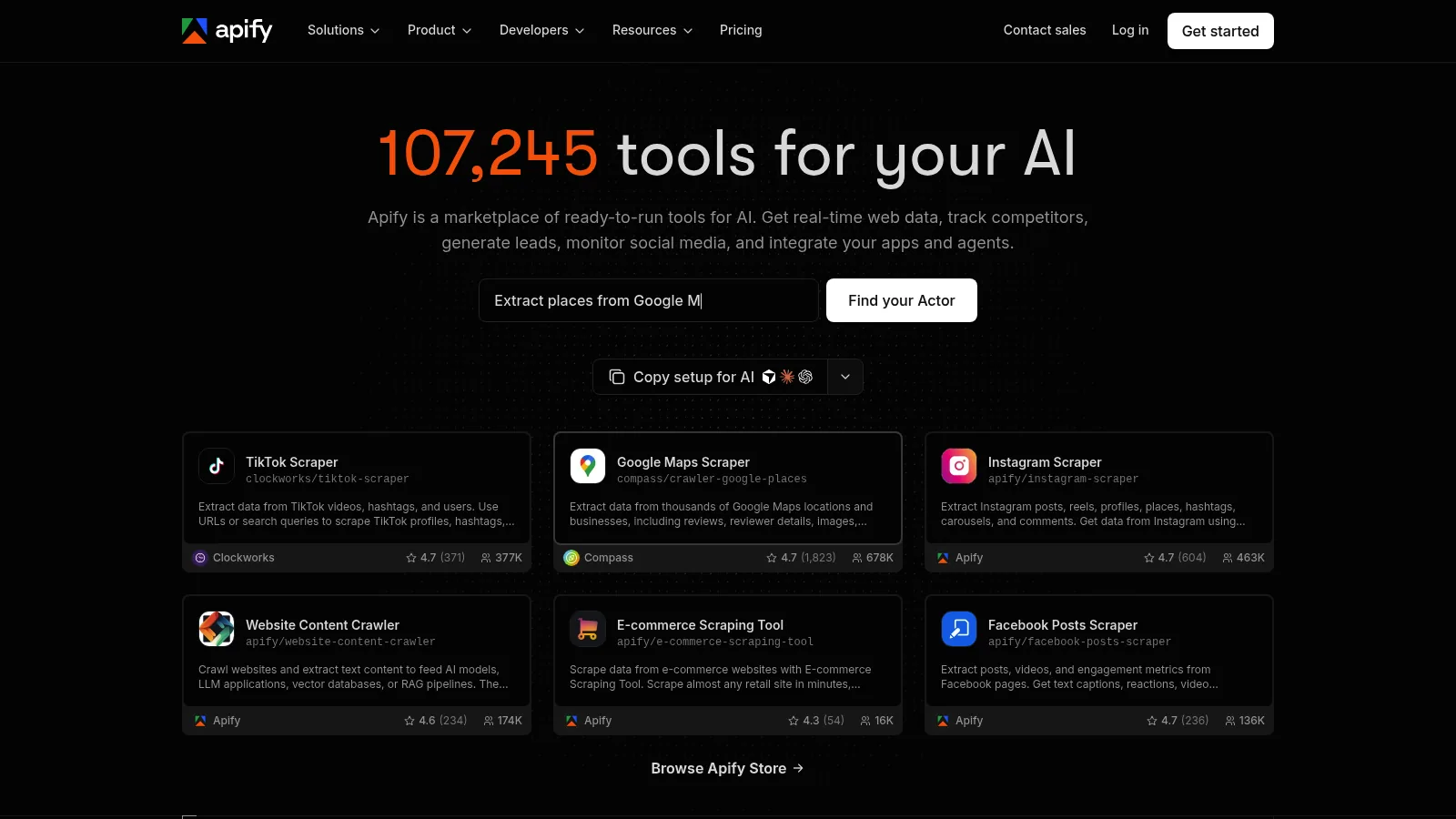
Overview: Apify is a cloud platform plus a store of ready-made scrapers it calls Actors. You run an Actor someone has published for a site, or write your own, and Apify runs it on its servers.
Key features:
- Store Actors priced per event or per usage, as each Actor's page states; the pricing page's example is $2.30 per 1,000 results on Starter.
- Concurrent runs of 5 on Free, 32 on Starter, 128 on Scale and 256 on Business.
- Residential proxies at $8 per GB on Free and Starter.
Pricing: Free includes $5 of prepaid usage a month with no card. Starter is $19 a month billed monthly or $17 billed annually, Scale $199 or $179, and Business $999 or $899, each with pay-as-you-go beyond the included usage. Compute units, its meter for the memory and time your runs use, cost $0.20 on Free and Starter and $0.13 on Business.
Pros: Ready-made Actors for common sites, a free tier with real usage, room to scale
Cons: Several meters to forecast, uneven quality and upkeep because anyone can publish an Actor, unused prepaid usage expires each cycle
Where it beats the alternatives: Developers can turn almost any public site into a scheduled job.
Final verdict: Choose Apify if you have developers and need sources no packaged tool covers.
8. PhantomBuster
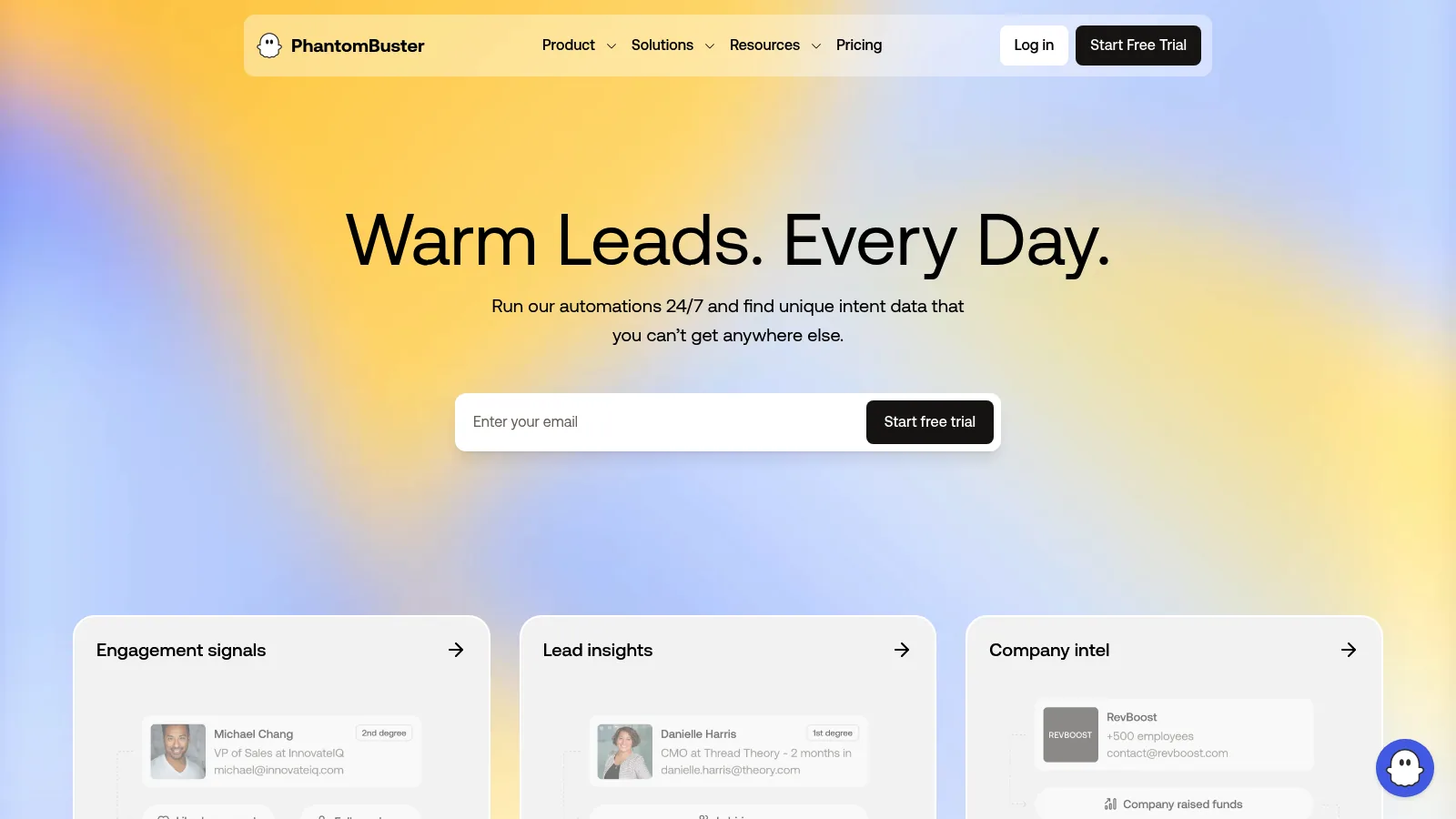
Overview: PhantomBuster runs cloud automations, including ones for LinkedIn and Sales Navigator, that extract lists, enrich them and run outreach steps on a schedule. Its FAQ says it isn't designed for buying pre-made lead lists or for scraping private or restricted data.
Key features:
- Slots, the automations you can run at the same time: 5, 15 or 50 by plan.
- 20, 80 or 300 execution hours a month; when they run out, automations pause and no overage charges are applied automatically.
- 500, 2,500 or 10,000 email credits a month, metered apart from execution time.
Pricing: The page defaults to annual billing: Start is $56 a month billed annually or $69 billed monthly, Grow $128 or $159, and Scale $352 or $439. The free trial gives 5 slots, 2 hours and 50 email credits, with exports limited to 10 rows.
Pros: Extraction and outreach chained on a schedule, no automatic overage charges, unlimited users
Cons: Four meters to watch (slots, execution hours, email credits and AI credits), LinkedIn automations carry account risk under LinkedIn's rules, monthly billing costs about 25% more
Its real strength: It's one of the best lead scraping automation tools for running the same list-building and follow-up steps daily.
Final verdict: Pick PhantomBuster when extraction is one step in a repeating outreach routine.
9. Bright Data
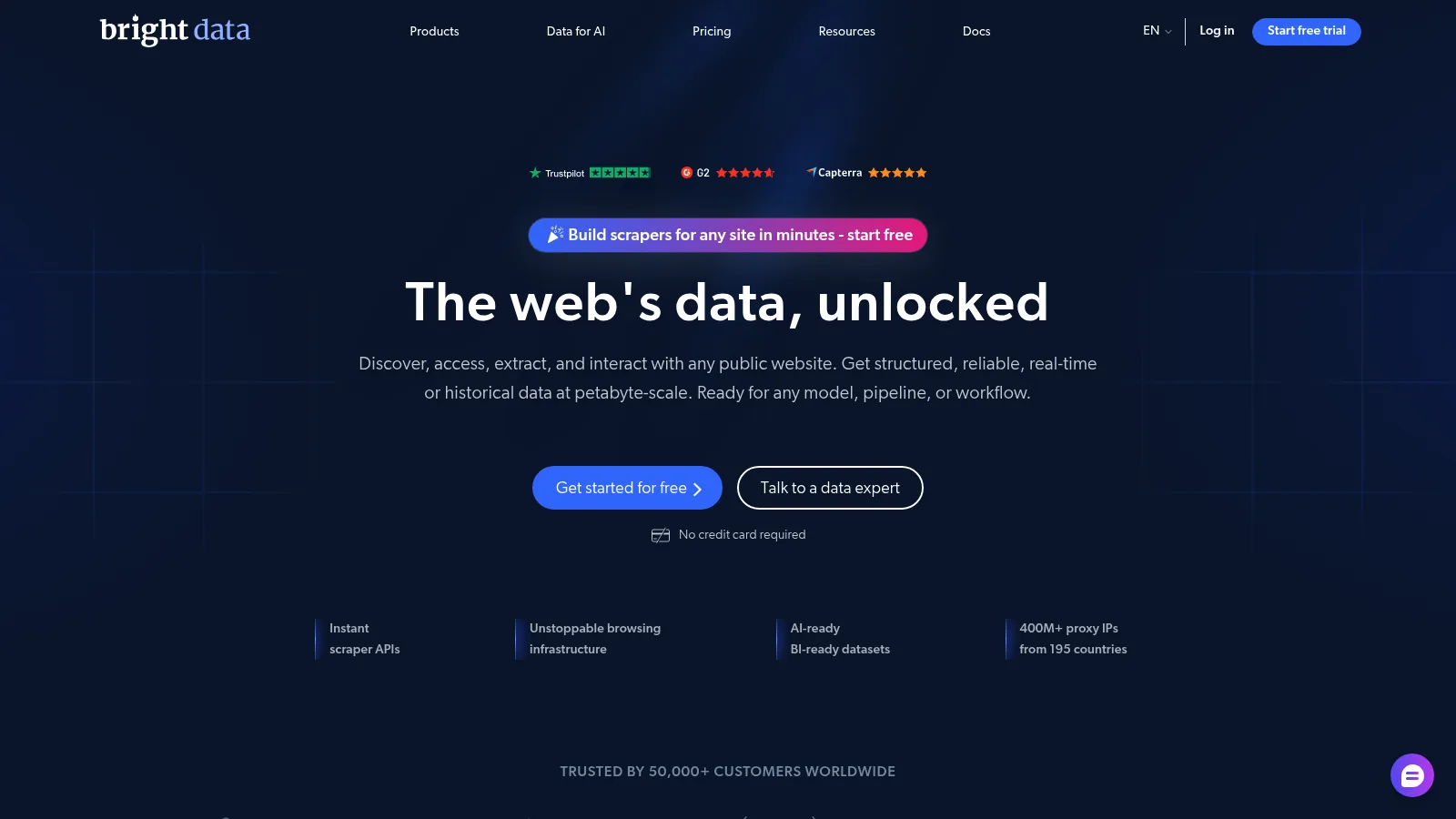
Overview: Bright Data sells the infrastructure under many extraction jobs: Scraper APIs that return parsed records, an API for getting past blocked pages, a cloud browser, proxies and ready-made datasets.
Key features:
- Scraper APIs priced per record, where a record is one extracted item such as one profile.
- An API that gets past blocks and CAPTCHAs, at $1.50 per 1,000 requests pay as you go, and a Browser API at $8 per GB.
- Datasets from $250 per 100,000 records, plus managed data acquisition from $1,000 a month and a $500 setup fee per scraper.
Pricing: The Scraper APIs include 5,000 records a month free with no card, then pay-as-you-go at $1.50 per 1,000 records. Scale is $499 a month and includes 384,000 records, then $1.30 per 1,000 more. Enterprise is custom.
Pros: You pay only for records that come back, blocking handled inside the Scraper API price, datasets if you'd rather not run a job
Cons: Many products to choose between, each priced on its own page, cleaning and verification stay with you
Why it's on the list: On sites that block repeat visitors, paying per successful record takes the proxy bill out of your forecast.
Final verdict: The infrastructure pick for teams running extraction at volume.
Orchestration comes last. It doesn't replace an extractor or a data provider; it runs several of them in order, on one table.
10. Clay
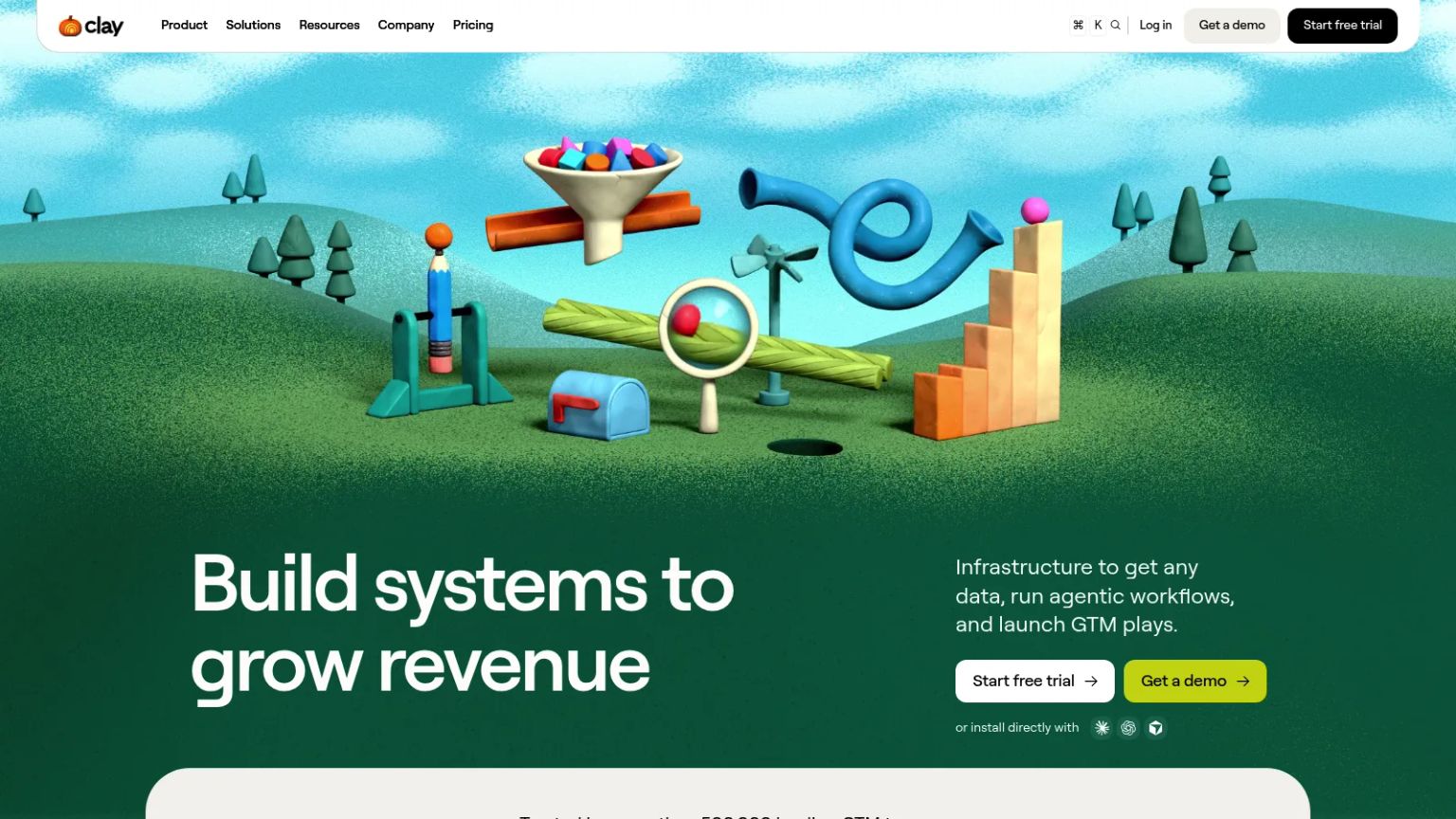
Overview: Clay is a table where each column can call a data provider, an AI step or a formula, so finding, enriching and checking a lead run in sequence. Clay's own guide to web scraping tools says its Claygent agent "visits a page, reads it, and extracts the specific answer you asked for", such as whether a company sells to hospitals.
The same guide says Clay "is not a headless-browser crawler built to pull millions of raw pages". It's built to run steps on rows you already have.
Key features:
- Claygent web research that runs on each row.
- Formulas and filters that run without spending actions.
- No data credits or actions charged when a provider enrichment returns nothing; Claygent runs bill an action per prompt plus data credits.
Pricing: Clay's free plan comes with 100 data credits a month and 500 actions. Launch is $167 a month on an annual plan, or $185 on monthly billing, for 15,000 actions and 2,500 data credits.
Pros: Many providers orchestrated in one table, row-by-row web research, no charge on empty provider results
Cons: Actions and data credits billed apart, not built for bulk page collection by its own account, bulk runs over 50,000 records at once need Enterprise
Why it's a good lead scraping tool for GTM teams: It ties extraction, enrichment and checks into one workflow your team can rerun.
Final verdict: Choose Clay to orchestrate the steps around the export, not to replace the export itself.
A disclosure: our data is also available inside Clay as a marketplace app, so you can call Reverse Contact from a Clay column.
How We Chose These Tools
Our shortlist began with the tools ranking for this search plus the ones buyers ask about. We then read each vendor's homepage and pricing page. A tool stayed in if it publishes a price or a free tier, produces usable lead rows, and is maintained today.
Beyond our own entry, the list covers tools that extract or export rows, so records providers such as ZoomInfo and Apollo belong in a wider lead generation stack. A free browser extension that appears on other lists also missed the cut: its store listing names a developer other than its original publisher, and it finds no contacts.
What Lead Scraping Really Costs: The Work Around the Export
The price of most lead scraping tools covers getting rows off a page, and everything after that is a separate step, often with a separate bill.
A data-platform founder we spoke with splits a contact pipeline into three jobs: finding new people and job changes, enriching them, and re-verifying them.
Extractors need upkeep too. In an r/dataengineering Reddit thread, the top-voted reply says scrapers "will break constantly" unless the target is a government website, and that social media scrapers break almost every day. It adds that techniques such as rotating proxies break eventually. It's anecdotal, but vendors' paid upkeep plans agree.
Here's where each extra step lands, and how the tools in this list bill it.
| Step | What goes wrong | How tools in this list handle or bill it |
|---|---|---|
| Upkeep | A redesign or a source change breaks the task | Your own time on self-serve plans; Browse AI's Premium service, from $500 a month billed annually, and Bright Data's managed data acquisition, from $1,000 a month plus a $500 setup fee per scraper, take it on |
| Blocks and CAPTCHAs | Sites slow or block repeated requests | Octoparse includes proxies and CAPTCHA solving from Standard up; Apify charges $8 per GB for residential proxies on Free and Starter; Browse AI bills premium sites more; Bright Data folds them into the record price |
| Finding emails | A page shows a name and a company but no email | Evaboot bills the lead whether or not it finds one; PhantomBuster meters email credits; Outscraper charges $3 per 1,000 domains |
| Verifying emails | Bad addresses bounce and hurt your sender reputation | Outscraper validates at $3 per 1,000 after 25 free; Evaboot's verifier costs 1 credit per email |
| Cleaning and de-duplication | Junk domains, duplicates across runs, mismatched company names | Usually your spreadsheet or CRM; Clay's formulas and filters run without spending actions |
Cleaning is easy to underestimate. Buyers tell us about company lists that point to an encyclopedia entry or a social page instead of the company's own site, so someone fixes domains by hand before any email search can work.
Verification matters too. Email finding fails in three ways: no company or contact match, a company match with no contact, or both matched with no valid email, often because the record is stale. A commenter in an r/GrowthHacking thread on Reddit puts it plainly: verify every scraped email before you send, because a large share will be bad. Running email verification tools before your first send cuts those bounces.
A Worked Example: 10,000 Local Businesses
Outscraper prices every step in public, so it makes a clean example. Say you pull 10,000 places from Google Maps, run domain contacts on each, and validate one email per place.
Places cost $28.50 after the first 500 free, domain contacts another $28.50, and validation about $29.93 after 25 free. That's roughly $87, assuming every place has a website and an email. Real yield is lower, so your cost per usable row is higher than the math suggests.
The hours come on top. Someone has to fix junk domains, remove duplicates against your CRM and re-run the job when the source changes, and a few hours of that work can cost more than the $87. Adding job titles or company size to each row is another pass with data enrichment tools.
Build It Yourself or Buy the Records?
A business lead at a recruiting-technology company told us product teams want to buy the data layer so they can stay on what they sell. In their words, "our focus is building the expertise and then providing these solutions to our customers."
Running your own extraction becomes a job someone owns, because every site change and every block lands on the same person. Doing it yourself still makes sense when:
- The data lives on one site no provider covers, such as a niche directory or a marketplace.
- You need it once, for a campaign or a research project.
- You need fields a people or company record doesn't carry, such as listings, prices or reviews.
- You have developers who can own the job and its alerts.
Buying records makes more sense when rows flow into a product or pipeline daily, and you'd rather pay for records than maintain jobs. A REST API lets your code request records as it needs them and get the same fields back in the same shape.
Is Lead Scraping Legal?
Nothing here is legal advice, and the answer depends on where you and the people in your list are. Both cases below turn on what was collected and how, not on what the tool is called.
France's data regulator, the CNIL, fined KASPR €240,000 on December 5, 2024, in particular because it collected contact details of LinkedIn users even when they had limited who could see them, and closed the order on March 4, 2026, after KASPR deleted its database and stopped collecting data on LinkedIn. The CNIL also faulted keeping data for five years from each update.
In the US, a federal district court ruled in Meta v. Bright Data on January 23, 2024 that "the Terms do not apply to and prohibit Bright Data's scraping of publicly available data while logged off." That's a trial-court summary-judgment order on contract claims, resting on how the court read Meta's Terms and on Meta's failure to show Bright Data scraped while logged in. It isn't an appeals ruling or blanket permission.
A few habits keep a list defensible whichever tool you use:
- Skip contact details people have restricted from view.
- Keep only the fields you'll use for outreach.
- Set a deletion date for rows that never turn into a conversation.
- Record where and when each row was collected.
- Honor opt-out requests across every copy of the list.
Three of those habits answer CNIL faults: restricted details, retention and vague answers on where data came from. The CNIL also faulted KASPR for not telling people it held their data. A lawyer who knows your markets still matters.
Which Lead Scraping Tool Fits Your Job
The best lead scraping software depends on where your leads live. For local businesses, Outscraper prices each row and step, while Lead Scrape charges one flat license. For Sales Navigator lists, Evaboot exports them with emails, and PhantomBuster adds scheduled outreach. For a site no source-specific tool covers, Octoparse and Browse AI need no code, and Apify suits teams with developers. At volume, Bright Data absorbs the blocks.
Among the best lead scraping automation tools, PhantomBuster schedules repeating steps and Clay orchestrates them across providers.
For people by role, fed to your CRM daily, a records API is simpler. That's the job Reverse Contact is built for, and our pricing page lists credit packs and plans side by side.
Whichever you shortlist, test 200 rows you can check. Count how many come back usable after verification and de-duplication, then divide the total cost by that number. That cost per usable row ranks the best lead scraping software for your list better than any roundup can.
FAQs
What is lead scraping software?
Lead scraping software pulls contact and company details from web pages, directories or search results into rows you can export. Most data scraping tools for lead generation hand you what the page showed, so email finding and verification follow as separate steps.
Do lead scraping tools find email addresses?
Some lead scraping tools do. Evaboot adds a verified email to each exported lead when it finds one, inside the same credit. PhantomBuster meters email credits, and Outscraper finds contacts from a company domain for $3 per 1,000 domains. Octoparse and Browse AI export emails only if the page shows them.
Are there free lead scraping tools?
Several lead scraping tools have free tiers, with limits. Octoparse has a free desktop plan with 10 tasks, Browse AI gives 50 credits a month, Apify includes $5 of usage a month, Outscraper's first 500 places are free, Bright Data's Scraper APIs include 5,000 records a month, and Clay gives 100 data credits a month. Free tiers suit a test run, not a weekly pipeline.
Is lead scraping legal?
Legality depends on what you collect, where, and how long you keep it. France's CNIL fined KASPR €240,000 in particular over contact details collected from LinkedIn members who had limited who could see them, while a US district court held in 2024 that Meta's terms didn't bar Bright Data from collecting public data while logged off. Get legal advice for your markets.
What are the best lead scraping tools for GTM teams?
GTM teams usually combine tools. Clay orchestrates providers and web research in one table, PhantomBuster schedules list-building and outreach, and Evaboot exports Sales Navigator lists. When leads feed your CRM every day, add a data enrichment API so every row arrives in the same shape.
The data layer behind your GTM engine
Access fresh people and company data through one API and power every enrichment, prospecting, and automation workflow.
- Profiles
- 800M+
- Refreshes / month
- 200M
- Response time (P95)
- 500ms