
8 Wiza Alternatives for B2B Email Finding (2026)
Julien K.Published
Key takeaways:
- On August 19, 2026, Wiza switched off bulk export from the third-party search and list pages it used to pull leads from, on every plan. Single-profile reveals, CSV upload, CRM import and lists built in its own Wiza Prospect database still work, and plans, credits and billing didn't change.
- Evaboot is the closest stand-in for the old export job: it's built around exporting those same searches, and it still does. It needs your own paid search seat and bills a credit for a lead with no email.
- Four of the eight alternatives here publish a bounce refund of some kind: Findymail, Anymail Finder, UpLead and Apollo.io, each with its own conditions, and UpLead's Terms don't back its promise. Wiza publishes none.
- Reverse Contact is an API for a list you already hold: give it a name and a company domain, and pay 3 credits per business email found, nothing when none is found, with no seats and credit packs from $100 that last three months.
Wiza's homepage and customer quotes lean on one job: open a Sales Navigator search, select every lead and export the list with verified emails. That job ended on August 19, 2026, and most roundups of Wiza alternatives you'll find were written before it did.
Wiza still suits a rep who looks people up one profile at a time, or a team that uploads a CSV of names and companies. If your workflow depended on bulk export, or you're tired of credits that reset every billing date, it's time to compare.
This guide reviews eight Wiza competitors by the job each one does, then sets out what each vendor does when an email bounces, a side-by-side the ranking pages we read don't offer. We checked every price on each vendor's own site on November 2 and 3, 2026, and quote US prices in USD.
So what are the best alternatives to Wiza for your list? Reverse Contact is listed first because it's our product. It's an API built for lists you already hold rather than for exporting searches.
What Changed at Wiza on August 19, 2026
Wiza's help center describes the change plainly. Bulk export and multi-select are gone from LinkedIn, Sales Navigator and Recruiter search, list and company pages, and the change "applies to all accounts and plans."
What's left is narrower. You can still reveal one profile at a time from a side panel, search Wiza's own database with Wiza Prospect, upload a CSV and import from your CRM. Wiza says "your plan, credits, and billing are unchanged," and its API, CRM sync and integrations stayed as they were.
The marketing hasn't caught up. Wiza's homepage still says "bulk export prospects to CSV," and its pricing page still carries a testimonial praising one-click export from Sales Navigator.
Any tool that works on LinkedIn's own pages also carries a platform risk. LinkedIn's help page on prohibited software and extensions lists what it won't allow, including third-party "browser plug-ins, or browser extensions that scrape, modify the appearance of, or automate activity" on its site. Members who use them, it says, "risk having their accounts restricted or shut down." The policy covers any extension in this list that runs on LinkedIn's pages, not only Wiza's.
Why Teams Look for Wiza Alternatives
The export change is the newest reason, not the only one. Wiza prices per user: Starter is $49 a month for 100 emails and 100 phones, Email $99 for 500 emails, and Email+Phone $199 for 500 of each. Past the allowance, extra emails cost $0.15 and extra phones $0.35.
Wiza's monthly credits don't roll over; they reset on your billing date, which hurts when volume is uneven. In a Reddit thread on r/SaaS, an outbound user at a SaaS company described credits sitting unused in quiet months, then overages in the next push. One reply suggested keeping a cheap email-finding tool for old CRM lists, so those lookups don't burn campaign credits. It's one team's experience, not a benchmark.
Annual plans drop the credit count but add caps. Email is $990 a year, shown as $83 a month, with unlimited emails, and Email+Phone is $1,990 a year, shown as $166 a month. Both cap exports of Wiza-built lists at 2,500 a month, and Wiza's fair-use page limits unlimited accounts to 500 reveals per 24 hours and 50 per five minutes.
The API isn't a reason to leave. Wiza's API page asks you to book a call to discuss API pricing, and the custom, annually billed Team plan lists API access. But Wiza's help center also says any account can buy one-time API credits by card with no API plan: $0.025 per credit, a 2,000-credit minimum, and 2 credits for each email found. So you can start without a sales call.
The 8 Best Wiza Alternatives
The table compares the eight Wiza alternatives on what each is built for, where its price starts, what a miss costs and what a phone number costs.
| Tool | Built for | Price from (basis) | What a miss costs | Phone numbers (cost) |
|---|---|---|---|---|
| Reverse Contact | Lists you already hold, by API | Credit packs from $100 for 5,000 credits; plans from $249 a month | Nothing; 3 credits per business email found | 20 credits when a lookup finds a phone |
| Evaboot | Exporting Sales Navigator searches | $9 a month for 100 credits, billed monthly | 1 credit per exported lead, email or not | None |
| Skrapp | Extension plus bulk domain lists | Free plan with 50 credits; $29 a month billed annually, or $39 monthly | Nothing for Invalid or Unknown on paid plans; Catch-all is billed | By API on every plan: 5 credits per mobile or direct number, 1 if only company numbers, free if none |
| UpLead | Building lists from a searchable database | $74 a month billed annually, or $99 monthly | Invalid emails hidden and not charged | Mobile included in the 1 credit per contact |
| Findymail | Finding backed by a bounce-rate guarantee | $99 a month for one seat | Nothing when no email is found | 10 credits each on credit plans; mobile finder excludes the EU |
| Anymail Finder | Bulk email lists, email only | $19 a month billed yearly, or $29 monthly | Nothing unless a verified email is found | None, email only |
| Prospeo | Extension, CSV and API per user | Free plan, 100 credits a month; $37 a user a month billed yearly, or $49 monthly | Credits spent only on found emails | Mobiles at 10 credits each |
| Apollo.io | Data and sequences in one seat | Free plan; $49 a seat a month billed annually | Standard enrichment bills only when found | 8 credits each |
Reverse Contact heads the table because it's our product. The other seven run from the closest stand-in for Wiza's old export job to the broadest platform: Evaboot first, then Skrapp, UpLead and Findymail, which pair a browser extension with bulk list building, then Anymail Finder, built around lists and API calls, and Prospeo, with an extension, CSV and API on one per-user plan, and finally Apollo.io, which bundles data with email sequences.
1. Reverse Contact
Best for: Finding emails for lists you hold.
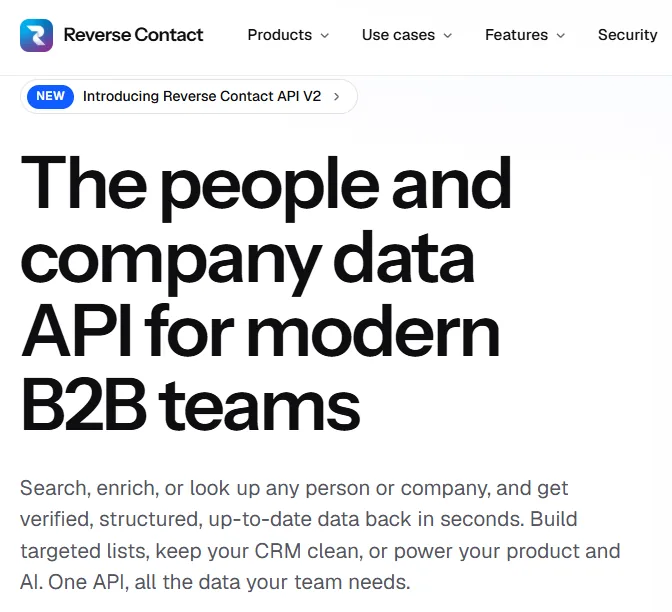
Overview: Reverse Contact is an API for person and company records that your own software calls, plus a web app where you can upload a file with no code. For email finding, you send a person's first and last name plus their employer's domain to our /contact/email endpoint and get back a business email we've checked, or nothing.
Every email is validated when you ask: syntax, the domain's mail-server records, an SMTP mailbox check, catch-all detection (domains that accept any address) and a screen for disposable and role-based addresses.
That works one person at a time or by the file. One bulk API request takes up to 25,000 people, priced like single lookups, and rows that find nothing cost nothing; you download the result as a CSV.
Lookups are asynchronous: the answer arrives by webhook (a call back to your server) or when you poll for it. Each result has a 15-second target and can still take tens of minutes, so queue them instead of having someone wait on a screen.
Zuora is a good example of starting from records you already hold. It uses our API to resolve and enrich company and people records split between its CRM and its billing, product and customer-success systems, as it works toward one trusted profile per customer.
Teams building sales software tell us their users want a business email and a phone number on each lead. For that, our phone finder sits beside the email finder API, billing 20 credits only when a lookup returns a number.
Key features:
- A name plus a company domain is all the input, so a CRM export with those columns is ready to run.
- No charge when an email isn't found, so rows we can't match cost nothing.
- One record shape across the REST API, webhooks, CSV upload and an MCP server for AI assistants, so you can test in a file and ship in code.
- Lists that remember who they've already looked up, so a file you re-run as it grows never pays twice for the same person.
Pricing: Credit packs start at 5,000 credits for $100, and each stays valid for three months after purchase. Each plan widens what's unlimited, under a cap of 100,000 plan-covered profiles a day per workspace. Go costs $249 a month and makes fetching stored records unlimited; Plus costs $449 a month and adds search; Max costs $699 a month and adds enrichment from an email, name or domain.
On every plan, live refreshes and any email or phone we find use credits. Plans carry a monthly commitment; credit packs carry none. Those plans cover your own team. Putting our data in front of your customers inside your software needs Platform, and our sales team prices that contract.
Pros: Just a name and company domain needed per person, up to 25,000 people per bulk request with empty rows free, Lists that skip people already on them at no cost, pack credits that last three months instead of resetting on a billing date, emails and phones from one API key
Cons: No browser extension, so you can't grab an email from a profile page while you browse; no bounce guarantee, because our Terms promise best efforts, not a result, on accuracy
How to start using it:
- Pull 200 contacts you've already emailed, keeping just their names and company domains.
- Sign up and copy your API key; the free trial credits ask for no card.
- Run the 200 through
/contact/emailwith a short script, or as an API call from Make or n8n. - Compare each result with the address you know works, counting wrong answers as well as misses.
- Work out credits per correct email, then size a credit pack from that rate.
Why it's a good Wiza alternative: Wiza takes CSV uploads and sells API credits by card too, so pick us for fit, not a missing feature: your code sends names and company domains and gets checked business emails back, you pay nothing on a miss, and packs last three months.
Final verdict: Pick it when the list already exists and your code does the lookups. If your reps want an email in one click from a profile page, choose one of the extension tools below.
2. Evaboot
Best for: Exporting Sales Navigator searches with emails.
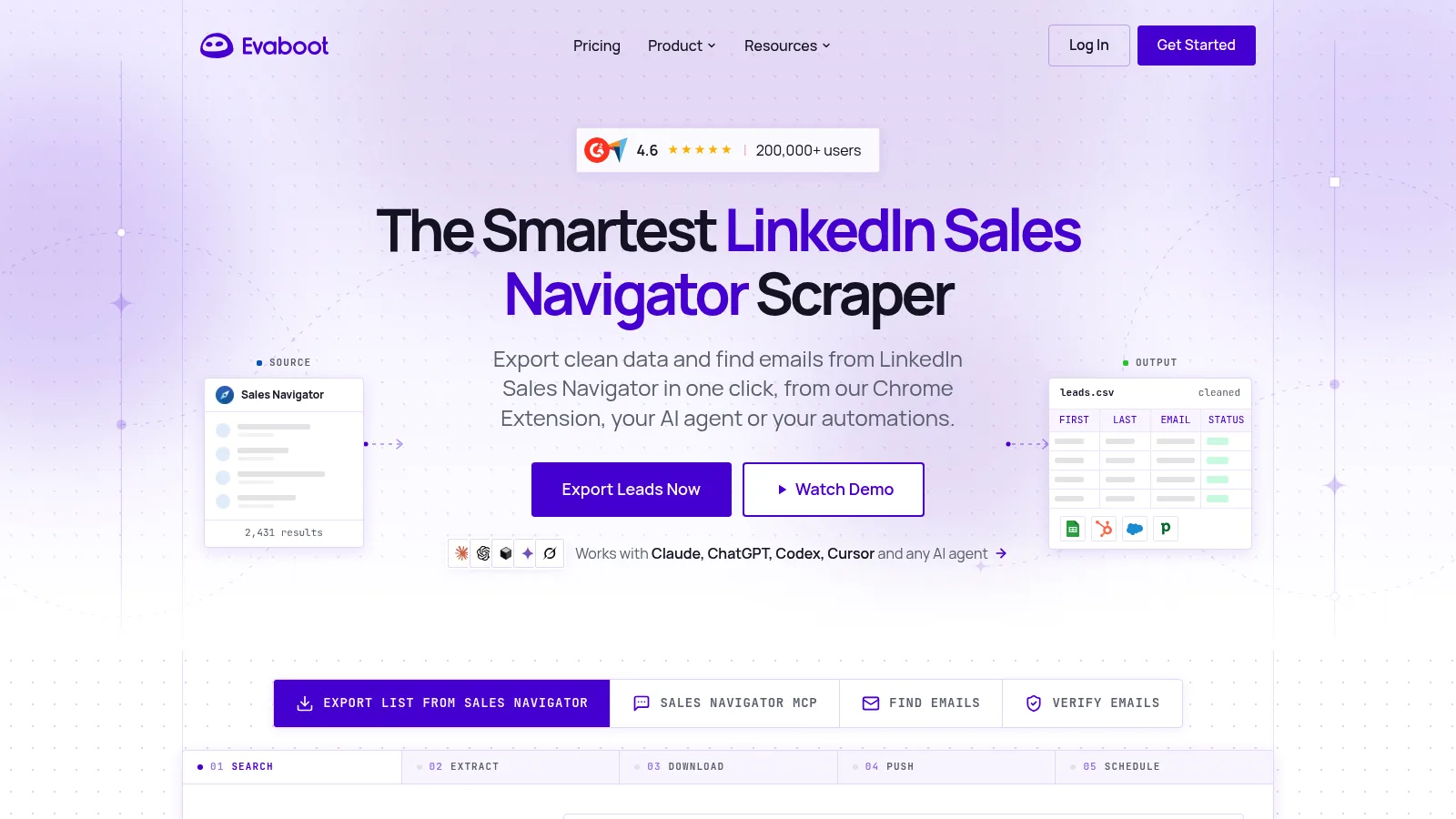
Overview: Evaboot does the job Wiza dropped. It still exports Sales Navigator searches, up to 2,500 leads per search and 2,500 per 24 hours for each Sales Navigator account, with each lead's email included when found and labeled "safe" or "riskier." You need your own Sales Navigator seat.
Key features:
- Search export to a file, so a saved search becomes a list in one step.
- An email status on every row, so you can hold back the riskier ones before you send.
- An API and an MCP server included, so exports can feed other tools.
Pricing: Plans are billed monthly, from $9 for 100 credits on Starter, rising to $29 for 400 and $49 for 1,000 at Scale's first step. Unused credits carry over as long as the subscription runs.
Pros: The search export Wiza removed, a $9 entry plan, credits that roll over
Cons: A lead with no email still costs a credit (its standalone Email Finder charges nothing on a miss), no phone numbers, and it works on LinkedIn's pages, so the policy above applies
Why buyers shortlist it: It's a direct replacement for a team whose whole process was to search, select every lead and export.
Final verdict: Try it first if Sales Navigator export is the job you lost, and budget for the seat on top.
3. Skrapp
Best for: Extension finds plus bulk domain lists.
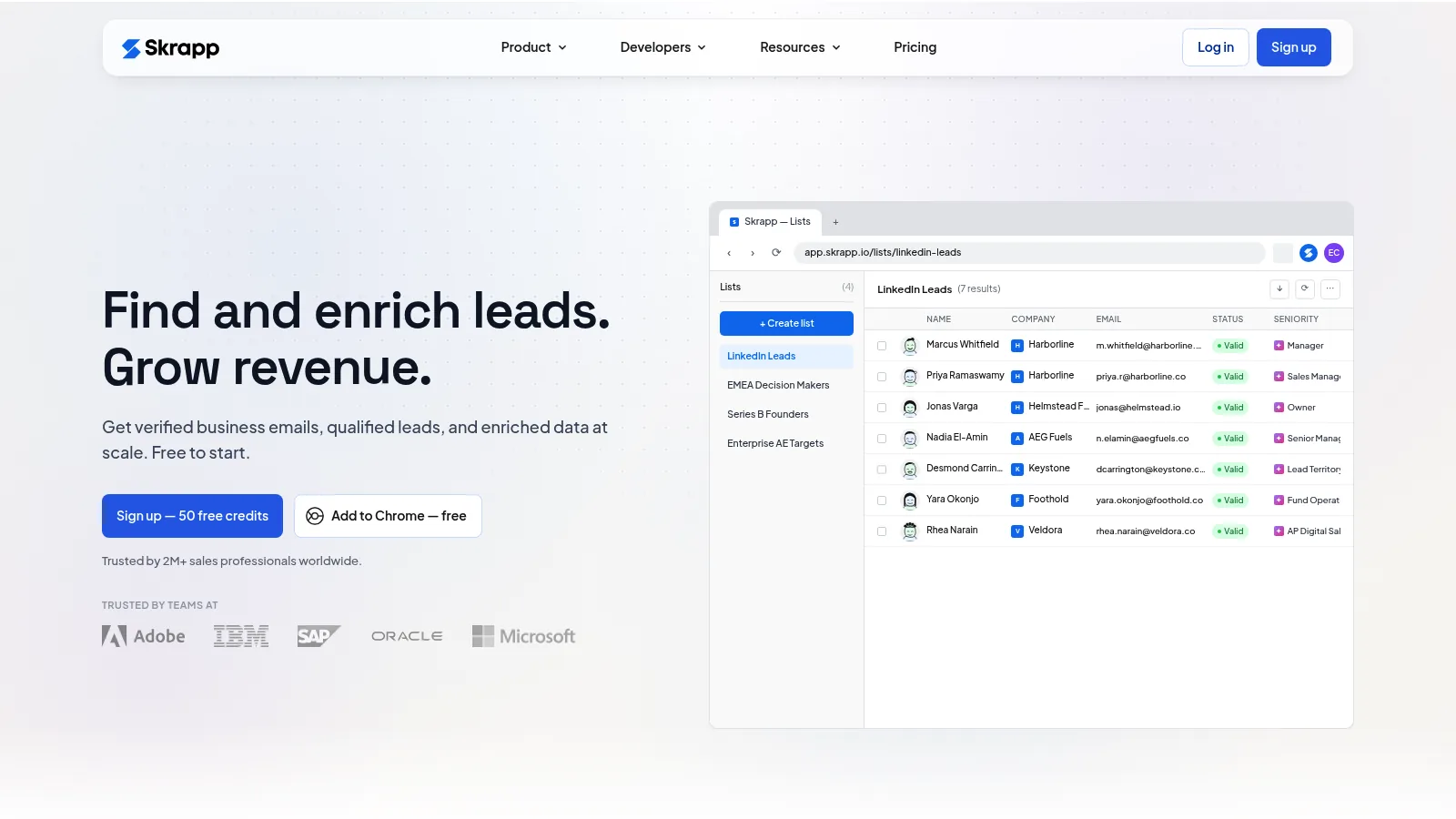
Overview: Skrapp pairs a browser extension for LinkedIn, Sales Navigator and Recruiter with bulk CSV uploads of names plus domains, up to 250,000 rows.
Key features:
- CRM sync from Professional, so found emails land in your pipeline.
- Credits that roll over, so a quiet month isn't wasted.
Pricing: Professional is $29 a month billed annually, or $39 monthly, for 2,000 credits and two users, and a free tier gives 50 credits. Enterprise starts at $262 a month billed annually, or $349 monthly, with 50,000 credits, 15 users and SSO.
Pros: No charge for invalid or unknown results on paid plans, two users on the first paid plan, bulk uploads up to 250,000 rows
Cons: Catch-all emails are billed according to its pricing FAQ and API docs, with a lone "Fair Credit Policy" tooltip saying the reverse; its pricing grid lists the API under Enterprise although its docs let every plan use it; and its extension falls under the same LinkedIn policy
Where it fits: Teams that want an extension like Wiza's one-at-a-time panel plus a large domain-list upload. Skrapp's homepage claims 97% email verification accuracy, its own figure, so test it on records you know. Its Sales Navigator page also advertises whole-list CSV export from Professional.
Final verdict: Good value for an extension-plus-bulk setup, as long as your list isn't heavy with catch-all domains.
4. UpLead
Best for: Building lists by search, not export.
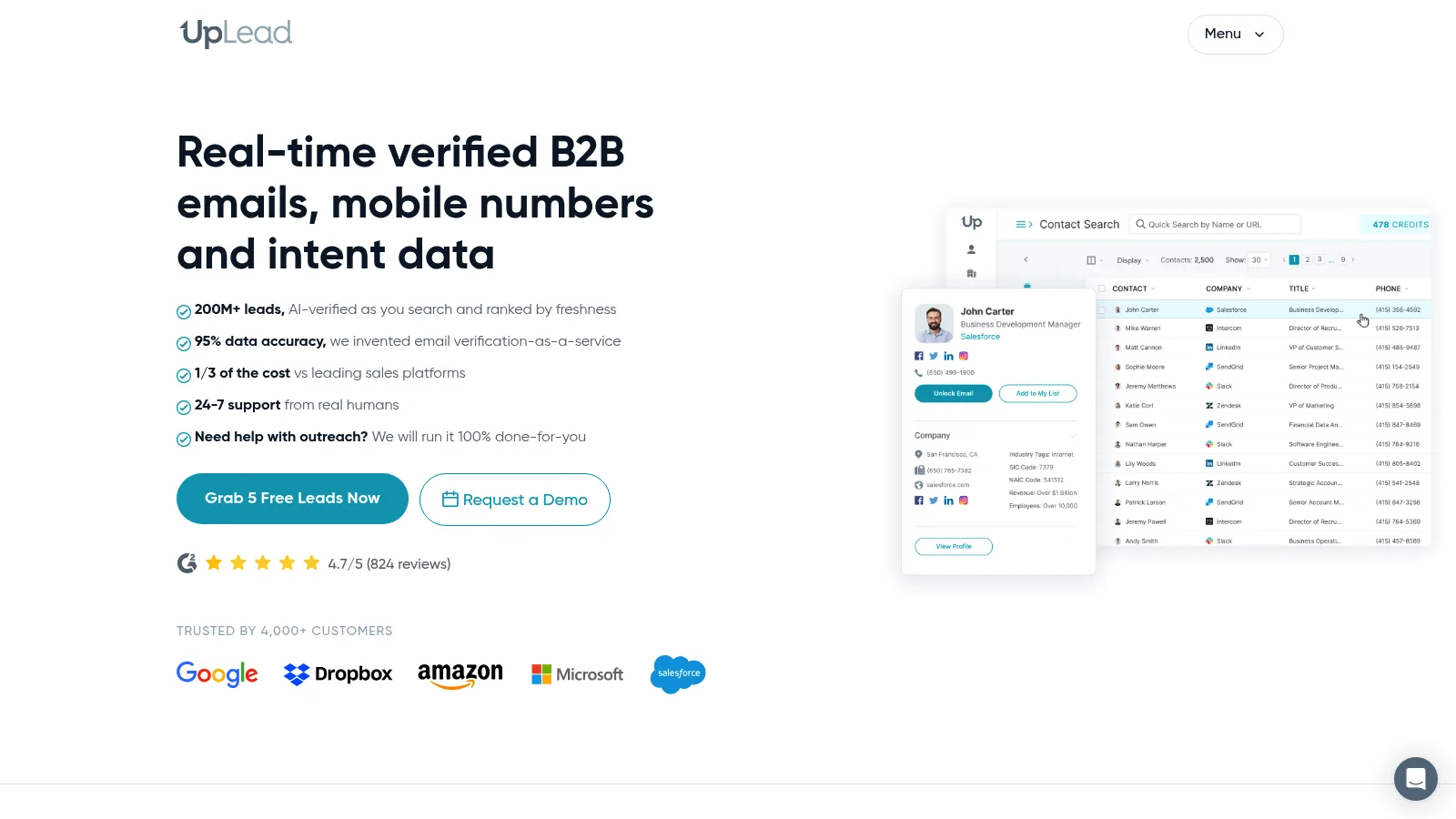
Overview: UpLead works like a B2B contact database you filter, plus a Chrome extension for company and profile pages. It verifies each email at the moment you reveal it, and its Wiza comparison page says invalid emails aren't shown or charged.
That page also promises a "95% data accuracy guarantee" and says "if you download invalid emails from us, we'll refund you." UpLead's homepage adds a "Friendly Credits" tile: "We'll refund you for bounces and poor data."
The pricing page says neither, and its Terms say "We do not warrant the accuracy, completeness, or usefulness of this Data" and call fees non-refundable, so get the refund process in writing before you count on it.
Key features:
- One credit per contact covers the email and the mobile direct dial, so phones cost nothing extra.
- Search filters, with technographics on Plus, so you can build a list from scratch.
Pricing: On monthly billing, 170 credits on Essentials cost $99 and 400 on Plus cost $199. Billed annually, the same plans are $74 and $149 a month, for 2,040 and 4,800 credits a year, and a 7-day trial gives 5 credits.
Pros: Email and mobile in one credit, technographic filters on Plus, monthly plans with no contract
Cons: One user per account below Professional, full API access only on that annual, custom-priced plan, and the refund promise sits on marketing pages, not the pricing page or the Terms
Why it's a good Wiza alternative: Its credit includes the mobile number, where Wiza's Email plans charge $0.35 per phone.
Final verdict: Worth the trial if you build lists by search and will get its refund terms in writing first.
5. Findymail
Best for: Teams judged on their bounce rate.
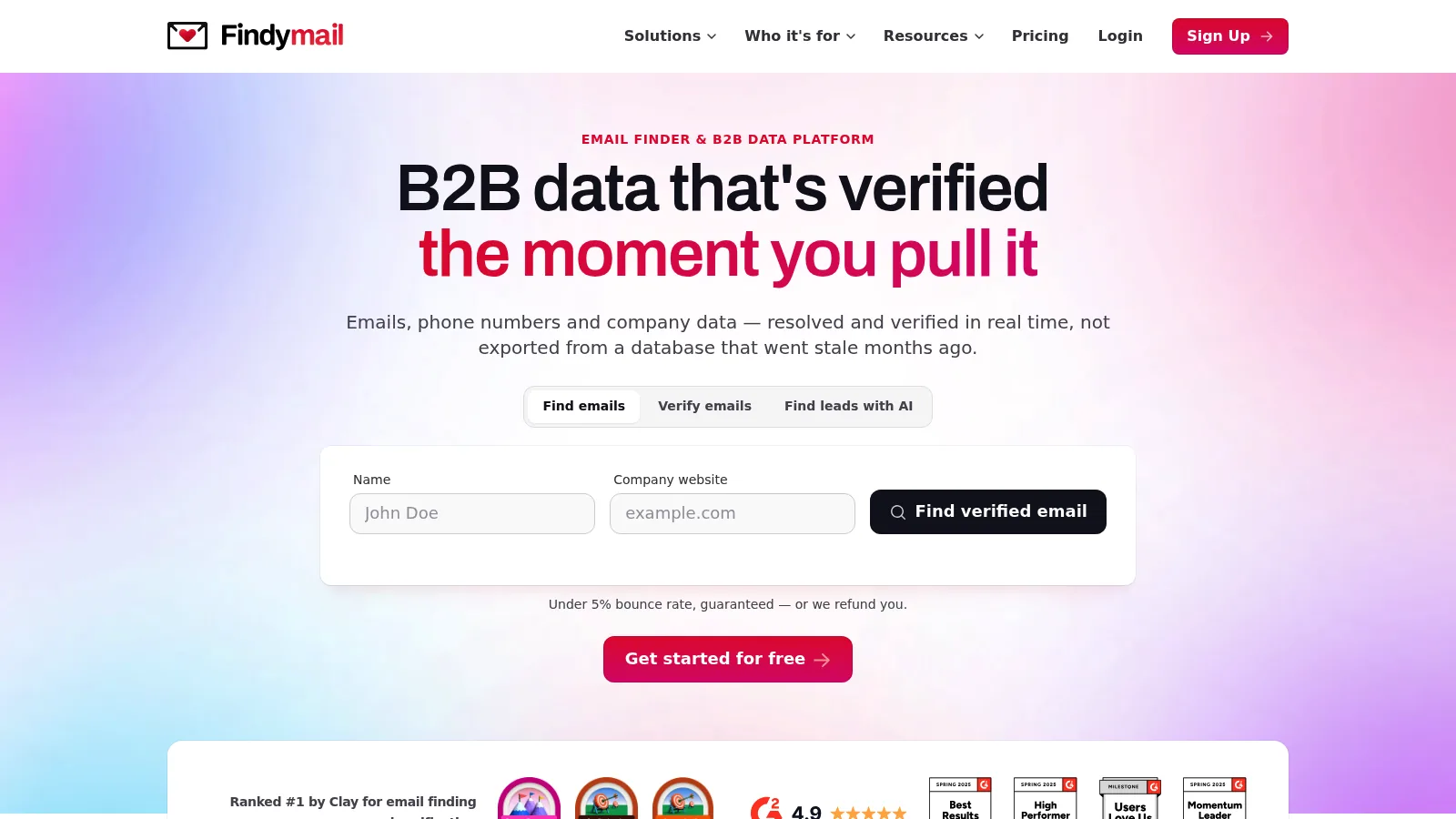
Overview: Findymail puts a number on its promise. Its pricing page guarantees a "<5% bounce rate" and says "If your bounce rate is higher, we refund your credits." Its FAQ adds that it will investigate before refunding, so keep your send logs. The refund wording speaks of credits, and the default Individual plan counts usage instead, so ask how it applies before you buy.
Key features:
- A Chrome extension for LinkedIn and Sales Navigator plus bulk CSV of names and companies, so it covers both of Wiza's surviving routes.
- An API on all plans, so code can call it from day one.
- No charge when an email or phone isn't found.
Pricing: Its default plan, Individual, is $99 a month for one seat, with usage measured over rolling five-hour and seven-day windows instead of credits. Credit plans for resellers show $99 a month billed monthly for 5,000 finder credits, at 1 credit per email and 10 per phone.
Pros: A bounce-rate guarantee with a credit refund, extension and bulk upload in one tool, an API on every plan
Cons: The refund follows an investigation, its mobile finder excludes the EU, and the same LinkedIn policy covers its extension
Why buyers shortlist it: It gives a team burned by bounces a written threshold to hold the vendor to.
Final verdict: Pick it when bounce rate is the number your outbound is measured on.
6. Anymail Finder
Best for: Re-finding emails across big lists.
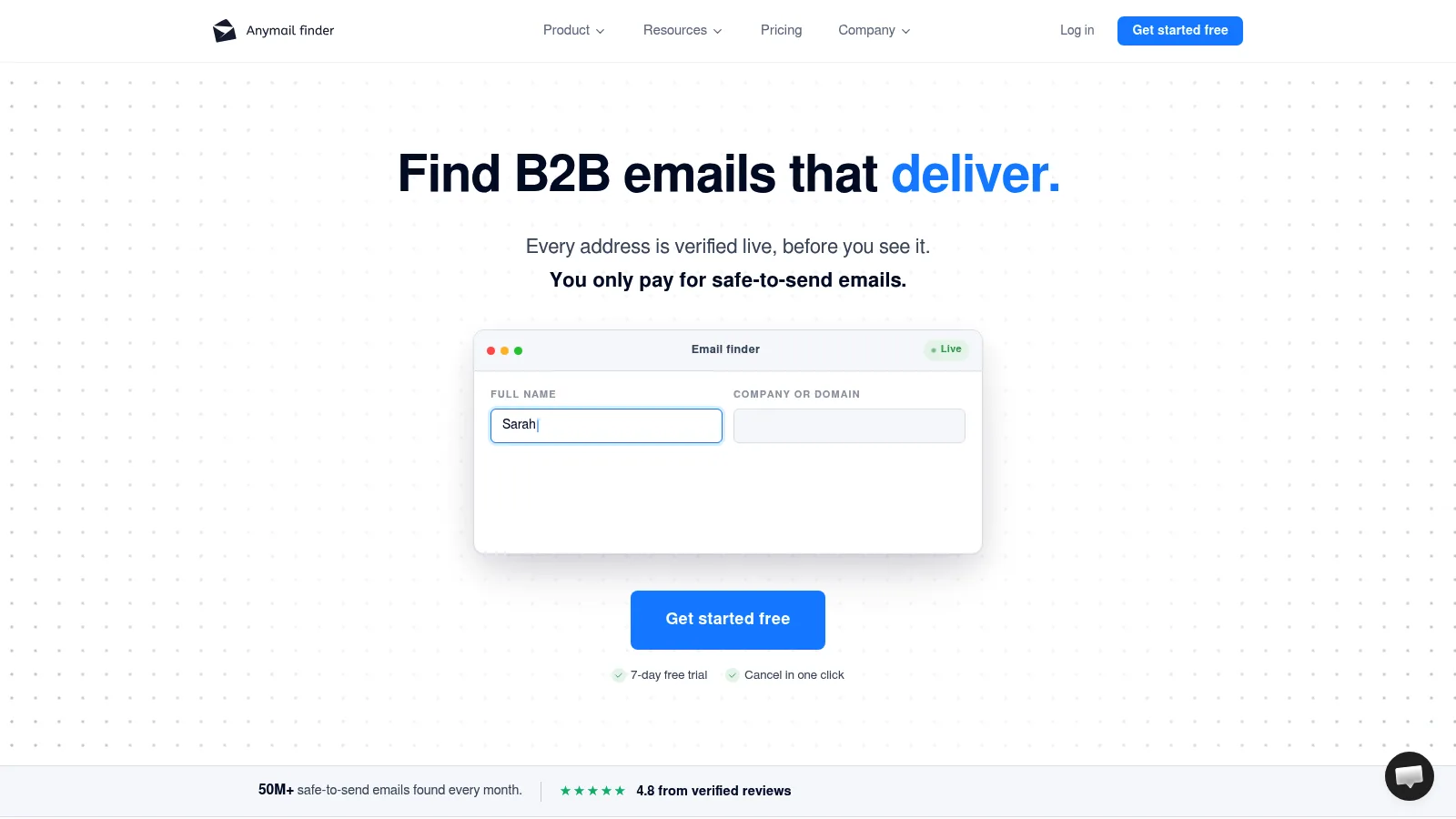
Overview: Anymail Finder is built around lists and its API, with a Chrome extension for one-off lookups on company sites and profile pages, and no phone numbers. Find Person Email costs 1 credit only when it returns a verified email, and it backs verified results with a "97%+ delivery guarantee." If one bounces, you report it and the credit comes back after review.
Key features:
- CSV or Excel uploads up to 100,000 rows, so a whole CRM export runs as one file.
- An API it describes as having no rate limits.
- Decision Maker search at 2 credits, for when you have a domain but no name.
Pricing: Plans start at $29 a month billed monthly for 400 credits, or $19 a month billed yearly. Unused credits roll over with no cap while you're subscribed, and the 7-day trial of 100 credits applies to monthly plans and needs a card.
Pros: Pays only on verified emails, credit returned for a reported bounce, uncapped rollover
Cons: Email only, an extension for single lookups rather than bulk, refunds decided by review
Where it fits: Re-finding emails for old CRM lists in bulk, the job the r/SaaS reply wanted kept off campaign credits. Like Hunter, it can work from a domain alone, so weigh it against other Hunter alternatives.
Final verdict: A plain pay-per-result tool for a big list, with a bounce credit you can claim one email at a time.
7. Prospeo
Best for: Small teams wanting extension, CSV and API.
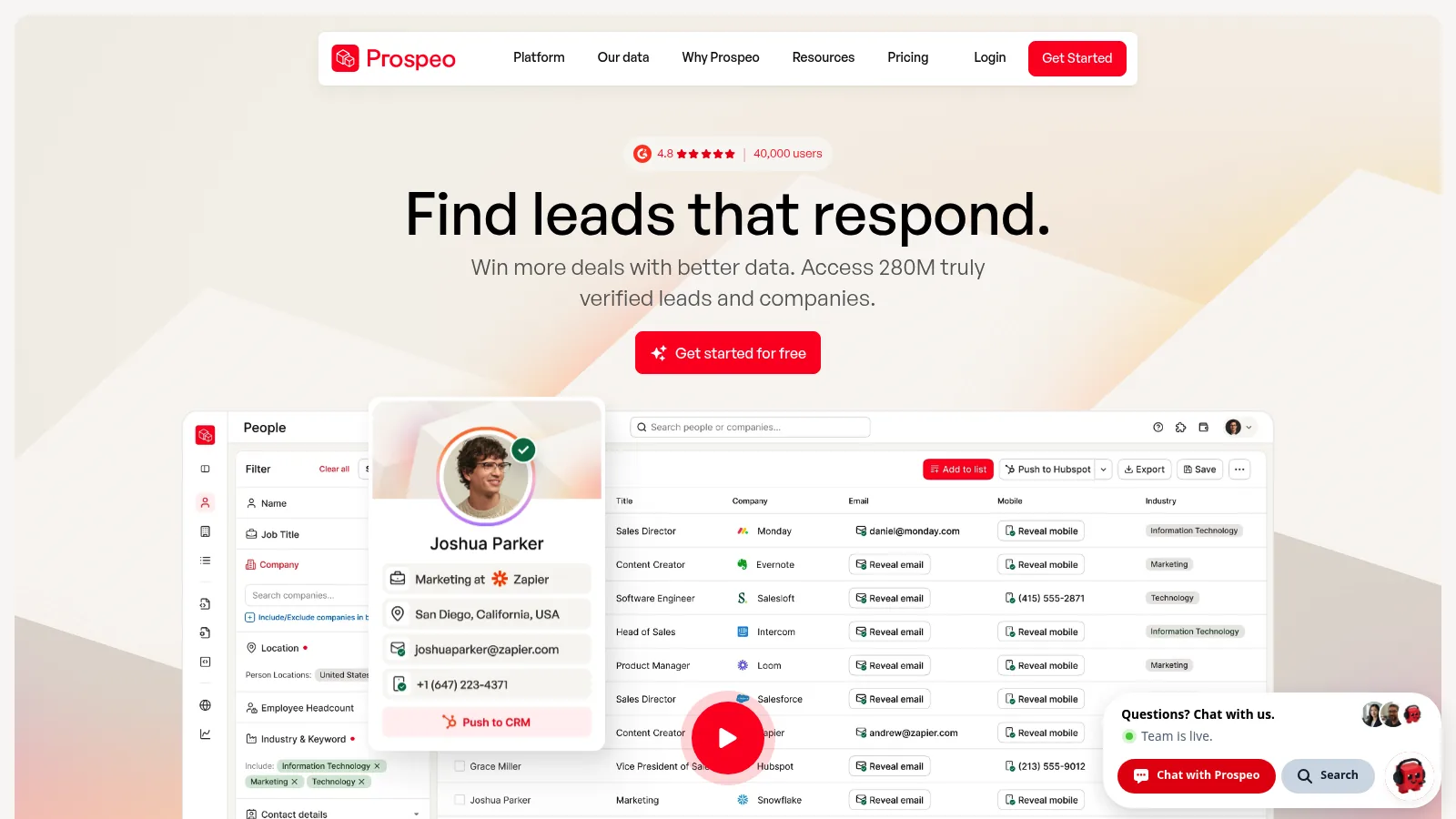
Overview: Prospeo puts an extension, CSV enrichment and an API on its Starter plan. Its data page credits a "98% Accuracy Rate" to five verification steps. We found no bounce refund published on its pricing page, FAQ or data page.
Key features:
- 1 credit per verified email, spent only when one is found.
- Mobile numbers at 10 credits each.
- 100 free credits every month to test with.
Pricing: Per user, Starter is $49 billed monthly, or $441 a year with 24,000 credits granted upfront, about $37 a month. Growth is $99 monthly or $888 a year.
Pros: Extension, CSV and API on the entry plan, found-only billing, a free tier you can test on
Cons: Priced per user, no bounce refund that we found published, mobiles at 10 credits each
Why it earns a place here: Wiza sells API credits apart from its plans, while Prospeo folds API access into the same Starter seat as its extension and CSV tools.
Final verdict: A balanced pick for a small team that wants all three routes on one plan.
8. Apollo.io
Best for: Data and sequences in one seat.
Overview: Apollo.io bundles a contact database, email sequences and enrichment behind a per-seat price. Its bounce refund has conditions: if you send to an Apollo-verified email within 30 days of requesting it and it bounces, the credits return in the next billing cycle, but only for emails sent from inside Apollo, and never for mobiles.
Key features:
- A free plan that grants each seat 900 credits a year, released month by month.
- API access for enrichment on every plan, Free included, with rate limits.
- Standard enrichment that bills only when it finds data, though some partner sources it tries charge on a miss.
Pricing: With annual billing, a Basic seat is $49 a month and Professional $79; billed monthly, they're $65 and $99. Emails use 1 credit each and phones use 8.
Pros: A free plan, a published bounce refund, sending built in
Cons: Refunds only when you send from Apollo, a bill that grows with each seat, credits that expire each cycle
Why buyers shortlist it: Teams often move to it when they want data and sequencing under one login. Each new seat raises the bill, so price Apollo alternatives as you grow.
Final verdict: Strong value if you'll send from Apollo anyway, since that's where its refund applies.
Wiza vs Competitors: Bounced Emails and Refunds
Every vendor here says its emails are verified. When you weigh Wiza vs competitors, bounced emails are where those promises differ. The table separates a published refund from a rule that simply doesn't charge for a failed check.
| Vendor | What it publishes about bounces | Refund after a send bounces? |
|---|---|---|
| Wiza (the tool you're leaving) | "99%+ deliverability" on its homepage; 97% for valid emails in a 2024 help article; risky emails export free | None published; its Terms rule out refunds except where law requires |
| Reverse Contact | Every email checked when you ask | No bounce guarantee; Terms promise best efforts, not a result |
| Evaboot | Emails labeled "safe" or "riskier" | None; its Terms rule out refunds for data already delivered |
| Skrapp | Not charged for Invalid or Unknown on paid plans; Catch-all billed | None that we found published |
| UpLead | "95% data accuracy guarantee" on its Wiza comparison page | Yes on its marketing pages, covering invalid downloads and, on its homepage, bounces; its Terms disclaim data accuracy |
| Findymail | Bounce rate under 5% guaranteed | Yes, credits refunded after an investigation |
| Anymail Finder | "97%+ delivery guarantee" on verified emails | Yes, per reported email, after review |
| Prospeo | "98% Accuracy Rate" on its data page | None that we found published |
| Apollo.io | Refund when an email you send within 30 days of requesting it bounces | Yes, limited to sends from inside Apollo; no mobiles |
Four of the eight alternatives publish a refund, and the conditions differ: Findymail measures your bounce rate, Anymail Finder reviews each reported email, UpLead's promise lives on marketing pages its Terms don't repeat, and Apollo.io covers only sends from Apollo.
A guarantee also covers less than it sounds. Sinch Mailgun's State of Email Deliverability 2025 found that almost 88% of the senders it surveyed couldn't correctly identify what the delivery rate measures. Mail that lands in spam still counts as delivered; only messages that bounce or are rejected don't. So a bounce refund protects your credits, not your inbox placement.
One point about bounces comes up on our calls: even validated databases decay as people change jobs, and no promise in this table covers that, so re-check an old list before each campaign.
Phones need the same caution. In a Reddit thread on r/EmailProspecting, a Wiza user rated its email addresses good and its phone numbers "all over the place," and said to verify numbers before calling. Another reply advised against trusting any tool's own "valid" tag when domain reputation matters, and to run a second check, the job dedicated email verification tools are built for. Treat both as anecdotes, not measurements.
How to Move Your Lists Off Wiza
Moving to any of these Wiza alternatives is mostly a data job, because whatever you revealed in Wiza already sits in your files or CRM. Unused Wiza credits are neither refunded nor rolled over, so plan the switch around your billing date:
- Export every list you built in Wiza, and confirm your CRM sync has finished, before the renewal date.
- Trim each file to first name, last name and company domain, the inputs email finders match best on.
- Run a pilot on a few hundred rows in each tool you're considering, using contacts whose real addresses you know.
- Count wrong results as well as misses, and send a small batch through your usual verifier.
- Size the plan from your measured match rate, not a vendor's headline figure.
Buyers we talk to often go further, piloting around ten thousand records before they scale a bulk email-finding job. Their full lists can be far bigger, and at that scale a few points of match rate move the bill.
If those records live across several systems, the job looks like what internal data teams already do: settle who each person and company is first, then fill in the missing email.
Common Mistakes When Choosing a Wiza Alternative
A bad switch usually starts with reading a vendor's promise too generously, or with buying for a job you no longer do. Watch for these four:
- Trusting a comparison page written before August 19, 2026, that still sells Wiza as a bulk exporter.
- Reading "only pay for valid emails" as a bounce refund, when it means a failed check costs nothing.
- Buying per-user seats for a list job that one bulk upload or one API key could handle.
- Ignoring how each tool bills catch-all results, since a list full of catch-all domains can cost more than its find rate suggests; Skrapp's docs say it bills them.
Each takes a few minutes to check before you pick a plan.
How to Choose the Right Wiza Alternative
Start with the job you actually lost, because these Wiza competitors solve different ones, and the same test works on any other email finder tools you shortlist.
If Sales Navigator export was the core of your process, Evaboot is the like-for-like replacement, and Skrapp advertises list export too.
If your reps want an extension plus bulk upload, choose by how you'd like bounces handled. Skrapp is the value pick, Findymail adds a bounce-rate guarantee, and UpLead pairs a searchable database with a refund promise for invalid emails.
If the list already exists, look at the tools built around uploads and API calls. Anymail Finder suits a simple bulk upload with a credit back for each reported bounce, Prospeo suits a small team wanting extension, CSV and API per user, and Reverse Contact suits code that calls an API, billed per email found with no seats.
If you'd rather send from the same tool that finds the emails, Apollo.io is the obvious fit, and its bounce refund only applies when you do.
Pick the Tool for the Job Wiza Used to Do
The switch makes sense when the job you relied on is gone, or when credits keep expiring unused at each renewal. Most of these Wiza alternatives are built around one job, so name yours first: search export, extension finds, list work by upload or API, or sending. Then pilot two tools from that group where it has two, and keep the one with more correct emails per dollar.
If your list is already in a CRM or a database and your own code will do the lookups, make Reverse Contact one of your two. Start with free trial credits, no card required, then try it on your records and judge us on the emails that come back right.
FAQs
What are the best alternatives to Wiza?
The right pick depends on the job. For search export, Evaboot is the closest like-for-like. For an extension plus bulk upload, look at Skrapp, Findymail or UpLead. For bulk lists and API calls, Anymail Finder, Prospeo or our own API fit, and Apollo.io suits teams that want sending in the same tool.
Can Wiza still export lists in bulk?
Not from LinkedIn pages. Since August 19, 2026, Wiza no longer lets any plan select and export a whole search or list there. You can still build a list in Wiza Prospect, upload a CSV or import from your CRM and export it from Wiza, and single-profile reveals still work. Wiza says plans and billing stayed the same.
Which Wiza competitors refund bounced emails?
Four in this list publish a refund of some kind. Findymail refunds credits if your bounce rate goes above 5%, Anymail Finder credits back each reported bounce after review, UpLead's marketing pages promise one for invalid emails and bounces, though its Terms disclaim data accuracy, and Apollo.io refunds a verified email that bounces when sent from Apollo within 30 days of requesting it. Wiza publishes no bounce refund.
Does Wiza have an API?
Yes, and you don't need a sales call to start. Per its help center, any account can pay by card for one-off API credits at $0.025 each, with a 2,000-credit minimum and 2 credits used per email found. The custom Team plan also includes API access. Evaboot, Skrapp, UpLead (from Plus), Findymail, Anymail Finder, Prospeo, Apollo.io and our own API are self-serve too.
Do Wiza credits roll over?
No. Wiza's help center says recurring credits reset on your billing date, and its Terms say unused credits aren't refunded. If your volume swings month to month, a tool with rollover, such as Evaboot, Skrapp or Anymail Finder, or with credits that last a set period, may waste less.
The data layer behind your GTM engine
Access fresh people and company data through one API and power every enrichment, prospecting, and automation workflow.
- Profiles
- 800M+
- Refreshes / month
- 200M
- Response time (P95)
- 500ms