
13 Best Email Scraping Tools in 2026, Compared
Julien K.Published
Key takeaways:
- "Email scraping tools" covers harvesters that read the addresses on pages you pick, and domain searches that list a domain's addresses; an email finder API skips both for known names.
- Three of the 13 tie the email charge to a passed check: Reverse Contact, Anymail Finder and Skrapp. The 13 bill in different units: per page, per domain with contacts, per credit, per verified find, one-time licenses or subscriptions.
- Scraped lists pick up generic inboxes like info@, and Spamhaus warns that seeded spam traps, hidden in places like page source, catch senders who collect addresses from the web.
- Under CAN-SPAM, mailing harvested addresses is an aggravated violation only when the mail is already unlawful. It doesn't ban collecting public addresses, and this guide isn't legal advice.
Email scraping tools pull addresses off web pages, company domains and profiles so you don't copy them by hand. The 13 here span an email finder API, a free Chrome extension and cloud jobs billed per page, and most leave checking to you.
What Email Scraping Tools Actually Collect
Search "scrape email tool" and two different products come back. A harvester reads the addresses printed on the pages you give it: a team page, a contact page, a directory. Email Extractor, Atomic Email Hunter and Apify's Contact Details Scraper work this way, so you get only what the page shows.
A domain search usually works from an index. Hunter and Tomba read public pages ahead of time, store the addresses they find, and show you what they hold for a domain when you type it in. You don't choose which pages were read, but you usually get a source and a date for each address.
Buyers we talk to ask early whether a tool finds addresses or only checks ones they already hold. One data acquisition lead put it as "is it email verification or email generation as well?" It matters because collecting an address and confirming it still receives mail are separate steps, and more than half the tools here leave the second to a separate product or to you.
There's also a third route. If you already know the people you want, you can call an email finder API instead of reading pages: you supply a name and a company domain, and one person's business address comes back. Email finder tools cover that job in depth, and one such API leads this list.
The 13 Best Email Scraping Tools
Reverse Contact sits at number one because we build it. The other 12 aren't ranked.
They're grouped by how they collect: browser extensions, domain searches, desktop crawlers, and cloud scrapers and platforms.
Every price was read on the vendor's own page on November 3, 2026, and ours on our pricing page.
| Tool | How you run it | What you pay for | Verifies? | Free option | Paid from |
|---|---|---|---|---|---|
| Reverse Contact | API or CSV: you send a name and company domain | 3 credits per business email found | Yes, before an email is returned; catch-alls can't be fully confirmed | Trial credits, no card | Packs from $100 for 5,000 credits |
| Email Extractor | Extension reads the open page | Premium for saved addresses and automation | None listed | Unlimited extraction | $9.99 a month billed yearly, or $14.99 monthly |
| Skrapp | Extension on company sites and profiles | Credits for Valid or Catch-all emails, per its FAQ | Built-in verifier on every find | 50 credits | $29 a month billed annually, or $39 monthly |
| Thunderbit | AI extension plus a text and file tool | Credits per output row (2 with subpage scraping) | Separate free checker (syntax, MX and disposable only) | 6 pages a month | $9 a month billed yearly, or $15 monthly |
| Hunter | Domain Search over its index | Credits; 1 per revealed email, or 1 per up to 10 emails in bulk and API | Status on most results; a re-check costs 0.5 credit | 50 credits a month | $34 a month billed yearly, or $49 monthly |
| Snov.io | Extension plus bulk domain search | Credits; 1 per prospect or per check | Finder returns a status; Verifier is 1 credit a check | 50 trial credits per 30 days | $29.25 a month billed annually, or $39 monthly |
| Tomba | Domain search over its index | Search credits plus check credits | Separate credits | 25 searches per 30 days | $49 a month billed monthly, 25% less billed yearly |
| Anymail Finder | Domain or person search | 1 credit for up to 20 verified emails per domain | Yes, billed on verified finds | 7-day trial | $29 a month for 400 credits, or $19 a month billed yearly |
| Atomic Email Hunter | Windows desktop crawler | One-time license per PC | Separate product | 7-day trial | $89.90 one-time |
| ScrapeBox | Desktop SEO toolkit module | One-time license plus plugin | Plugin verifier, with caveats | None listed | $97 license on promotion, plus a $47 plugin |
| Outscraper | Cloud job over a domain list | Per 1,000 domains with contacts found | Separate service | 500 domains a month | $3 per 1,000 domains |
| Apify | Cloud Actor over a site list | Per 1,000 pages, email or not | Paid add-on | $5 of usage | $19 a month prepaid, billed monthly |
| Octoparse | No-code Email Scraper template | Subscription by tasks | None listed | Desktop plan, 10 tasks | $69 a month billed yearly, or $83 monthly (US page) |
A per-page meter and a monthly plan can't be compared until you know how many usable addresses each returns from your list.
1. Reverse Contact
Best for: Business emails for known names.
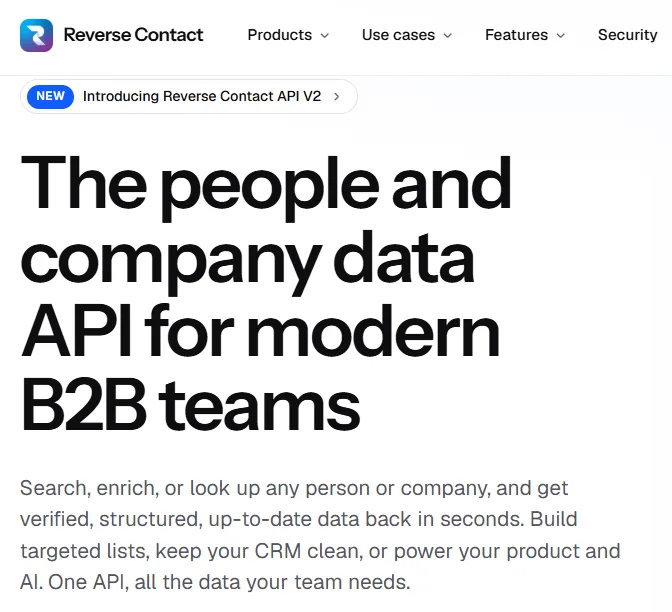
Overview: Reverse Contact sells an API, a web service your own code sends requests to. You send a person's name and their company's domain, and we send back their business email.
Each address is checked as you request it: syntax, MX records (the server that takes a domain's mail), an SMTP test asking that server if the mailbox exists, and catch-all detection. A catch-all domain accepts mail for any name, so a test can't confirm the person. When an address fails, we return nothing and you aren't billed.
We also work from the other end: a bare address to a named person. Instantly's users often hold a lead's email and little else, so Instantly calls our API in the background for role and company context, and its own AI writes the message. When we can't identify someone with confidence, Instantly switches to lighter personalization, and the campaign goes out anyway.
Key features:
- A person's business email from their name and company domain, at 3 credits per email found.
- Checks at request time, so you're not trusting a result stored months ago.
- Enrichment keyed on an email, a name with a domain, or just a domain, drawing on 800M+ profiles and 70M+ companies by our count.
- The best match first, with up to nine other candidates beside it when a match is unclear.
- A direct phone finder, billed 20 credits only when it returns a number.
- Delivery by API, webhooks (your server gets each result when it's ready), CSV upload or our MCP server for AI assistants.
Pricing: Packs start at $100 for 5,000 credits, which expire after three months, with no commitment. Go is $249 a month for unlimited lookups of stored records by ID, Plus is $449 with unlimited search, and Max is $699 with unlimited enrichment from an email, name or domain.
Every plan still charges credits for emails, phones and live profile refreshes. Each plan is a monthly commitment. Unlimited use has a ceiling of 100,000 profiles per workspace each day, for your own team only; putting our data in software your customers use needs a Platform contract, quoted by sales.
Pros: Each address belongs to a named person you chose, a filter that drops role inboxes such as info@ before they reach you, no credit spent when nothing passes the checks, CSV files of up to 25,000 people with repeated rows charged once, daily or monthly credit caps per API key
Cons: No browser extension; you use the API, a CSV or an AI assistant; email results arrive in the background, with a documented target under 15 seconds that can stretch to tens of minutes, so you queue requests instead of watching a page fill in
How to start using it:
- Get trial credits when you register; there's no card step.
- Pull 100 CRM rows with a full name and a company domain.
- Run them through the email finder by API or CSV upload close to send time.
- Mail a small segment and compare bounces with your usual rate.
- Size credits from that real find rate.
Why it leads this list: We make it, and it fits when you know who to reach and need one checked business email each.
Final verdict: Choose us when the people are known and the address is the missing field. We don't send the mail, and for every address a set of pages prints, use the tools below. Test it on your list.
The next three tools live in your browser: open a page, click, and the extension lists what it finds.
2. Email Extractor
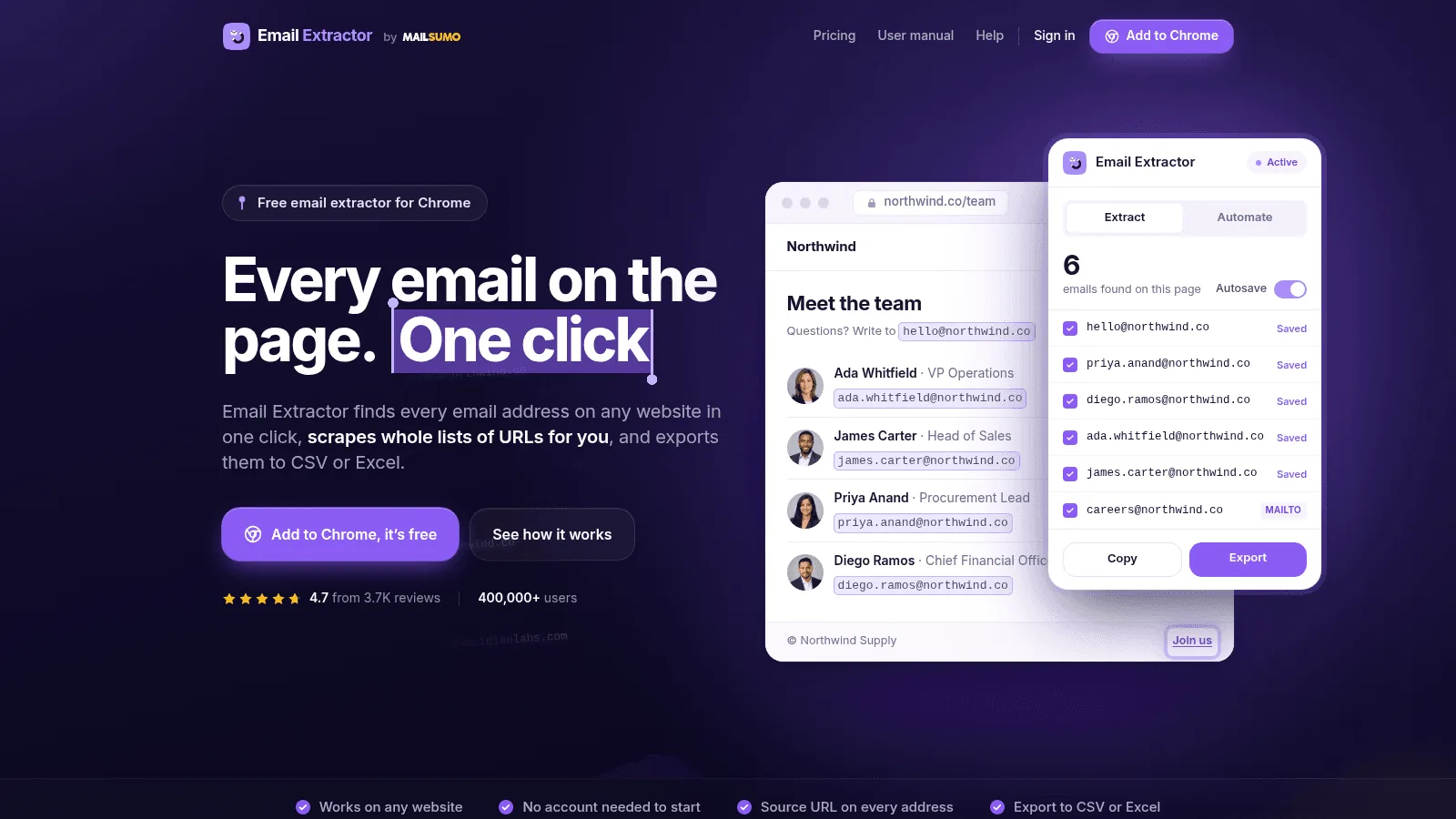
Overview: Email Extractor, by Mailsumo, is a free Chrome extension. One click lists every address on the open page, mailto: links included, with no account.
Key features:
- One-click extraction, so a staff directory becomes a list in seconds.
- AutoSave on Premium, storing each address with its source URL and date.
- Automation over up to 1,000 URLs per run, with CSV or Excel export.
Pricing: Extraction is free and unlimited. Premium is $9.99 a month billed yearly, or $14.99 monthly, for 1,000 saved addresses a month, with larger plans up to 100,000.
Pros: Free core feature, no sign-up, source and date on saved addresses
Cons: No verification step listed, "name at domain" addresses aren't decoded (its own FAQ), role inboxes come back beside named ones
Why it's a good email scraping tool: It shows, fast and free, exactly which addresses a page publishes.
Final verdict: Pick it for quick pulls from pages you're already reading.
3. Skrapp
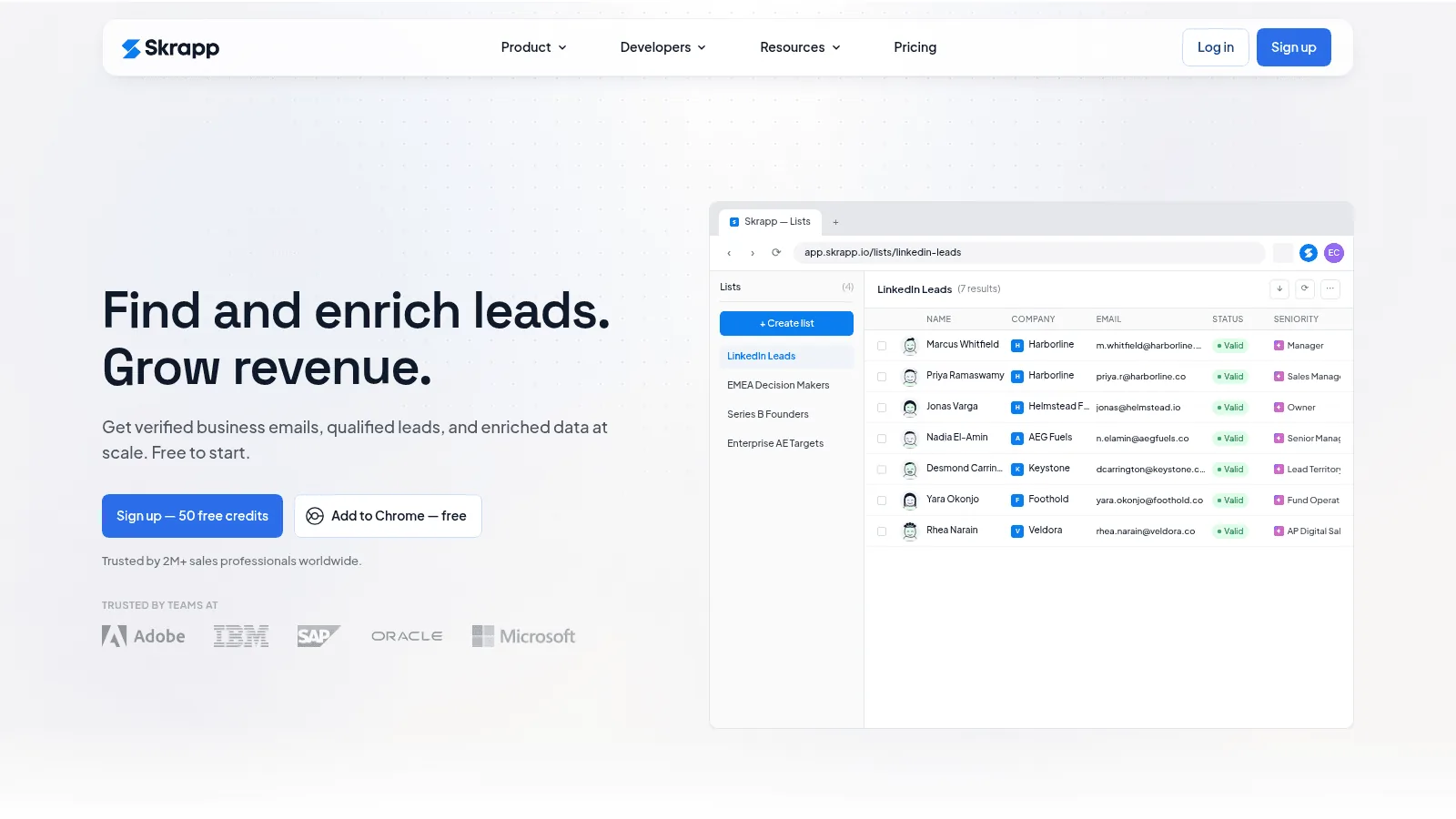
Overview: Skrapp's Chrome extension has a "Companies Websites" mode that turns the site you're on into a list of that company's emails. It also works on LinkedIn profile, Sales Navigator and Recruiter pages.
Key features:
- "Companies Websites" mode for company-by-company prospecting.
- Lookups for the person on the profile page you're viewing.
- Credits that roll over on Professional.
Pricing: Professional costs $39 monthly, or $29 a month on annual billing, with 2,000 credits and 2 users, and Free has 50 credits for 1 user.
Pros: No credit for Invalid or Unknown results on paid plans, works on sites and profiles, rollover
Cons: A small free tier, 2 users on Professional, and catch-all finds cost a credit by its FAQ, while a pricing-page tooltip calls them free
Why buyers shortlist it: It bills only for emails its verifier marks Valid or Catch-all, which neither Email Extractor nor Thunderbit promises.
Final verdict: A good fit if you prospect company by company from their websites.
4. Thunderbit
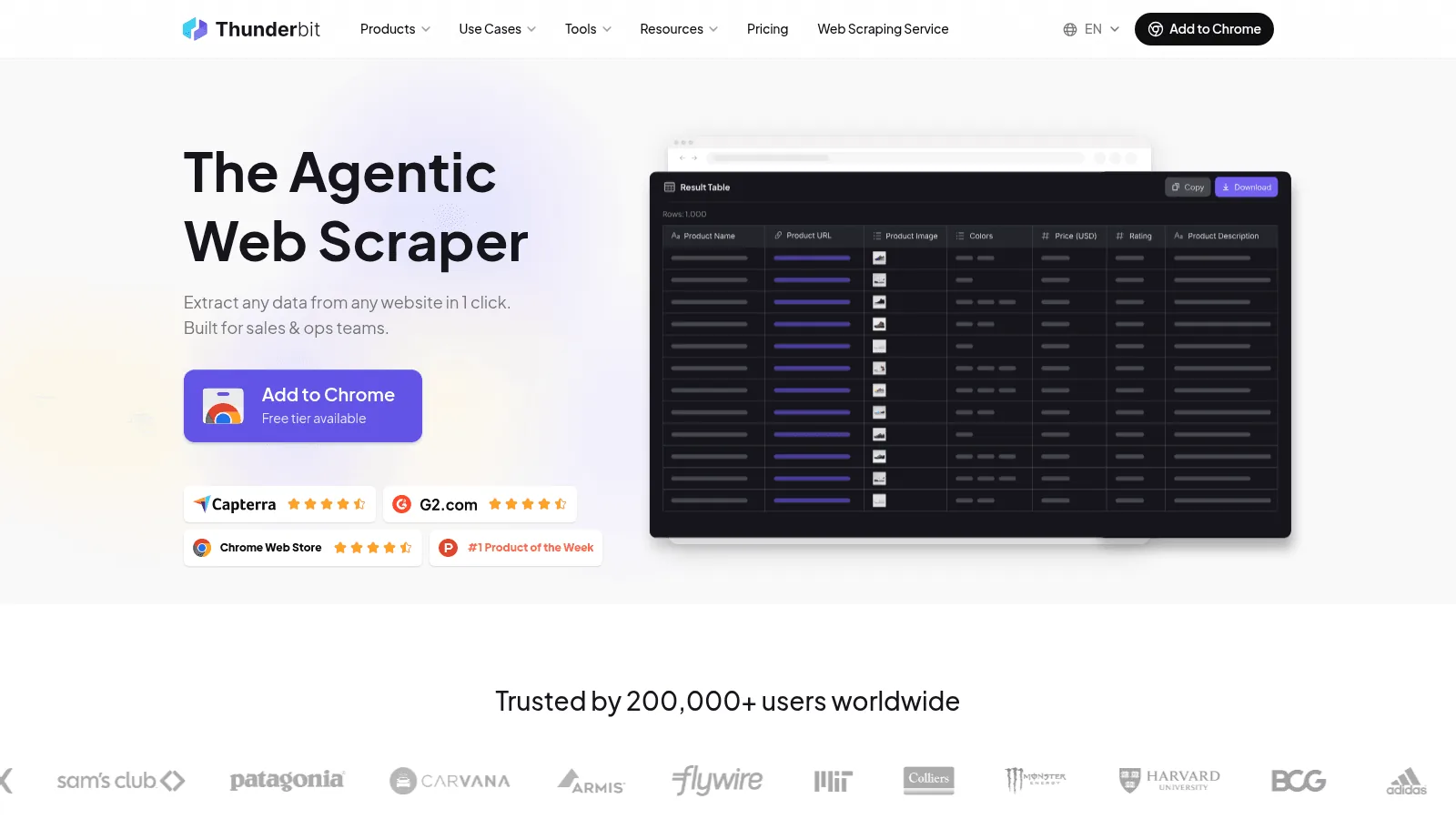
Overview: Thunderbit is an AI scraping extension for Chrome. Its free web tool, also called Email Extractor, reads pasted text, uploaded files and URLs.
Key features:
- Pasted text and files as input, not just live pages.
- CSV or Google Sheets export, so results land where your list lives.
- Bulk runs of up to 3 URLs on Free and 2,000 on Starter and Pro.
Pricing: Free covers 6 pages a month, with up to 30 credits a page per its Free card. Starter is $15 a month for 500 credits, or $9 a month billed yearly for 5,000 credits a year; Pro is $38 a month for 3,000 credits, or $16.50 a month billed yearly for 30,000 credits a year.
Pros: Reads text and files, Sheets export, a low entry price
Cons: 6 free pages a month; its separate free verifier checks only syntax, MX records and disposable domains; the yearly Pro price is a limited-time offer
What it's good at: Pulling addresses from messy text, such as an attendee list pasted into a doc.
Final verdict: Choose Thunderbit when your addresses sit in files as often as on pages.
The next four start from a company domain you enter. Hunter, Snov.io and Tomba answer from data they collected earlier, and Anymail Finder checks each candidate address live.
5. Hunter
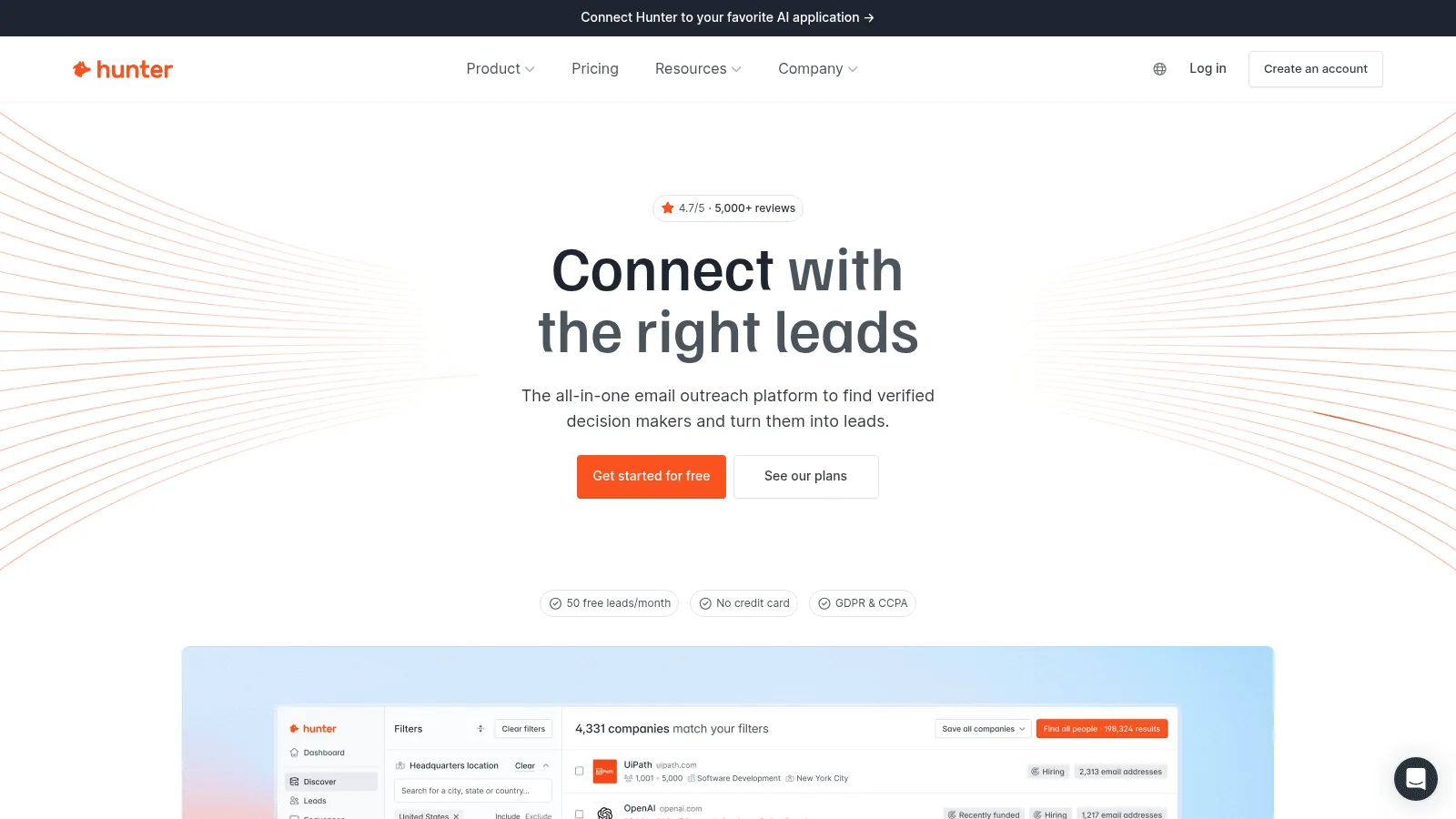
Overview: Hunter's Domain Search returns the addresses it has found on public pages for a domain, with confidence scores, sources and discovery dates.
Key features:
- Source pages and dates for each address.
- One credit for up to 10 emails per domain in Bulk Domain Search and the API; in the app, each revealed email costs 1 credit.
- One credit pool for Email Finder, Verifier and Domain Search, with unlimited users.
Pricing: Hunter's Starter is $49 monthly, or $34 a month paid yearly, with 2,000 monthly credits. The free plan has 50 credits a month.
Pros: Sources on every address, bulk searches that return up to 10 emails per credit, a free extension
Cons: Verifying spends more credits, monthly credits don't roll over, plans bundle outreach you may not need
Why it's a good email scraping tool: Hunter says it crawls 30M pages a day and has indexed 150M professional addresses.
Final verdict: Choose Hunter for domain-wide lists with sources attached, or compare these Hunter alternatives to skip the outreach suite.
6. Snov.io
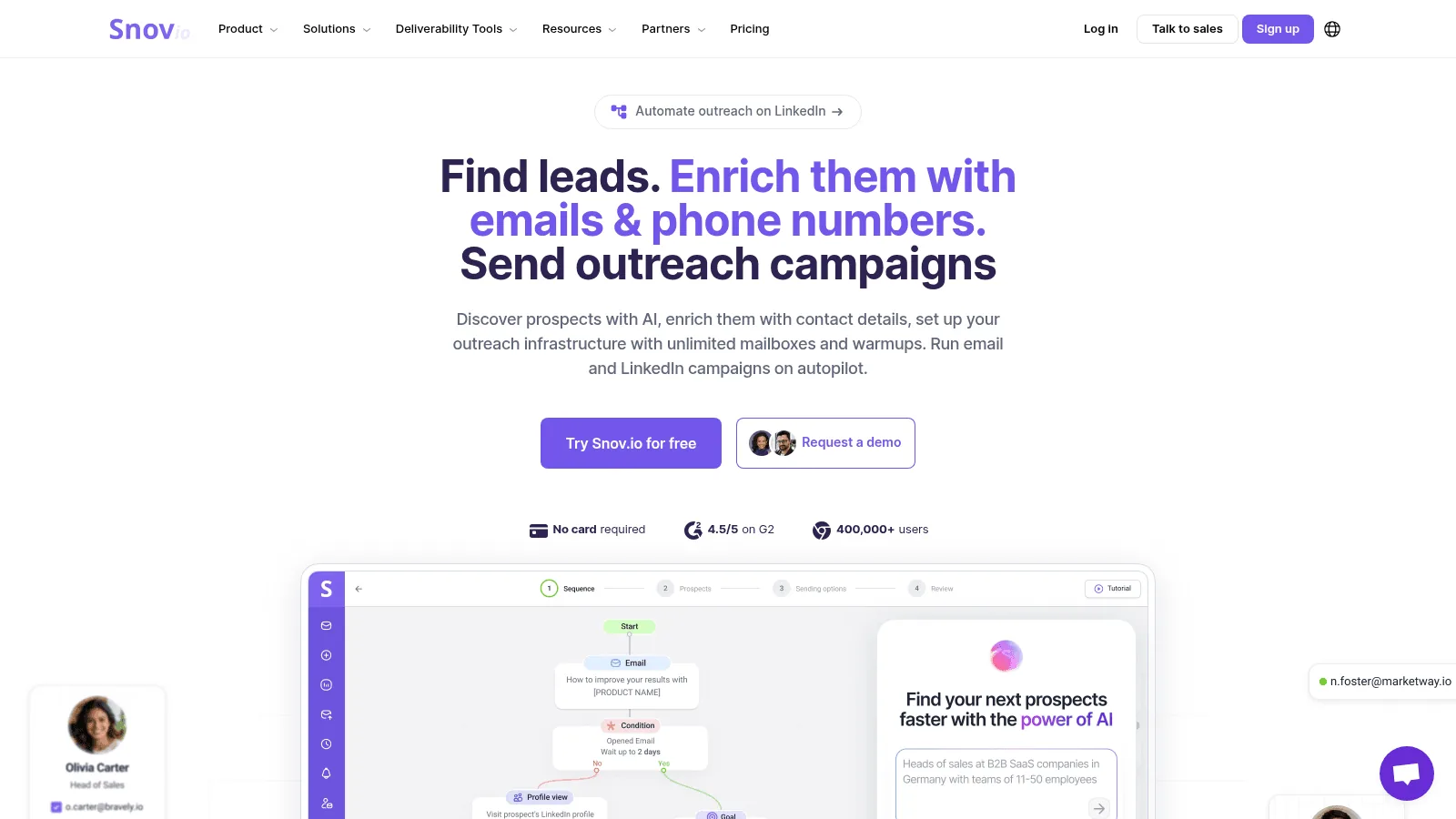
Overview: Snov.io's Email Finder extension collects emails from company sites and Google search result pages, and its domain search runs in bulk. It sends campaigns too.
Key features:
- An extension that works on search results as well as company sites.
- Bulk domain search on paid plans, so a company list runs as one job.
- No charge when its Email Verifier returns unknown or catch-all.
Pricing: Trial gives 50 credits every 30 days, with no export, API or bulk search. Starter is $29.25 a month billed annually, or $39 monthly, for 1,000 credits and unlimited seats.
Pros: Works on Google results, unlimited seats, no charge for unknown or catch-all verifier results
Cons: Trial can't export, a Verifier check costs a full credit, the pricing page opens on annual prices
Where it fits: Teams that want finding, checking and sending in one account.
Final verdict: Pick Snov.io if you'll send from the tool you collect in.
7. Tomba
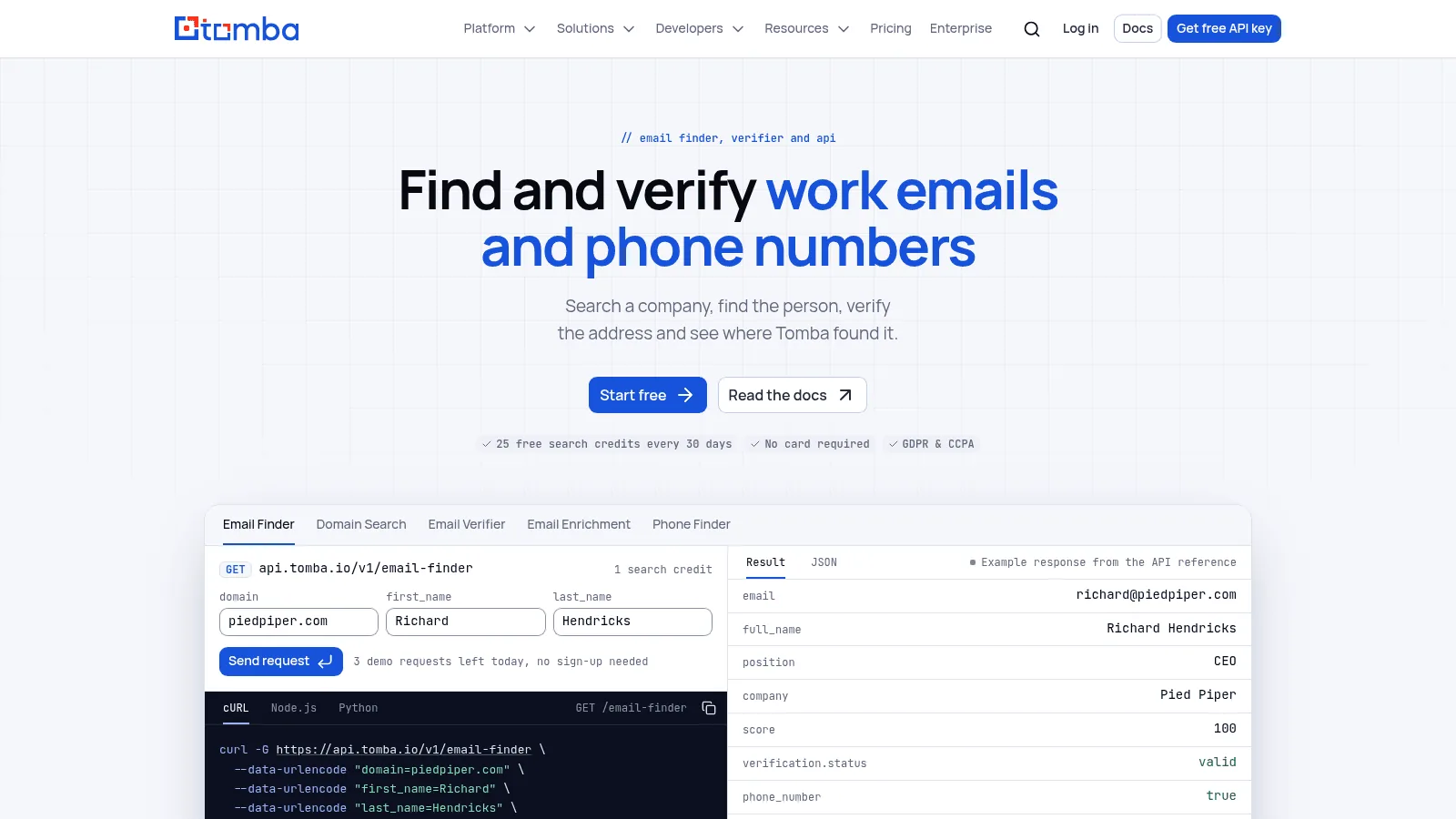
Overview: Tomba runs its own crawler index, processing "over 2 billion URLs every month" by its count. It lists up to 20 source pages per address, with first and last seen dates.
Key features:
- First and last seen dates, so you can tell a fresh address from a stale one.
- Separate search and verification credits, 2,500 of each on Basic.
- Free Finder searches when nothing comes back.
Pricing: The Free tier has 25 search credits per 30 days, needs no card and includes no verification credits. Basic is $49 a month billed monthly, yearly billing saves 25%, and one-time packs last 12 months.
Pros: Dates on every address, free empty searches, check credits on paid plans
Cons: No check credits on Free, a small free tier, and a hard bounce returns one search credit, after Tomba confirms it
Why buyers shortlist it: Tomba says only 6% of the addresses it crawls meet its quality bar, a filter you'd otherwise build.
Final verdict: A strong pick when you want a date on an address before trusting it.
8. Anymail Finder
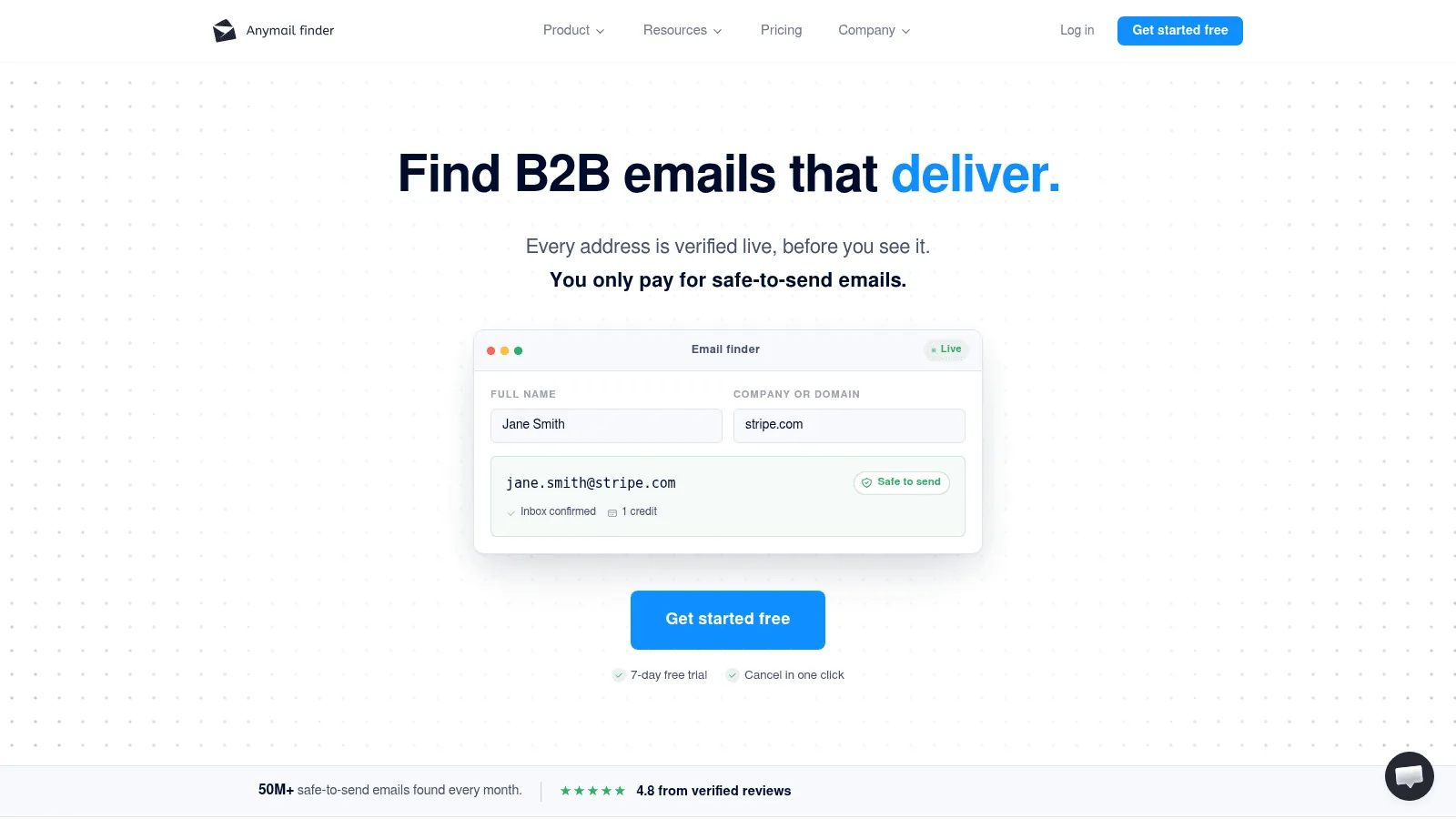
Overview: Anymail Finder is a verified finder rather than a page reader. Its company search takes a domain and returns up to 20 emails for 1 credit, charged only when verified emails are found.
Key features:
- Company search, billed only on verified finds.
- Person search at 1 credit and decision-maker search at 2.
- Checks on an address you already hold at 0.2 credits.
Pricing: Monthly plans start at $29 for 400 credits, yearly billing is $228 for 4,800 credits, and EU visitors see euros. Monthly plans carry a 7-day trial with 100 credits, card checked but not charged.
Pros: Billing tied to verified results, rollover while subscribed, up to 20 emails per credit
Cons: Email only, no phones; the trial needs a card; its "97%+ delivery guarantee" returns credit only after review
Its real strength: You pay for addresses that passed its checks, not for pages read.
Final verdict: Choose it for domain lists where every billed email should be sendable.
Desktop crawlers come next. You buy a license once, then handle crawling, IP blocks and cleanup on your own machine.
9. Atomic Email Hunter
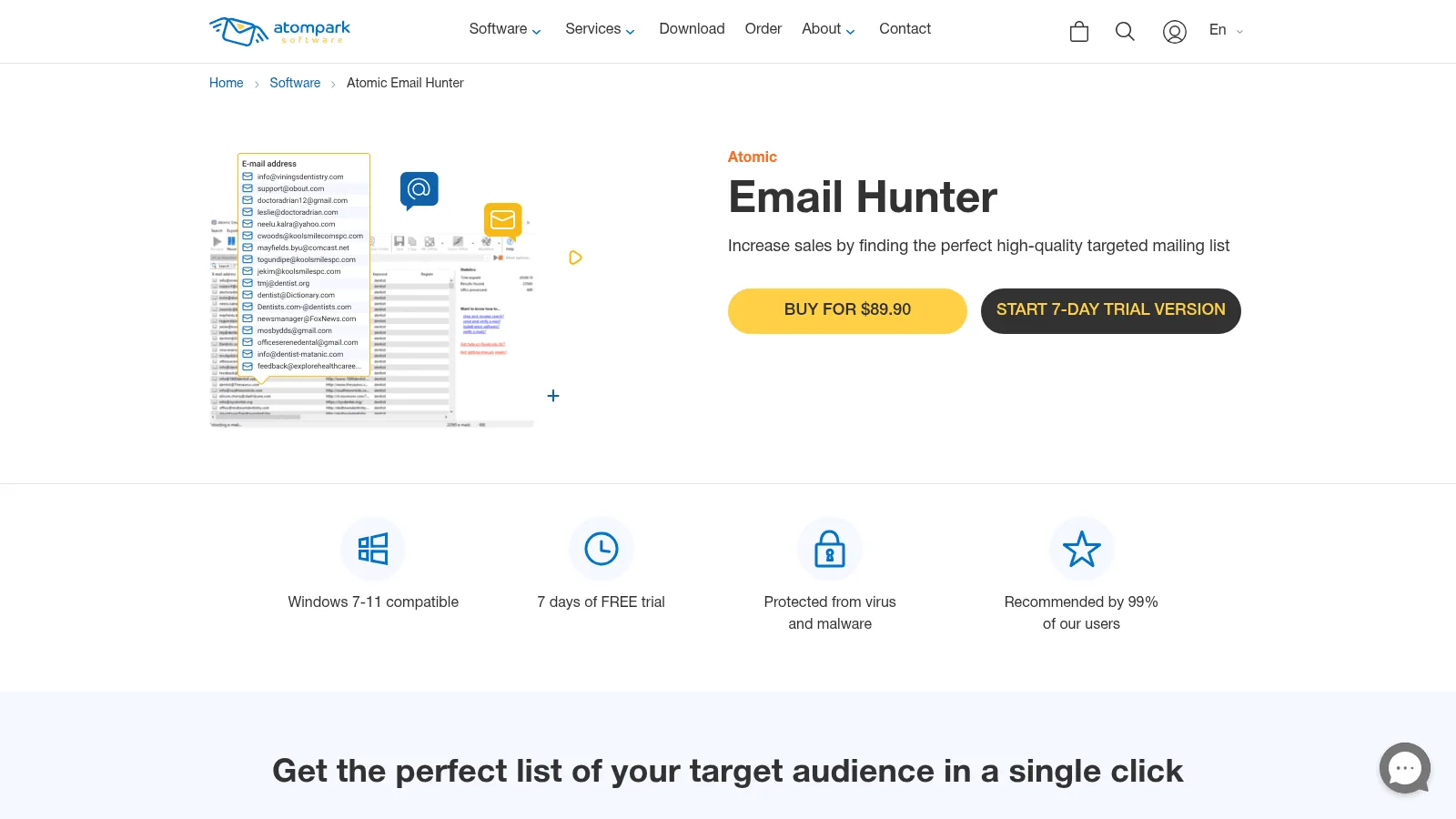
Overview: Atomic Email Hunter, from AtomPark, is a Windows desktop crawler that scans the sites a key-phrase search turns up, or the URLs you list.
Key features:
- Key-phrase search or a URL list, starting from a topic or from known sites.
- Mailbox, Facebook and Yelp plug-ins, plus a "Process JavaScript" option.
- Proxy server support, pitched as keeping your IP address from being blocked.
Pricing: It's $89.90 one-time per PC, with "No recurring fees", or $152.84 for 2 PCs. A 7-day free trial is offered.
Pros: Pay once, no per-address meter, several ways to start
Cons: Windows 7 to 11 only (Mac through Parallels), verification is a separate product, three releases since December 2021, the latest in November 2025
Where it fits: One Windows machine running regular keyword searches at a fixed cost.
Final verdict: Fine for a one-PC setup if you'll verify elsewhere.
10. ScrapeBox
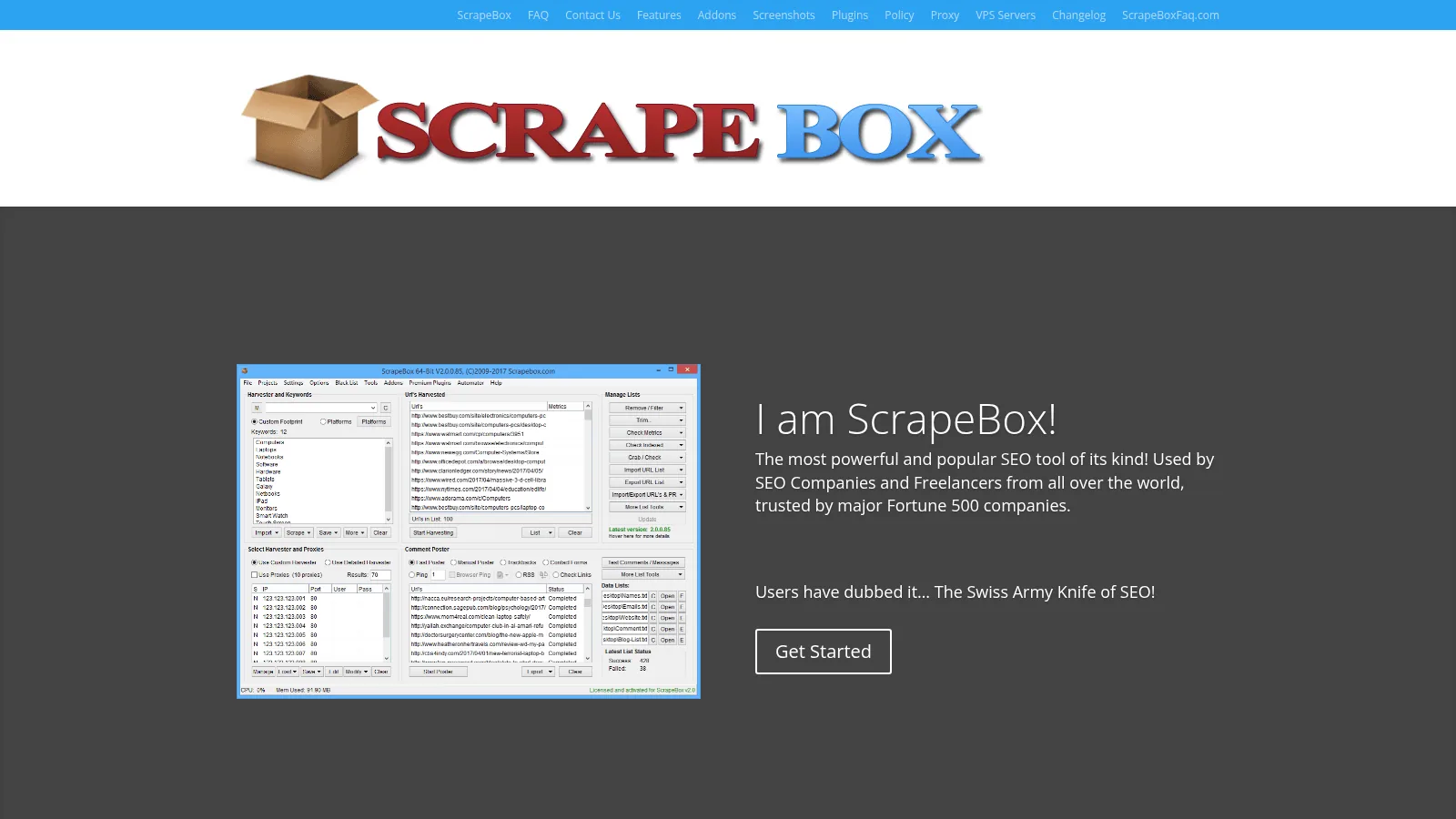
Overview: ScrapeBox is a desktop SEO toolkit for Windows and Mac, "The Swiss Army Knife of SEO". Its Email Scraper is one module, and a newer option crawls a domain several levels deep.
Key features:
- A built-in Email Scraper with proxy support.
- A Premium plugin adding multi-engine search, list crawling, local file and mailbox extraction, and a verifier.
- A WHOIS add-on that pulls domain registrant addresses.
Pricing: The base license is a one-time $97 on a limited-time offer, down from $197, for one PC. The Premium Email Scraper plugin is $47 for life.
Pros: One-time pricing, many starting points, a January 2026 release
Cons: Its plugin says verification is "impossible... with 100% accuracy without sending a physical email", the verifier needs mail port 25 open, email is a side module
Why buyers shortlist it: SEO teams already running it have a basic email scraper built in and get the fuller one for $47 more.
Final verdict: Worth it mainly if ScrapeBox already sits on your SEO desk.
The last three are cloud email scraping services that work from a list of domains or sites you hand over.
11. Outscraper
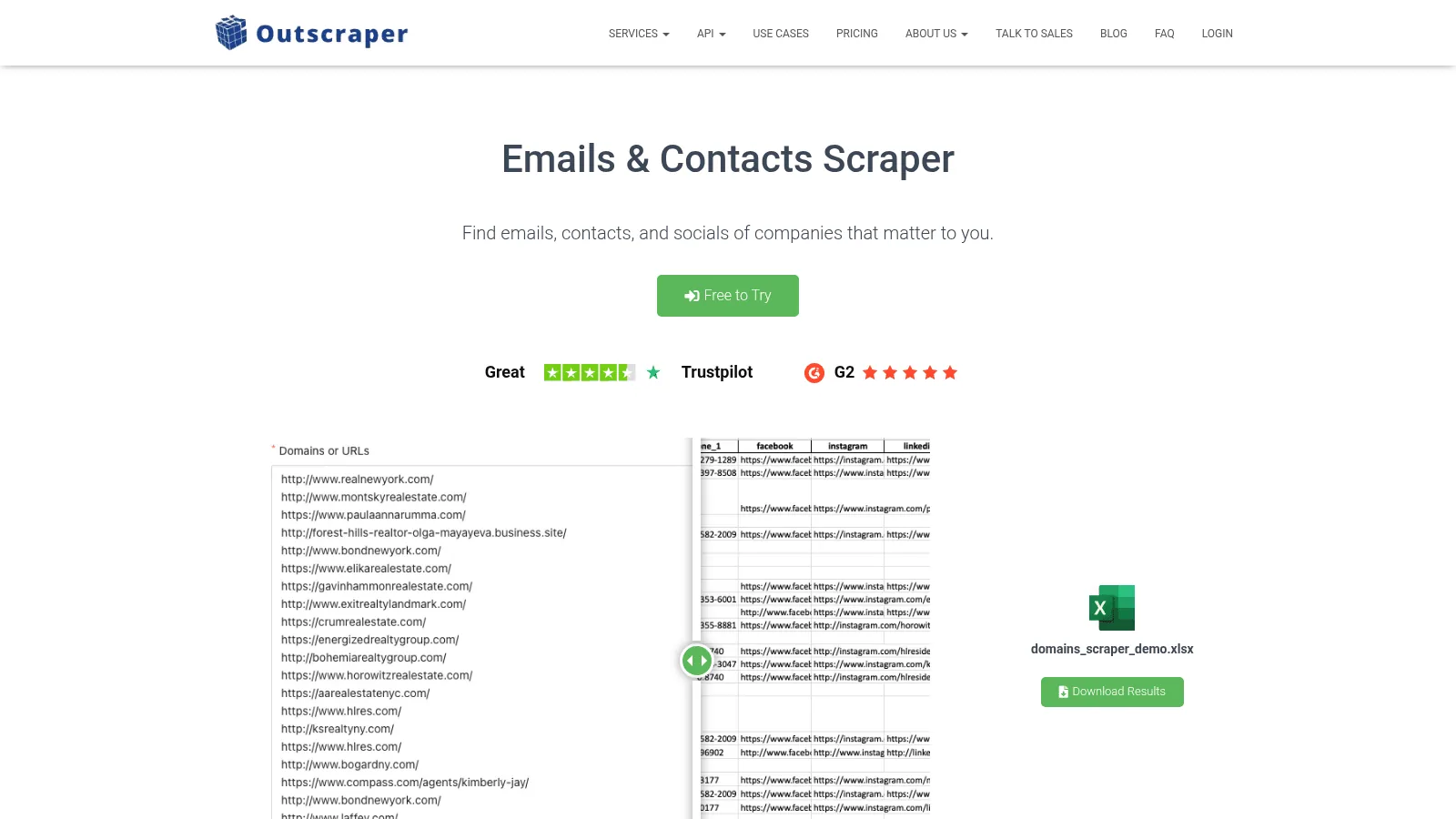
Overview: Outscraper's Emails & Contacts Scraper takes a list of domains and returns emails, phones and social links. Per its page, it reads each site plus third-party services such as Facebook, LinkedIn and Google.
Key features:
- A domain list as input, so a CRM export of websites runs as one job.
- Metered billing only for domains with contacts found.
- A Domain Emails and Contacts API.
Pricing: The first 500 domains each month are free, then $3 per 1,000 up to 100,000 and $1 per 1,000 after that. Validation is a separate service: 25 free, then $3 per 1,000.
Pros: No charge for empty domains, public pricing, a full refund within 3 days if its tools fail to retrieve data
Cons: Validation costs extra, and it starts from a domain rather than a person
Why it made this list: It bills per domain that actually returned contacts; its calculator shows 10,000 domains at $28.50.
Final verdict: Pick Outscraper for large domain lists on a pay-as-you-go budget.
12. Apify (Contact Details Scraper)
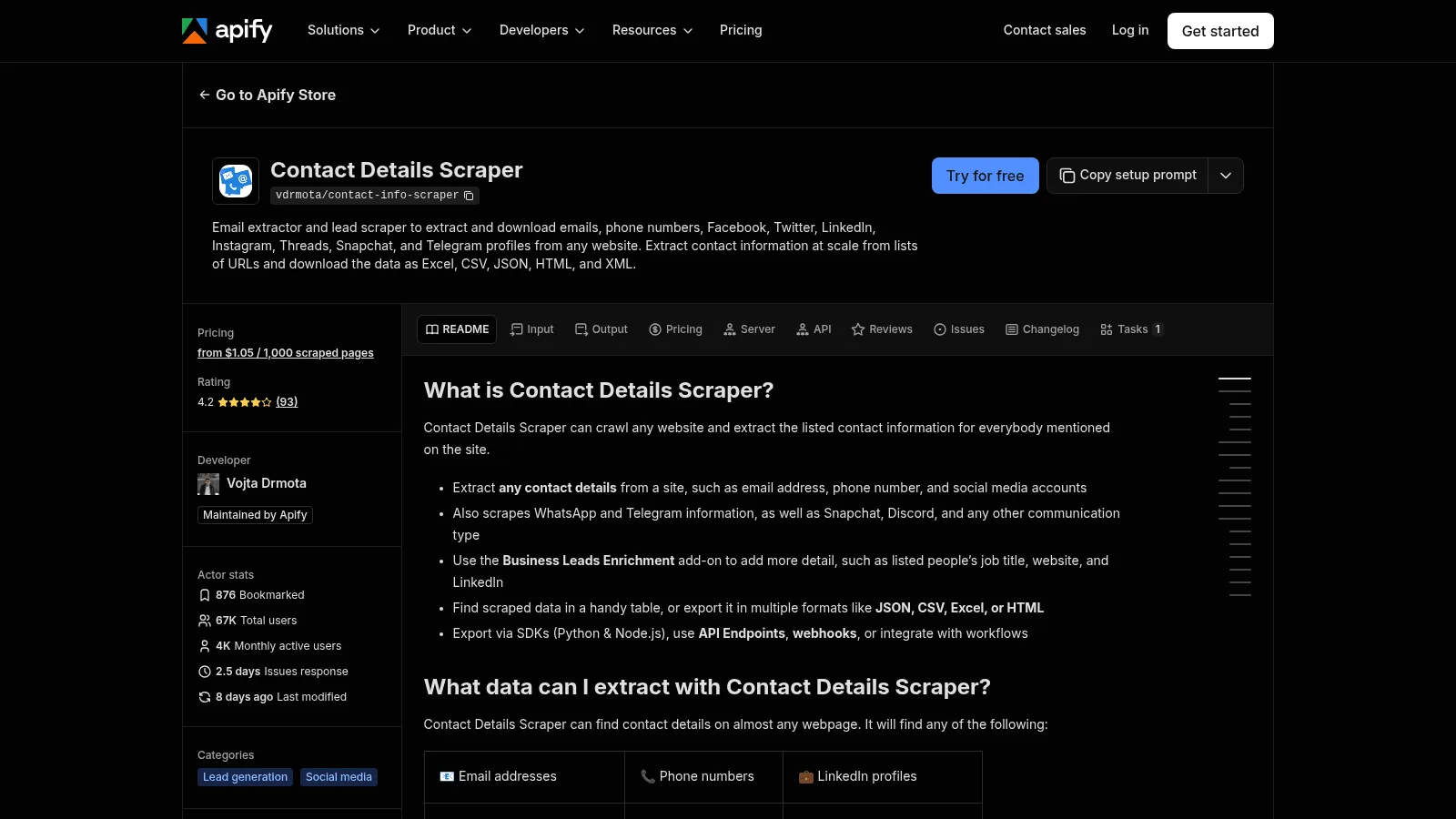
Overview: Apify's Contact Details Scraper is an Actor, a ready-made program on Apify's cloud. It crawls a list of sites and extracts emails, phones and social profiles.
Key features:
- One run across every site on your list.
- Optional Business Leads Enrichment on the results.
- An email check add-on at $4 per 1,000 on Starter, which needs the enrichment add-on.
Pricing: You pay $2.00 per 1,000 pages on Free and Starter, $1.50 on the $199-a-month Scale plan and $1.05 on the $999 Business plan, both billed monthly. Free includes $5 of usage a month, about 2,500 pages. Starter's $19 a month, billed monthly (10% less annually), is prepaid usage, with pay as you go after it.
Pros: About a tenth of a cent per page at volume, a free plan that runs real jobs, add-ons only when needed
Cons: Billed per page whether or not it held an email, checks need two add-ons, browser-rendered pages cost $3.00 per 1,000
Where it fits: Developers who want a crawl they can schedule and tune.
Final verdict: Choose Apify for big site lists metered per page.
13. Octoparse
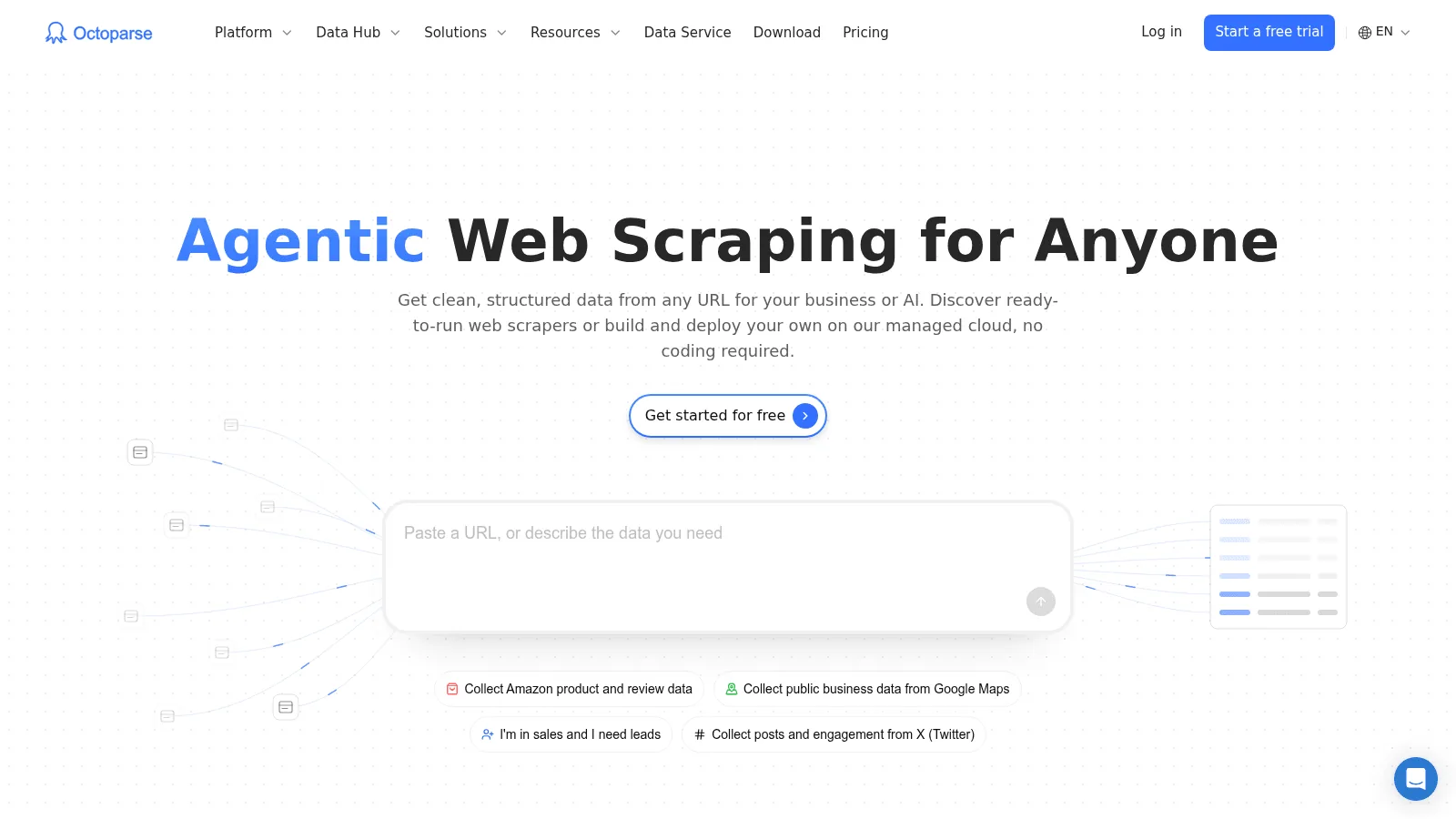
Overview: Octoparse is a no-code tool sold as "Agentic Web Scraping for Anyone". Its Email Scraper template takes batch URLs, follows subpages and pulls out emails, phone numbers and social links.
Key features:
- An Email Scraper template with batch URLs and subpages.
- API access and scheduled runs for repeat jobs.
- A separate template for emails from Google Maps listings.
Pricing: Standard, with cloud runs, is from $69 a month billed yearly, or $83 monthly, on Octoparse's US pricing page. The free desktop plan runs 10 tasks locally.
Pros: A ready template, no code, a 5-day money-back guarantee
Cons: A subscription even for occasional runs, no verification step listed, free runs only on your computer
What it's good at: Repeat email pulls from a fixed set of sites, no code needed.
Final verdict: Pick Octoparse if you already extract other data with it.
How We Chose These Tools
We started from what ranks for this search and kept tools with a dedicated way to pull email addresses, a readable price and a product page that loaded for a screenshot.
Each price carries its billing basis, since several pages open on annual prices. Figures a vendor states about itself, such as crawl volumes, are attributed to it, and vendors' own benchmark scores are left out.
Free Email Scraping Tools and Chrome Extensions
Most free email scraping tools are a starter tier with a small allowance, listed in the table's "Free option" column. Email Extractor is the exception, with unlimited extraction and no account. Check what a free tier leaves out, too: Snov.io's trial can't export, and Tomba's free tier has no verification credits.
As for email scraping tools for Chrome, seven here ship an extension: Email Extractor, Skrapp, Thunderbit, Snov.io, Hunter, Tomba and, for one-off lookups, Anymail Finder. An extension suits one person working page by page; for hundreds of domains, a domain search or cloud job skips the clicking.
What a Scraped Address Costs You After the Export
Even with the best email scraping software, the costs come after the export: generic inboxes, bounces, spam traps and a burned sender reputation.
Generic inboxes come first. In a Reddit thread on r/LeadGeneration, a commenter claiming four years in lead gen replied to a builder who'd made a one-click website scraper. Their view: the emails you get from websites are generic and not enough on their own, and you have to check buying signals and intent first.
That's one opinion, but it matches what buyers tell us a usable contact needs: first and last name, company and title, then a way to reach them.
Addresses also go stale while they sit on a page. A partnerships lead at a B2B data vendor told us their rule of thumb is that 4 to 5% of B2B emails go invalid every month. It's an estimate, not a measured figure, but a team page nobody has edited in a year can hold plenty of dead inboxes.
Spam traps cost the most. Spamhaus explains that seeded traps are addresses created and scattered on purpose, "in webpage source code, for example". Mail to one shows the sender "is either scraping addresses from the web or is buying lists from someone else who is scraping addresses".
Spamhaus treats a hit as proof of a data collection or hygiene issue. It also says registration (role account) addresses published in WHOIS records, such as postmaster@ and abuse@, "should almost NEVER be on a marketing mailing list".
Here's where each risk comes from and what to do about it.
| Risk | Where it comes from | What to do |
|---|---|---|
| Generic role inbox (info@, sales@) | Contact pages and footers | Keep it out of cold sequences; find a named person |
| Hard bounce | Old pages, typos, people who left | Verify right before you send, not at export |
| Seeded spam trap | Addresses hidden online, for example in page source | Never mail an address you can't tie to a real person |
| Registrant address | WHOIS records | Drop it, per Spamhaus |
| Missed address | "name at domain" formats | Check key pages by hand |
| Guessed address | Name patterns such as first.last@ | Verify it, and ask the vendor whether it was found or guessed |
Two rows end in the same step: verify the address. Run the export through an email verification tool just before a campaign and drop unknown and catch-all results. Buyers we talk to put it as one rule: no email beats a bad email, because an address you hold back can't hurt your sender reputation.
Is Email Scraping Legal? What CAN-SPAM Says
This isn't legal advice. In the US, CAN-SPAM's 15 U.S.C. 7704(b)(1) covers "address harvesting and dictionary attacks", and the clause reaches whoever sends the mail and anyone who helps by providing or selecting the addresses.
The clause applies only to commercial email that's already unlawful under subsection (a), such as mail with a misleading header or no opt-out. Sending that mail becomes an aggravated violation if you knew, or the circumstances fairly implied, the address was collected by automated means from a site whose notice said it wouldn't give, sell or transfer addresses to others for sending email.
Section 7704(b)(1) also covers addresses "obtained using an automated means that generates possible electronic mail addresses by combining names, letters, or numbers into numerous permutations". That prong is aimed at dictionary-style generation.
Some finders also guess addresses from name patterns when nothing is published, and whether a few guesses for one named person count as "numerous permutations" is a question for a lawyer, so ask any vendor which addresses it found and which it inferred.
So it's an add-on to a violation, not a ban on collecting addresses that sites publish: under this clause, mail that already complies with subsection (a) isn't made unlawful by where the address came from. Other countries set their own rules, so check where your recipients live.
How to Choose the Best Email Scraping Software
Start from what your list holds today.
- You read pages one at a time and want what they print, so a free email scraping tool like Email Extractor is enough.
- You need every address at a list of companies, so a domain search like Hunter, Tomba or Anymail Finder fits, or Outscraper or Apify for very long lists.
- You want to search by keyword across many sites, so a desktop crawler like Atomic Email Hunter or ScrapeBox does the work.
- You'll send from the same account, so Snov.io or Hunter keeps finding and outreach together.
- You already know the people and lack only their business email, so an email finder API skips collection.
Whichever you pick, ask the question a data operations lead at a B2B lead-generation services firm put to us: "do you also validate the emails?" Then ask what you're billed for an address that fails the check. If the API route fits, our email finder API takes a name and a domain and bills only for emails it finds.
Test Before You Commit to a Tool
Run 100 real rows through two or three tools on a free tier or one monthly plan before you commit to a year. Count named, verified addresses you'd actually mail, not raw rows, because 300 addresses, 250 of them role inboxes, give you fewer people than 80 named ones.
From that test, work out the cost of one usable address, verification included where it's billed separately. And if your list already has emails and what's missing is the person and company behind each, that's a job for a data enrichment API.
FAQs
What is an email scraping tool?
An email scraping tool is software that collects email addresses from web pages, company domains or profiles. Some read the page you're on; others search an index gathered earlier. Email scraping services such as Outscraper and Apify run the job in the cloud, billed per domain or per page.
Is there a free email scraping tool?
Yes. Email Extractor's Chrome extension is free with no account, and Hunter, Skrapp, Snov.io, Tomba, Thunderbit, Outscraper, Apify and Octoparse offer free tiers or allowances. The best email scraping tools free of charge are good for a small test, but several leave checking to you, so budget for it.
Which email scraping tools work in Chrome?
Seven here have a Chrome extension: Hunter, Snov.io, Tomba, Skrapp, Thunderbit, Email Extractor and, for single lookups, Anymail Finder.
Do I need to verify scraped emails?
Yes, close to send time. Pages go out of date, role inboxes slip in, and Spamhaus describes seeded traps, placed in spots such as page source, that catch senders who collect from the web. And if you hold an address with no name behind it, a reverse email lookup shows who owns it before you mail it.
Is email scraping legal?
Collecting publicly posted addresses isn't banned outright under CAN-SPAM. The law adds an aggravated violation when you send already-unlawful commercial mail to addresses you knew, or had reason to know, were harvested from sites whose notice said they wouldn't transfer them for sending email, or generated by automated permutation. Rules differ by country, and this isn't legal advice.
The data layer behind your GTM engine
Access fresh people and company data through one API and power every enrichment, prospecting, and automation workflow.
- Profiles
- 800M+
- Refreshes / month
- 200M
- Response time (P95)
- 500ms