
9 Clay Alternatives for B2B Data Enrichment (2026)
Julien K.Published
Key takeaways:
- Clay has billed on two meters since March 11, 2026: Actions for platform work such as enrichments, AI runs and syncs to other tools, and Data credits for the data itself. Your own provider keys skip Data credits, but enrichments still use Actions (Clay's pricing announcement and docs).
- Leaving Clay is a decision per job. Floqer and Databar take over the orchestration, FullEnrich the waterfall, Apollo.io the prospect lists, Unify the signals and sending, and Reverse Contact, People Data Labs, Explorium and LeadMagic the raw data calls.
- Six of the nine tools here, Reverse Contact included, are listed as Clay data providers (Apollo.io only through your own Apollo account). They're inputs to Clay as well as alternatives to it.
- One r/gtmengineering thread suggests a partial move: keep Clay for orchestration and send the heaviest enrichment steps straight to an API. Then compare cost per usable record.
Clay suits the operator who likes to build: a spreadsheet-style table, 150+ data providers behind one login (its pricing table's count), AI research with Claygent and signals such as job changes, wired together with little code.
Many teams searching for Clay alternatives only need to give up part of it. One Reddit poster in r/gtmengineering found the new Actions meter harder to justify once their workflows were stable. Comparison pages describe two more problems: one person owns every table, and much of the workflow is plain enrichment that a data enrichment API can run outside Clay.
This guide covers nine Clay alternatives, grouped by the job each one takes over: orchestration, waterfall enrichment, prospect lists and outreach, signals and outbound, and data APIs. Reverse Contact is our own product, and our data also runs inside Clay. Prices come from each vendor's own pricing page on November 2, 2026, in USD.
Why Teams Look for Clay Alternatives
Start with Clay's own pages. On March 11, 2026, its pricing announcement moved Clay to "two simple usage meters": Actions and Data credits. Actions, in Clay's words, "measure the orchestration you do on Clay," so each enrichment, AI run, CRM sync and record sent to another tool uses one (formulas, filters, imports and CSV exports don't).
On that model, the Launch plan costs $167 a month on annual billing, or $185 month to month, with a monthly allowance of 15,000 actions plus 2,500 data credits.
Clay says it cut data prices in the same change. Its FAQ reads "we're reducing the cost of data in our marketplace by 50-90%" and adds that your own API keys let you "skip Data Credit costs entirely and only use Actions for the platform work." That's Clay's own figure, and its pricing page puts the average cut on the most-used enrichments at 50%. A team on its own keys still has a new unit to forecast.
Usage pricing also lands on finance's desk. The FinOps Foundation's State of FinOps 2026 found that 98% of respondents now manage AI spend, up from 31% two years ago, and lists Forecasting among the most prioritized capabilities across SaaS and data platforms. A tool billed on two meters, Clay included, now gets that scrutiny too.
The other reasons come from comparison pages, most of them written by vendors. Coldreach and Demandbase cite G2 reviewers on a steep learning curve. Get AOB and SalesWorx describe a quieter problem: one operator builds and owns every table, so when that person is busy or leaves, enrichment stops turning into pipeline. About six of the 16 pages we read call Clay overkill for teams needing only part of it.
None of that makes Clay a weak tool. Origami, which sells a competing product, still calls it "a masterpiece of data orchestration." Clay also shows each enrichment's cost before you run it.
What You Gain and What You Give Up When You Leave Clay
A single Clay table often does five jobs at once, so the useful question when you weigh Clay alternatives is which job you're moving. Each one trades something different:
| Job you move | What you gain | What you give up | Tools in this guide |
|---|---|---|---|
| Orchestration (tables, waterfalls, AI steps) | One credit pool instead of two meters | Clay's provider marketplace and Claygent; you rebuild your tables | Floqer, Databar |
| Waterfall email and phone finding | A simple price per contact found | Custom logic between steps, and data beyond the contact and its profile basics | FullEnrich |
| Prospect lists and outreach | Search, sequences and a dialer in one seat | Clay's provider breadth and custom steps between providers; seats replace usage pricing | Apollo.io |
| Signals and automated outbound | Multichannel sending in the same tool as the signals | Usage pricing, since seats replace it; signal automations, open API and webhooks only on custom-priced Business | Unify |
| Raw data calls | Calls from your own code, with no step meter | A mature visual builder; you write the retries, routing and CRM sync | Reverse Contact, People Data Labs, Explorium, LeadMagic |
Moving data calls into code removes the step meter, but someone has to write and maintain what Clay did between the steps.
Buyers weighing the move ask us what a data API adds over rebuilding the same workflow in another orchestration tool. The answer is control over each call: which input, cached or live data, and what happens on a miss.
The 9 Best Clay Alternatives, Grouped by Job
Seat-priced data suites such as ZoomInfo and its closest competitors aren't here, because they replace a database rather than Clay's workflow. Apollo.io and Unify are, because they take over list-building and signal-driven outreach.
| Tool | Job it takes over | Also a Clay data provider? | Main limitation | Price from (basis) |
|---|---|---|---|---|
| Reverse Contact | Data API | Yes, since May 2025 | No workflow builder or signal feeds, so orchestration moves into your code | $100 for 5,000 credits, one-time pack valid 3 months; Go $249 a month |
| Floqer | Orchestration | No | 100+ sources against Clay's 150+, and you rebuild your tables | $49 a month for 2,000 credits, billed monthly |
| Databar | Orchestration | No | 3 workspace editors on Build | $99 a month for 5,000 credits, billed monthly |
| FullEnrich | Waterfall | Yes, since November 2024 | Contact finding and search only, no workflow around it | $29 a month for 500 credits, billed monthly |
| Apollo.io | Lists and outreach | Yes, through your own Apollo account | Cost grows with seats, not usage | $65 a seat a month, billed monthly |
| Unify | Signals and outbound | No | Open API and webhooks on Business only | $20 a seat a month, billed monthly; signal automations on custom-priced Business |
| People Data Labs | Data API | Yes, since July 2022 | Entry plan's 350 credits are small for Clay-sized work | $98 a month for 350 credits, billed monthly |
| Explorium | Data API | Yes, since December 2025 | No table interface; enrichments cost 1 to 5 credits, so per-record cost needs a test | $29.99 for 500 credits, one-time pack |
| LeadMagic | Data API | Yes, since May 2024 | Table builder still in preview, so orchestration stays in your code or in Clay | $99 a month for 5,000 credits, billed monthly |
Reverse Contact leads the list because it's ours. The rest run by job, from orchestration, closest to Clay, to raw data APIs, furthest from it. Five of the other eight are also Clay data providers (Apollo.io through your own account), which makes them Clay data enrichment competitors and partners at once.
1. Reverse Contact
Best for: Teams building their own enrichment pipeline.
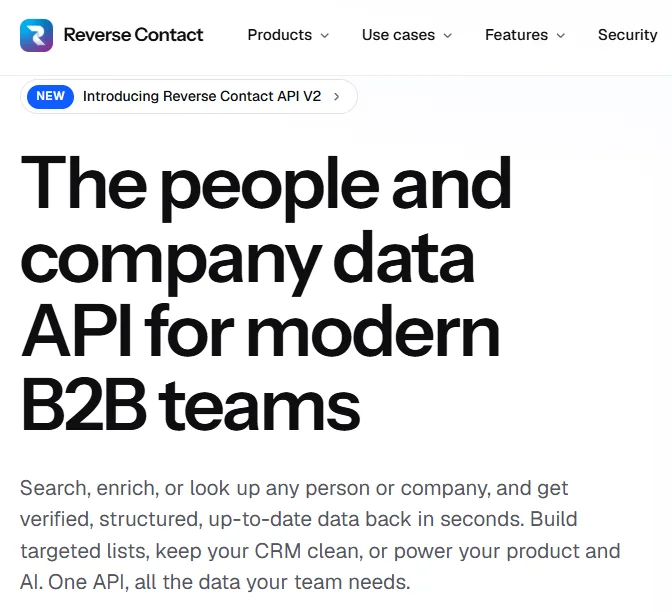
Overview: Reverse Contact gives your code people and company data over one API. Send an email, a name plus the person's company domain, or a domain alone, and a structured JSON profile comes back. We publish coverage of 800M+ profiles and 70M+ companies.
Our data also runs inside Clay. We've been on its marketplace since May 2025 with four Clay actions, paid in Clay credits or with your own key. So the choice isn't our data or Clay. It's whether those calls stay in a table or move into code you control.
Move them out, and you decide each call: our stored copy, returned in the same request, or a live lookup run on demand.
Live lookups come back asynchronously, through a webhook or by polling. Our docs set a 15-second target, though the wait can stretch to tens of minutes, so queue them. When a result fails our checks we send back nothing, and when a match is ambiguous we can return the alternative candidates, so you see the doubt instead of a silent guess.
HeyReach runs our enrichment in its own signup flow. Right after signup, the outbound automation platform enriches each user from the email, name and optional company, and gets back role and company context. HeyReach's own scoring then decides which signups look like agencies and routes those to sales.
Key features:
- The free
/checkendpoint tells you when we last refreshed a profile in full (it runs only while the workspace holds 2 or more credits), so live data is a choice you make only when the cached copy is too old. - The email finder checks every business email at request time for syntax, domain, mailbox, catch-all status and disposable or role-based addresses, and charges 3 credits only when it finds one.
- In our Zapier and Make apps or an n8n HTTP step, a miss can return HTTP 200, with the body flagging it, so the workflow keeps running.
- The REST API, webhooks, CSV enrichment, CLI and MCP server all return one response shape, and the MCP server lets AI assistants call the API as a tool.
Pricing: Pay-as-you-go packs begin at $100 with no commitment and last three months. Plans carry a monthly commitment: Go costs $249 a month and removes the meter from lookups of stored profiles by URL or ID; Plus, at $449, removes it from people and company search too; Max, at $699, does the same for enrichment from an email, a name or a domain. Unmetered use stops at 100,000 profiles a day for each workspace. Live re-fetches (2 credits), business emails (3 when found) and phones (20 when found) cost credits on every plan.
Plans cover your own team. Data your customers see, or data you resell, needs a Platform contract quoted by our sales team.
Pros: Four Clay marketplace actions on the same data for a table-by-table move, up to 25,000 people in one bulk request with no charge for rows that find nothing, bulk refreshes that go live only for profiles older than an age you set, a free count of matching people or companies before you pull them, an optional credit cap on each API key
Cons: No workflow builder, AI research agent or signal feeds, so the logic between steps lives in your code or stays in Clay; no revenue, funding or tech-stack fields in our published API schema, so tables that pull those still need another provider
How to start using it:
- Export 100 rows with known answers from the Clay table that uses the most Actions.
- Load them into a trial account with free trial credits and no card.
- Run them through the API, scoring matches and wrong answers separately.
- Size a pack or plan from the match rate you measured.
Why it's a good Clay alternative: It takes over the most repeated work in a Clay table, the lookups, and moves them off Clay's two meters.
Final verdict: Pick Reverse Contact when your enrichment can live in code; if your team builds in tables, keep Clay and call us from inside it.
2. Floqer
Best for: Rebuilding Clay-style tables on one credit pool.
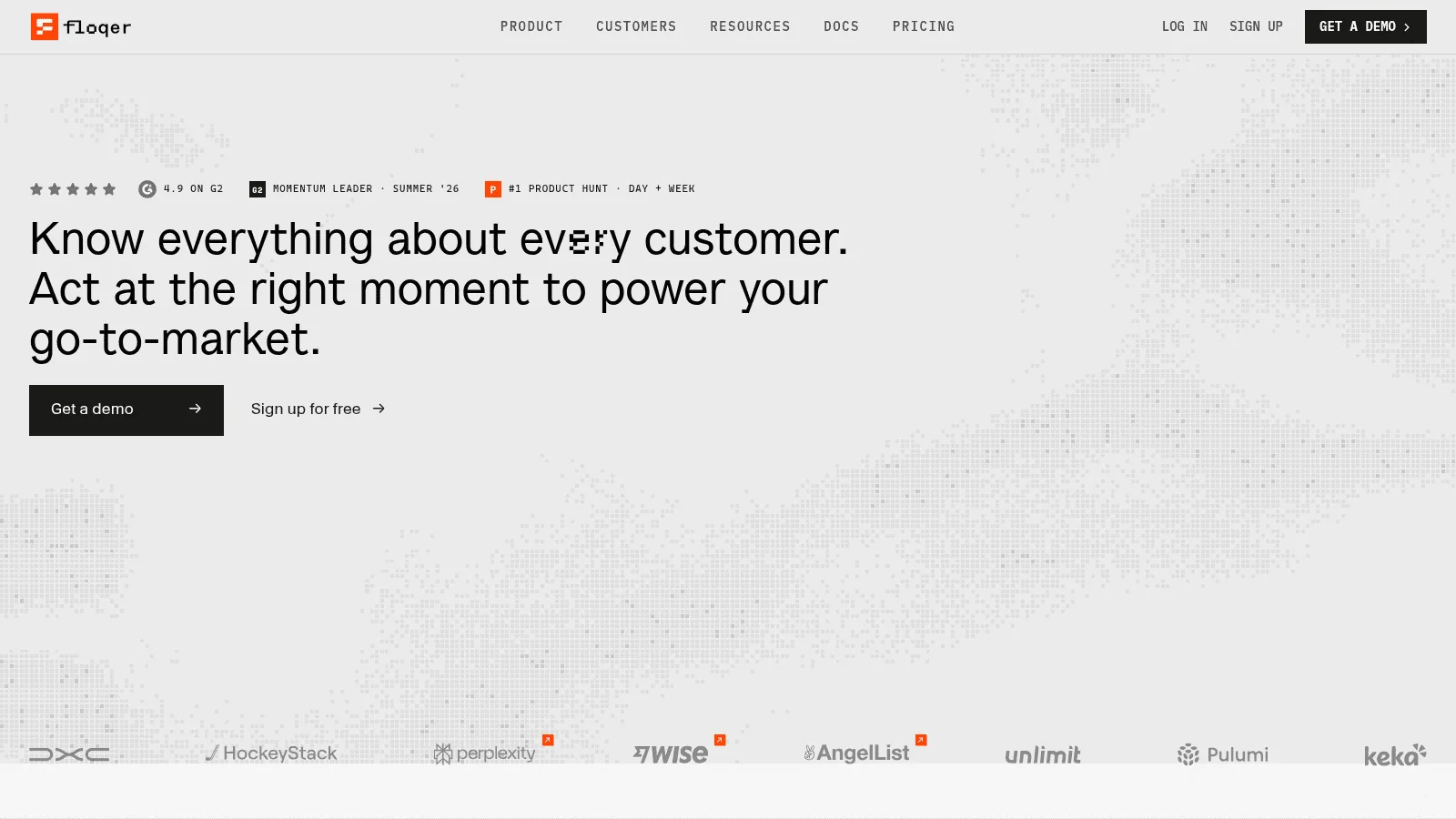
Overview: Floqer is a Clay-style workflow builder: tables, multi-provider waterfalls, web agents and email and phone enrichment, drawing on 100+ sources with up to 500K rows a table.
Key features:
- Two-way Salesforce and HubSpot sync writes enriched fields back to the CRM without another tool.
- Job-change, hiring and Bombora intent signals can start a workflow.
- An HTTP API, webhooks, an MCP server and a headless API let your code trigger tables.
Pricing: Self-serve runs from $49 a month for 2,000 credits to $999 for 80,000, billed monthly, with 10% off on annual billing.
Pros: Unlimited seats, bring-your-own keys on self-serve, credits that roll over
Cons: Enterprise is custom and billed annually; credit costs vary by source, so price a sample table first
Where it fits: Teams that like working in tables but want a single meter and CRM sync without Clay's Growth-tier upgrade.
Final verdict: A like-for-like Clay replacement, so expect to rebuild rather than rethink.
3. Databar
Best for: Small teams running waterfalls from an AI assistant.
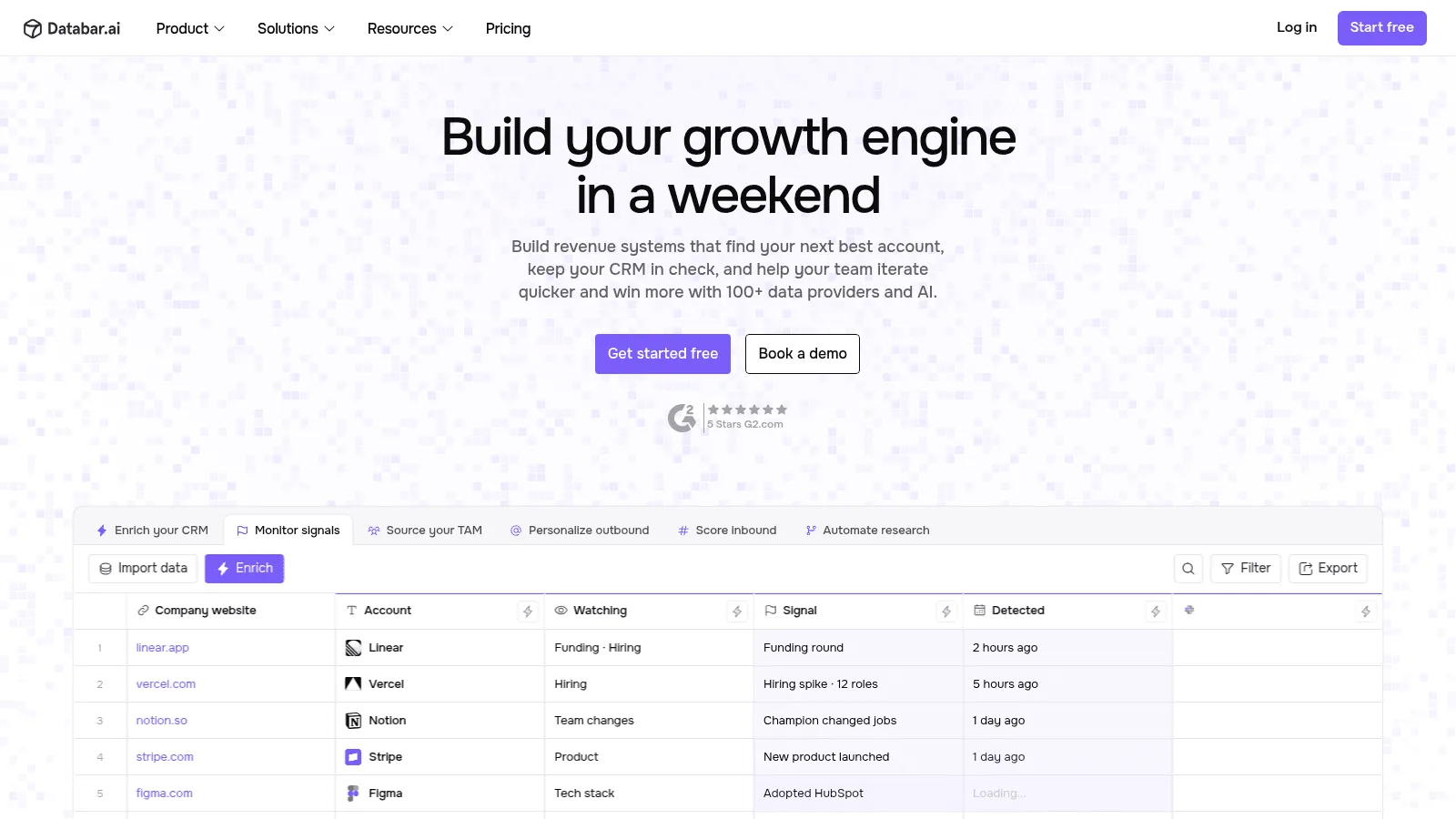
Overview: Databar is an enrichment workspace with 100+ data providers, waterfall enrichments and bring-your-own keys. Its pricing page puts the miss rule plainly: "You only pay for successful API requests."
Key features:
- MCP and CLI on Build let an AI assistant or a script run enrichments.
- CSV uploads take files up to 20MB on Build and 100MB on Scale.
Pricing: Build costs $99 a month with 5,000 credits and Scale $495 with 50,000, billed monthly. Annual billing saves 12% and grants all 12 months of credits upfront.
Pros: Pay only for successful requests, MCP and CLI from the first paid plan, unlimited own keys on Scale
Cons: 3 workspace editors on Build, where Clay's seats are unlimited; 5 own keys on Build; unused credits roll over for one month on monthly plans
Why it made this list: It keeps waterfalls and your own keys, at a clear price per successful call.
Final verdict: A good fit for a two- or three-person team; larger teams should confirm Scale's seat limit first.
4. FullEnrich
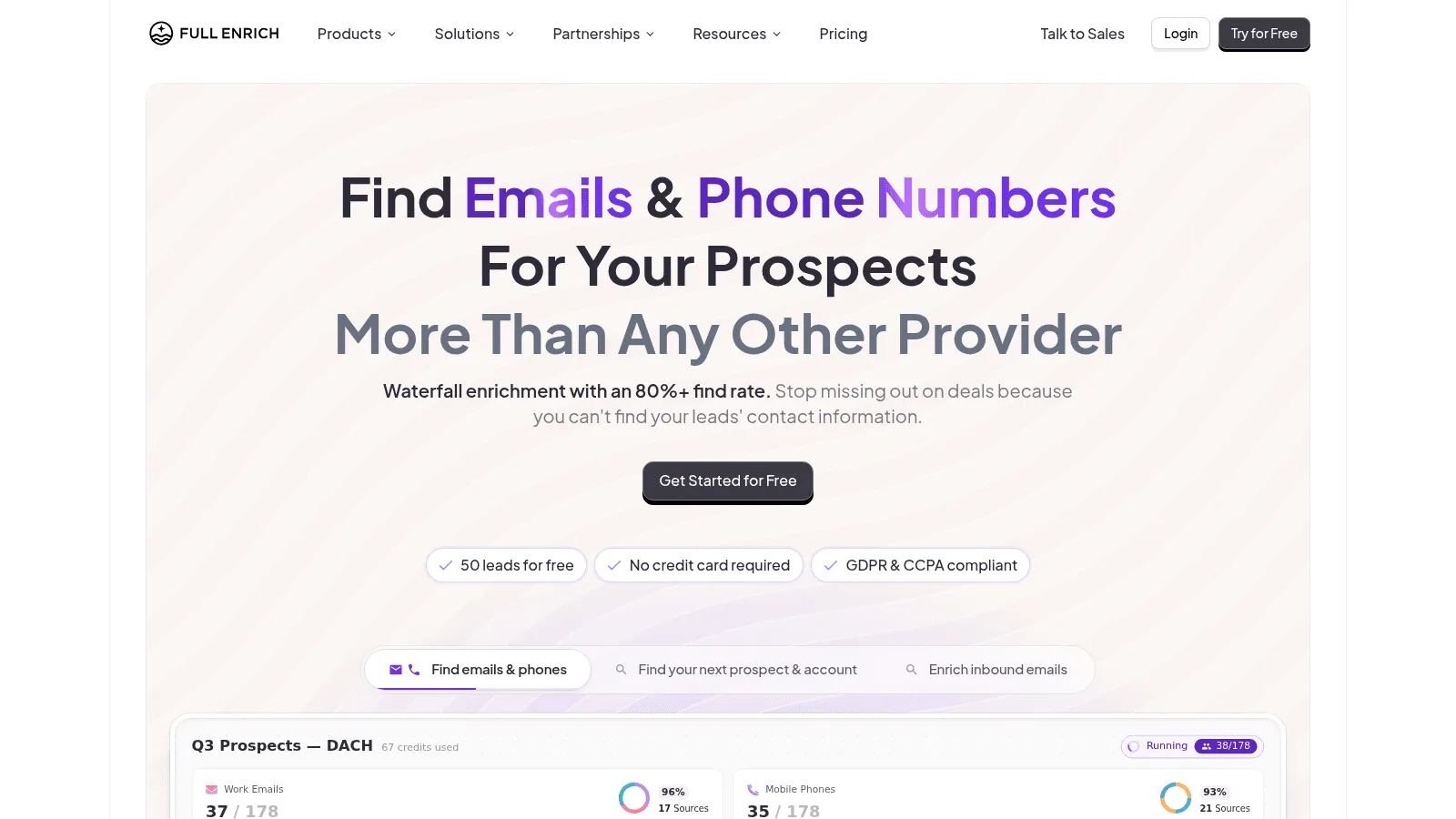
Best for: Finding work emails and mobiles in bulk.
Overview: FullEnrich does one Clay job well: the contact waterfall. It runs 25+ sources in sequence, per its pricing page, to find work emails and mobile numbers, adds profile and company data free with any enrichment, and offers people and company search.
Key features:
- Work emails cost 1 credit and mobiles 10, with reverse email lookup at 1.
- An API and an MCP server come with every tier, the trial included, plus a HubSpot integration.
Pricing: The entry plan is $29 a month for 500 credits, and 1,000 credits cost $55, both billed monthly.
Pros: A simple price per contact found, unlimited users, credits that roll over for up to 3 months on monthly plans
Cons: Search and enrichment only, so routing, scoring and CRM logic live elsewhere; a mobile costs ten times an email; the trial is 50 credits
Where it fits: Teams whose Clay bill is mostly one waterfall for emails and phones.
Final verdict: Replaces a Clay waterfall table, not the workflow around it.
5. Apollo.io
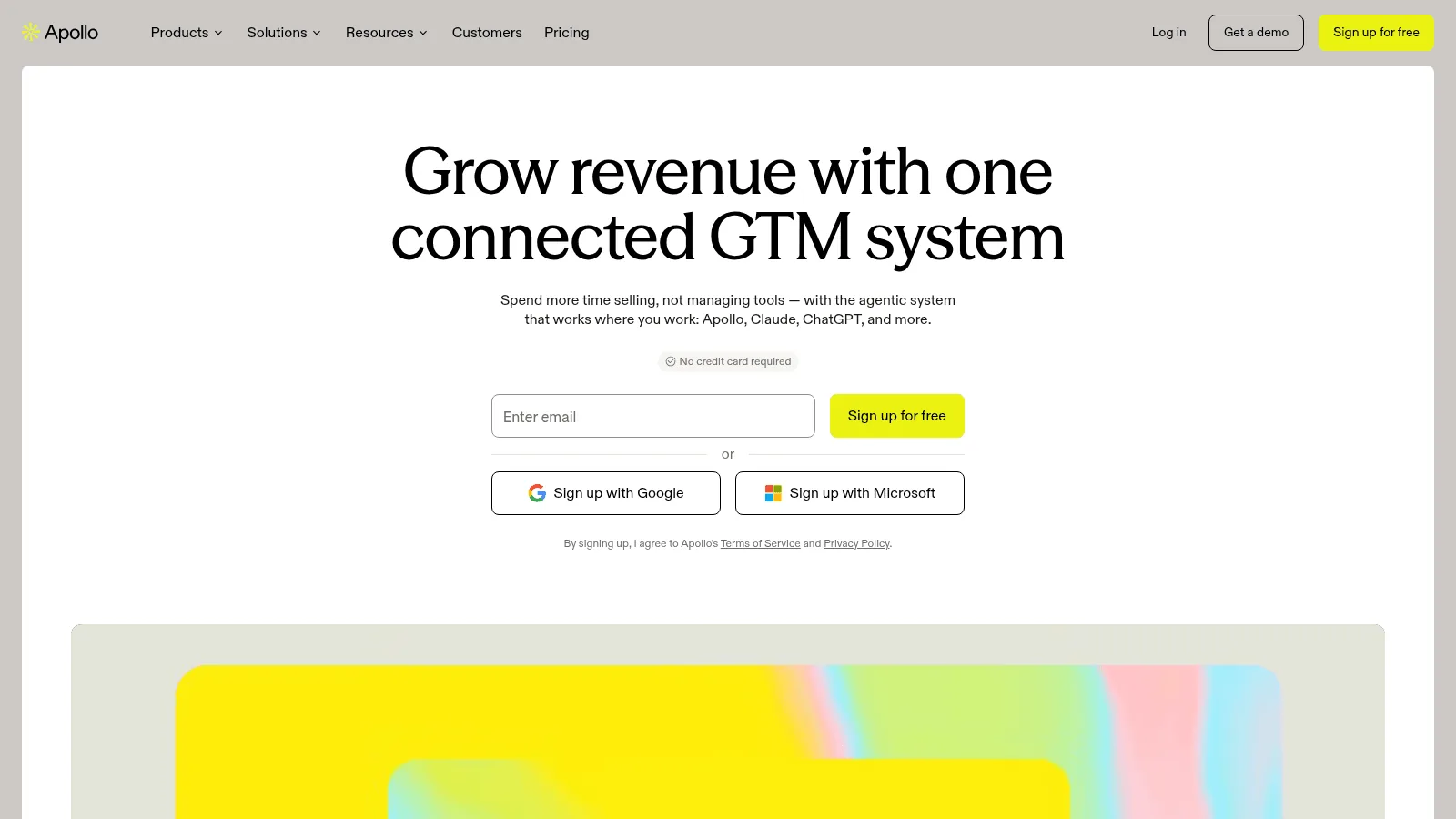
Best for: Reps who want lists and outreach together.
Overview: Apollo.io replaces a different part of Clay: the list. It puts a self-reported 240M contacts and 30M companies behind each seat, with search, sequences and a dialer, and lists "Waterfall Enrichment" from its Basic plan up.
Key features:
- API access on every plan, with higher enrichment limits on paid plans.
- Sequences and a dialer, so a list becomes outreach without an export.
Pricing: On annual billing a Basic seat costs $49 a month, Professional $79 and Organization $119; Organization needs three seats and has no monthly option. Monthly billing puts Basic at $65 and Professional at $99.
Pros: Data and sending in one seat, a free plan, a native Clay integration for running both during a test
Cons: Credits don't roll over and expire each billing cycle; cost grows with seats, not usage; its plans cover internal business use, so embedding needs a separate agreement
Why buyers shortlist it: One seat covers list-building, sequences and calls.
Final verdict: Strong for a sales team that wants list-building and sending under one login.
6. Unify
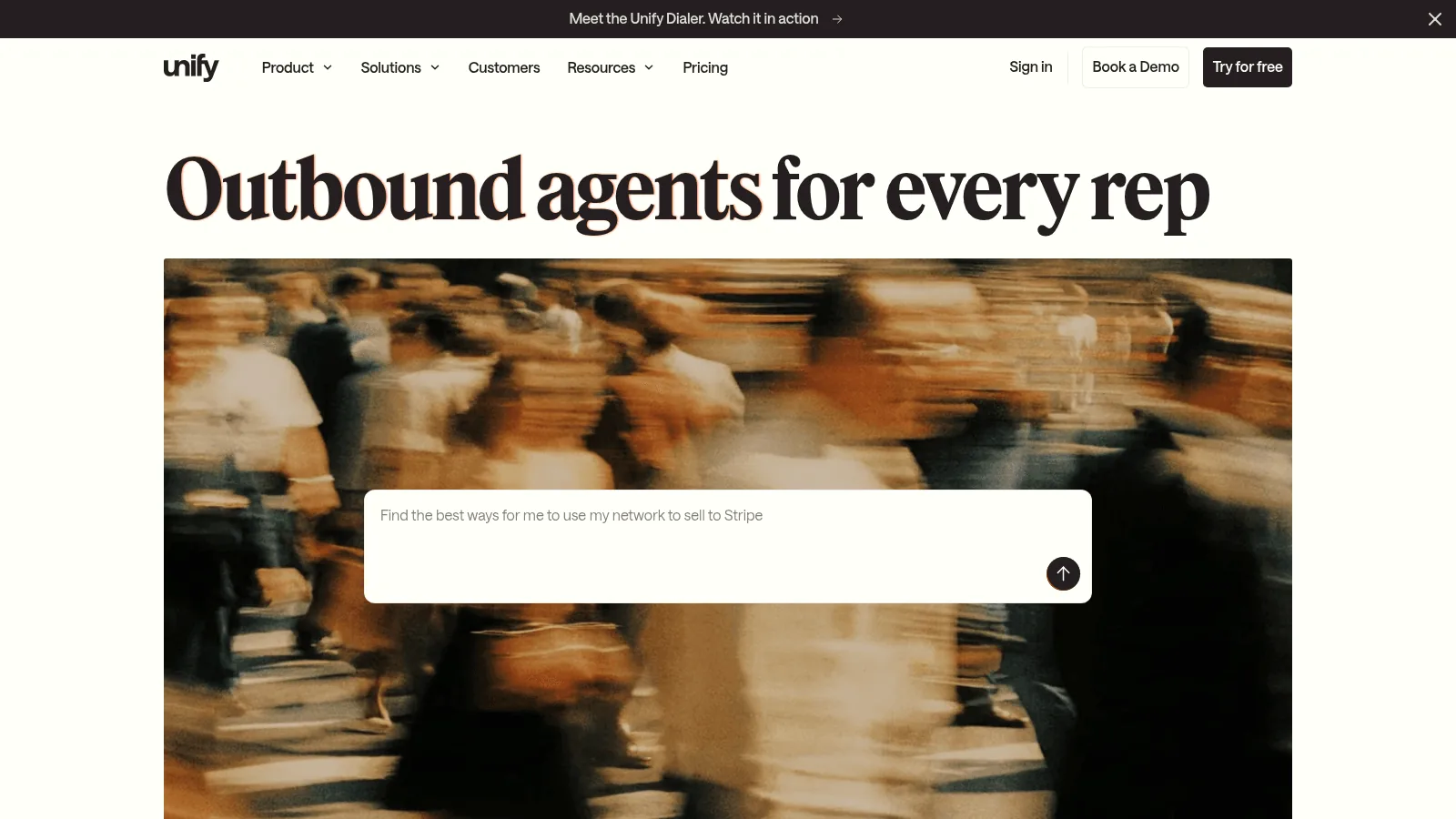
Best for: Turning buying signals into outbound.
Overview: Unify covers Clay's signal-to-send work. Its comparison grid lists email and phone enrichment and multichannel sequencing on Free, behind a self-reported 1.1B+ people and 65M+ companies, and its Business plan adds website-intent and product signals that trigger automations.
Key features:
- Email enrichment averages 1 credit a record (up to 10) and phones 4 (up to 20).
- Signal-triggered automations on Business.
Pricing: On monthly billing, Base costs $20 a seat with 800 credits a seat each month and Pro $60 with 2,400; Business is custom and annual.
Pros: Sending built in, a free plan for up to 3 seats, published credit costs per record
Cons: Business is the only plan with the open API and webhooks, per its pricing grid; Salesforce and HubSpot are read-only on Pro; seat pricing grows with headcount
Where it fits: Signal-based selling teams that want signals and multichannel sending in one tool.
Final verdict: The right pick when the goal is meetings rather than enriched rows.
7. People Data Labs
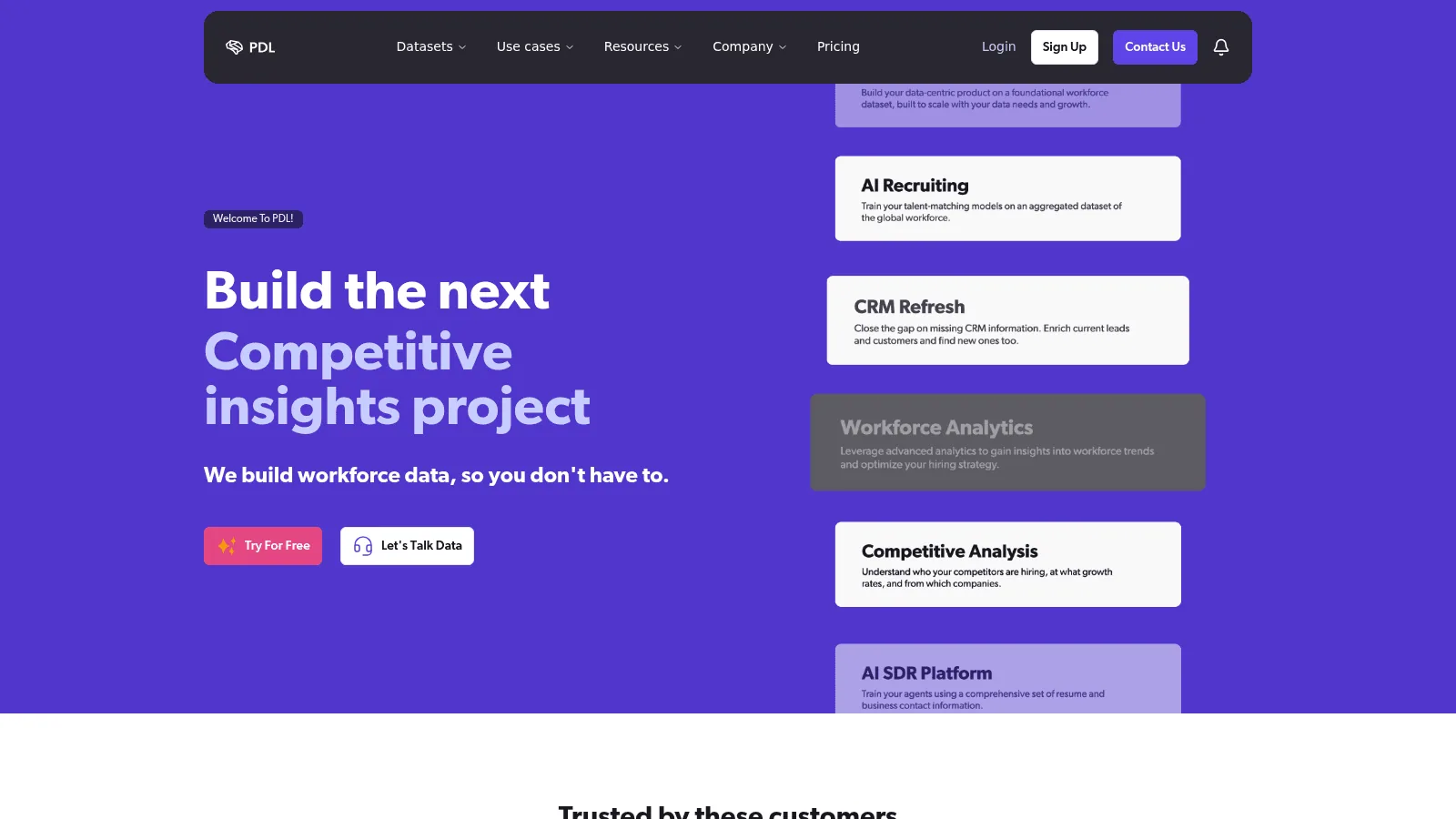
Best for: Developers who want raw records at scale.
Overview: People Data Labs offers person and company records over an API, one credit per record, and a 404 (no match) costs nothing. Each match carries a likelihood score from 1 to 10, and a min_likelihood setting sets the floor a match must clear. Raising it gives up coverage for accuracy, a trade-off that also separates the People Data Labs alternatives.
Key features:
- Person and company APIs on every plan, the free one included.
- Bulk data-license feeds on Enterprise for teams that want files instead of calls.
Pricing: Person Pro starts at $98 a month for 350 credits, billed monthly, and annual billing saves 20%. Company Pro is $100 a month from 1,000 records.
Pros: Large dataset, a match score you can filter on, misses cost nothing, an API on every plan
Cons: The free plan hides emails, phones and addresses; 350 credits on the entry plan is small for a Clay-sized workload
Why it earns a place here: It's been a Clay provider since July 2022, so calling it directly is a natural first step out.
Final verdict: Best for engineering teams that want the records and none of the interface.
8. Explorium
Best for: Teams building AI sales agents.
Overview: Explorium sells B2B data to teams building AI sales agents ("B2B data and infrastructure for AI SDR," per its homepage). It's API-first, with its AgentSource API and an MCP server, and it sells prepaid credit packs instead of subscriptions.
Key features:
- Enrichments cost 1 to 5 credits each.
- Enterprise adds volume discounts, more queries per minute and custom CRM integrations.
Pricing: Packs run from $29.99 for 500 credits to $7,499.99 for 500,000, so a credit falls from $0.06 to $0.015.
Pros: No subscription, a lower credit price on bigger packs, an MCP server for agents
Cons: No table interface, so it suits code more than ops teams; credits are non-refundable and valid 12 months
Where it fits: AI lead gen products that need company and people data inside an agent loop.
Final verdict: A clean pay-as-you-go option for agent builders who don't want a monthly plan.
9. LeadMagic
Best for: High-volume email and mobile lookups by API.
Overview: LeadMagic is a contact-data API for email finding, mobile finding and validation, plus people, company and jobs search. Its pricing page lists Clay, Apollo and Zapier integrations, so it fits either side of a hybrid setup.
Key features:
- Emails cost 1 credit, mobiles 5 and validation 0.25.
- The Search API is unmetered on Professional and Ultimate within fair-use limits, and in-app search costs no credits on any plan.
Pricing: Monthly plans run from $99 for 5,000 credits on Essential to $849 for 100,000 on Ultimate. Annual plans run $990 to $8,490, paid upfront.
Pros: Failed lookups are free, an unmetered Search API on the upper plans, API, CLI and MCP everywhere
Cons: Search API results cost 1 credit each below Professional at $499 a month; a table builder that is still in preview; annual credits don't roll over
Its real strength: Volume, with the per-credit price falling as the plan grows.
Final verdict: A strong direct-API swap for the email and phone steps of a Clay waterfall.
The Hybrid Setup: Keep Clay, Move the Heavy Calls
For many teams the best Clay replacement is a partial one. In a Reddit thread in r/gtmengineering, a team running 3,000 to 4,000 enrichments a month asked whether Clay was still worth it after the meter change. Several replies, anecdotal like any thread, said not to rip it out: find the tables that burn Actions and move only those.
One commenter found that two of six tables, both waterfalls with four or more providers in a row, used most of the Actions. Another warned that rebuilding everything in n8n saves money but adds maintenance.
A second r/gtmengineering thread adds the other half: Clay feels expensive used as a bulk data provider and reasonable used as a filter. Narrow the list with cheap firmographic checks, run the waterfall only on leads worth it, and you pay "for decisions, not just data."
Inside a waterfall, data teams we talk to say price sets the order, but quality decides who stays. A data acquisition lead at an APAC B2B sales-intelligence platform told us: "we haven't dropped a single vendor for price reasons ever. We've definitely dropped vendors on quality reasons."
A provider earns its slot by finding records the cheaper ones miss, so unique hits matter more than headline coverage. Try a new source at the back of the waterfall, where it sees only the misses, and keep it once its unique hits justify the price. The hybrid usually comes together like this:
- Attribute one month of Actions to each table.
- Pick the table that used the most Actions, usually a multi-provider waterfall with several paid steps per row.
- Replace those steps with direct calls, either to a provider that runs its own waterfall or to the same providers from your code or an n8n flow, and check the hit rate against the old table.
- Keep the table's input and output columns the same, so Clay's scoring and routing carry on.
- Compare cost per usable record after a month.
Each direct API request also needs rate-limit handling, retries and, for live results, a webhook or polling.
What Clay Alternatives Cost
Entry prices tell you little when you compare Clay data enrichment competitors, because a credit buys something different at every vendor. Divide an entry price above by its credits to get dollars. This table shows the credits each lookup takes and what happens when it finds nothing, with Clay as the baseline:
| Tool | Free start | What a lookup costs | When a lookup finds nothing |
|---|---|---|---|
| Clay | Free plan, 100 Data credits and 500 Actions a month | 0.5 to 10+ Data credits by data type, plus one Action; own keys: one Action, no Data credit | FAQ: no result costs neither Data credits nor Actions |
| Reverse Contact | Free trial credits, no card | Enrich from an email, name or domain 2 credits, cached profile 1, live refresh 2, business email 3 when found, phone 20 when found | Free for a cached lookup, standard search, or email or phone lookup; an empty live fetch bills 2 credits |
| Floqer | 100 credits, no card | Credits per enrichment, varying by source | Pricing FAQ: "you only spend credits on the data that actually comes back"; no per-action rule published |
| Databar | 100 credits per workspace | Credits per call, varying by provider | "You only pay for successful API requests" |
| FullEnrich | 50 credits, no card | Work email 1 credit, mobile 10 | "If we can't find the data, you don't pay" |
| Apollo.io | 900 credits a seat a year | Email 1 credit, phone 8, from the seat's allowance | API mobile credits only when a mobile is found, but its waterfall can bill on a miss |
| Unify | Up to 3 seats, limited credits | Email about 1 credit (up to 10), phone about 4 (up to 20) | Docs: "Successful enrichment uses credits" (CSV import guide); no miss rule on the pricing page |
| People Data Labs | 100 credits a month | 1 credit per record | A 404 costs nothing |
| Explorium | 100 credits | 1 to 5 credits per enrichment | No rule found on its pricing page |
| LeadMagic | No free plan listed | Email 1 credit, mobile 5 | Failed lookups are free |
Read the last column before the credit counts. Clay and most of these Clay alternatives charge only for results, so your real cost depends on your match rate. Send the same 100 known records through each shortlisted tool and divide what you spent by the records you could use.
How Hard Is It to Move Off Clay?
The effort depends on the job you move, and moving calls into code is the biggest lift. Clay's Growth plan, at $446 a month on annual billing, handles CRM auto-sync, so in code you'll build that route yourself, plus the refresh schedule any CRM data enrichment setup needs.
Whatever you move, run it beside the old table for a full billing month and switch only when the output matches or beats it.
Mistakes to Avoid When Replacing Clay
Most failed switches come from the test, not the tool:
- Comparing price per credit instead of cost per usable record.
- Testing on easy records only, which flatters every vendor.
- Scoring match rate alone and ignoring wrong answers.
- Moving every table at once instead of the most expensive one first.
- Building data into a product your customers use on a plan licensed for internal use.
AI agents add one more. Several Clay AI competitors now sell themselves as agents, and Gartner predicted in June 2025 that "over 40% of agentic AI projects will be canceled by the end of 2027, due to escalating costs, unclear business value or inadequate risk controls." Price the agent's data calls before you swap one meter for another.
How to Choose the Right Clay Alternative
Start from who'll run the tool day to day, because Clay alternatives look different to an operator, a seller and an engineer.
Clay Alternatives for GTM Engineers
If you like Clay's tables, Floqer and Databar keep that way of working on one credit pool. If you write code, call a data API directly and keep Clay only where it earns its cost. Buyers we talk to often choose by use case: low latency and high throughput for enrichment inside an app, coverage and accuracy for overnight batches. Some pick a different vendor for each.
Clay Alternatives for Signal-Based Selling
Unify is built for this job, with signals that start sequences on its Business plan. Floqer's job-change, hiring and intent signals cover the trigger without the sending. Clay is still strong here, with signals and its own email sequencer, so compare its two meters with Unify's seats before you leave.
Best Clay Alternatives for AI Lead Gen
The Clay AI competitors worth testing are the ones an agent can call. Explorium is built for AI SDR products, and it ships an MCP server, as do Floqer, Databar, FullEnrich, LeadMagic, Apollo.io, Unify (in early access), Reverse Contact and Clay itself; People Data Labs' docs list none. Test what your agent does with an empty or ambiguous answer, because that's where an AI pipeline invents people.
Most Popular Clay Alternatives for People Search
Apollo.io appeared on all 16 Clay comparison pages we read, which makes it the most-cited alternative for list-building. For people search by API, the direct routes include People Data Labs, LeadMagic's unmetered search API on its upper plans, and our Plus plan, which removes the meter from search up to 100,000 profiles a day. If you'd rather search inside an app, many data enrichment tools bundle search with a seat.
Which Clay Alternative to Test First
Find your most expensive Clay table and name its job. If it's a contact waterfall, test FullEnrich or LeadMagic against it. If it's list-building for reps, test Apollo.io, and if it's the whole workflow, Floqer or Databar. If it's signals that start outreach, test Unify against a Clay table that uses Clay's own sequencer.
If it's lookups feeding your own product or pipeline, test a data API, ours included. You can test it on your records with free trial credits and no card, or run the same records through our Clay app first and compare.
FAQs
What is the best Clay alternative?
The best Clay alternative depends on the job you're moving: Floqer or Databar for orchestration, FullEnrich for the contact waterfall, Apollo.io for lists with sequences, Unify for signal-based outbound, and the four data APIs here (ours, People Data Labs, Explorium and LeadMagic) for raw calls from code.
Is Clay a data provider or an orchestration tool?
Clay sells orchestration first: one meter for platform work and a second for data from the 150+ providers it connects, per its pricing page. Its developer docs mention a proprietary GTM database, though Clay publishes no record count.
Can I use my own API keys in Clay to cut costs?
Yes. Per Clay's FAQ, connecting your own provider keys removes the Data credit charge, but Actions still apply to each enrichment and AI step, so price a long waterfall by its Actions.
Is there a Clay replacement for teams without a GTM engineer?
Yes. Apollo.io and Unify give a seller lists, enrichment and sequences without building tables, and FullEnrich handles contact finding with almost no setup. Each covers less than Clay, which is the point for a team without an operator.
Can I use Reverse Contact inside Clay?
Yes. We've been on Clay's marketplace since May 2025. Our four actions look up who's behind an email, enrich a person, find a company from its domain and enrich that company, and you can pay through Clay or connect your own key.
The data layer behind your GTM engine
Access fresh people and company data through one API and power every enrichment, prospecting, and automation workflow.
- Profiles
- 800M+
- Refreshes / month
- 200M
- Response time (P95)
- 500ms